
- Age rating4+
- CategoryProductivity
- DeveloperSmart Cube Labs Co., Ltd.
- LanguagesEnglish
- Size60.6 MB
Links to the official App Store page
Download.org hosts no file of STEP Viewer. The button opens its official App Store page, published by Smart Cube Labs Co., Ltd. Listing last checked on Nov 12, 2026.
Screenshots

About
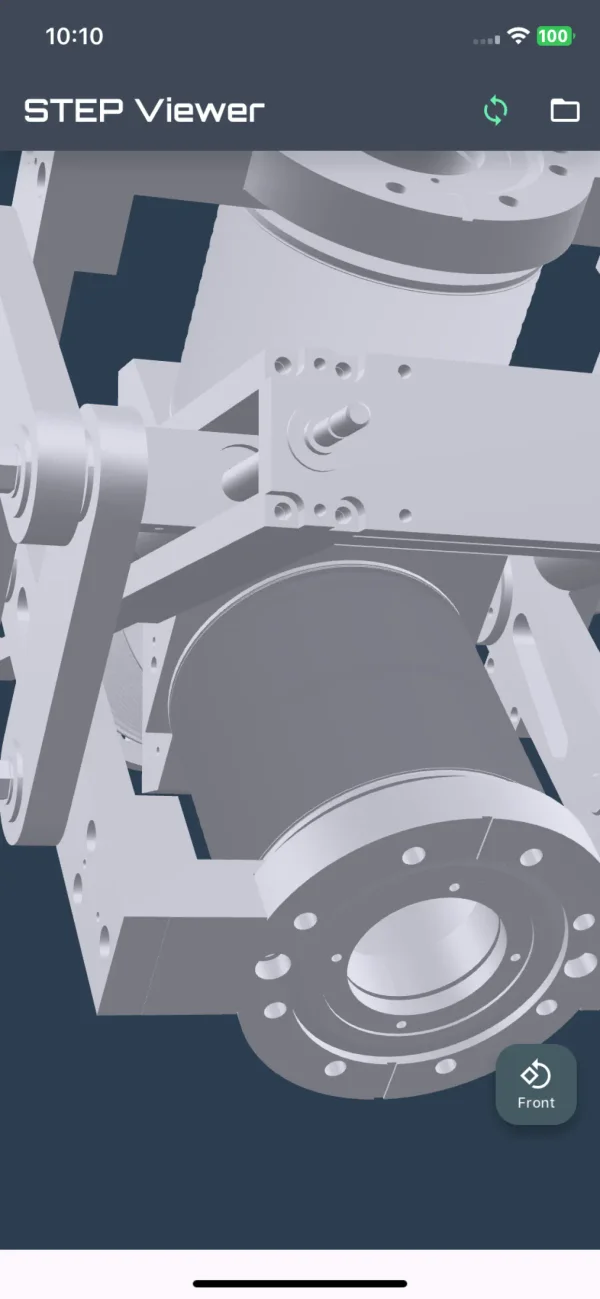
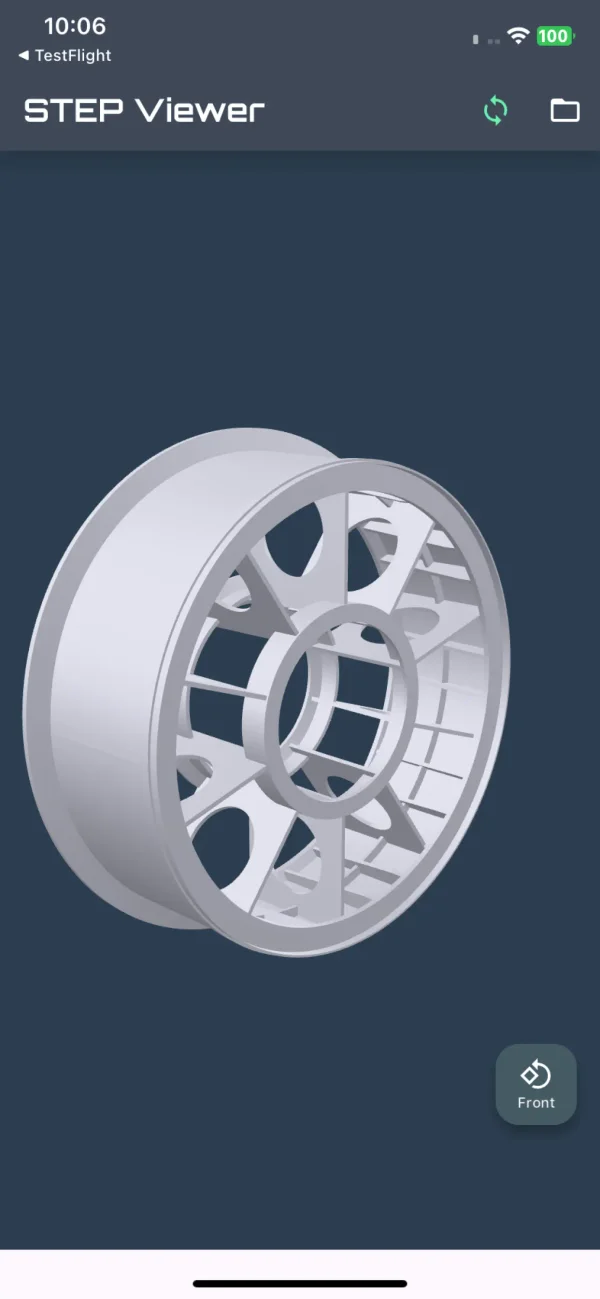
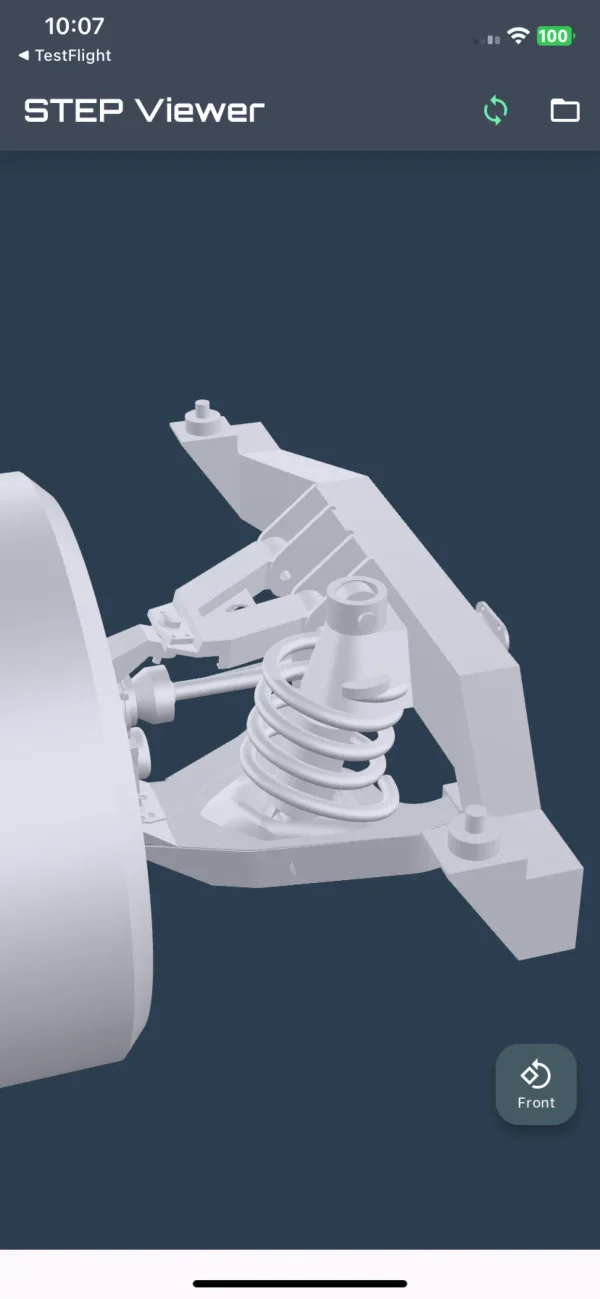
STEP Viewer opens STEP (.step, .stp) CAD files in 3D on your phone. No desktop CAD software needed.
Everything is free. There are no in-app purchases. Credits only skip the ad; without credits you can still open every file after watching a short ad.
Key features
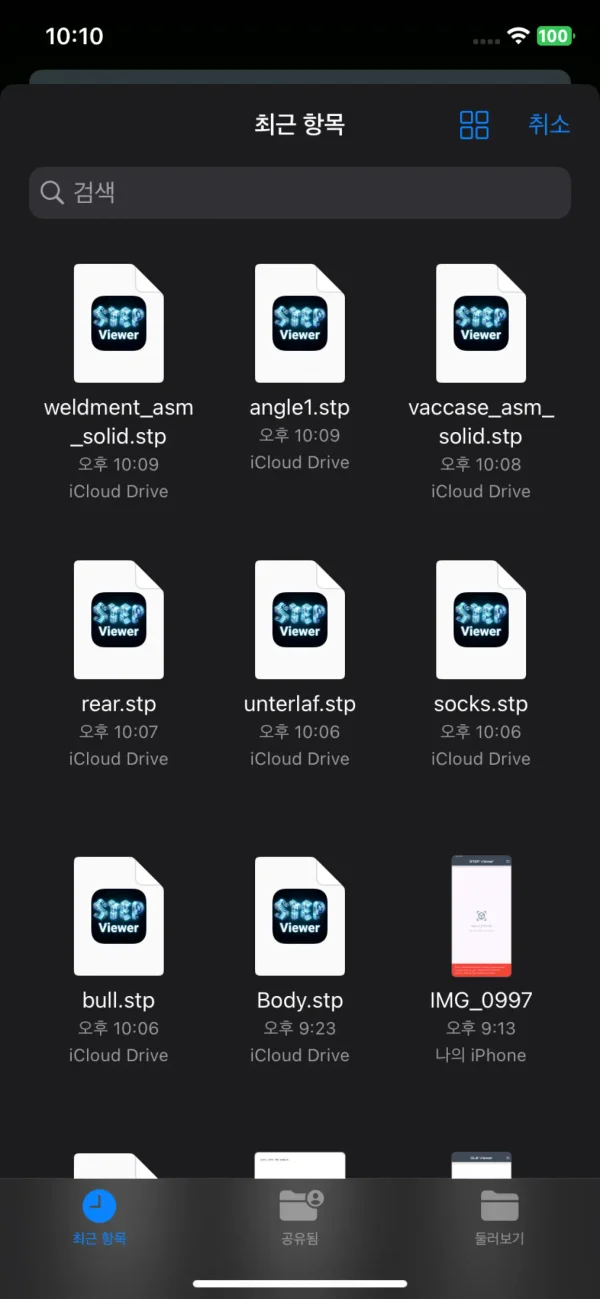
* Open .step and .stp files straight from your file manager - just tap the file
* Measure your model: a bounding box with all three side lengths, in mm or m
* Six fixed views (front, right, back, left, top, bottom), plus pinch to zoom, pan and rotate
* Save the converted model as GLB whenever you need it
* Large files show the estimated time and memory before conversion starts, and progress while it runs
* If a file cannot be opened, the app tells you why instead of failing silently
* Available in 12 languages, following your device settings
Supported formats
* Input: .stp, .step (STEP AP203, AP214)
* Output: .glb (glTF Binary)
How to use
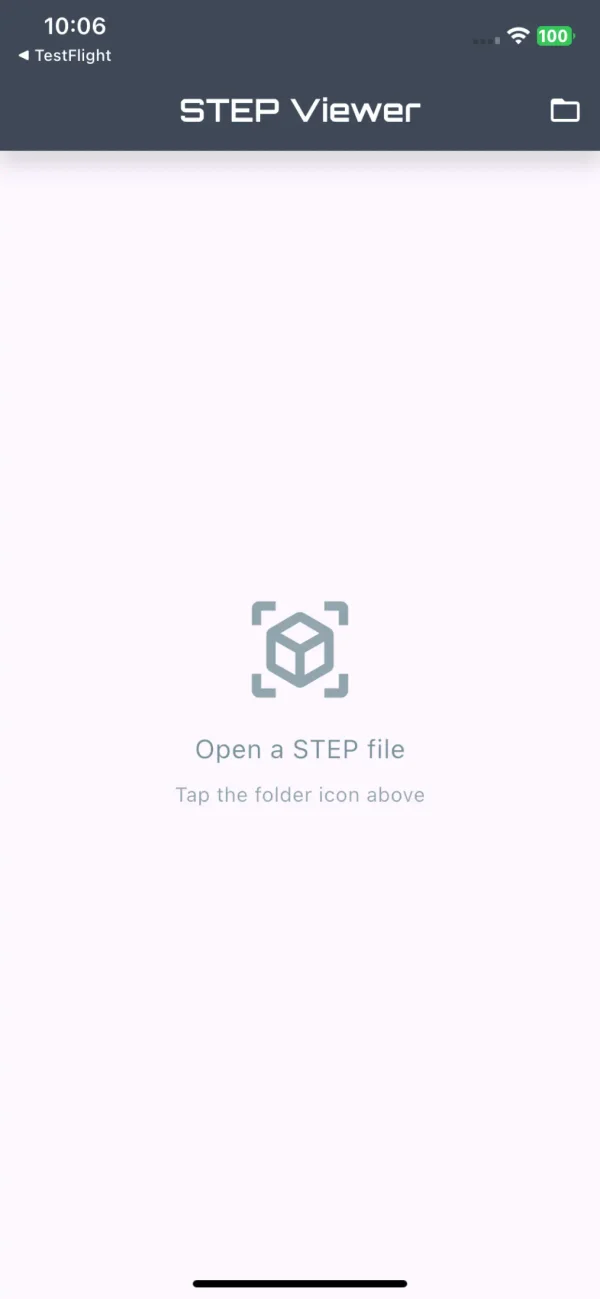
1. Tap a .step file in your file manager, or open the app and tap the folder icon
2. Wait for the conversion - large files show progress and an estimate
3. Drag to rotate, pinch to zoom, tap the view button to switch sides
License
This app uses Open CASCADE Technology (LGPL-2.1).
https://www.opencascade.com
For questions or bug reports, please contact us by email.
What’s new
Version 1.2.2 · Sep 4, 2026
• Select parts — pick the parts you want and highlight them in color
• Measure the size of just the parts you selected
• Fixed "Save as GLB" doing nothing on iOS
• Improved launch stability
App privacy
What Smart Cube Labs Co., Ltd. declares on the App Store about how this app handles data.
-
Data not collected
The developer does not collect any data from this app.
Privacy practices may vary, for example with the features you use or your age.
Information
- Seller
- Smart Cube Labs Co., Ltd.
- Category
- Productivity
- Version
- 1.2.2
- Updated
- Sep 4, 2026
- Released
- Dec 23, 2025
- Size
- 60.6 MB
- Requires
- iOS 13.0 or later
- Age rating
- 4+
- Price
- Free
- Languages
- English
- Copyright
- © 2023, Smart Cube Labs Co., Ltd.
You might also like
-
 DWG Viewer: STL & 3D CAD FilesOpen DXF, STEP, 3MF, IGES, PLY
-
 ViewCAD:2D/3D CAD Model ViewerView CAD Models Anywhere
-
 SolidInsightView CAD without format worry
-
 3D Model Viewer & ConverterSTL,GLB,3MF,OBJ,DXF,USDZ ...
-
 STP One - STEP 3D ViewerMeasure · Section · Weight
-
 DXF AssistantView & Explore DXF drawings
-
 STL Simple ViewerView 3D STL 3MF STEP & DXF CAD
-
 3D Model Viewer: STL & USDZView 3D USDZ and CAD STL, PLY
-
 Calistra ViewerProductivity
-
 STL Viewer · Model File ReaderFast STL File View & 3D Reader