
EEON: AI Memory & Notes
Voice notes for AI builders
Designed for iPhone, iPad, Mac
Free · In-app purchases
- Age rating4+
- CategoryProductivity
- DeveloperStock Alarm, LLC
- LanguagesEnglish
- Size12.6 MB
Links to the official App Store page
Download.org hosts no file of EEON: AI Memory & Notes. The button opens its official App Store page, published by Stock Alarm, LLC. Listing last checked on Nov 12, 2026.
Screenshots

About
Building with AI starts with knowing what you want to build.
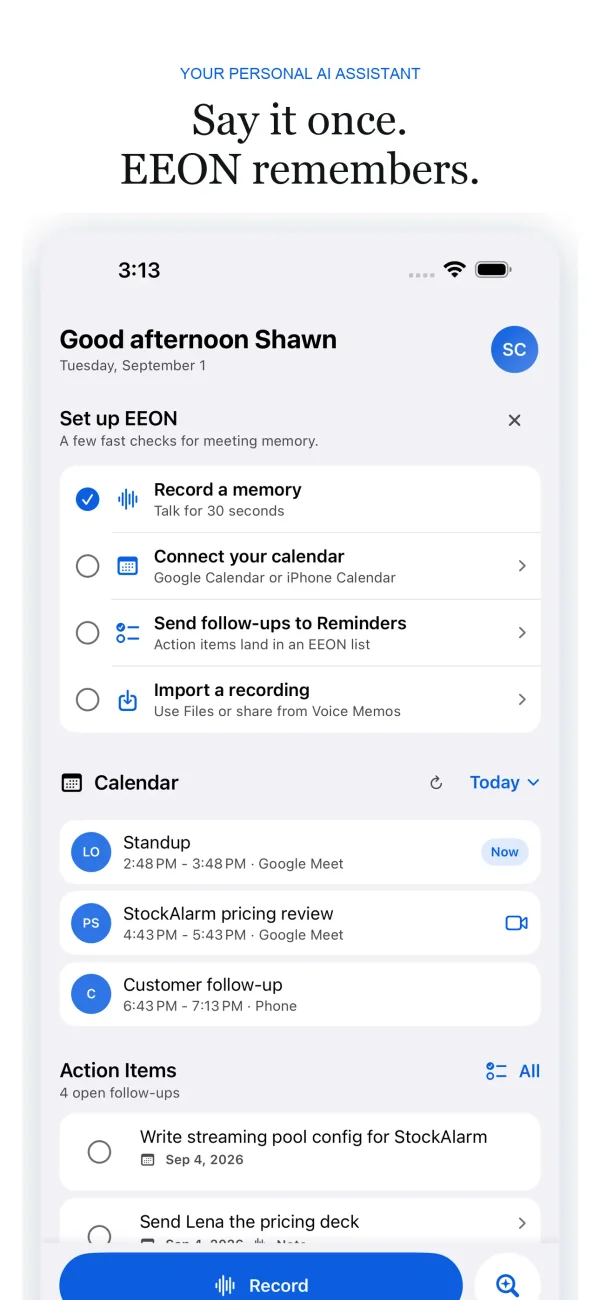
EEON helps founders capture ideas, product decisions, bugs, and next steps by voice. Turn a thought into a readable note, keep the actions attached, and let your connected AI workspace read the context when you ask.
THINK OUT LOUD
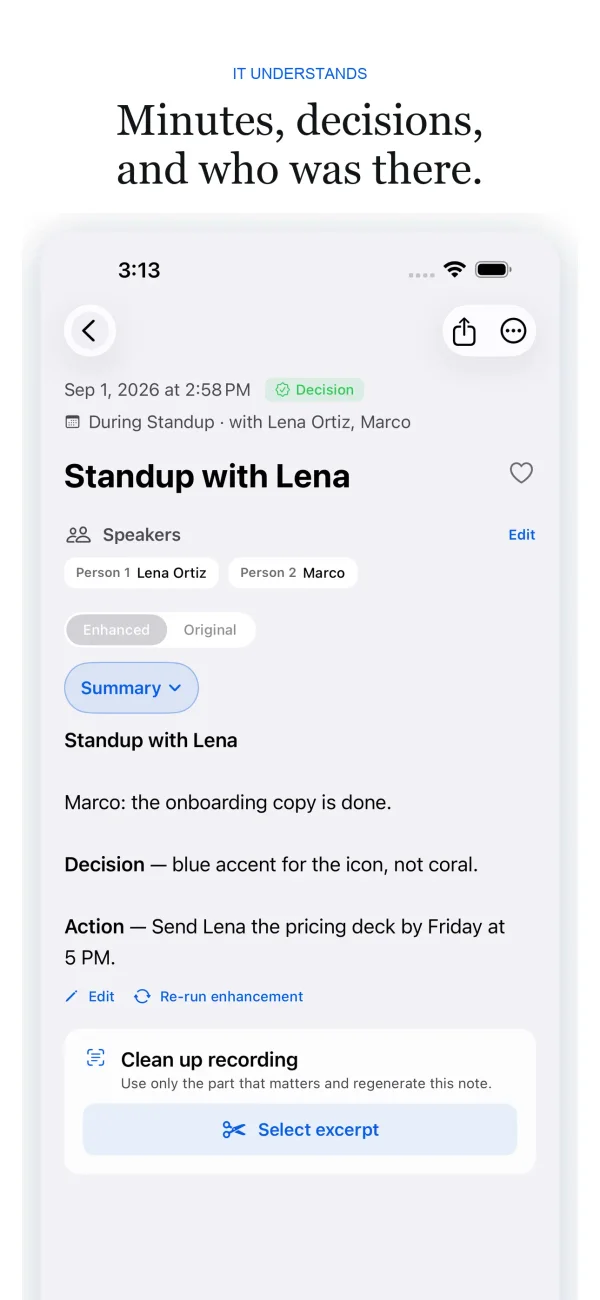
Capture a feature idea on a walk, a bug after testing, or what you learned from a customer conversation. EEON transcribes and organizes your words while keeping the original transcript.
KEEP THE DECISIONS AND NEXT STEPS
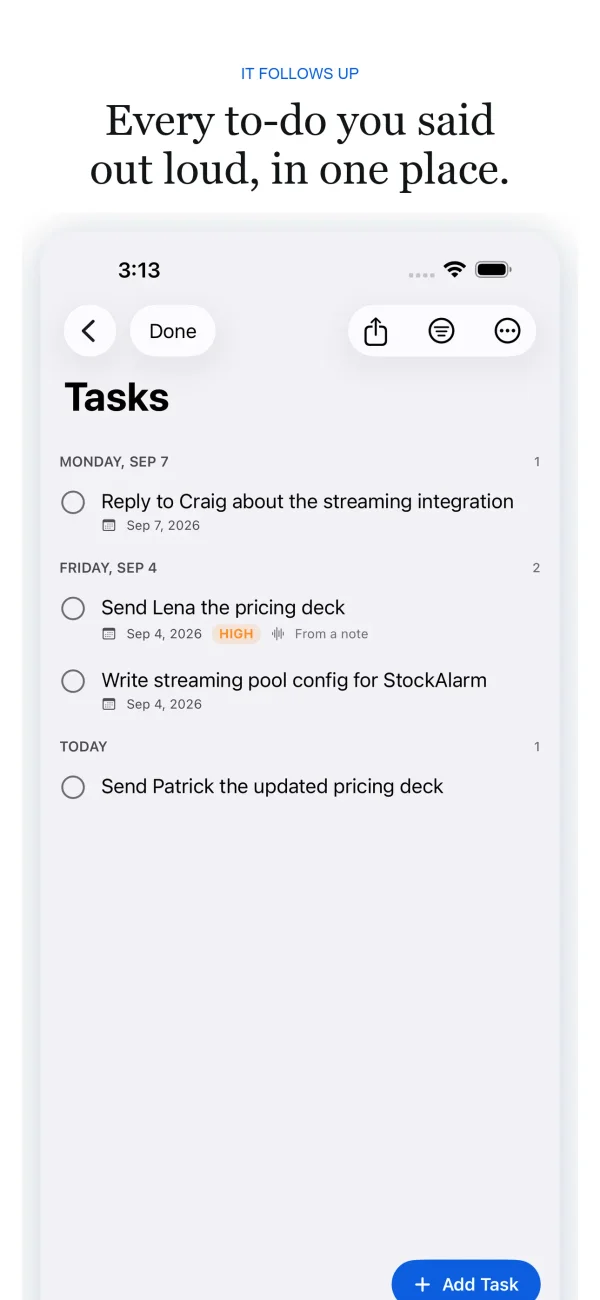
Find the actions, commitments, people, and projects in your notes. Complete tasks from a note, or enable Apple Reminders to keep follow-ups in your existing task list.
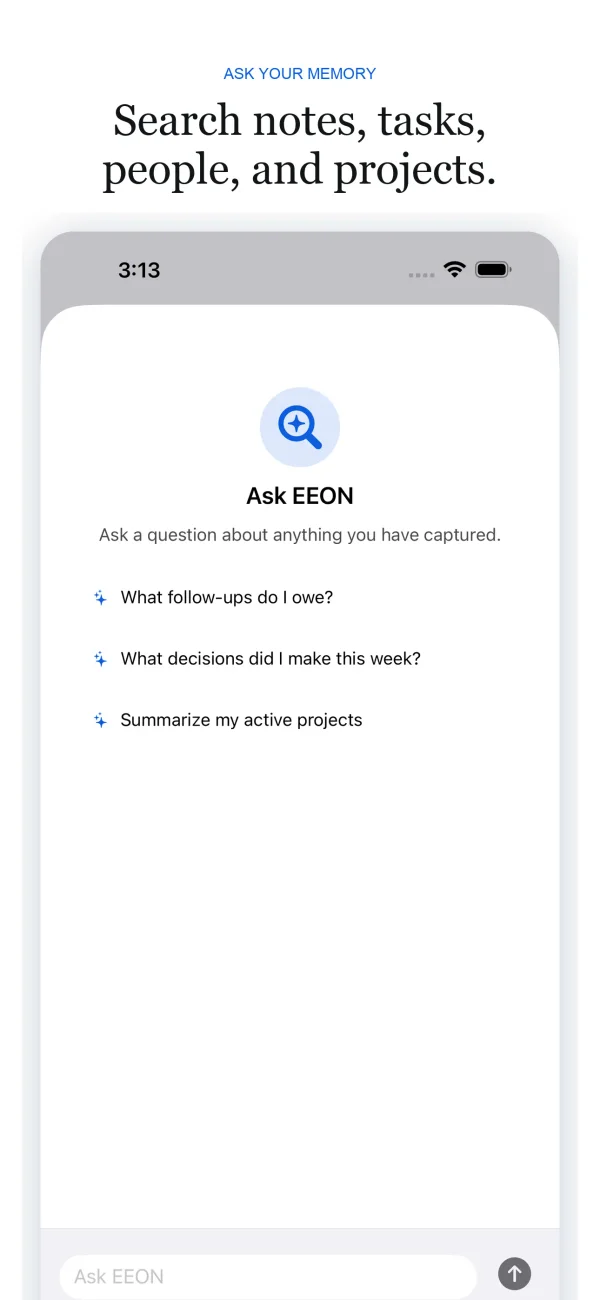
Ask your memory:
- What did I decide about onboarding?
- Which bugs did I mention after testing?
- What follow-ups came out of that customer call?
BRING YOUR CONTEXT TO YOUR AI
With optional AI agent access, compatible tools such as Claude Code, Codex, and Cursor can search and read your EEON notes after you connect and authorize them.
Use Send to an Agent on a note to copy a prompt, then paste it into your connected workspace. Ask your agent to turn the note into a plan or use it as context for the next task. Your coding tool handles the build and its own permissions; EEON gives it the notes you captured.
CAPTURE WHERE YOU ARE
Record from the app or supported iPhone shortcuts, widgets, and recording controls. Import a recording, type a note, or save links and text through the Share Extension. Calendar context can help connect notes to your meetings.
YOUR NOTES, YOUR CHOICE
Notes are stored on your device and sync through your private iCloud account. Audio and text may be sent to AI services for transcription and enhancement. Optional AI agent access creates an encrypted copy of note content on EEON's servers so authorized tools can read it. You can turn that access off in Settings.
FREE TO START
EEON is free to download. EEON Pro unlocks additional AI and memory features.
- EEON Pro: $9.99 per month or $79.99 per year, auto-renewing.
- Payment is charged to your Apple ID account at confirmation of purchase. The subscription renews automatically unless cancelled at least 24 hours before the end of the current period. Manage or cancel in your App Store account settings.
- Terms of Use: https://eeon.com/terms
- Privacy Policy: https://eeon.com/privacy
What’s new
Version 3.11.0 · Oct 17, 2026
3.11.0 — Talk through your tasks
- Record an ordinary voice message listing your tasks. EEON can turn it into separate tasks for today.
- See today's tasks on Home and keep explicit future dates with the appropriate task.
- With AI agent access enabled, connected agents can read the saved task details in your note.
App privacy
What Stock Alarm, LLC declares on the App Store about how this app handles data.
-
Data not collected
The developer does not collect any data from this app.
Privacy practices may vary, for example with the features you use or your age.
Information
- Seller
- Stock Alarm, LLC
- Category
- Productivity
- Version
- 3.11.0
- Updated
- Oct 17, 2026
- Released
- Mar 24, 2026
- Size
- 12.6 MB
- Requires
- iOS 26.2 or later
- Age rating
- 4+
- Price
- Free
- In-app purchases
- Yes
- Languages
- English
- Copyright
- © 2026 Shawn Carpenter
You might also like
-
 marcAngel AIAI that actually knows you.
-
 MightyMouse: Build With AIYour Mac, from your phone
-
 Iroh: AI Voice Notes & JournalDictation diary that remembers
-
 Cactus - AI memory sidekickVoice reminders that remember
-
 MemX: AI Memory AgentFind Docs & Expiry Reminders
-
 Alba: AI Daily PlannerSchedule, To Do List & Alarms
-
 Leeway: Time Blocking PlannerSee which tasks fit your day
-
 Voice Memory • AI SummarySecond Brain • Journal & Notes
-
 Axel AI — Personal AssistantAI that acts, not just answers
-
 MCP AgentConnect MCP servers to Siri