
Elapsed Countdown Widgets
Year, life & countdown widgets
Designed for iPhone
Free · In-app purchases
- Age rating4+
- CategoryProductivity
- DeveloperTesoro Industries Apps
- LanguagesEnglish
- Size1.2 MB
Links to the official App Store page
Download.org hosts no file of Elapsed Countdown Widgets. The button opens its official App Store page, published by Tesoro Industries Apps. Listing last checked on Nov 23, 2026.
Screenshots


About
Elapsed turns time into something you can see.
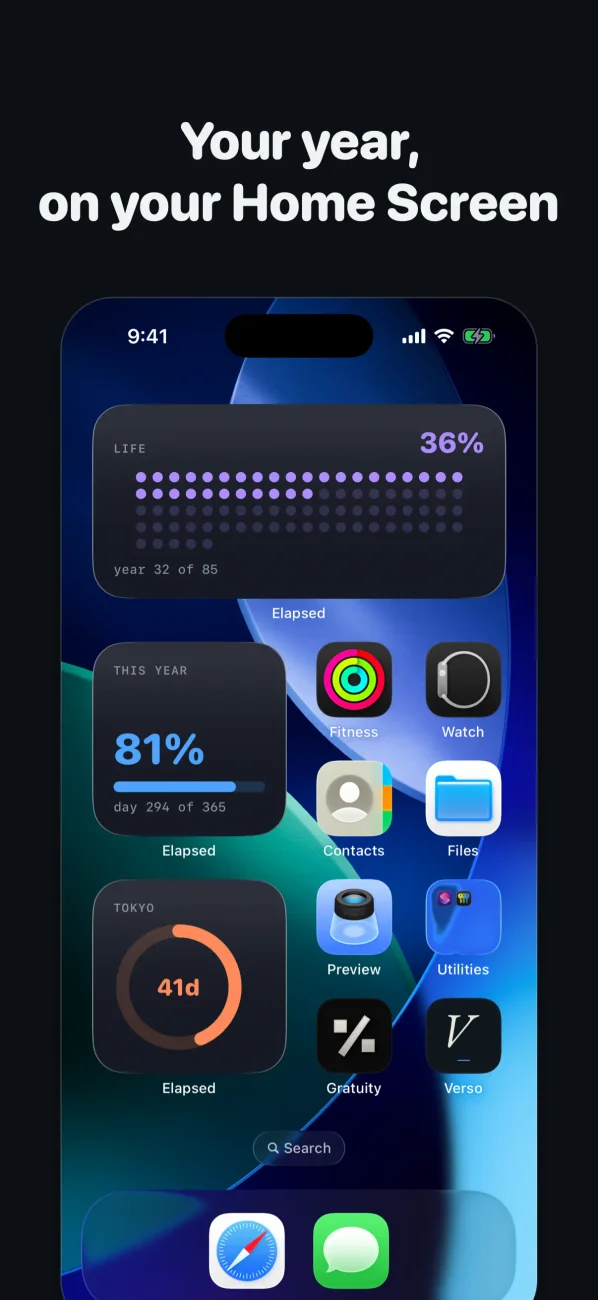
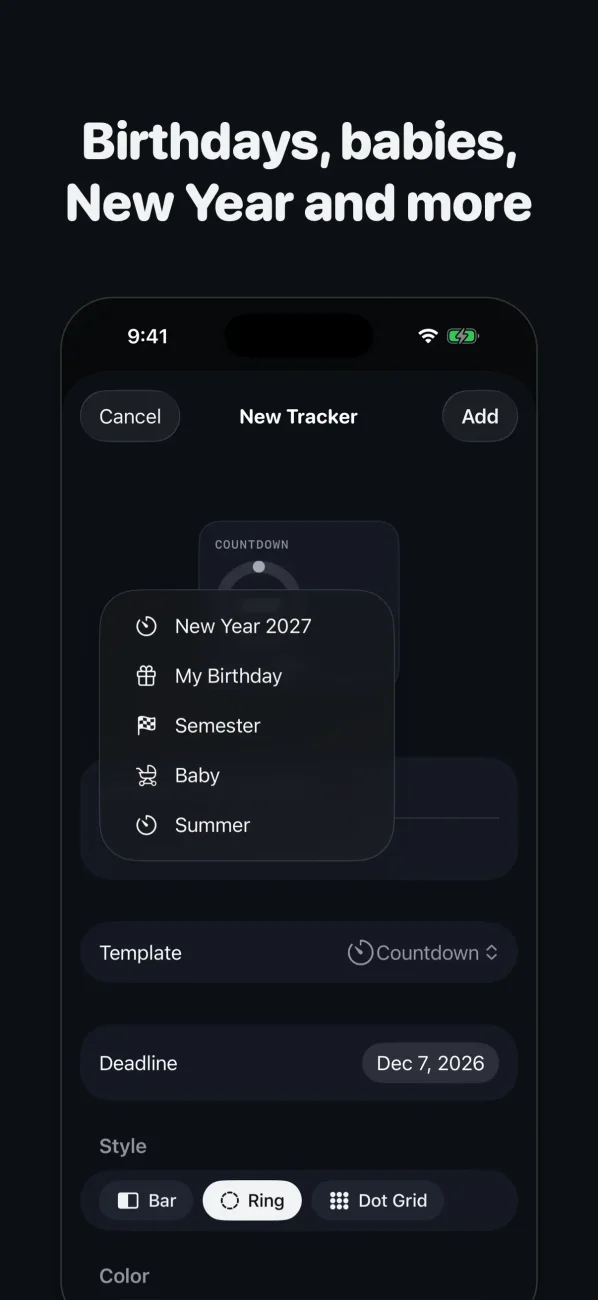
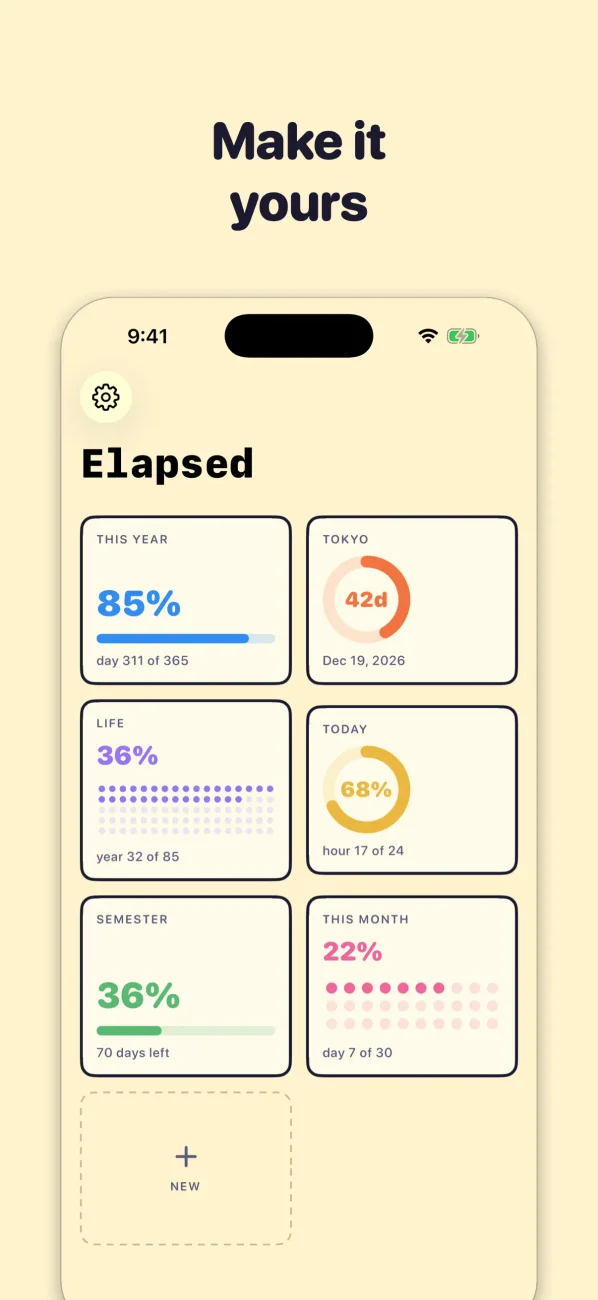
Add a tracker, name it, pick a shape — bar, ring, or dot grid — and put it on your Home Screen or Lock Screen. Then watch it fill.
TRACK
• This Year, This Month, This Week, Today — always current, no setup
• Life — your years so far, as a grid of dots
• Countdown — days left until a deadline, a trip, a launch
• Custom — any start-to-end span: a semester, a lease, a training block
• Birthday — days until you turn a year older
• Pregnancy — week by week, all 40 of them
• Start from an idea — New Year, Semester, Summer, in one tap
LOOKS
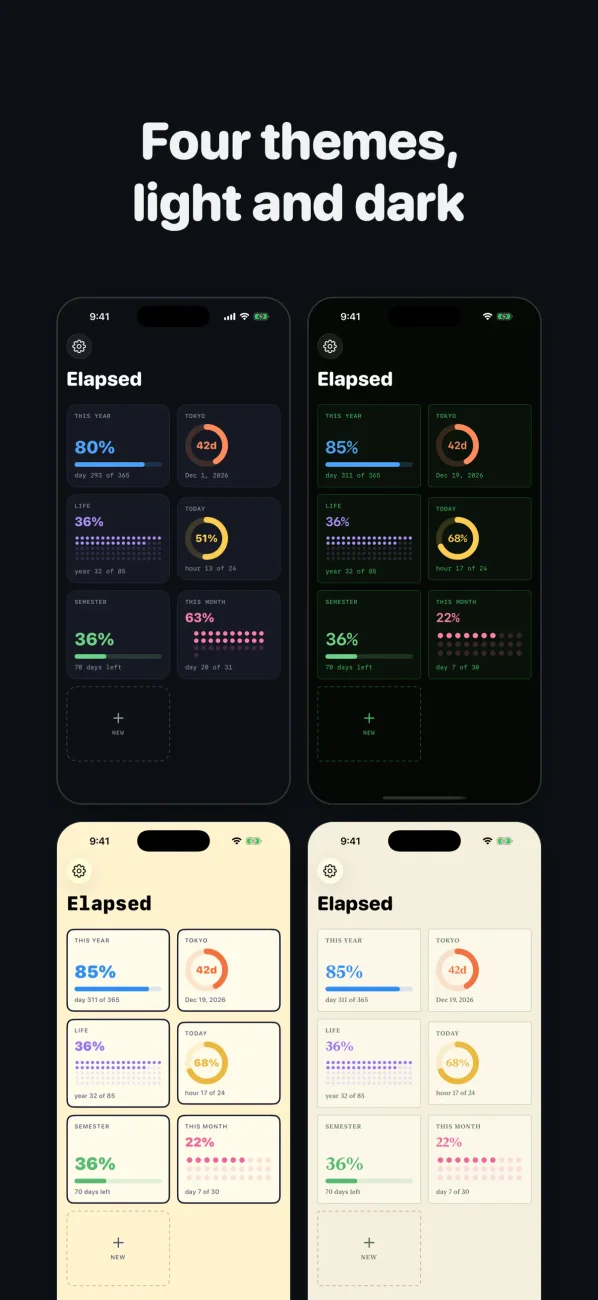
• Dusk theme: near-black at night, paper by day. Both free, follows your phone
• Big rounded numbers in your tracker's color
• Small, medium, Lock Screen, and StandBy widgets
• Tap a widget's number to flip between time elapsed and time left
THEMES
• Dusk is free. Terminal, Halftone, and Ledger are $1.99 each, or $4.99 for all three
• Every theme includes light and dark mode
PRIVATE BY DESIGN
No account. No tracking. No data leaves your phone — the App Store privacy label says "Data Not Collected" because that's exactly what happens.
FREE: two trackers, bar style.
PRO ($3.99, one-time): unlimited trackers, ring and dot-grid styles, Lock Screen widgets. No subscription, ever.
What’s new
Version 1.1 · Nov 10, 2026
• Themes: Terminal, Halftone, and Ledger join Dusk. Light and dark included with every theme.
• New trackers: Birthday (days until you turn a year older) and Pregnancy (week X of 40).
• Start from an idea: New Year 2027, Semester, Summer, and more in one tap.
• Tap the big number on a widget to flip between time elapsed and time left.
• Bigger numbers in StandBy.
App privacy
What Tesoro Industries Apps declares on the App Store about how this app handles data.
-
Data not collected
The developer does not collect any data from this app.
Privacy practices may vary, for example with the features you use or your age.
Information
- Seller
- Tesoro Industries LLC
- Category
- Productivity
- Version
- 1.1
- Updated
- Nov 10, 2026
- Released
- Nov 6, 2026
- Size
- 1.2 MB
- Requires
- iOS 17.0 or later
- Age rating
- 4+
- Price
- Free
- In-app purchases
- Yes
- Languages
- English
- Copyright
- © 2026 Tesoro Industries LLC
You might also like
-
 AntiDoom: Screen Time ControlApp Blocker for Doomscrolling
-
 Minder: Focus EyesADHD body double & study timer
-
 EasyReminder ICSBridge ICS and Reminders
-
 Focus Timer: WhatsLeftCountdown & Time Tracker
-
 No Cover®Productivity
-
 Masotti EmpreendimentosProductivity
-
 CompactCalendar - Month WidgetClean calendar & reminders
-
 Open MobileUISelf-hosted Open WebUI client
-
 Calendário Brasileiro 2024Productivity
-
 Calendar Planner CircleTimeUnderstand Time as a Whole