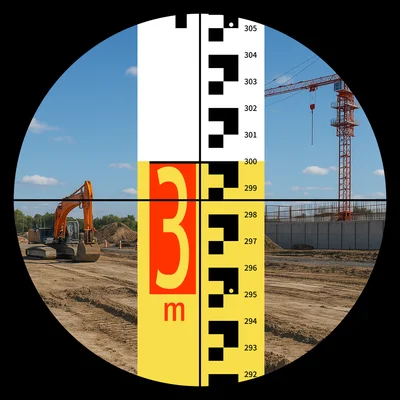
Elevation Survey
Smart Leveling Field Notebook
Designed for iPhone, iPad, iPod touch
Free · In-app purchases
- Age rating4+
- CategoryProductivity
- DeveloperBooth
- LanguagesEnglish+ 39 more
- Size75.1 MB
Links to the official App Store page
Download.org hosts no file of Elevation Survey. The button opens its official App Store page, published by Booth. Listing last checked on Nov 12, 2026.
Screenshots
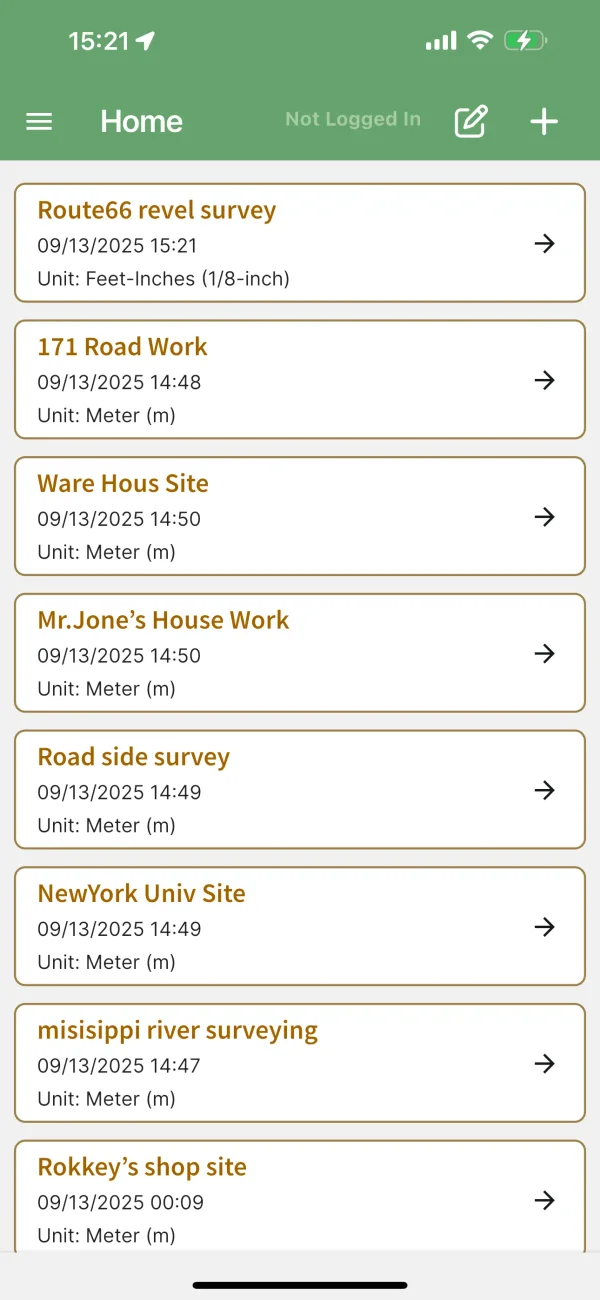
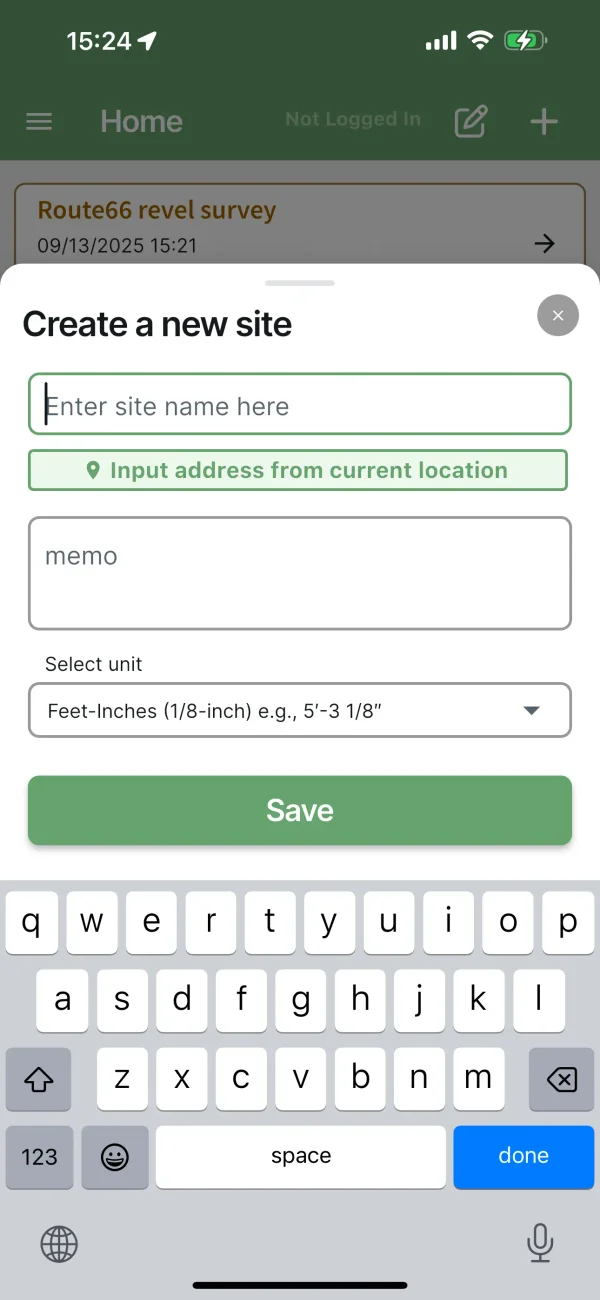
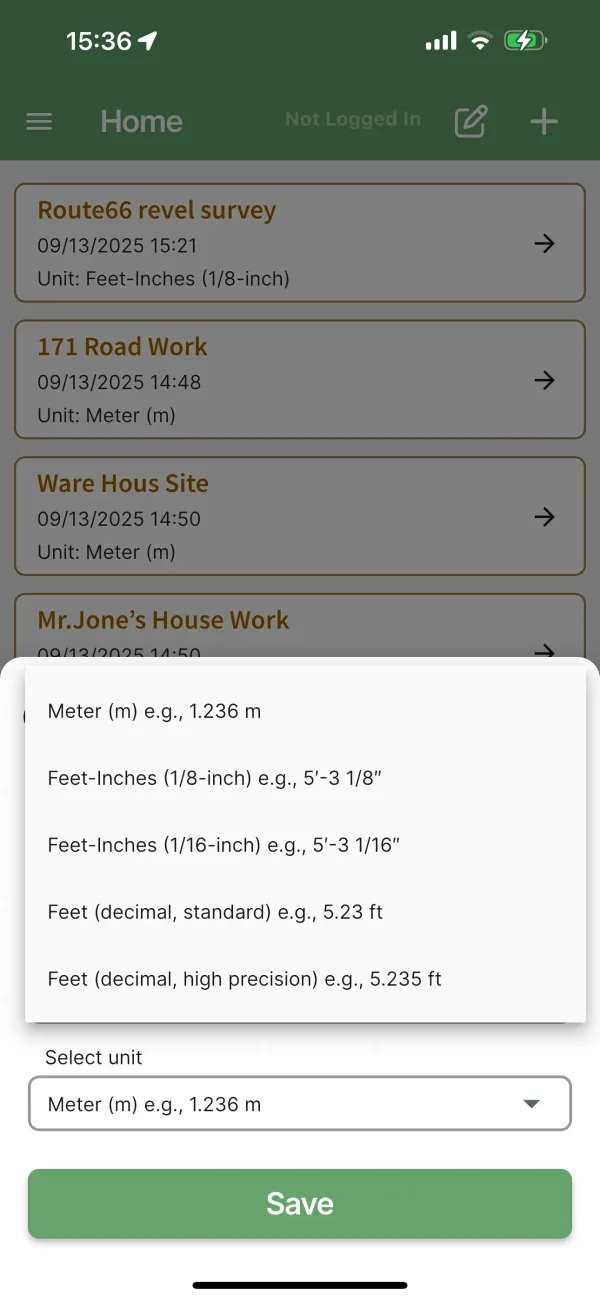

About
Make leveling surveys smarter at any construction site.
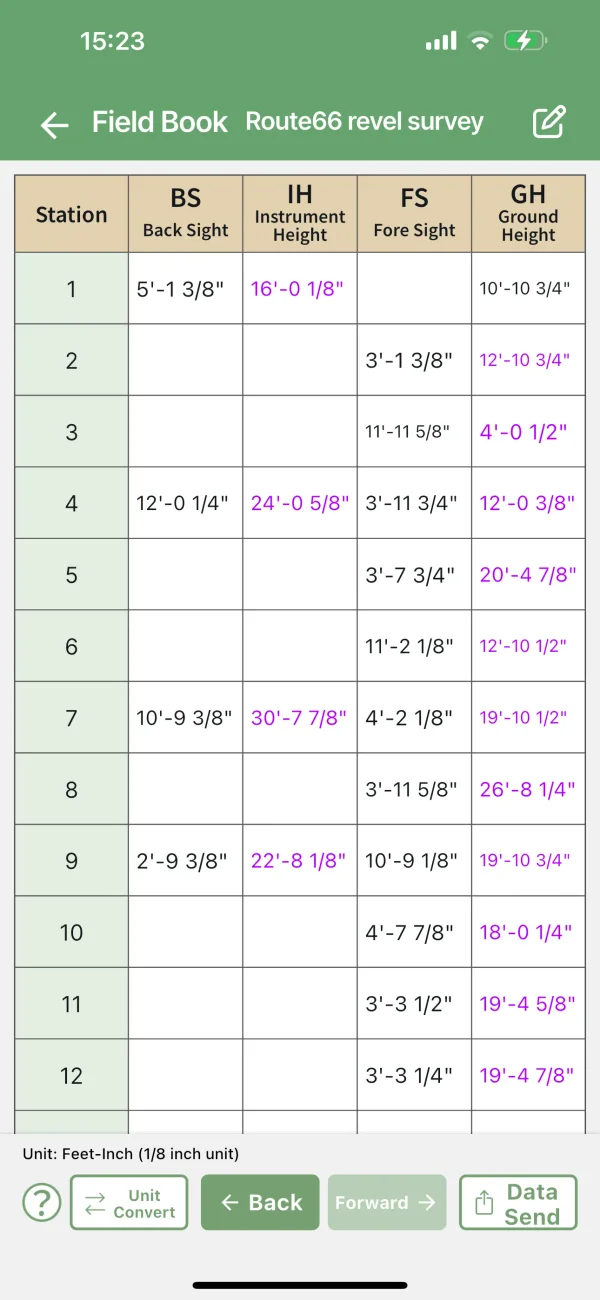
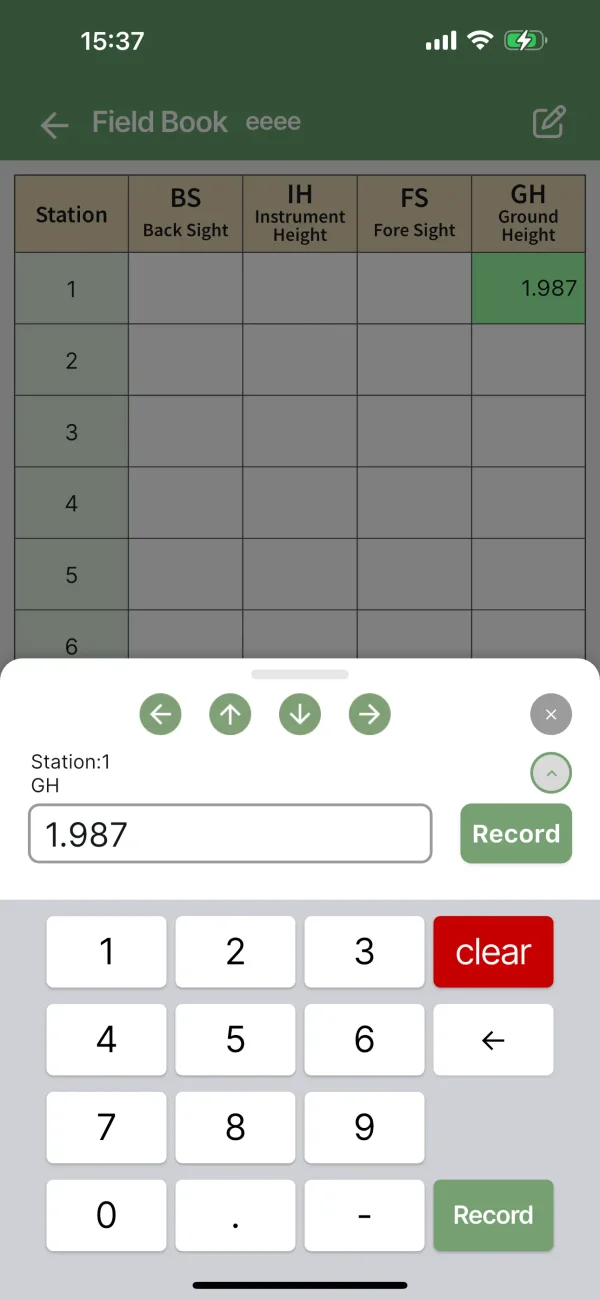
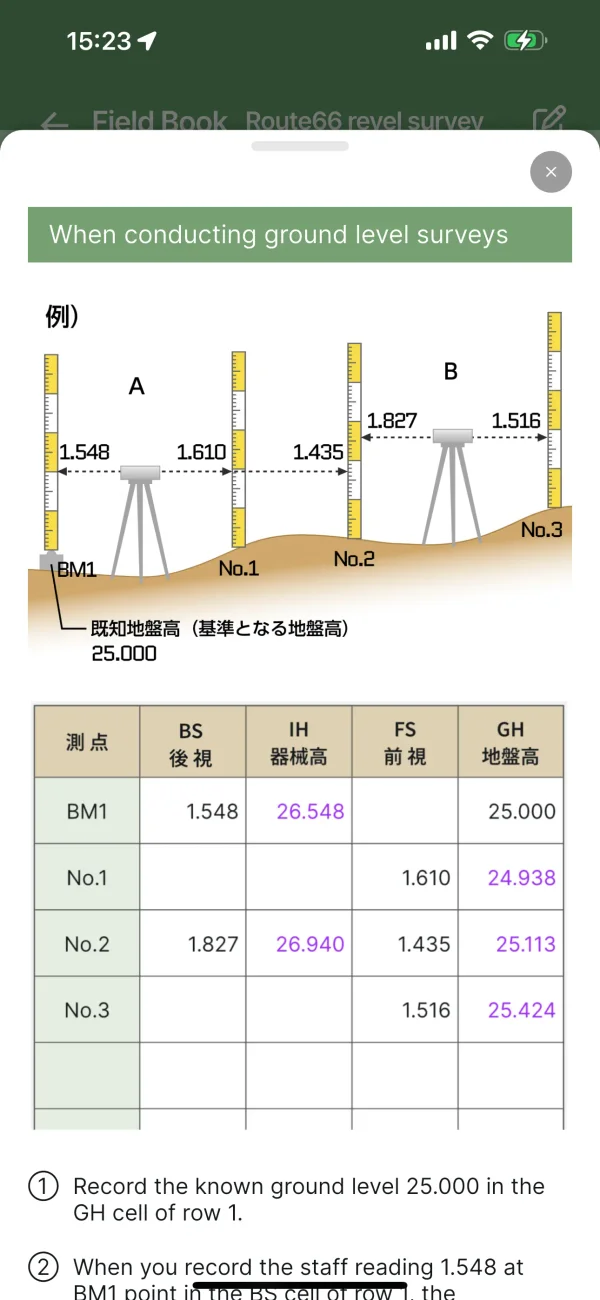
With the Elevation Survey app, you no longer need a field notebook, calculator, or pencil. Just enter the staff readings and the app instantly performs all the calculations, helping you complete surveying tasks efficiently and smoothly.
Results are saved within the app and can be exported as CSV files or images. Share data instantly with colleagues using various methods for fast on-site delivery. The app supports the Instrument Height (HI) method, with a built-in tutorial that explains both app usage and surveying basics for beginners.
【Key Features】
• Automatically calculate Instrument Height (HI) and Ground Height (GH) from the benchmark elevation and staff readings
• Enter design elevation to instantly compute the staff readings needed for batter board (layout) work
• Add or delete rows freely
• Color-coded display for input values and calculation results, improving readability
• Add memos for each project or site
• Export survey data as CSV, editable in Excel
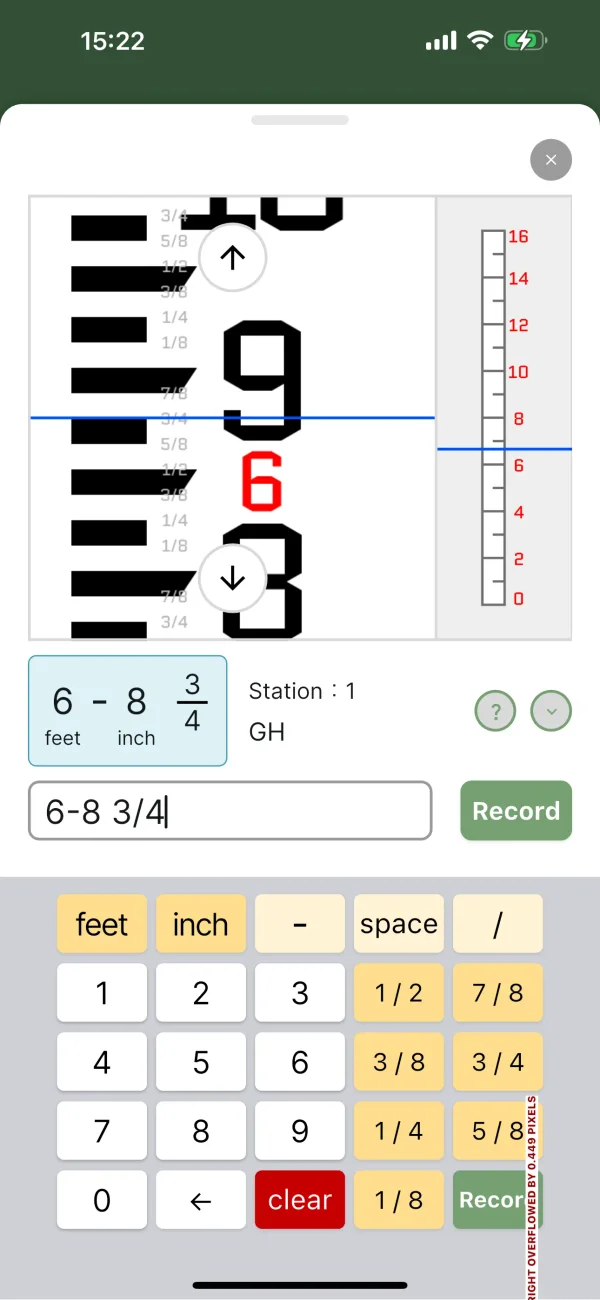
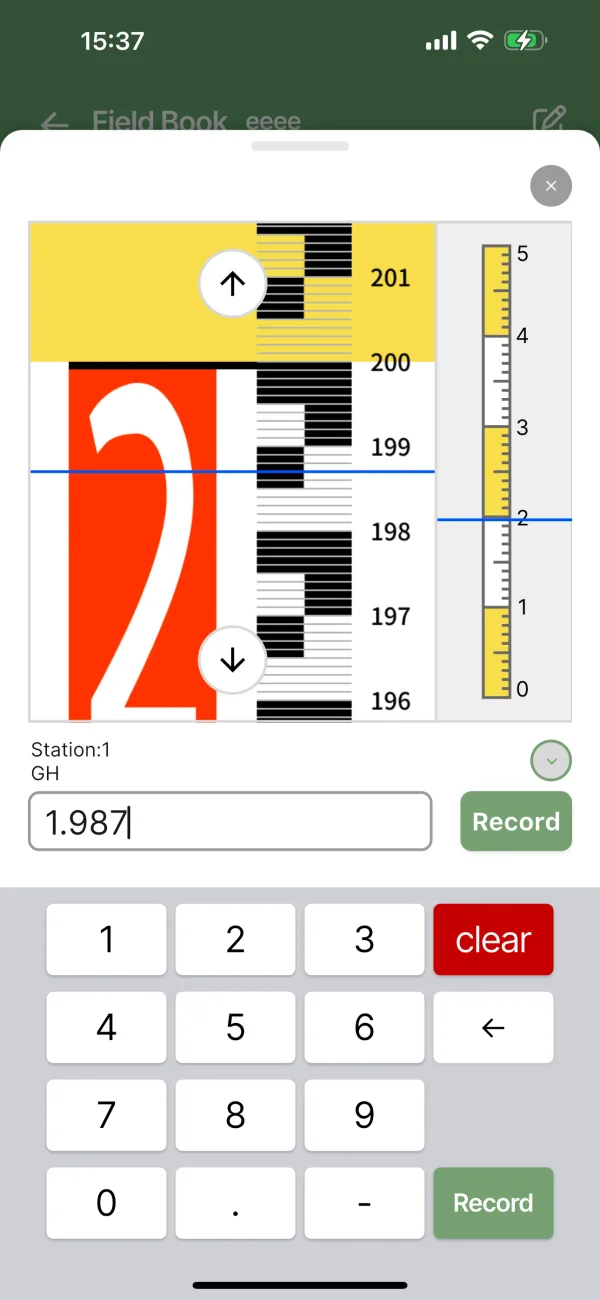
• Switch between Standard Mode and Staff Mode
• Staff Mode allows intuitive entry, just like reading the staff directly through the level
• Duplicate, delete, or edit past survey data
• Built-in "How to Use" guide explains app operations, the HI method, and basic surveying for beginners
• Cloud backup protects your valuable data — recover anytime from the cloud, even if your device is lost or damaged. Share data with various methods.
• Multi-language support — available in 40+ languages
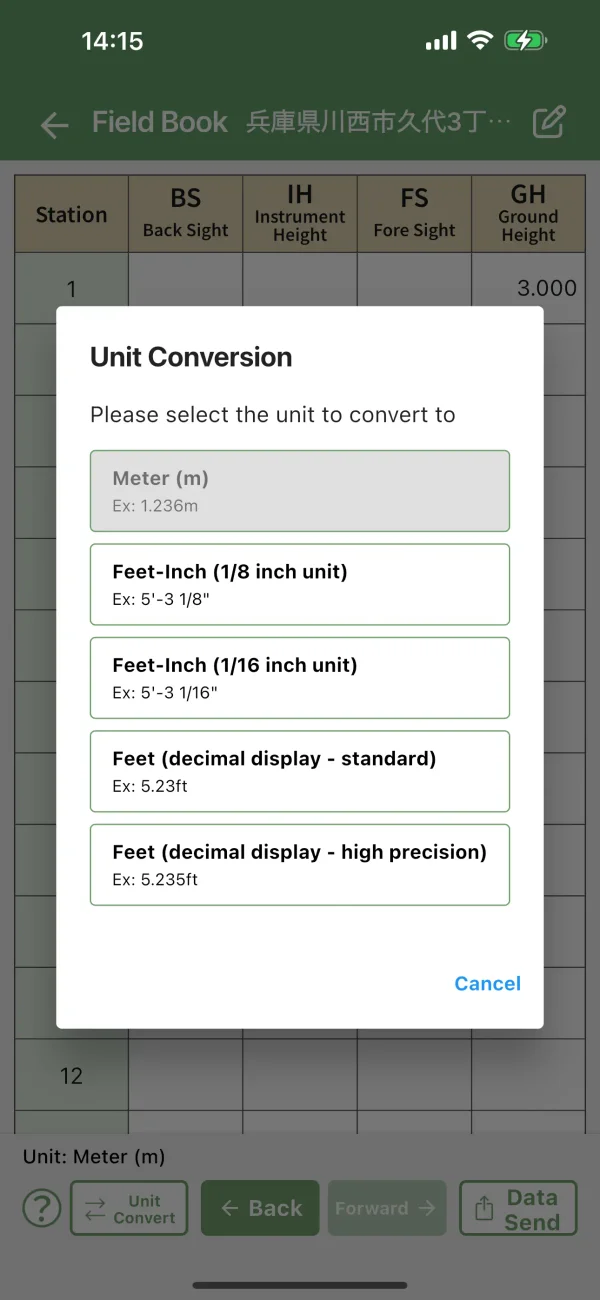
• Convert recorded data between meters, feet & inches, and decimal feet
• Data input units: meters, feet & inches, or decimal feet
• 10-day free trial. After that, free for one project. Unlock all limits with a monthly or yearly subscription
• Cancel your subscription anytime — use with peace of mind
• Subscribers get unlimited project registration and unlimited data sharing
Terms of Use (Apple Standard EULA): https://www.apple.com/legal/internet-services/itunes/dev/stdeula/
What’s new
Version 1.3.4 · Sep 14, 2026
- Added an archive feature. You can now hide finished sites from the home screen without deleting them. Archived sites can be restored at any time from "Archive" in the menu.
- Minor bug fixes.
App privacy
What Booth declares on the App Store about how this app handles data.
-
Data not linked to you
May be collected but is not linked to your identity.
- Location
- Contact info
- Identifiers
- Diagnostics
Privacy practices may vary, for example with the features you use or your age.
Information
- Seller
- Seigo Kanazawa
- Category
- Productivity
- Version
- 1.3.4
- Updated
- Sep 14, 2026
- Released
- Apr 26, 2011
- Size
- 75.1 MB
- Requires
- iOS 15.0 or later
- Age rating
- 4+
- Price
- Free
- In-app purchases
- Yes
- Languages
- English, Arabic, Bengali, Bulgarian, Croatian, Czech, Danish, Dutch, Filipino, Finnish, French, German + 28 more
- Copyright
- © Booth,Inc.
You might also like
-
 Surveying Leveling Field NotesHeight of Instrument Method.
-
 Grade Rod CalculatorElevation and Grade Rod Height
-
 Leica DISTO PlanDocumenting real measurements
-
 SW MapsGIS and Data Collector
-
 CAD FastView: DWG ViewerDWG,DXF,DWT Viewer -CAD viewer
-
 ZWCAD Mobile - Mobile CADDWG viewer and editor
-
 BluebeamField app for PDF workflows
-
 BIM 360Productivity
-
 QField for QGISEfficient field work for QGIS
-
 CAD Reader-View & Measure DWGDWG & PDF viewer