
- Age rating4+
- CategoryProductivity
- DeveloperBluebeam, Inc.
- LanguagesEnglish+ 12 more
- Size266.4 MB
Links to the official App Store page
Download.org hosts no file of Bluebeam. The button opens its official App Store page, published by Bluebeam, Inc. Listing last checked on Nov 23, 2026.
Screenshots

About
Bluebeam for iOS brings your drawings, tools, and team into the field.
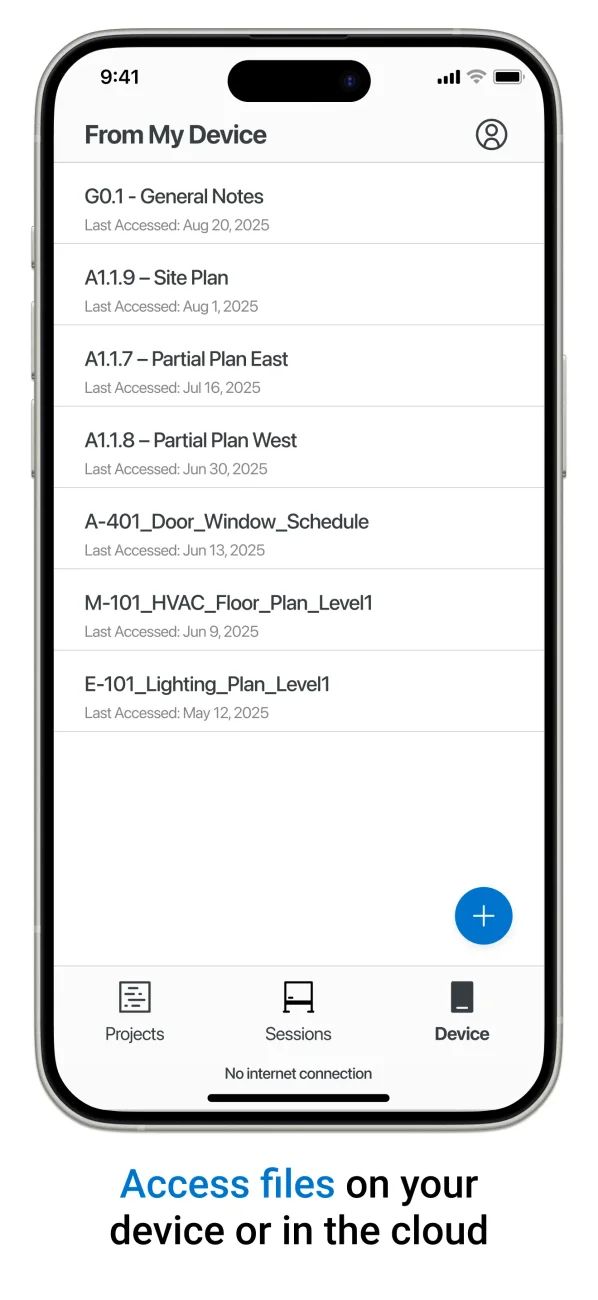
- Open PDFs stored on your device, in Studio Projects, or in Studio Sessions.
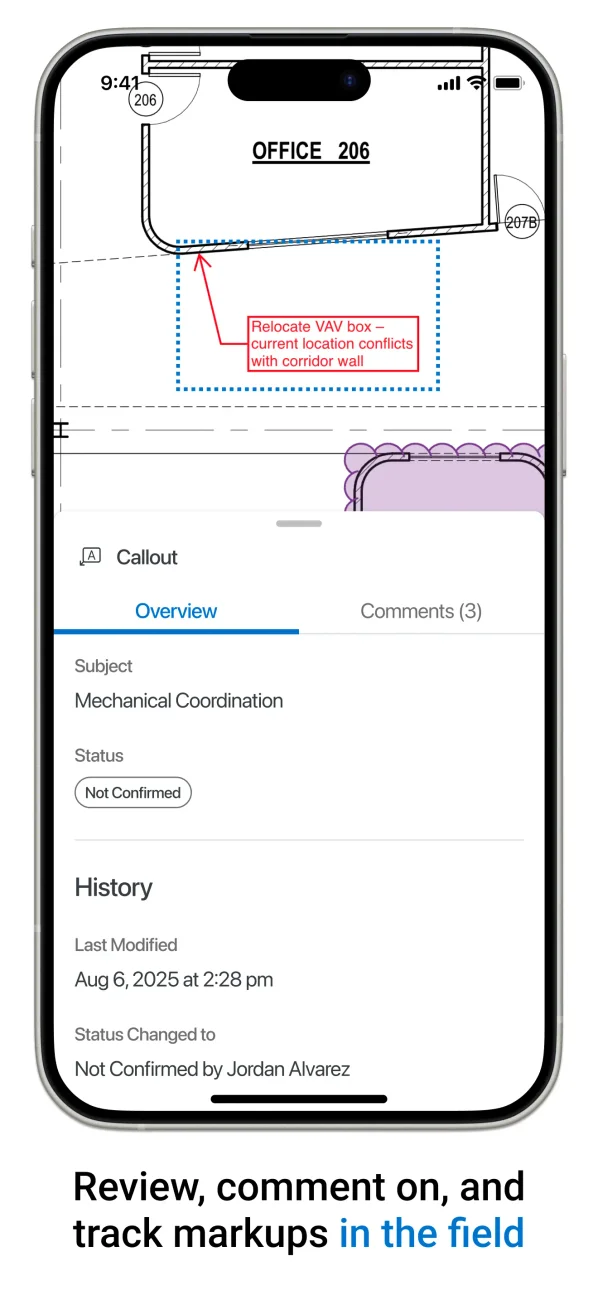
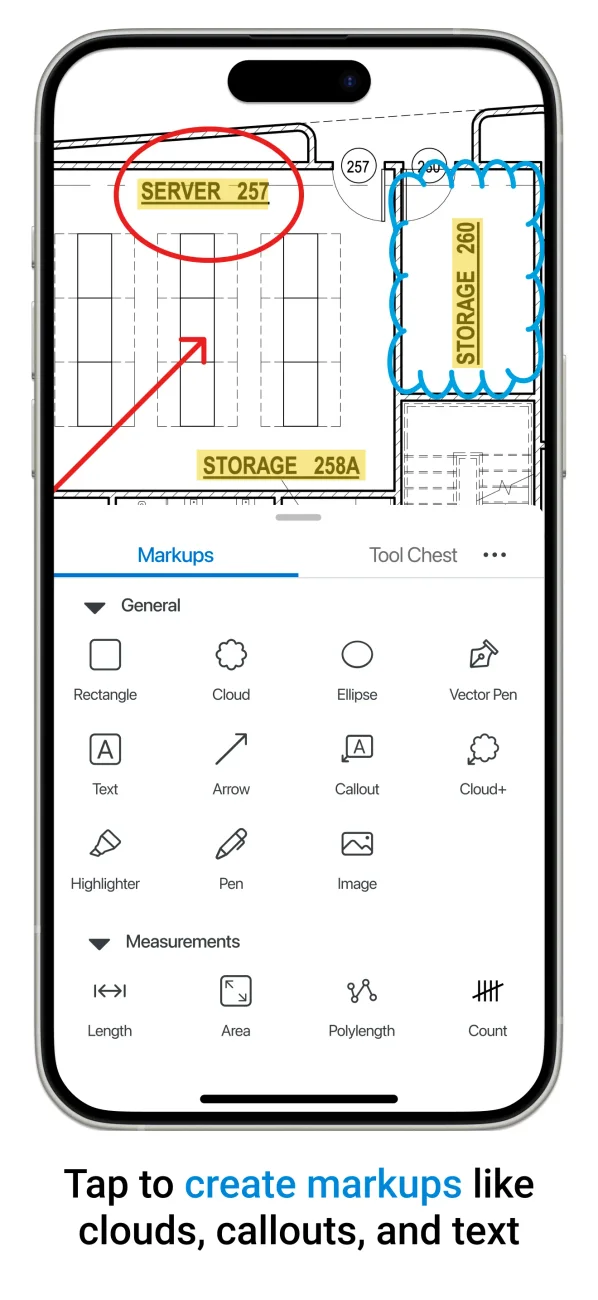
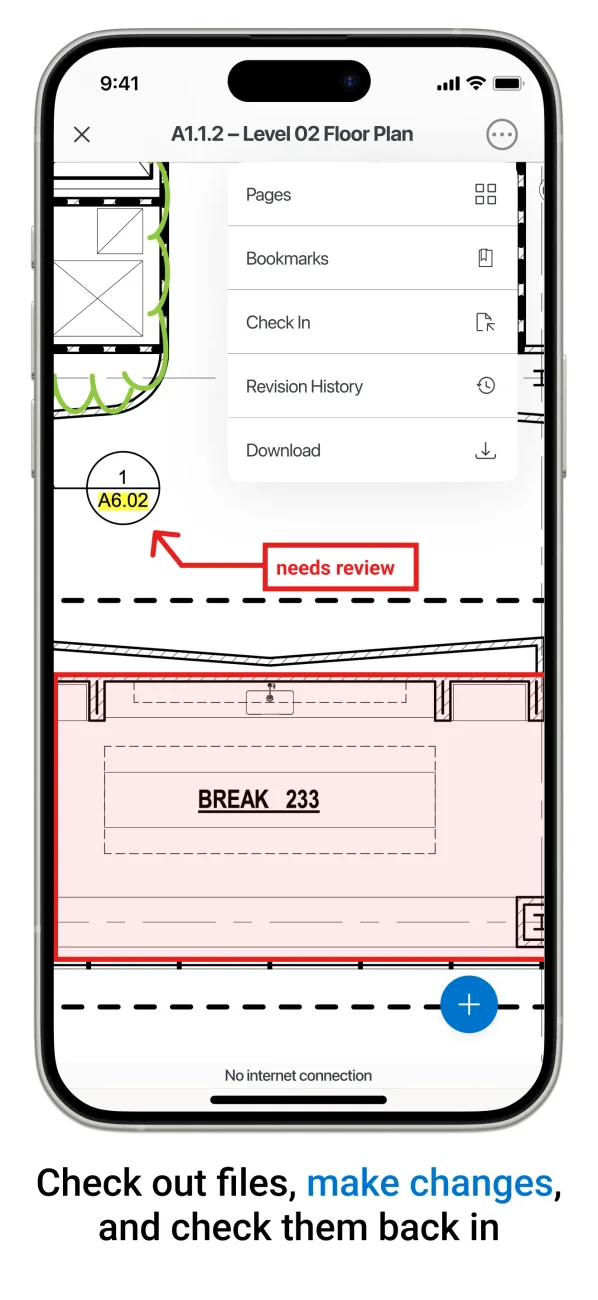
- Create and edit PDF markups to communicate changes with your team.
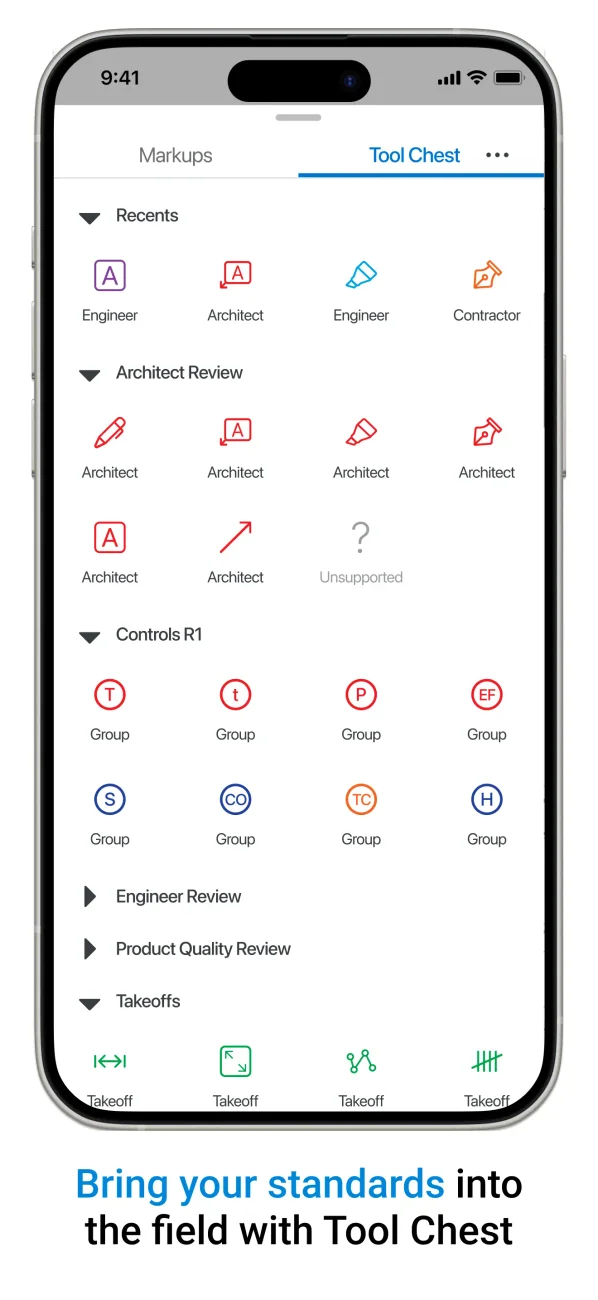
- Bring your team’s custom Revu Tool Sets into the field for consistent markups.
- Measure distances and areas, and count items directly on your drawings.
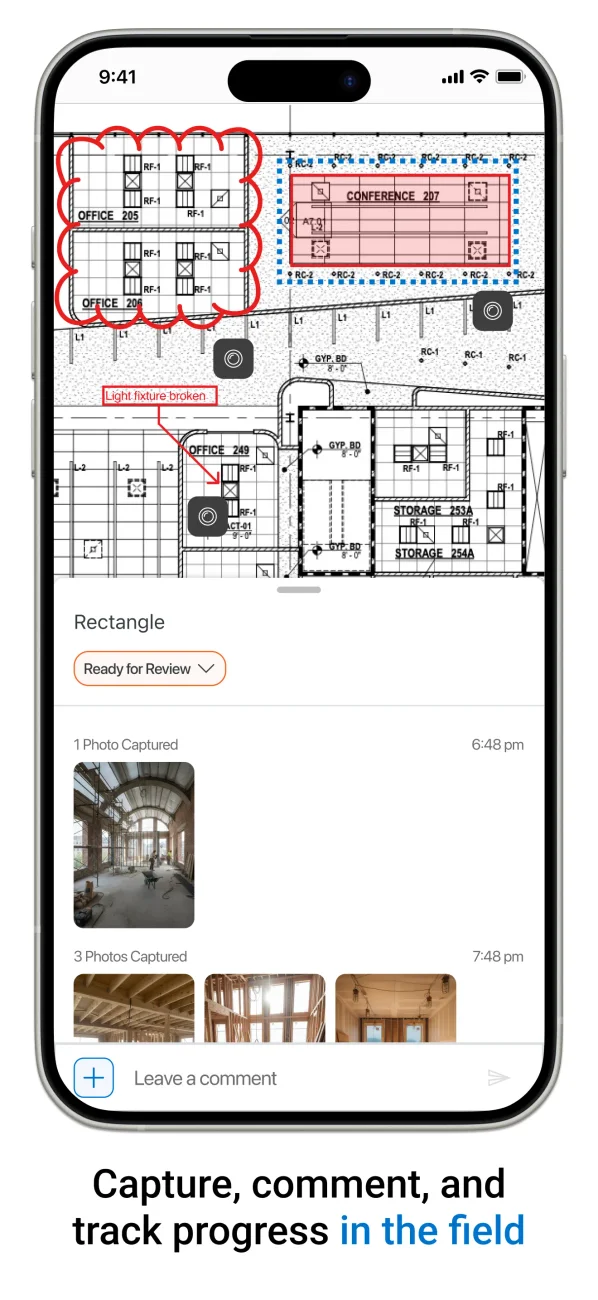
- Attach photos to markups to document field conditions without cluttering your drawings.
- Fill out PDF forms to complete checklists and capture field information.
- Search PDFs and navigate your drawings to find the information you need.
- Collaborate in Studio Sessions and add or remove PDFs from existing Sessions when permitted.
- Access and edit Studio Project files, then share changes with your team.
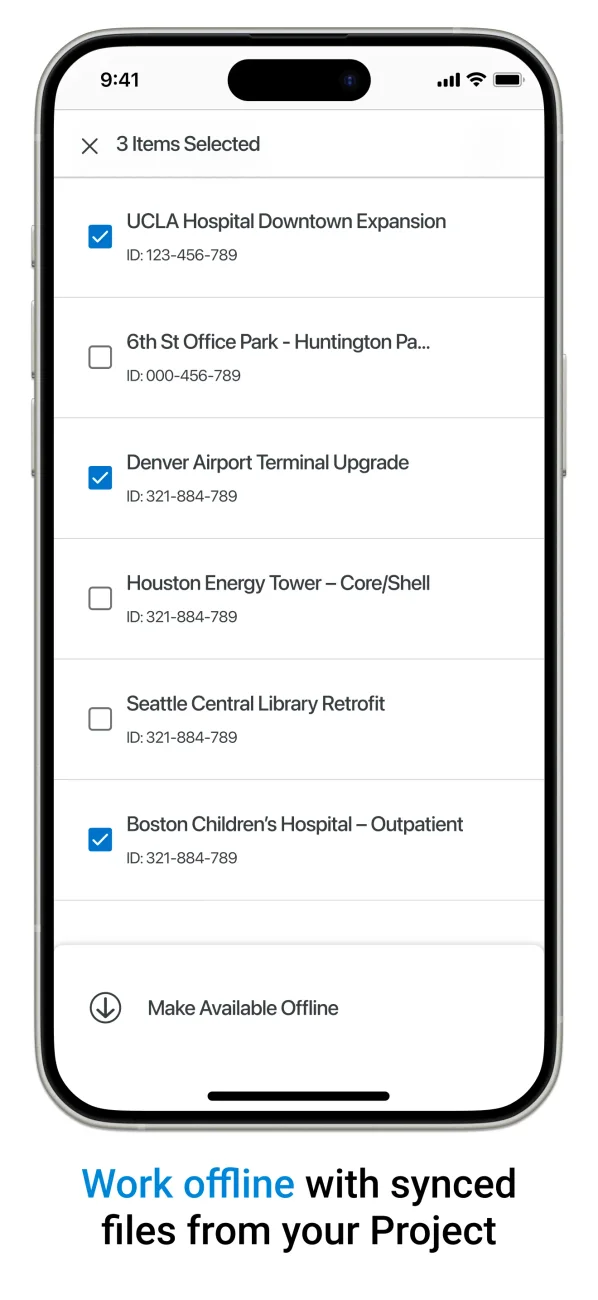
- Work offline with files stored on your device or Project files synced in advance.
What’s new
Version 1.33.2 · Nov 22, 2026
- Expanded Tool Sets: Use more tools from imported Revu BTX files, including markups previously unavailable in the iOS editor. Choose Drawing Mode or Properties Mode.
- Markup Rotation and Easier Editing: Rotate markups and access editing controls from a floating menu that appears above the selected markup.
- Calibrate: Set the page scale by selecting two points and entering the known distance between them.
- Measurement Snapping: Snap measurements to drawing content as you place them for greater precision on a touchscreen.
- Dimension Tool: Place Dimension markups directly on your drawings.
- Offline Document Search: Search text and markup metadata within your open PDF, even when working offline.
- Searchable Page Labels: View existing page labels in the Pages panel and search them to find the right sheet.
- Pinned Bookmarks and Pages: Pin the Bookmarks or Pages panel to keep it open between selections.
- Password-Protected PDFs: Enter a password to open protected files. Existing document permissions continue to apply.
App privacy
What Bluebeam, Inc. declares on the App Store about how this app handles data.
-
Data linked to you
May be collected and linked to your identity.
- Contact info
- Identifiers
- Usage data
-
Data not linked to you
May be collected but is not linked to your identity.
- User content
- Diagnostics
Privacy practices may vary, for example with the features you use or your age.
Information
- Seller
- Bluebeam, Inc.
- Category
- Productivity
- Version
- 1.33.2
- Updated
- Nov 22, 2026
- Released
- Oct 4, 2019
- Size
- 266.4 MB
- Requires
- iOS 26.0 or later
- Age rating
- 4+
- Price
- Free
- Languages
- English, Danish, Dutch, Finnish, French, German, Italian, Japanese, Korean, Norwegian Bokmål, Polish, Spanish + 1 more
- Copyright
- © Bluebeam, Inc
You might also like
-
 BIM 360Productivity
-
 Revizto V5Productivity
-
 Box: The power of Content + AIIntelligent Content Management
-
 Drawboard PDF Annotate, MarkupWrite & Type on PDFs and Notes
-
 Revizto SiteProductivity
-
 Milwaukee® ONE-KEY™Productivity
-
 Microsoft PlannerProductivity
-
 Microsoft SharePointProductivity
-
 Brady Express LabelsProductivity
-
 FCA Freedom WorkerProductivity