
Embroidery Digitizing & Viewer
Image to PES & DST Converter
Designed for iPhone, iPad, Mac
Free · In-app purchases
- Age rating4+
- CategoryGraphics & Design
- DeveloperMTTenterprise Inc.
- LanguagesEnglish+ 16 more
- Size84.9 MB
Links to the official App Store page
Download.org hosts no file of Embroidery Digitizing & Viewer. The button opens its official App Store page, published by MTTenterprise Inc. Listing last checked on Nov 23, 2026.
Screenshots

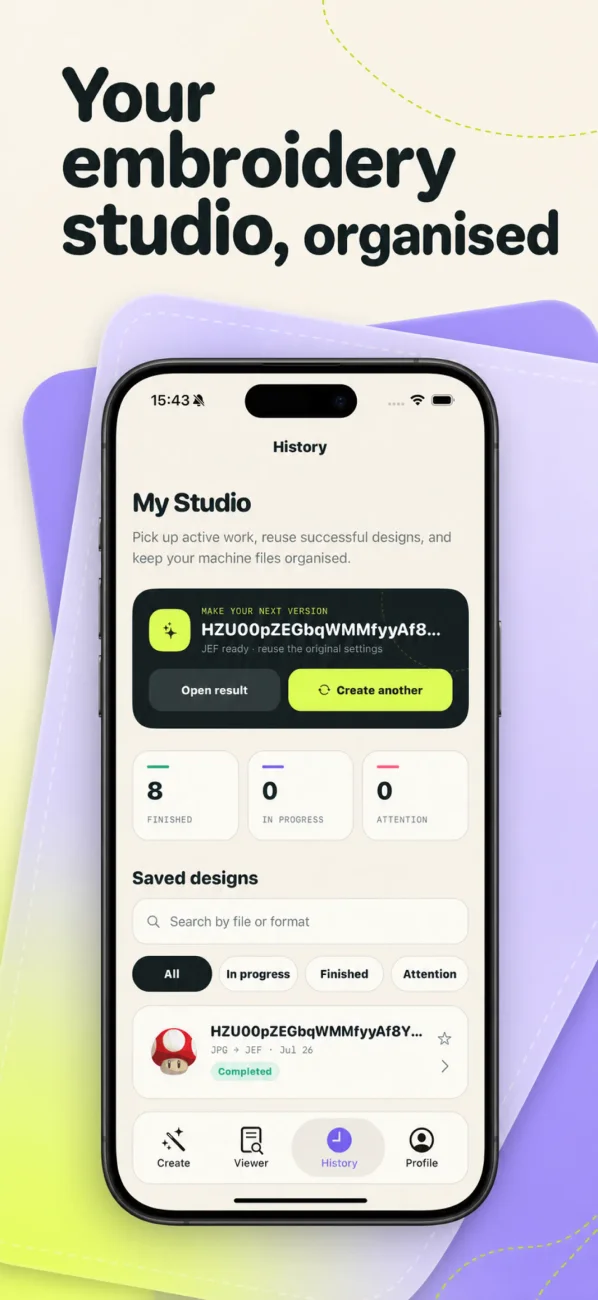
About
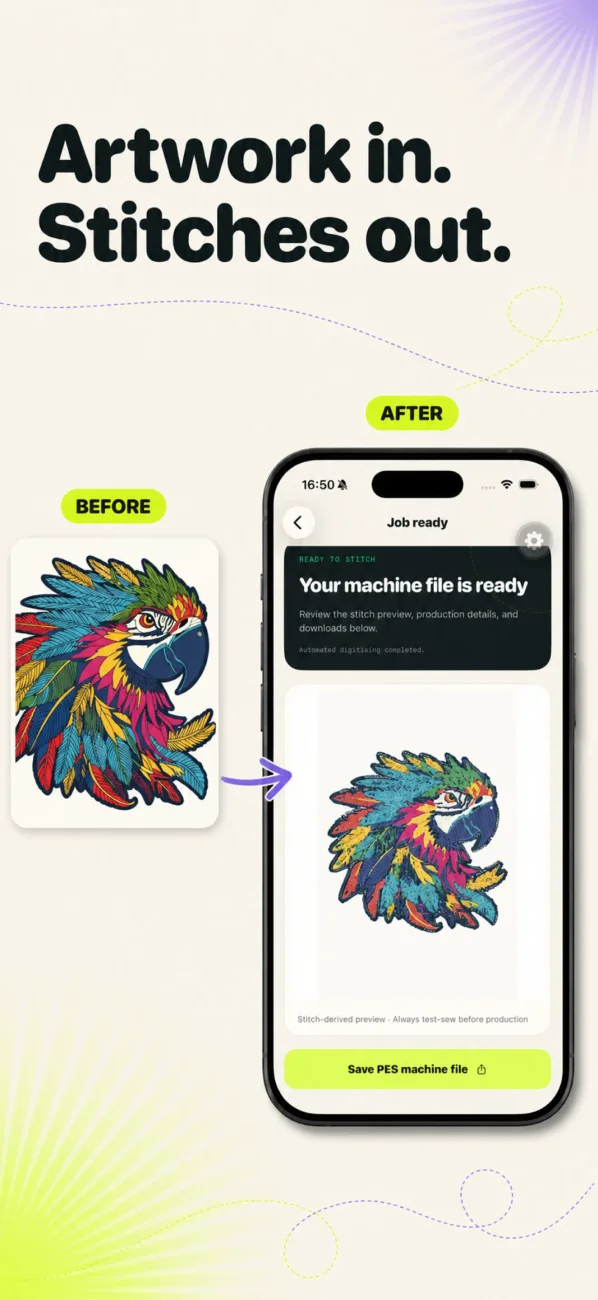
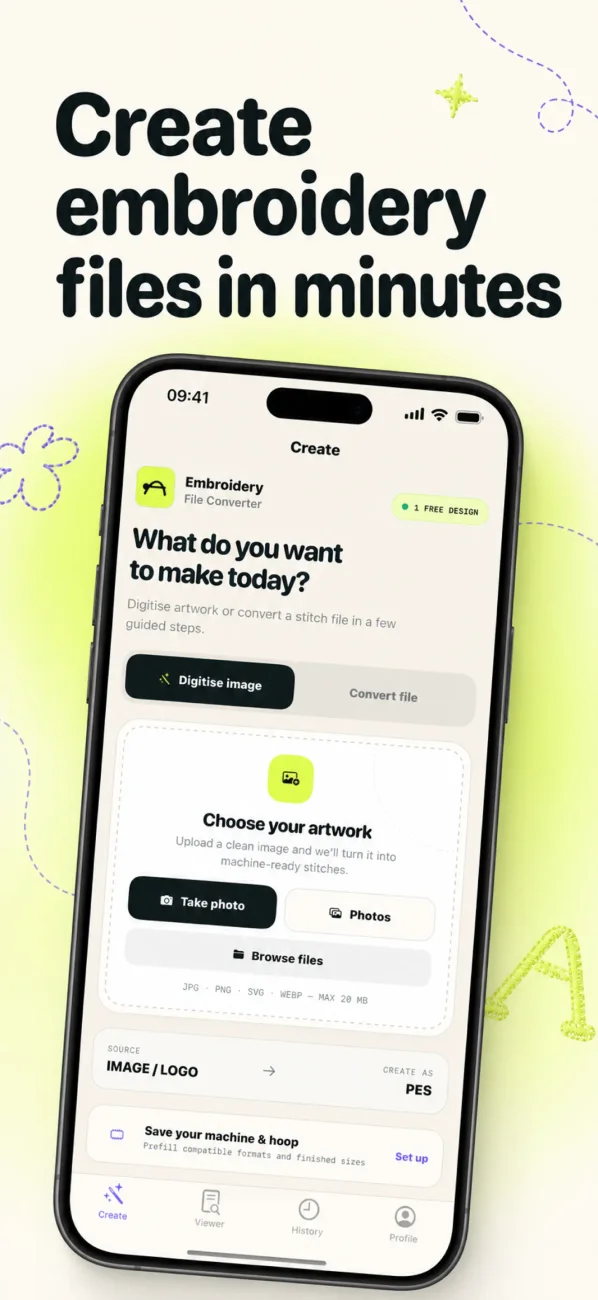
Turn images and logos into machine-ready embroidery files with Embroidery Digitizer. Create PES, DST, and JEF stitch files, convert existing machine formats, and preview every stitch before you sew.
IMAGE TO EMBROIDERY
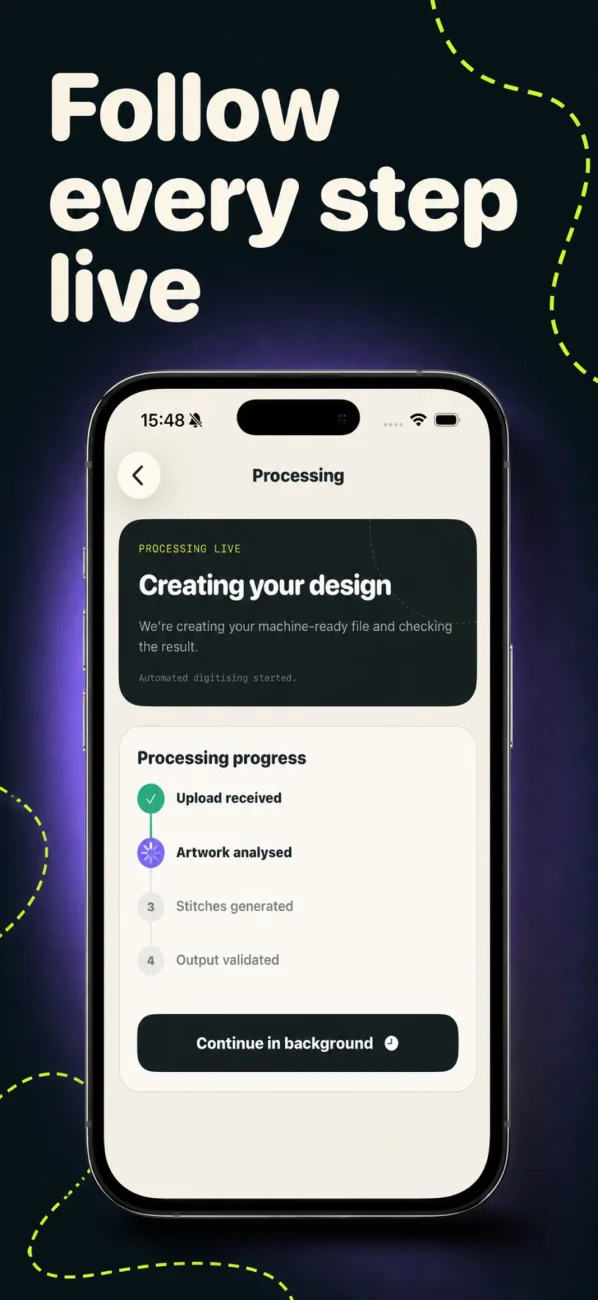
Take a photo, choose artwork from your photo library, or browse Files. Select your machine format and finished size, then follow live progress while your embroidery design is created.
CONVERT AND VIEW MACHINE FILES
Convert popular embroidery formats including PES, DST, JEF, EXP, VP3, PEC, and HUS. Open supported machine files in the built-in stitch viewer without using conversion credits.
PREVIEW EVERY STITCH
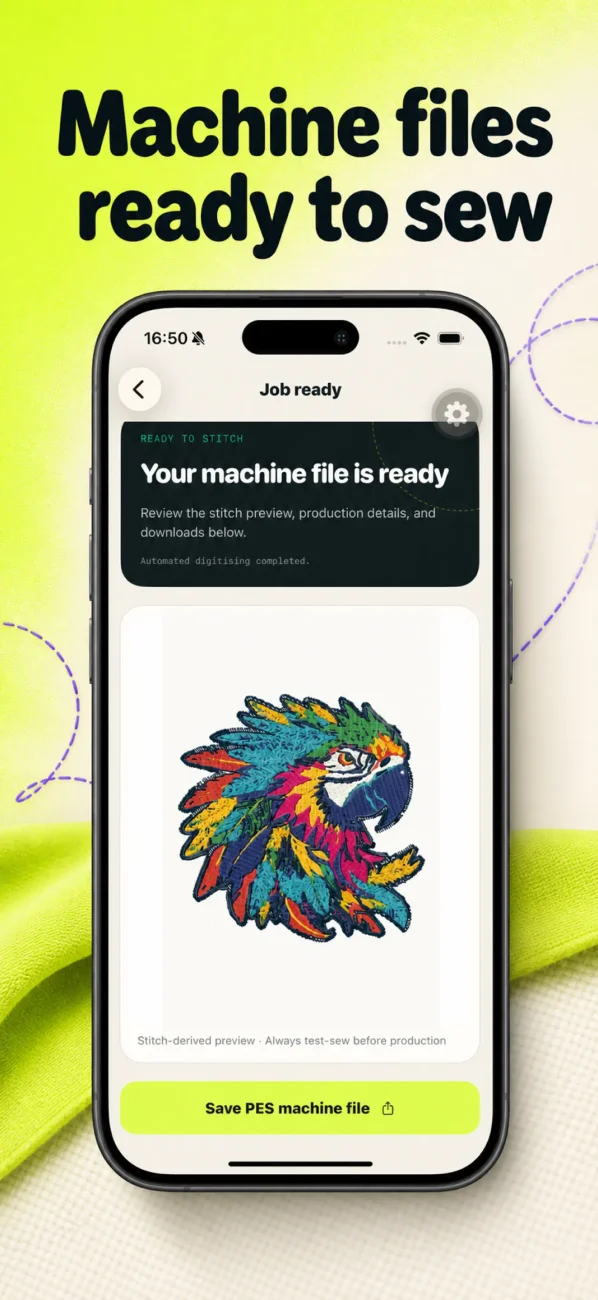
Open the stitch-derived preview full screen and zoom in to inspect fine details before saving your finished machine file. Sign in to keep jobs and downloads organized in History, or complete an immediate private workflow as a guest.
Automatic digitizing works best with clean logos and flat-color artwork. Always test-sew a new design before production.
Terms: https://embroideryfileconverter.com/terms
What’s new
Version 1.0.13 · Nov 21, 2026
Resize and rotate your designs right where you see them.
• Resize and rotate a design directly on product previews.
• Studio now supports any rotation angle, not only quarter turns.
• Resize designs before you unlock them.
• Clearer choices when you run out of previews or credits.
• Your Profile always shows your latest balance.
App privacy
What MTTenterprise Inc. declares on the App Store about how this app handles data.
-
Data used to track you
May be used to track you across apps and websites owned by other companies.
- Purchases
- Identifiers
- Usage data
-
Data linked to you
May be collected and linked to your identity.
- Purchases
- Contact info
- User content
- Identifiers
- Usage data
Privacy practices may vary, for example with the features you use or your age.
Information
- Seller
- MTTenterprise Inc.
- Category
- Graphics & Design
- Version
- 1.0.13
- Updated
- Nov 21, 2026
- Released
- Aug 6, 2026
- Size
- 84.9 MB
- Requires
- iOS 16.4 or later
- Age rating
- 4+
- Price
- Free
- In-app purchases
- Yes
- Languages
- English, Arabic, Dutch, French, German, Greek, Hebrew, Hindi, Italian, Japanese, Korean, Polish + 5 more
- Copyright
- © 2026 MTTenterprise Inc.
You might also like
-
 Institch-Digitizing & PatternsCreate, Share, Transfer
-
 StitchKit: Embroidery StudioPhoto to stitch + lettering
-
 Embroidly: Image to EmbroideryLogo to DST, PES, JEF & EXP
-
 ThreadsESEmbroidery Software
-
 PicStitch: Photo to DST PESDigitize Logos & Photos Fast
-
 PNG to DST: EmbroideryPhoto to Stitch & DST Viewer
-
 Embroidery Design Doodlerby Embroidery Legacy
-
 StitchFile: Logo to EmbroideryDigitize logos to PES & DST
-
 Beh.StitchedDesign your own embroidery
-
 StitchPencilGraphics & Design