Emerald Browser
Organize your Internet
Designed for iPhone, iPad
Free · In-app purchases
- Age rating17+
- CategoryUtilities
- DeveloperDario Ortiz
- LanguagesEnglish+ 2 more
- Size217.8 MB
Links to the official App Store page
Download.org hosts no file of Emerald Browser. The button opens its official App Store page, published by Dario Ortiz. Listing last checked on Nov 14, 2026.
Screenshots


About
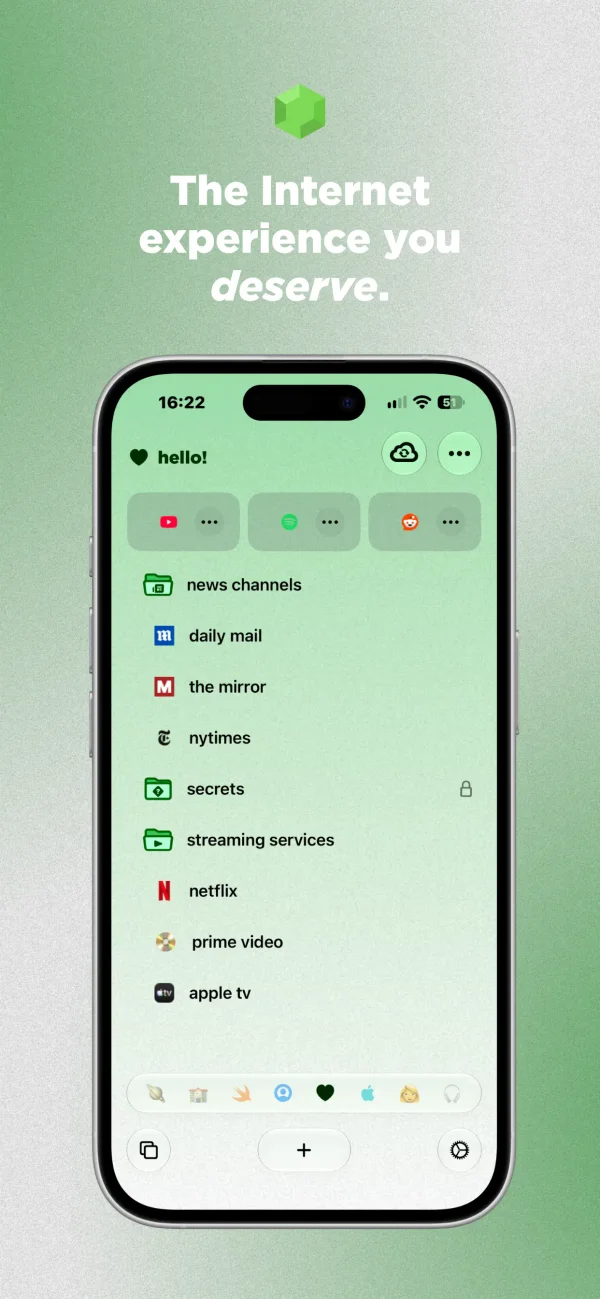
Emerald is a browser that you can organize. Thanks to Spaces, Folders, Pinned Tabs, Tabbies and Profiles, you can organize your whole internet life.
ORGANIZE YOUR WHOLE INTERNET LIFE
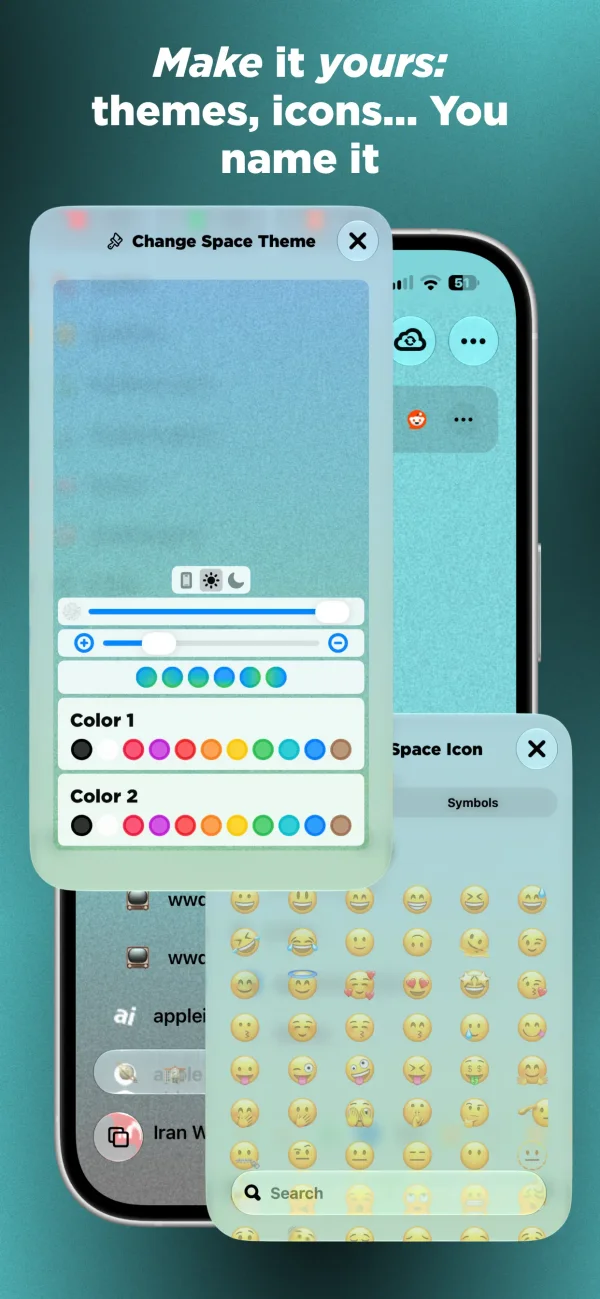
SPACES - split your browsing into separate Spaces, each with its own name, icon, and custom theme, so different parts of your life stay visually distinct.
FOLDERS - group your tabs into folders to keep related work together and your Sidebar clutter-free.
PRIVATE FOLDERS - lock sensitive folders behind a password, protected by Face ID, Touch ID, or your passcode.
PINNED TABS - pin your most-used tabs to any Space or Folder so they're always one tap or drag away.
TABBIES - keep your open tabs organized and accessible without losing track of what you're working on.
PROFILES - assign shared or separate accounts and data across your Spaces, so work data stays separate from personal browsing, or shared where you want it.
BROWSE WITHOUT DISTRACTIONS
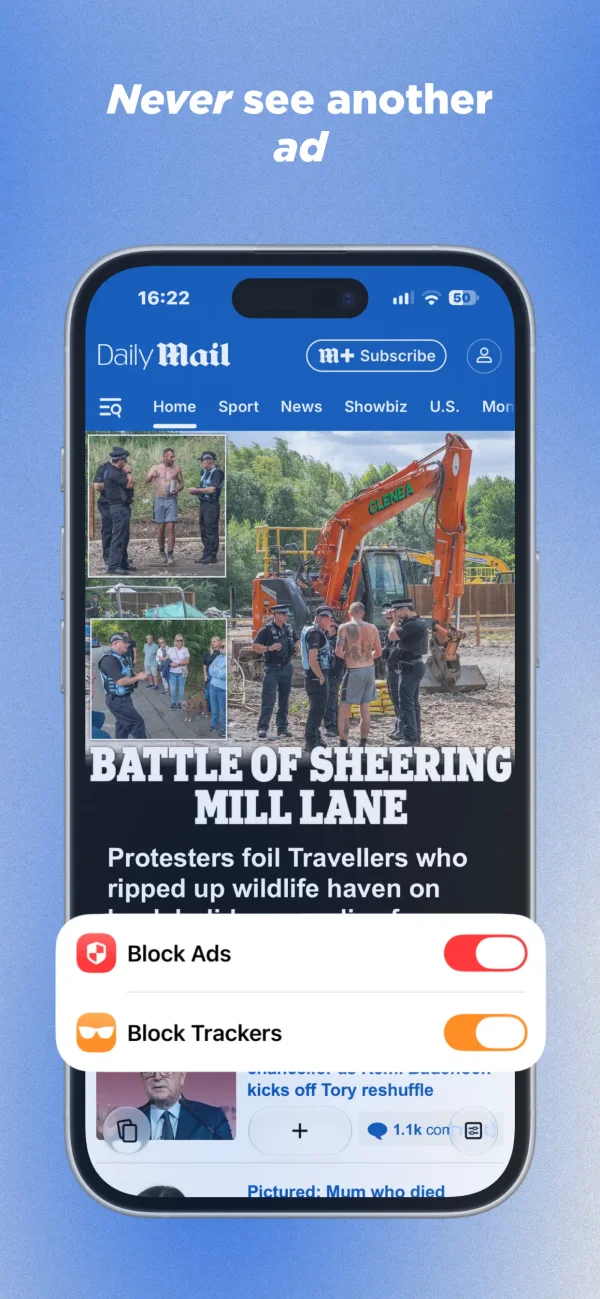
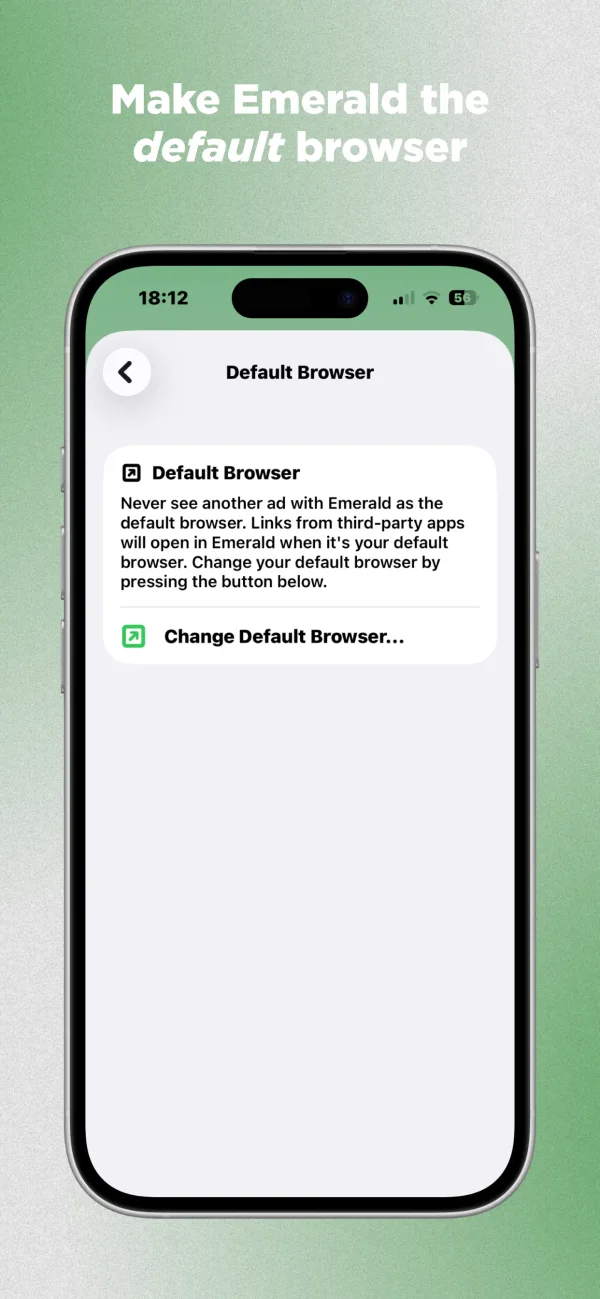
NO SPYWARE, NO CLUTTER - a built-in ad blocker and a clean interface keep your browsing focused on what matters.
SEARCH THAT KEEPS UP WITH YOU
SMART SUGGESTIONS - search across the web, your recents, pinned tabs, and open tabs all at once.
SITE SEARCH - search directly within your favorite websites just like you would with a search engine, with built-in and customizable options.
SWITCH TO TABS & SPACES - jump straight to an open tab or Space right from the search bar, no digging required.
RENAME & EDIT URLs - access all of Emerald's search features even while editing a URL.
BUILT FOR EVERY SCREEN
SIDEBAR - on iPad, a dedicated sidebar keeps your Spaces, Pinned Tabs, Folders, Tabbies, and Recents within easy reach.
FLOATING SEARCH PANEL - a larger search bar on bigger screens with all the same smart features as iPhone.
RECENTS - quickly revisit what you were browsing, accessible as a sheet.
Terms of Service: https://www.apple.com/legal/internet-services/itunes/dev/stdeula/
What’s new
Version 1.04 · Oct 27, 2026
1.04 introduces new features and bug fixes that make Emerald faster and more secure.
NEW FEATURES:
- Apple Wallet support is here! Now, you can add any item to Apple Wallet if a website requests it.
- Gradients now load a bit faster and are more capable thanks to a new gradients system.
- You can now delete MyAccounts if you'd like to.
BUG FIXES:
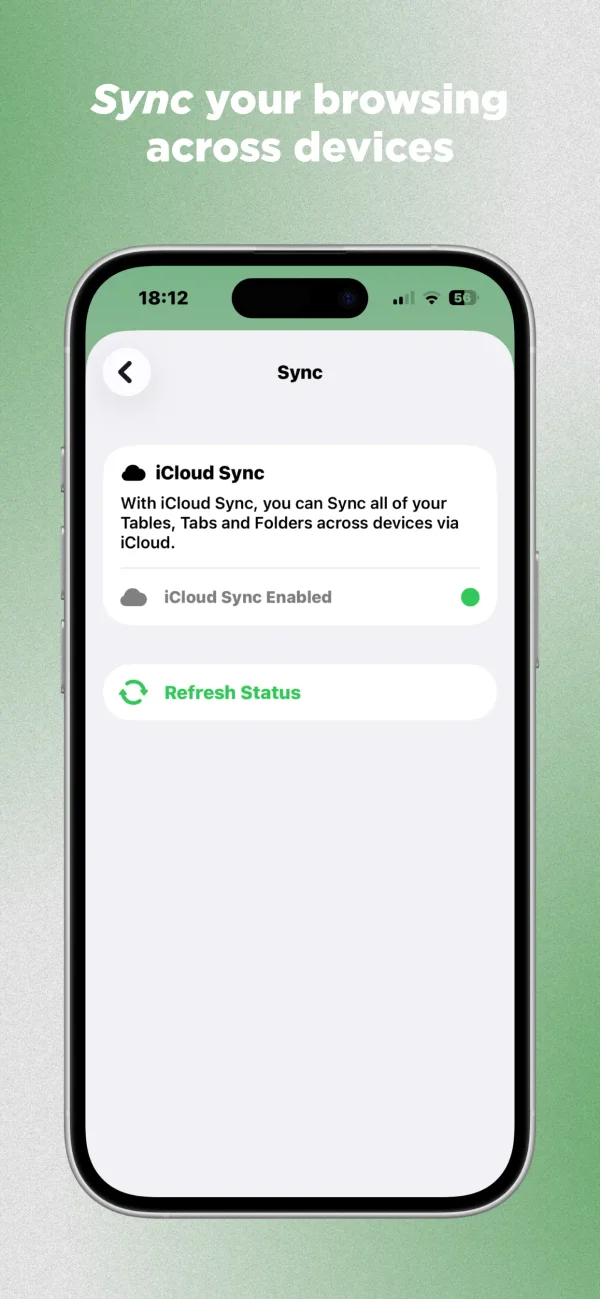
- Fixed a crash with data save and iCloud sync that would make you lose all your data.
- Fixed bugs with Google search results.
- Improved some inconsistencies and small bugs that made the experience a bit worse.
Thanks for using Emerald and Happy Halloween!
App privacy
What Dario Ortiz declares on the App Store about how this app handles data.
-
Data linked to you
May be collected and linked to your identity.
- Contact info
Privacy practices may vary, for example with the features you use or your age.
Information
- Seller
- Dario Ortiz
- Category
- Utilities
- Version
- 1.04
- Updated
- Oct 27, 2026
- Released
- Sep 23, 2025
- Size
- 217.8 MB
- Requires
- iOS 26.0 or later
- Age rating
- 17+
- Price
- Free
- In-app purchases
- Yes
- Languages
- English, Catalan, Spanish
- Copyright
- © Bieletee Dev - 2026
You might also like
-
 Perfect Browser - Dark ModeAI Summary & Auto Reload
-
 Sundial BrowserWeb Timer & Site Blocker
-
 Crest BrowserSpaces for your browsing
-
 TablessIntentional web browser
-
 Keep Browser: Tree TabsResearch, Compare, Share Tabs
-
 Santa Browser: Smart RewardsPrivate AI Search · Adblock
-
 Private Browser: LoopiusSimple & Fast Web Browser
-
 The Quantum BrowserUtilities
-
 Multi Tab Web BrowserBrowse More Sites at Once
-
 Ple Browser - Secure SearchUtilities