
Perfect Browser - Dark Mode
AI Summary & Auto Reload
Designed for iPhone, iPad, Mac, iPod touch
Free · In-app purchases
- Age rating4+
- CategoryUtilities
- DeveloperNoriaki Togashi
- LanguagesEnglish+ 32 more
- Size32.7 MB
Links to the official App Store page
Download.org hosts no file of Perfect Browser - Dark Mode. The button opens its official App Store page, published by Noriaki Togashi. Listing last checked on Nov 23, 2026.
Screenshots

About
Make Web Browser more useful! "Perfect Browser" is the ultimate browser extension app for iOS/iPad OS.
This single app greatly improves the usability of Web Browser!
Supports comfortable browsing
- "Back to Right" button for easy one-handed operation
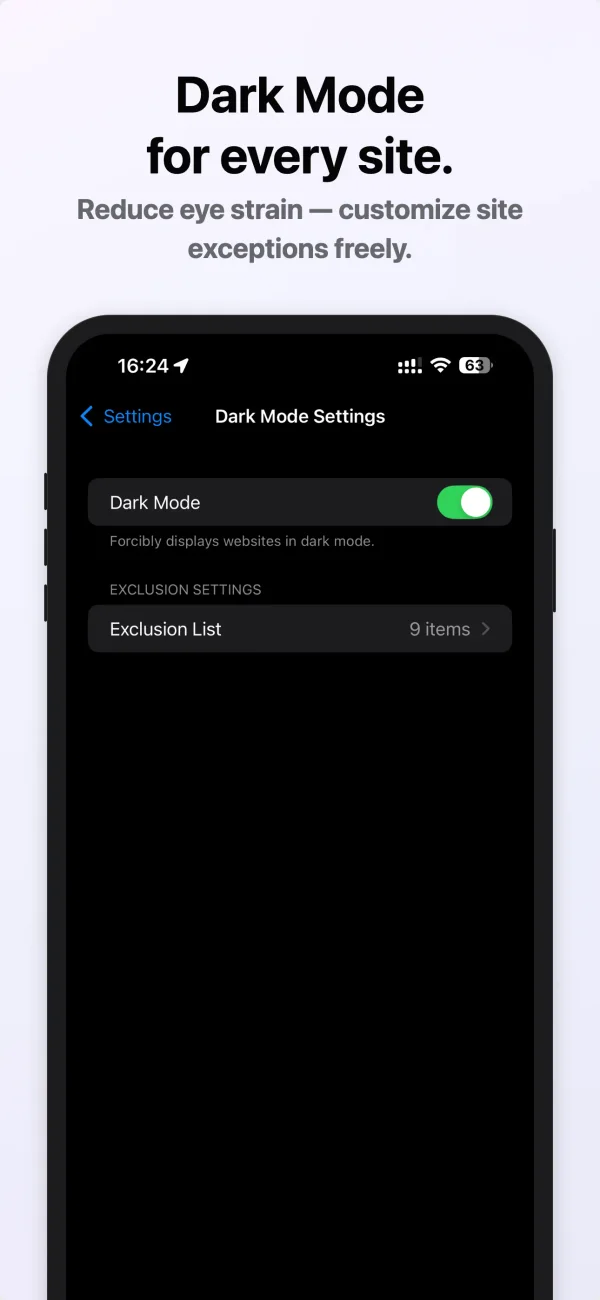
- Dark mode support for a browsing experience that is easy on the eyes
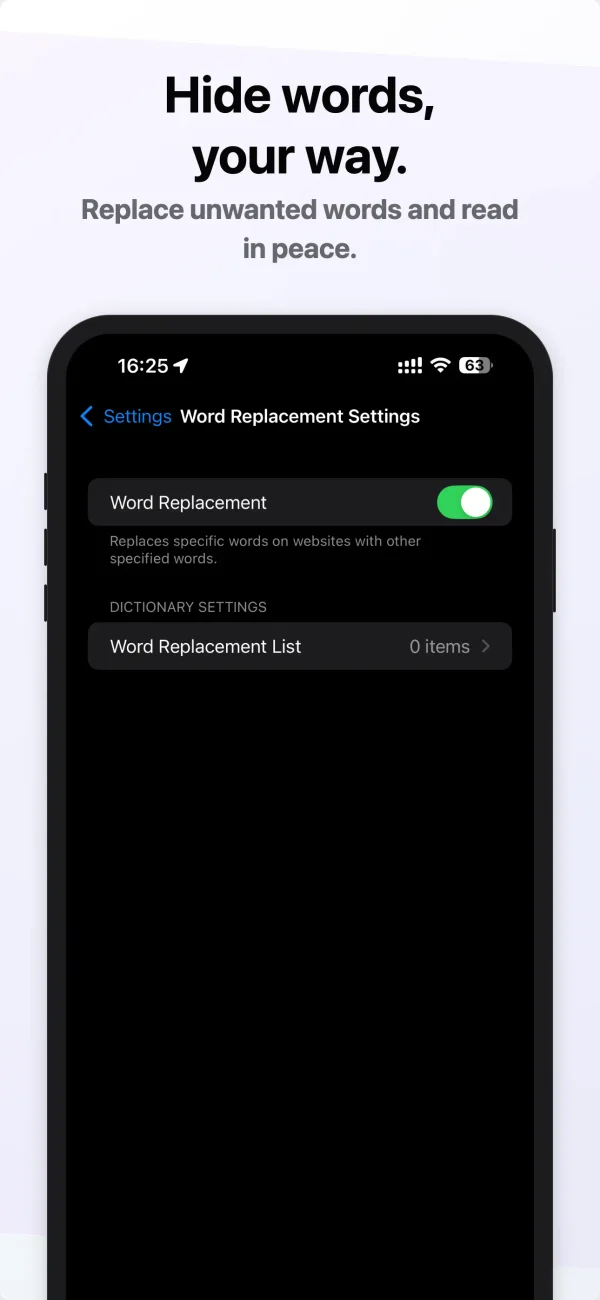
- Block unwanted text on web pages with the word replace function
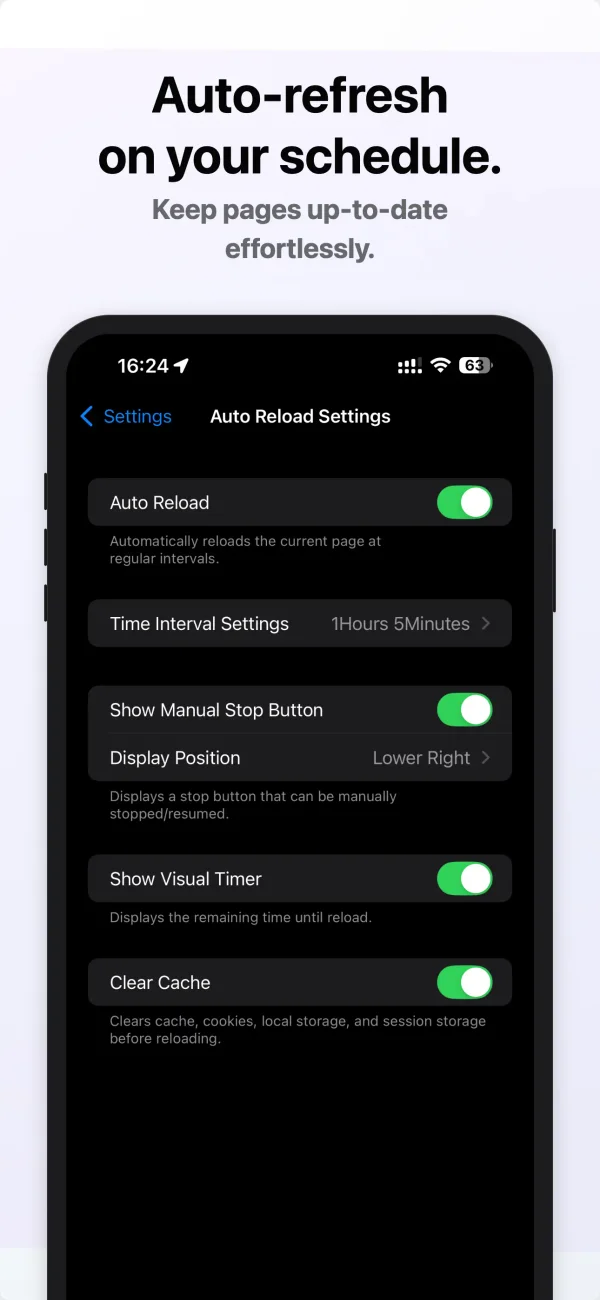
- Auto reload to keep you up-to-date with the latest information
- Smooth article browsing with auto scrolling
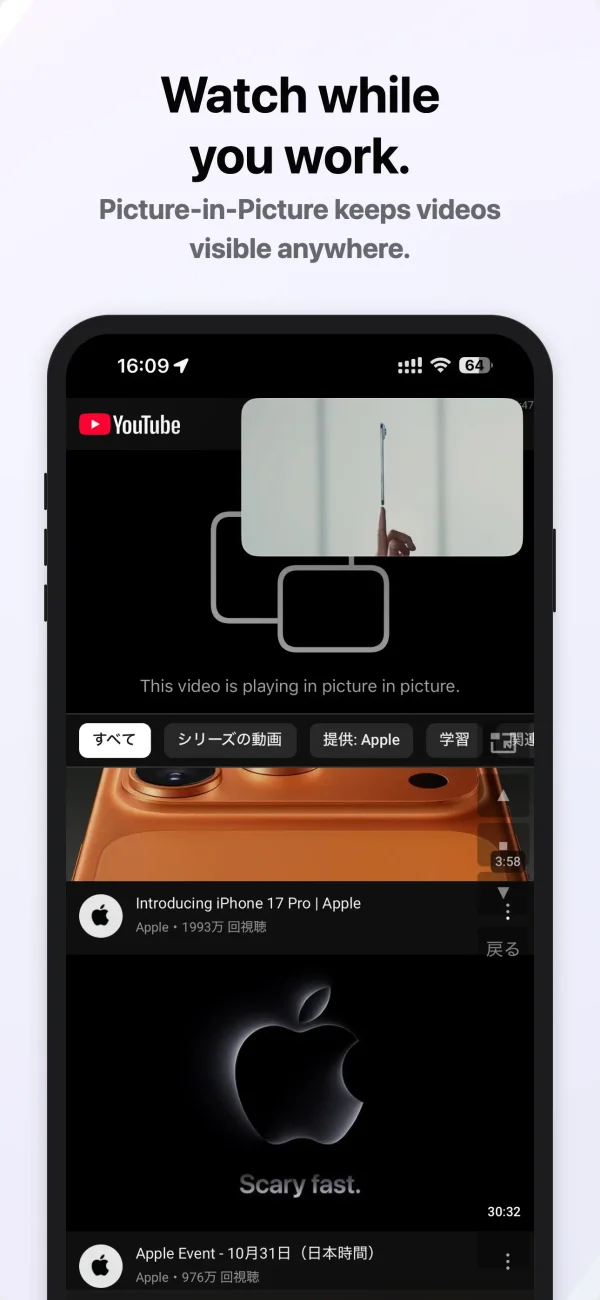
- Picture-in-picture allows you to work on other tasks while watching a video
- Picture-in-picture allows for background playback
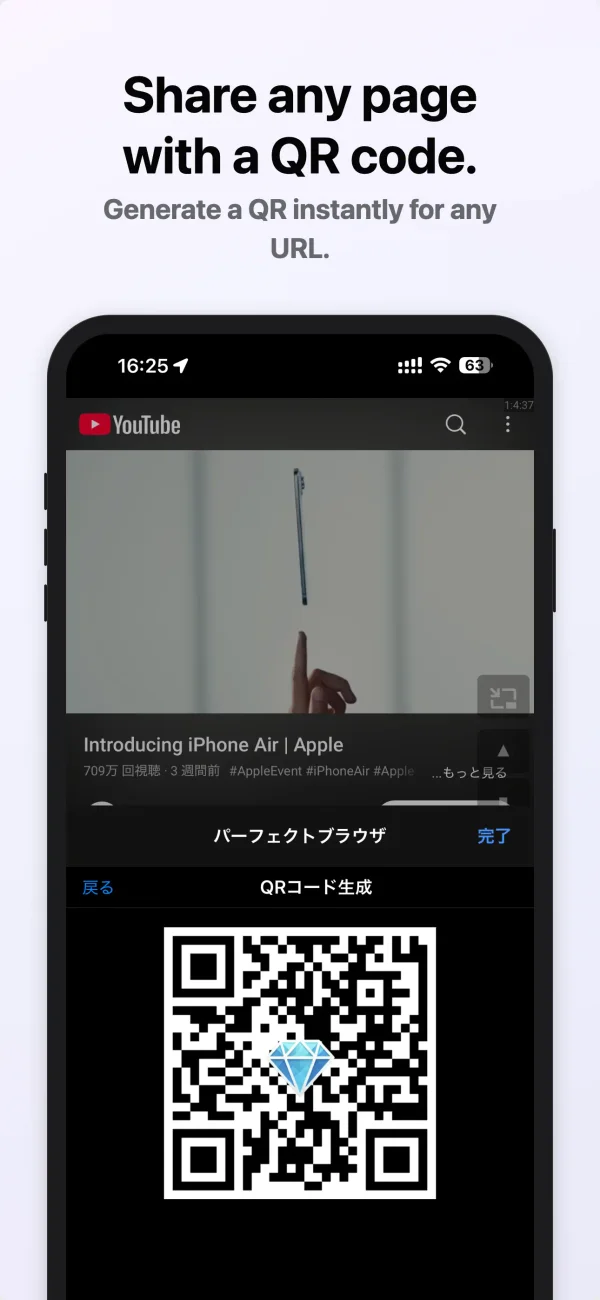
- QR code generation for easy site sharing
- Search in Google AI Mode
Note: Due to Safari limitations, Auto Reload works only while the tab is open and on screen. Pages are not reloaded while the screen is off or Safari is closed. When checking pages such as ticket sales, please keep the tab open.
Auto-scrolling for smooth browsing of articles!
Download now and get the best browsing experience!
Due to the nature of this app, you need to allow "all websites" as access rights.
However, please be assured that this app will not do anything malicious like obtaining sensitive information such as passwords, phone numbers, credit cards, etc.
---
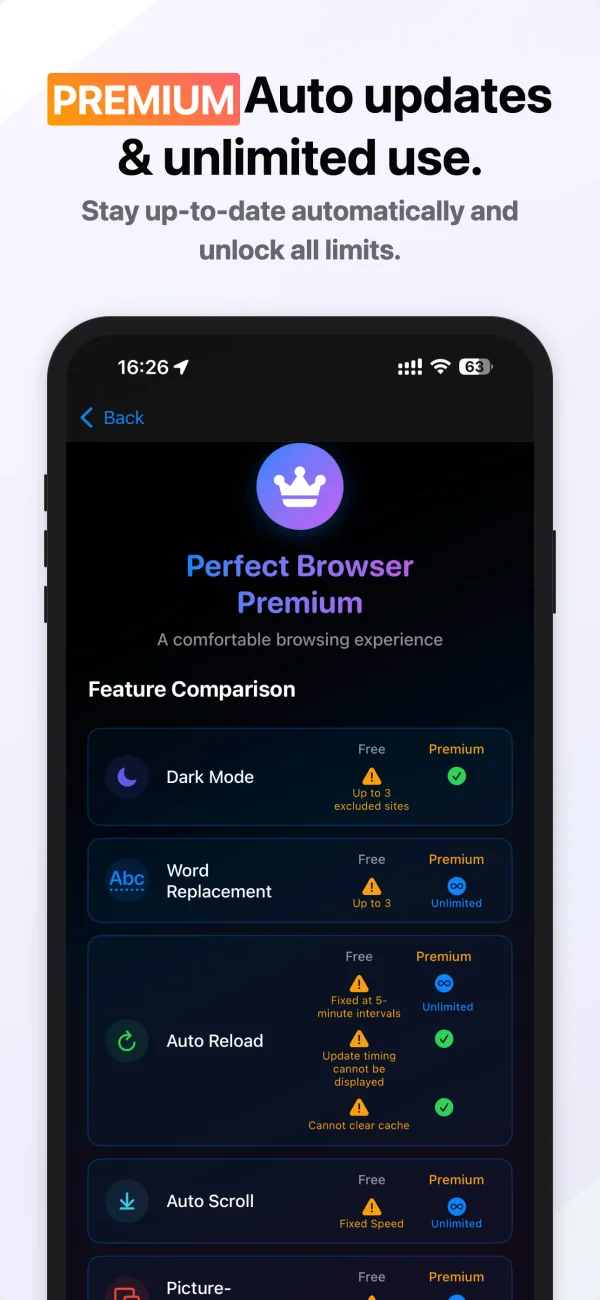
By subscribing to the subscription, the following restrictions will be removed.
- Registration of up to 1,000 excluded sites in dark mode
- Up to 1,000 word replacements can be registered
- Automatic reload settings can be set for intervals from 1 second to 23 hours, 59 minutes, and 59 seconds.
- Adjustable auto-scrolling speed
- Unlimited number of picture-in-picture executions
- Unlimited QR code generation
Terms of Use - https://www.apple.com/legal/internet-services/itunes/dev/stdeula/
Privacy Policy - https://rainbow-of-apps.web.app/privacy_policy
What’s new
Version 2.12.0 · Nov 17, 2026
- Added Notices. New notices are also delivered as push notifications
- You can now open the User Guide from the button at the top right of the main screen
- Added support for 20 new languages. The app is now available in 36 languages
- General app improvements and bug fixes
Thank you for using our app.
App privacy
What Noriaki Togashi declares on the App Store about how this app handles data.
-
Data not linked to you
May be collected but is not linked to your identity.
- Usage data
- Diagnostics
Privacy practices may vary, for example with the features you use or your age.
Information
- Seller
- Noriaki Togashi
- Category
- Utilities
- Version
- 2.12.0
- Updated
- Nov 17, 2026
- Released
- Mar 19, 2025
- Size
- 32.7 MB
- Requires
- iOS 15.0 or later
- Age rating
- 4+
- Price
- Free
- In-app purchases
- Yes
- Languages
- English, Arabic, Bengali, Croatian, Dutch, Filipino, Finnish, French, German, Greek, Hebrew, Hindi + 21 more
- Copyright
- ©︎2025 Noriaki Togashi
You might also like
-
 Weblock BrowserParental Control & Web Filter
-
 Incognito Browser PrivateSecure safe & secret browsing
-
 Keep Browser: Tree TabsResearch, Compare, Share Tabs
-
 Emerald BrowserOrganize your Internet
-
 Sundial BrowserWeb Timer & Site Blocker
-
 Wonder Incog - Privacy BrowserSafe Web Browser
-
 eBrowser: Private Web & FilesFast, Private, Download Files
-
 Novastart - Fastest AI BrowserInfinite Canvas Whiteboard OS
-
 Santa Browser: Smart RewardsPrivate AI Search · Adblock
-
 Snopy AI BrowserFast Browsing and AI Summaries