
- Age rating4+
- CategoryUtilities
- DeveloperDat Thanh Nguyen
- LanguagesEnglish+ 1 more
- Size10.1 MB
Links to the official App Store page
Download.org hosts no file of Encode Keyboard. The button opens its official App Store page, published by Dat Thanh Nguyen. Listing last checked on Nov 14, 2026.
Screenshots


About
Encode Keyboard lets you encode and decode text in the app or directly from a custom iOS keyboard.
TYPE, CONVERT, CONTINUE
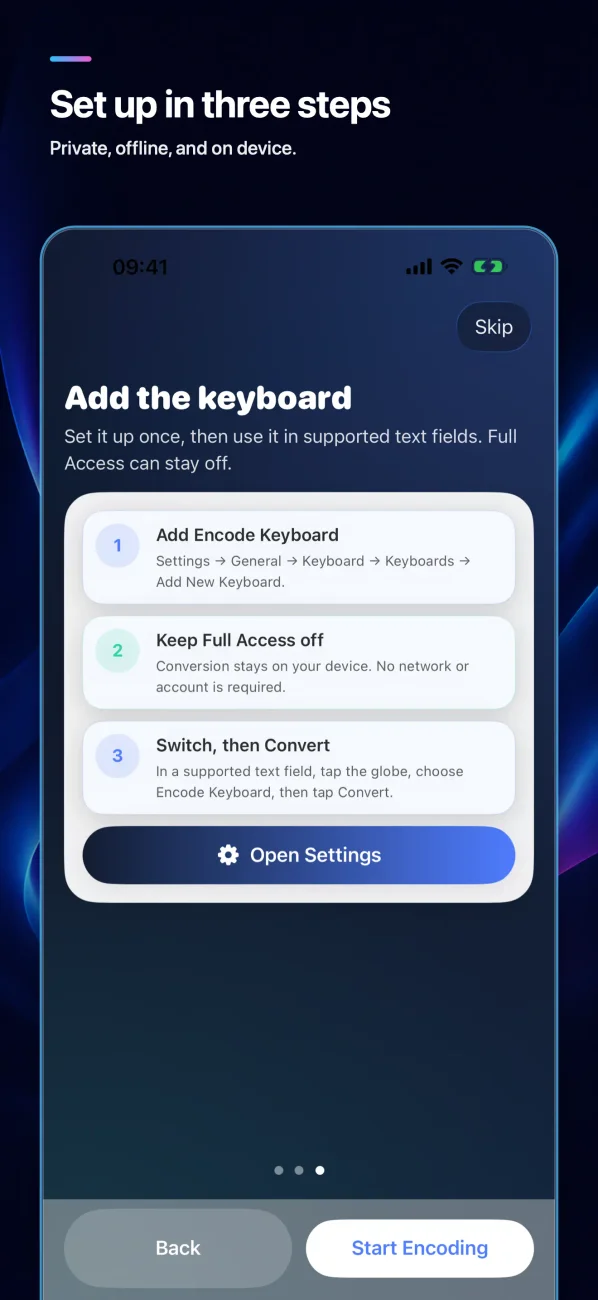
• Type in a supported text field, choose Encode or Decode, then select a codec
• Tap Convert to replace the current line before the cursor
• Undo the last conversion instantly
• Switch between English and Vietnamese input
TWELVE FORMATS, HONEST LABELS
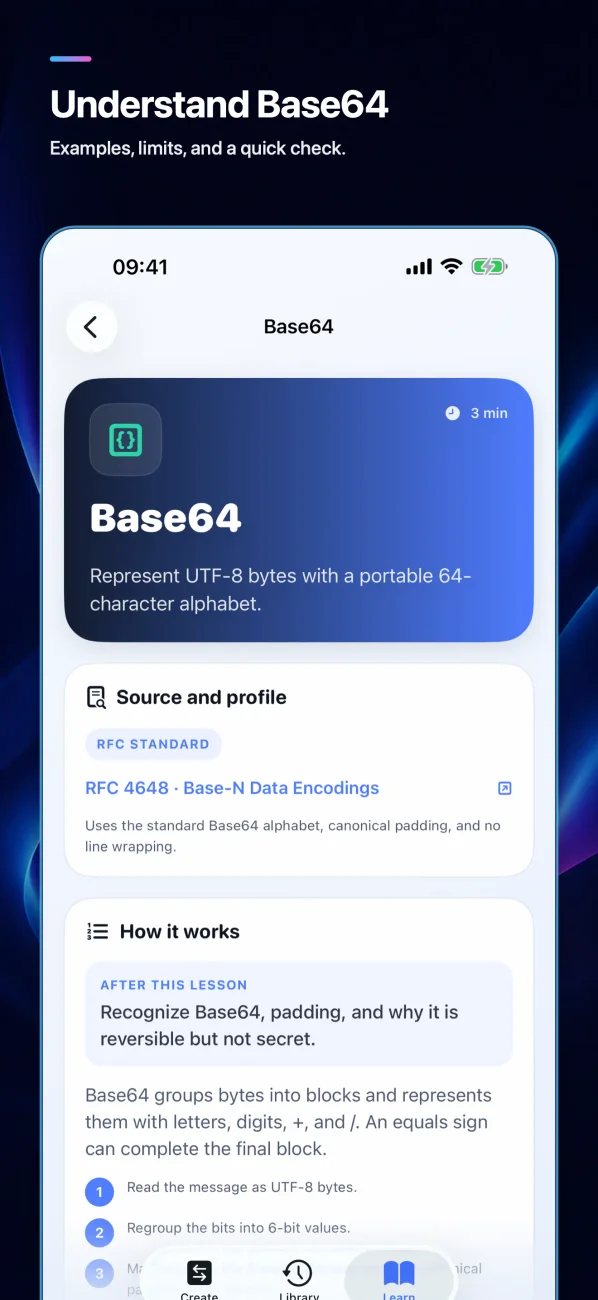
• RFC 4648 Base64, Base64URL, Base32, and Base16/Hex
• RFC 3986 URL Percent and International Morse
• UTF-8 Binary as an educational app profile; ROT13 as a classic convention
• Emoji, Kaomoji, Leetspeak, and your own Personal Code for expression
CREATE AND LEARN IN THE APP
• Convert text with one clear direction-and-codec flow
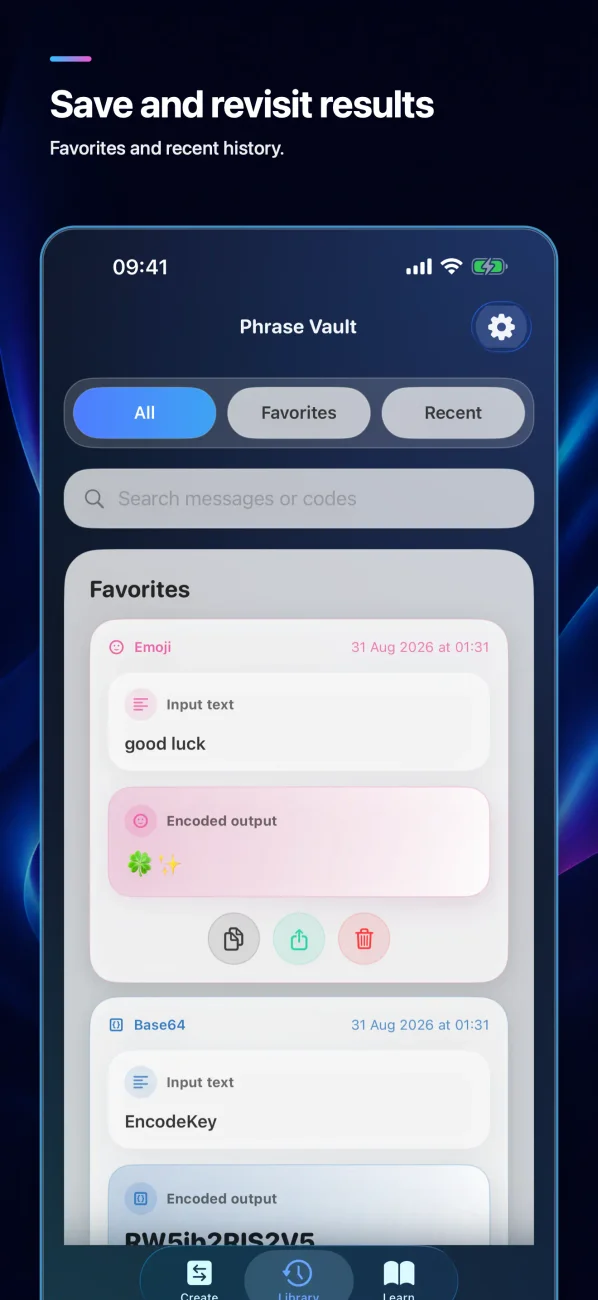
• Copy, share, or save a result; revisit favorites and recent history
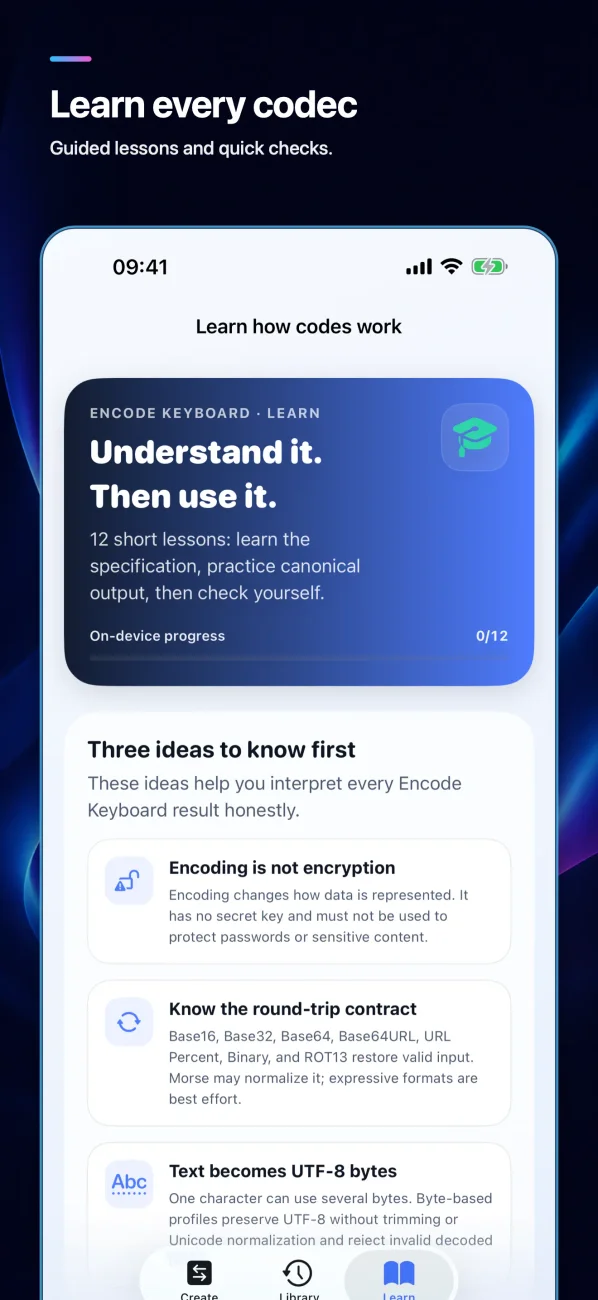
• Learn all 12 formats with specification sources, canonical examples, practice, and quick checks
• Create, import, and export custom Emoji mappings and Personal Codebooks
PRIVATE BY DESIGN
All transformations run on device. No account or Full Access is required. There are no ads, analytics, or subscriptions. The keyboard has no network access and does not collect what you type.
IMPORTANT
Encoding is not encryption. Do not use these formats to protect passwords or sensitive information. Byte-based standard formats, Binary, and ROT13 can restore valid text exactly. Morse may normalize accents, case, and spacing. Emoji, Kaomoji, Leetspeak, and Personal Code are approximate or require the same codebook.
Third-party keyboards are unavailable in secure text fields and some app-specific fields because of iOS restrictions.
What’s new
Version 1.6.0 · Oct 30, 2026
Encode Keyboard 1.6.0 adds adaptive layouts for iPhone Duo:
• Create shows input and results side by side when space allows, with the same simple flow on smaller screens.
• Learn adapts its navigation to the available space, with a lesson list you can show when needed.
• Drafts, selected lessons, and practice answers stay with you as the app resizes.
• Native sidebar navigation appears where supported.
• The custom keyboard adapts to the available width, with accessible globe and Shift controls.
• Conversion still works offline on device, without an account or Full Access.
App privacy
What Dat Thanh Nguyen declares on the App Store about how this app handles data.
-
Data not collected
The developer does not collect any data from this app.
Privacy practices may vary, for example with the features you use or your age.
Information
- Seller
- Dat Thanh Nguyen
- Category
- Utilities
- Version
- 1.6.0
- Updated
- Oct 30, 2026
- Released
- Apr 27, 2026
- Size
- 10.1 MB
- Requires
- iOS 18.0 or later
- Age rating
- 4+
- Price
- Free
- Languages
- English, Vietnamese
- Copyright
- © 2026 Dat Nguyen
You might also like
-
 ScromblerEncrypted Keyboard Messaging
-
 ThamizhiTamizhi Script Converter
-
 Encrypted Messaging - KiboSecure any chat by encryption
-
 PSKrep - Ham radio reportsLive Ham Radio Propagation Map
-
 Don't Touch: Anti-Theft AlarmMotion Alarm & Intruder Photo
-
 Grapheme — Unicode CatalogA pocket museum of characters
-
 SVXPortalLive SvxLink reflector audio
-
 UKeyboard - Character keyboardUtilities
-
 SMARTA AudioMusic,Tool
-
 Phish-FinderEasy Link Scanner