Encrypted Messaging - Kibo
Secure any chat by encryption
Designed for iPhone
Free · In-app purchases
- Age rating4+
- CategoryUtilities
- DeveloperAshray Santoki
- LanguagesEnglish
- Size4.5 MB
Links to the official App Store page
Download.org hosts no file of Encrypted Messaging - Kibo. The button opens its official App Store page, published by Ashray Santoki. Listing last checked on Nov 18, 2026.
Screenshots
About
Encrypted Keyboard – Private Chat & Secure Messaging
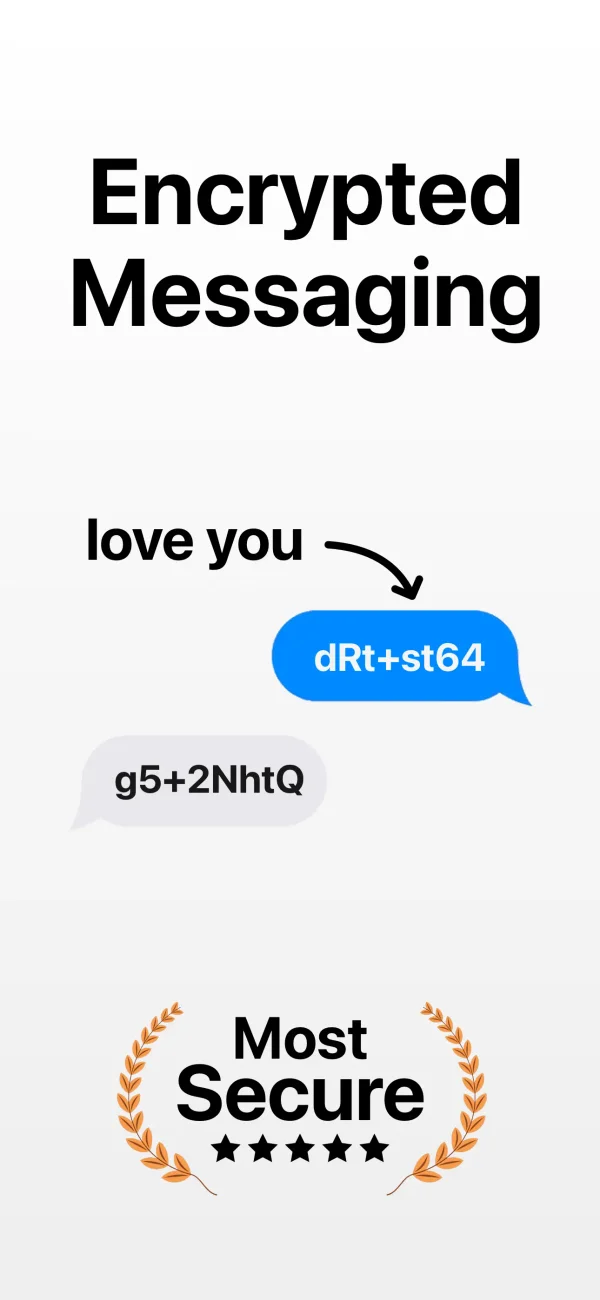
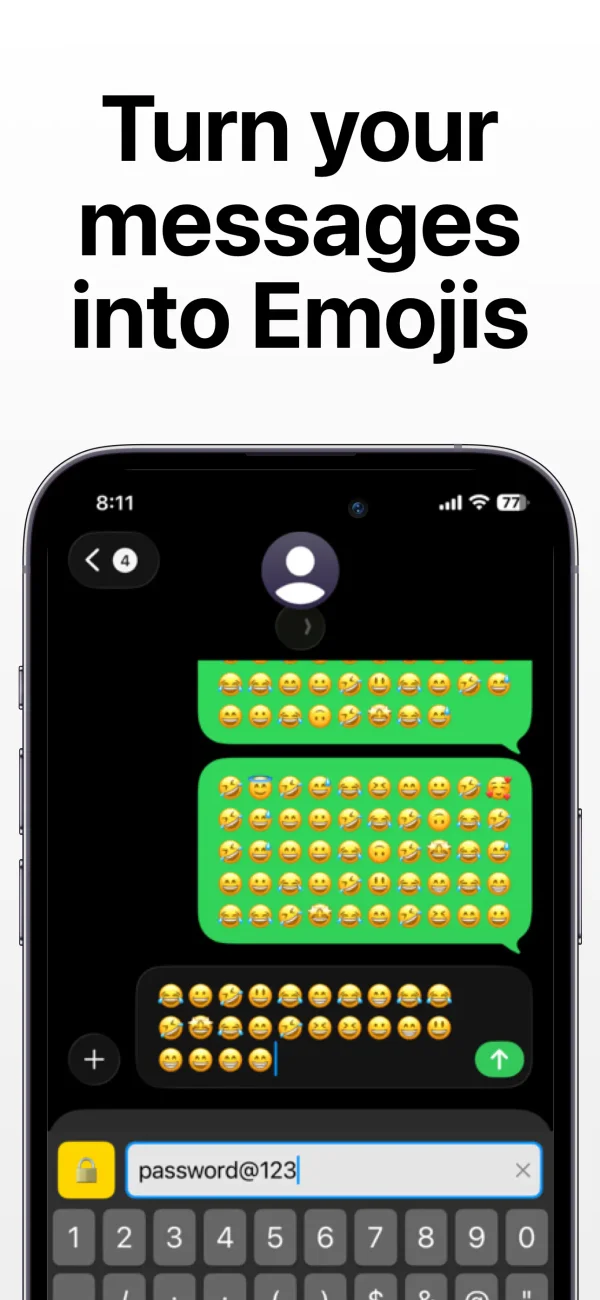
Protect your conversations like never before with Encrypted Keyboard, a smart and secure keyboard that encrypts your messages in real time before sending and decrypts them instantly on receipt. Designed for privacy-focused users, this app ensures your personal chats stay truly private.
Whether you’re chatting passwords, sensitive information, or private thoughts, Encrypted Keyboard adds a powerful security layer directly to your keyboard.
Key Features
1. Real-Time Encryption & Decryption
2. Messages are encrypted as you type and decrypted seamlessly for the recipient — no extra steps, no complexity.
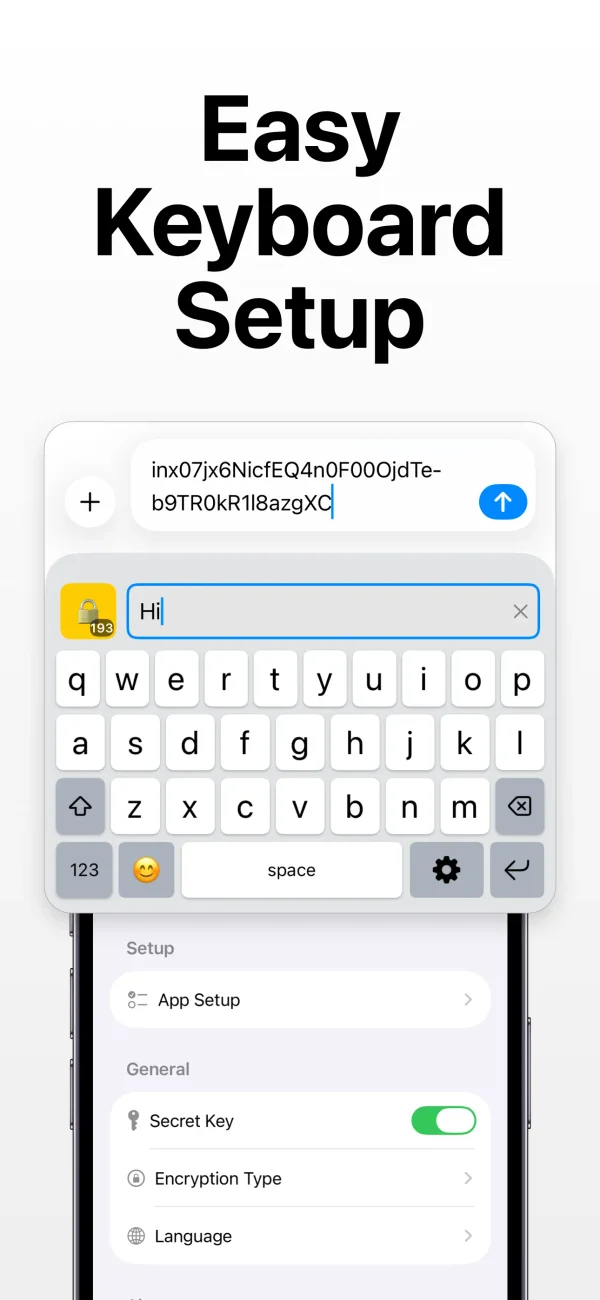
3. Secure Custom Keyboard
4. A fully functional iOS keyboard with built-in encryption, allowing you to type securely in messaging apps.
Secret Key Protection
Use a secret key to lock and unlock conversations, ensuring only intended users can read the message.
Custom Themes & Fonts
Personalize your keyboard with modern dark themes, font styles, and a clean premium UI.
Multiple Encryption Types
Choose from different encryption methods based on your security needs.
Multi-Language Support
Type securely in multiple languages without compromising privacy.
Fast & Lightweight
Optimized for performance with instant encryption and minimal battery usage.
Privacy First. Always.
- No message storage
- No data tracking
- No cloud uploads
- No third-party access
- All encryption happens locally on your device. Your data stays yours.
How to Enable the Keyboard
Go to Settings > General > Keyboard > Keyboards
Tap Add New Keyboard
Select Encrypted Keyboard
Enable Allow Full Access to activate encryption features
Who Is This App For?
Privacy-conscious users
Secure messaging enthusiasts
Professionals sharing sensitive data
Anyone who values confidential communication
Why Choose Encrypted Keyboard?
Unlike regular keyboards, Encrypted Keyboard transforms your everyday typing into a secure communication channel — without changing how you chat.
Simple. Secure. Powerful.
Policy and Terms / EULA: https://sites.google.com/view/mienc
App privacy
What Ashray Santoki declares on the App Store about how this app handles data.
-
Data not collected
The developer does not collect any data from this app.
Privacy practices may vary, for example with the features you use or your age.
Information
- Seller
- Ashray Santoki
- Category
- Utilities
- Version
- 1.1
- Updated
- Jan 22, 2026
- Released
- Jan 22, 2026
- Size
- 4.5 MB
- Requires
- iOS 17.6 or later
- Age rating
- 4+
- Price
- Free
- In-app purchases
- Yes
- Languages
- English
- Copyright
- © 2026 Santoki Ashray. All rights reserved.
You might also like
-
 Murmur Input: Encrypt MessagesEncryption Keyboard & Privacy
-
 Encryption: Secure Text100% offline, absolute privacy
-
 ScromblerEncrypted Keyboard Messaging
-
 Everything KeyboardThemes, fonts, emoji, grammar
-
 Private Note EncryptedEncrypted secrets that vanish
-
 Encode KeyboardDecode Morse, Binary & Base64
-
 Device Risk AnalyticsUtilities
-
 TinyClip - Clipboard AnywhereClipboard with App/Browsers.
-
 RouteBoss: Network ControlRouting, DNS & Diagnostics
-
 Secret Text: Encrypt MessageEncrypt text for any messenger