Endfield Motion : Wallpaper
Live Photo & Portrait Editor
Designed for iPhone, iPad
Free · In-app purchases
- Age rating12+
- CategoryGraphics & Design
- Developer东宁 梁
- LanguagesEnglish+ 2 more
- Size65.4 MB
Links to the official App Store page
Download.org hosts no file of Endfield Motion : Wallpaper. The button opens its official App Store page, published by 东宁 梁. Listing last checked on Nov 23, 2026.
Screenshots

About
Turn operator motion into a personal iPhone wallpaper.
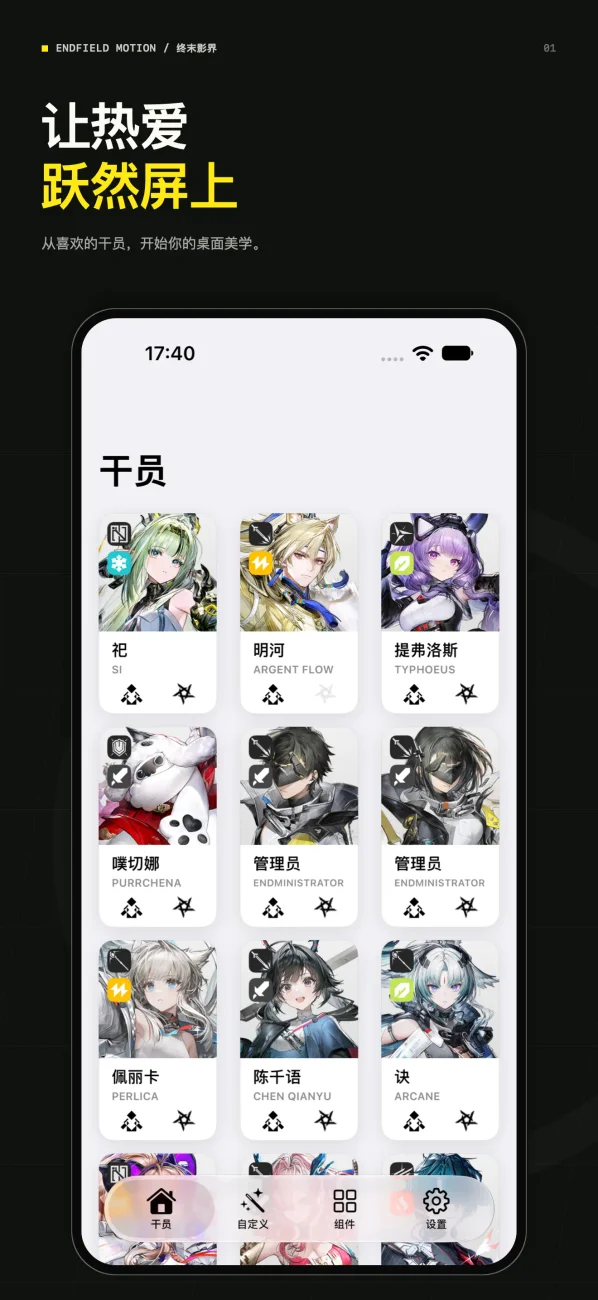
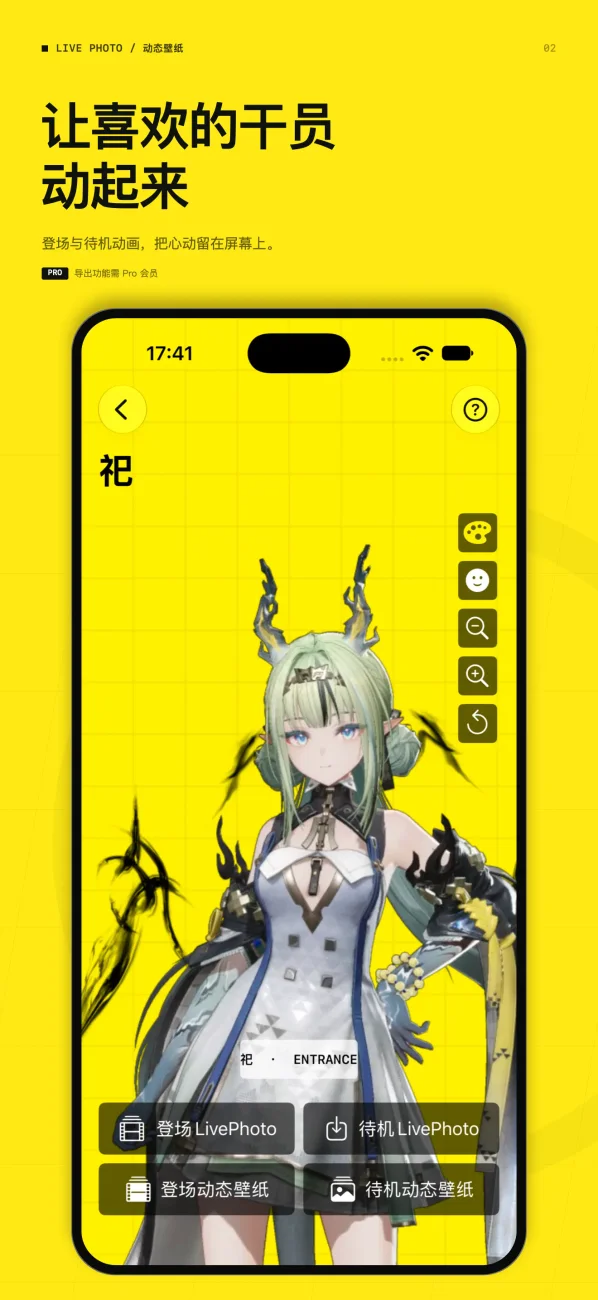
Endfield Motion brings motion previews, Live Photo creation, photo editing, and AI-assisted artwork into one focused studio. Browse entrance and idle
animations, tune the background and composition, select a moment, and save it to Photos.
MOTION PREVIEW & LIVE PHOTOS
• Browse the operator catalog and download entrance and idle animations on demand
• Switch between preset or custom backgrounds, then adjust scale and playback speed
• Select a clip from an entrance animation or create from an idle animation
• Export portrait Live Photos designed for iPhone wallpapers
CUSTOM STATIC WALLPAPERS
• Choose an image with the system photo picker
• Move, scale, rotate, and reset the composition
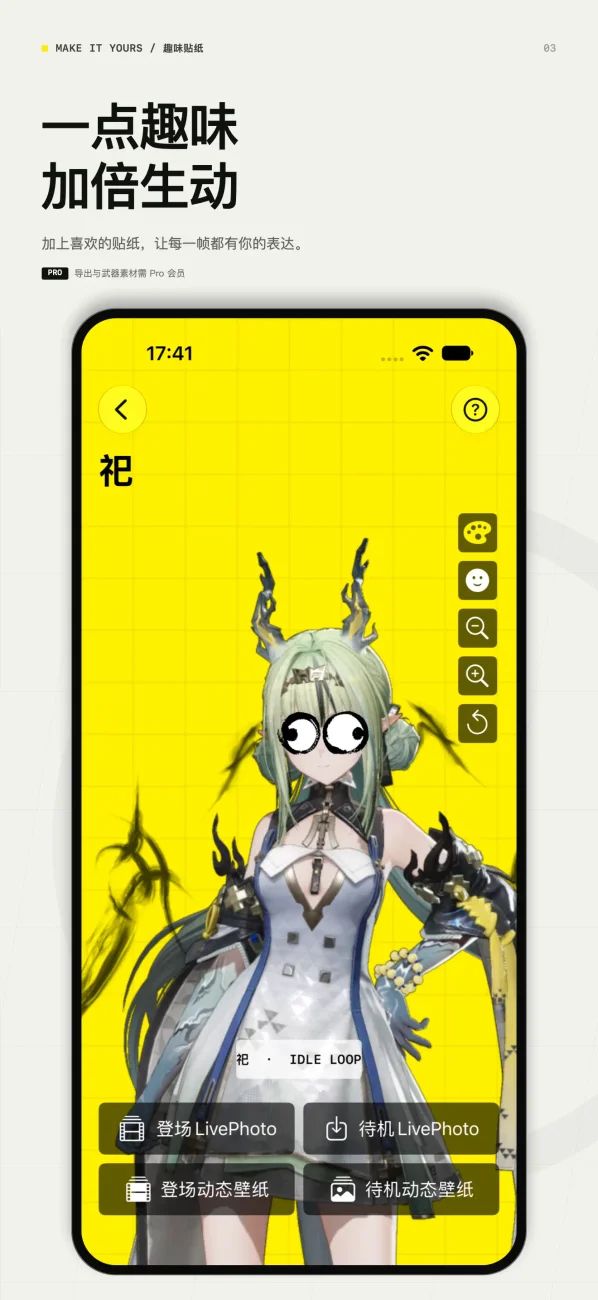
• Add stickers and weapon assets
• Export a crisp portrait wallpaper
REFERENCE-GUIDED AI CREATION
• Upload a person image as the subject
• Combine helmet, suppressor, weapon, and logo references
• Keep each selected reference connected to its generation instruction
• Open results full screen, zoom in, and save to Photos
• Revisit generated images in local on-device history
• Pro users can generate up to five images per day, resetting by UTC date
PRIVACY BY DESIGN
• Standard photo editing and generation history stay on device
• Selected references are uploaded only when you submit an AI request
• iCloud syncs only the daily AI allowance across your devices
• No advertising or cross-app tracking
ENDFIELD MOTION PRO
All static and Live Photo exports, weapon-library assets, and AI image generation require an active Pro subscription. Price, duration, and renewal
details are shown on the in-app purchase screen and by the App Store.
Privacy Policy: https://endfield.xayoung.com/privacy.html
Terms of Use: https://endfield.xayoung.com/terms.html
Apple Standard EULA: https://www.apple.com/legal/internet-services/itunes/dev/stdeula/
What’s new
Version 1.0.4 · Nov 14, 2026
Introducing Operator Showcase—keep your favorite operator by your side.
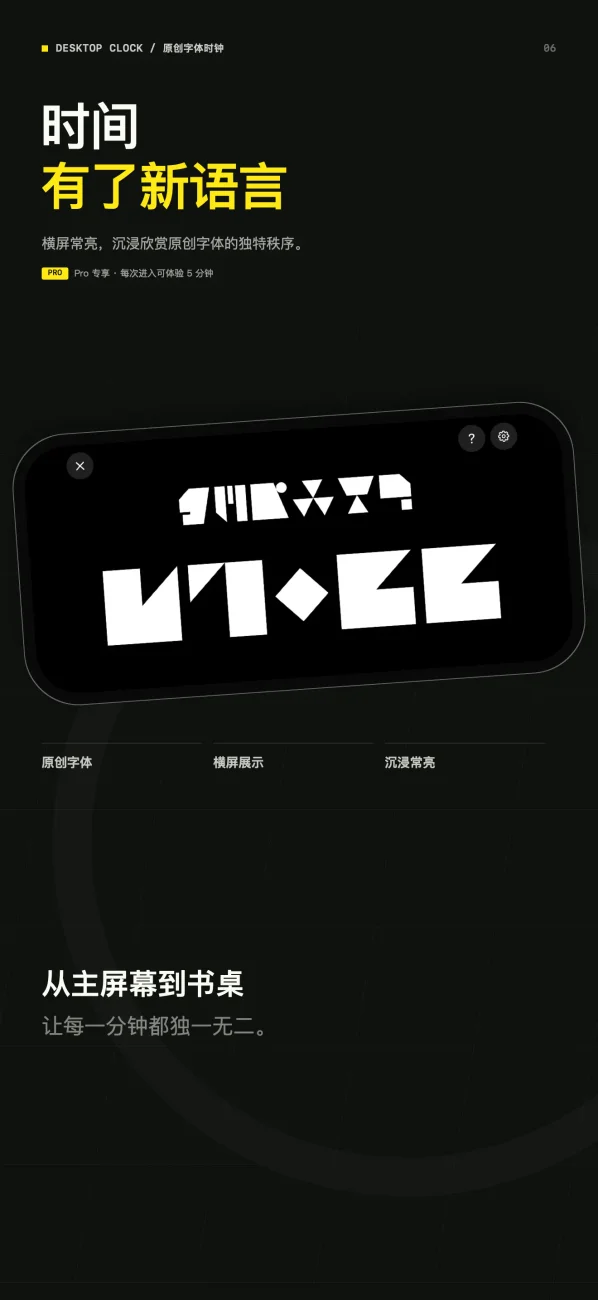
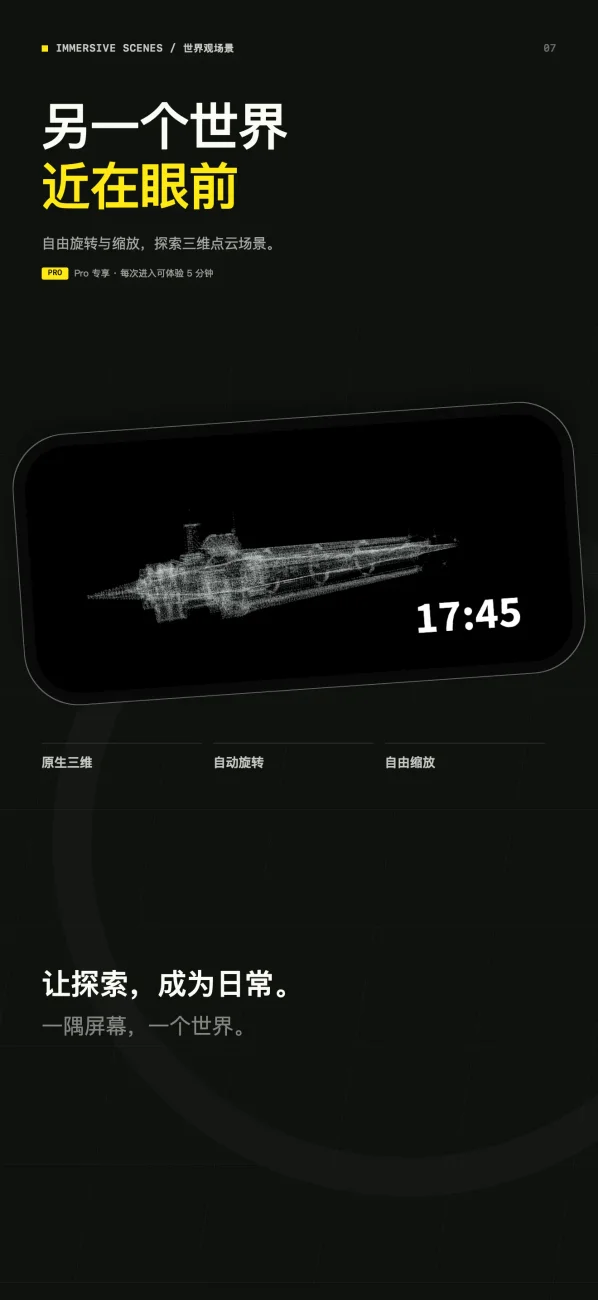
- Enjoy idle animations with the screen kept awake. Switch between portrait and landscape, zoom, and pause playback.
- Drag operators left or right in landscape to adjust their position.
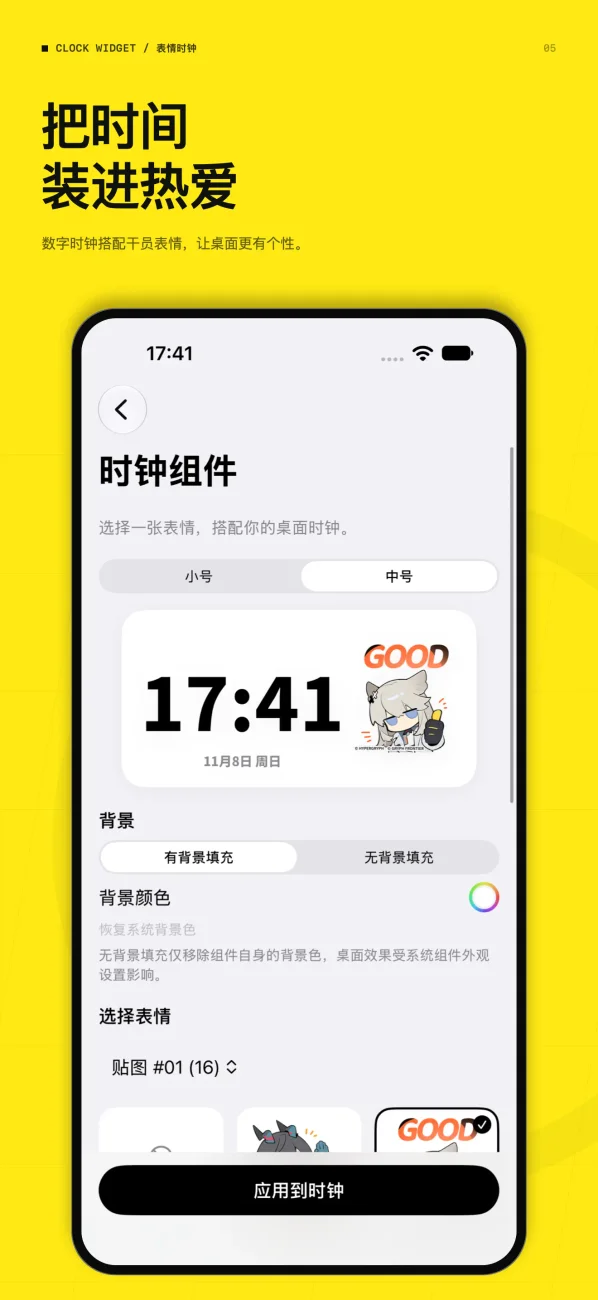
- Place the clock wherever you like by dragging it.
- Your last operator selection is remembered, and downloaded idle videos are reused.
App privacy
What 东宁 梁 declares on the App Store about how this app handles data.
-
Data not collected
The developer does not collect any data from this app.
Privacy practices may vary, for example with the features you use or your age.
Information
- Seller
- 东宁 梁
- Category
- Graphics & Design
- Version
- 1.0.4
- Updated
- Nov 14, 2026
- Released
- Sep 2, 2026
- Size
- 65.4 MB
- Requires
- iOS 17.0 or later
- Age rating
- 12+
- Price
- Free
- In-app purchases
- Yes
- Languages
- English, Japanese, Simplified Chinese
- Copyright
- © 2026 Endfield Motion.
You might also like
-
 WallMotion: Live WallpapersVideo & GIF to Live Photo
-
 ShareMoeGraphics & Design
-
 Velora: Girl Live Wallpaper 4KAI beauty & anime lock screen
-
 DuoWallWallpapers & Mockup Studio
-
 Gifling: Animated GIF WidgetsMoving photos & video widget
-
 Anime AI Art Generator.AI Anime Filter & AI Generator
-
 AI Anime Art Generator VillorImage, Drawing, Waifu Creator
-
 Custom Wallet Card MakerYour fandom & pets in Wallet
-
 CodepointUnicode · Emoji · SF Symbols
-
 iLMiNA - Drawing & PaintAd-Free Art & Live Streaming