
WallMotion: Live Wallpapers
Video & GIF to Live Photo
Designed for iPhone
Free · In-app purchases
- Age rating4+
- CategoryGraphics & Design
- Developer丽佳 施
- LanguagesEnglish+ 2 more
- Size4.8 MB
Links to the official App Store page
Download.org hosts no file of WallMotion: Live Wallpapers. The button opens its official App Store page, published by 丽佳 施. Listing last checked on Nov 16, 2026.
Screenshots
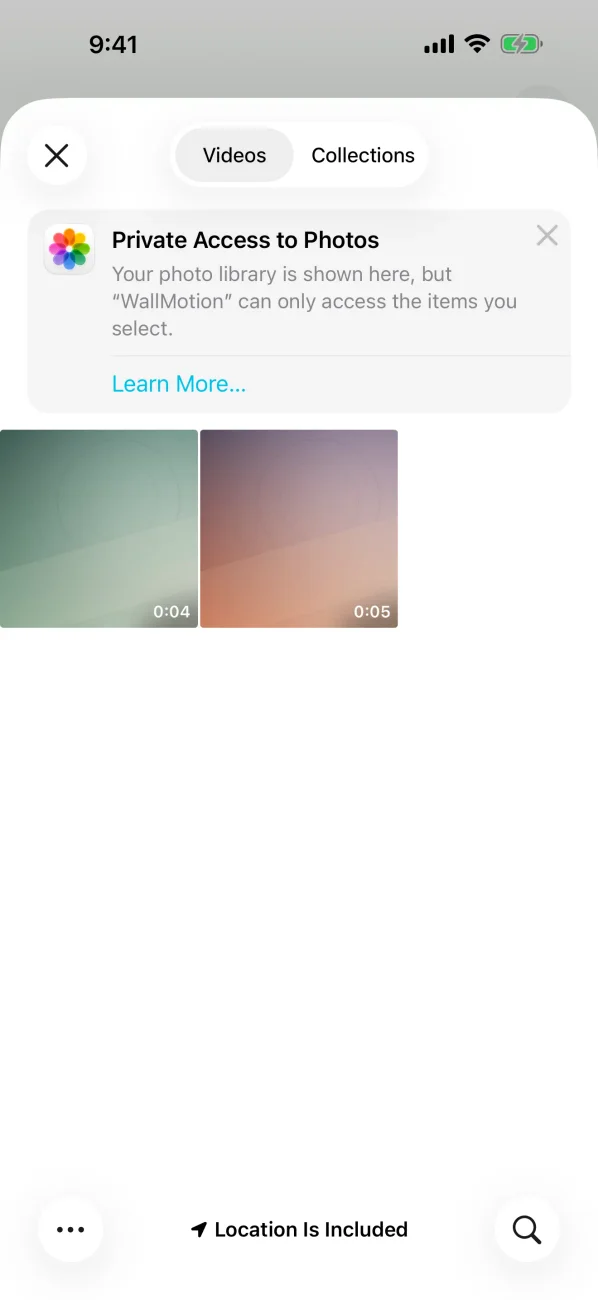
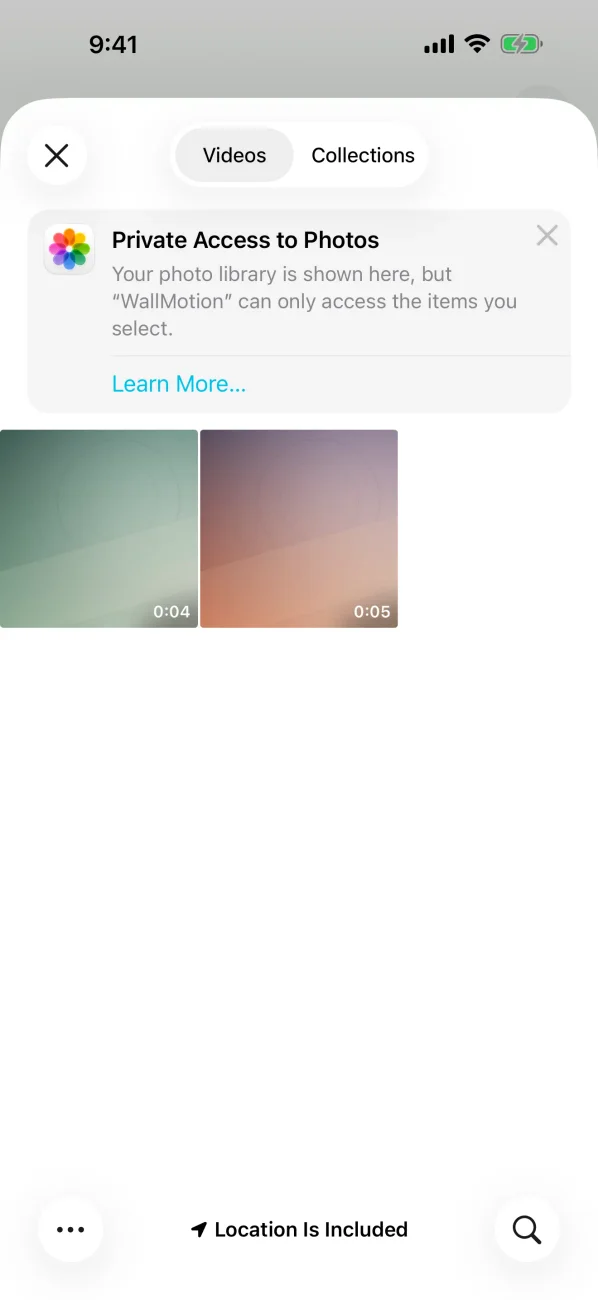
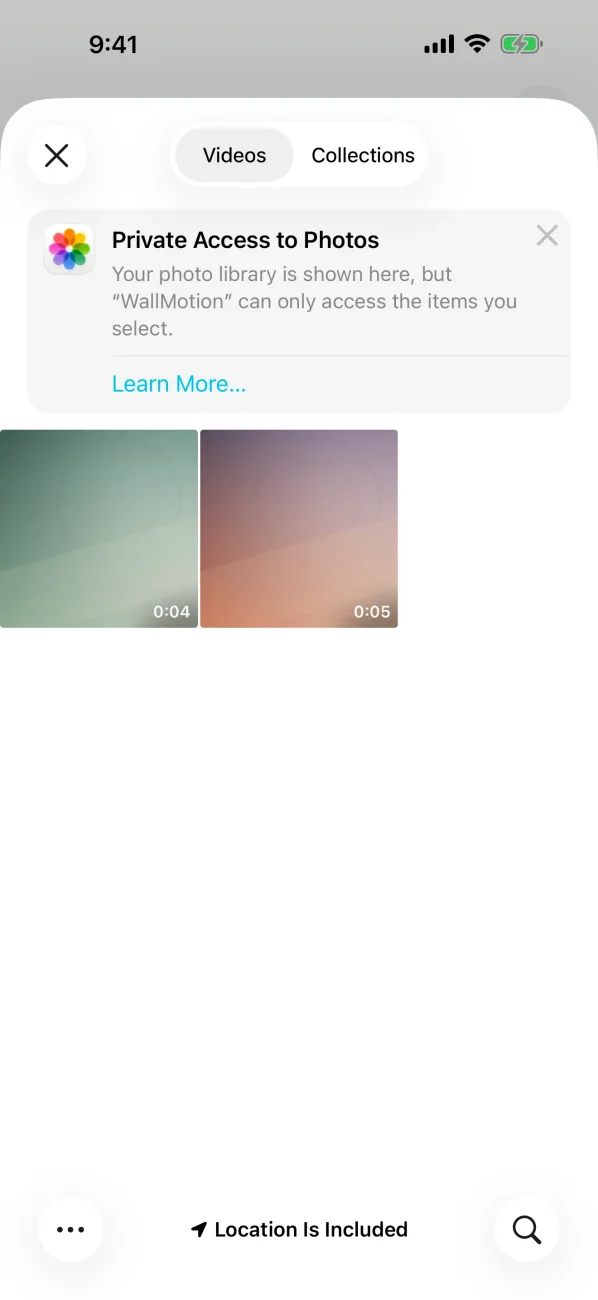
About
Turn your own videos and GIFs into lock screens that move.
WallMotion is an on-device Live Photo converter: pick a video or GIF, trim the best 5 seconds, save it as a Live Photo, then follow the built-in guide to set it as your lock screen — press and hold, and it comes alive.
SIMPLE EDITING, MADE FOR WALLPAPERS
- Trim: dual handles select up to 5 seconds, with live preview
- Cover frame: choose exactly which frame shows when the screen is still
- Aspect: lock-screen ratio / 1:1 / original, with pan control
- Speed: 0.5× slow motion to 3× — squeeze longer clips into 5 seconds
- Loop: forward, reverse, or ping-pong (forward then backward, seamless)
- Lock-screen preview: overlay a mock clock while editing so the time never covers your subject
CHARGING ANIMATION
Pick a video and pair it with a "when charger connects" personal automation in the Shortcuts app. Plug in, and it plays full screen with a big battery percentage. A step-by-step tutorial is included.
EVERY FEATURE IS FREE
Everything above — including speed, reverse, ping-pong loop and the charging animation — is free. Exports are unlimited, results have no watermark, and no account is required. One banner ad appears at the bottom of the app; a single optional purchase removes it. Buying it does not add or remove any feature.
PRIVACY
The videos and GIFs you import, and the wallpapers you make, are processed on this device and are never uploaded. Photo access is add-only: the app saves your creations but cannot browse your library. Creating, editing, exporting and the charging animation all work offline; only the bottom banner needs a connection. The banner is served by Google AdMob and always requests non-personalized ads. This app does not track you and never shows the "Allow tracking" prompt.
Note: iOS plays Live Photo wallpaper motion when you press and hold the lock screen; exact behavior varies slightly across iOS versions, and Low Power Mode pauses motion. The in-app guide adapts to your iOS version.
What’s new
Version 1.1.0 · Nov 10, 2026
• Added the Lock-Screen Smoothness & Frame-Rate Coach card on the Home screen with 60fps quality, optimal 1.5–3s duration, and iOS setup tips
• Added live artwork summary feedback tailored to your created Video and GIF wallpapers
• Improved GIF composition stability and overall UI responsiveness
App privacy
What 丽佳 施 declares on the App Store about how this app handles data.
-
Data used to track you
May be used to track you across apps and websites owned by other companies.
- Identifiers
-
Data linked to you
May be collected and linked to your identity.
- Identifiers
Privacy practices may vary, for example with the features you use or your age.
Information
- Seller
- 丽佳 施
- Category
- Graphics & Design
- Version
- 1.1.0
- Updated
- Nov 10, 2026
- Released
- Aug 4, 2026
- Size
- 4.8 MB
- Requires
- iOS 17.0 or later
- Age rating
- 4+
- Price
- Free
- In-app purchases
- Yes
- Languages
- English, Japanese, Simplified Chinese
- Copyright
- © 2026 Lijia Shi
You might also like
-
 Endfield Motion : WallpaperLive Photo & Portrait Editor
-
 GIF Background Remover - AIGIF Maker & GIF Editor
-
 Lockio - Video WallpaperLive Wallpapers on Lock Screen
-
 Gifling: Animated GIF WidgetsMoving photos & video widget
-
 Tuayro - AI Car ModificationsTuning & Design
-
 Edit Background of PhotoChange backdrop of image
-
 LiveToFrame:GIF, Video & FrameLive Photo Converter
-
 Video to Live Photos ™Graphics & Design
-
 Forma3D - 3D Modeling & PrintSTL, 3MF & Mesh Repair
-
 AR Draw: Trace & Sketch MasterDraw & Trace Images with AR