
Endpoint Central MSP
Endpoint management on the go!
Designed for iPhone, iPad, iPod touch
Free
- Age rating4+
- CategoryBusiness
- DeveloperZoho Corporation
- LanguagesEnglish
- Size137.9 MB
Links to the official App Store page
Download.org hosts no file of Endpoint Central MSP. The button opens its official App Store page, published by Zoho Corporation. Listing last checked on Nov 21, 2026.
Screenshots
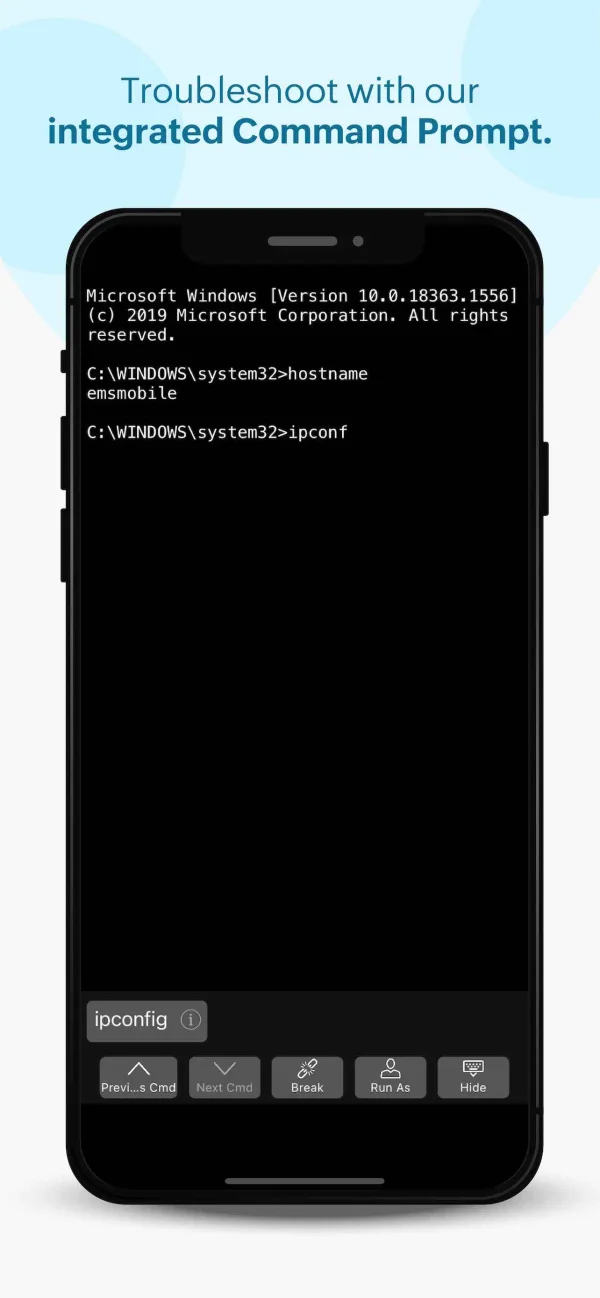
About
We have rebranded! Desktop Central MSP is now Endpoint Central MSP. Read our official announcement at zoho.to/EndpointCentral.
Manages Windows, Mac and Linux computers
Supported Features:
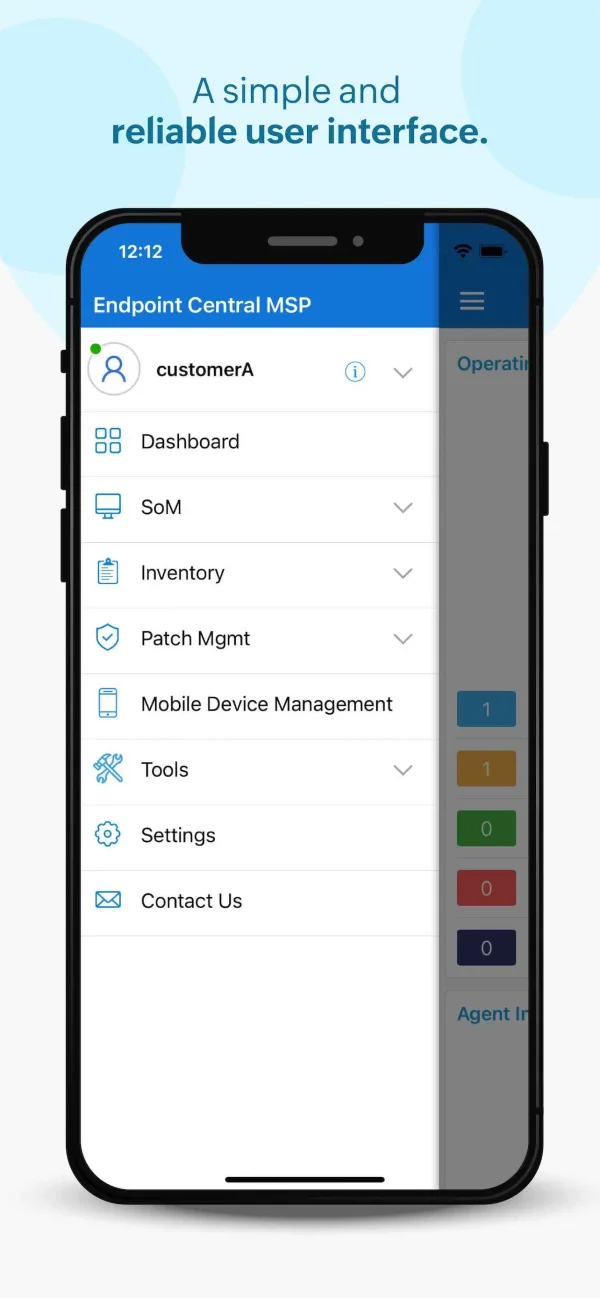
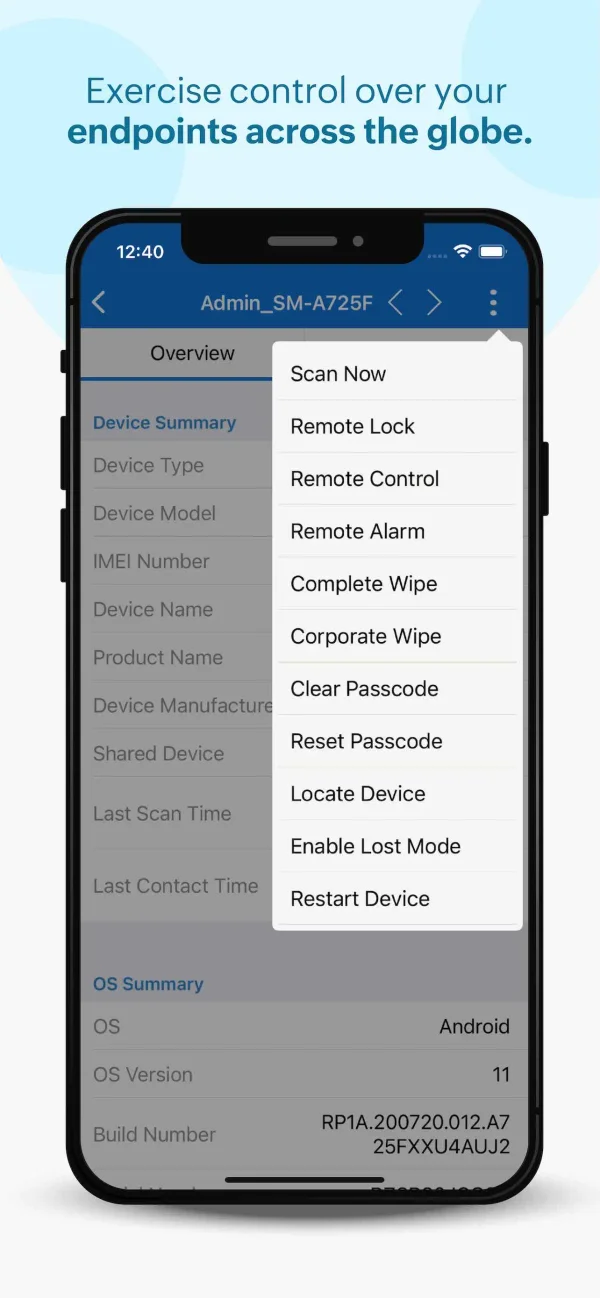
Scope of Management, Patch Management, Asset Management, Tools and Mobile Device Management
ManageEngine Endpoint Central MSP iOS app formerly known as Desktop Central MSP is exclusively packaged for service providers to seamlessly connect and interact with customer servers, laptops and desktops across the globe. It enables IT service providers to manage customer systems on the go and frees them from being stuck in office to do these routines, thereby making them more productive.
Perform the following tasks in just a few clicks using the app,
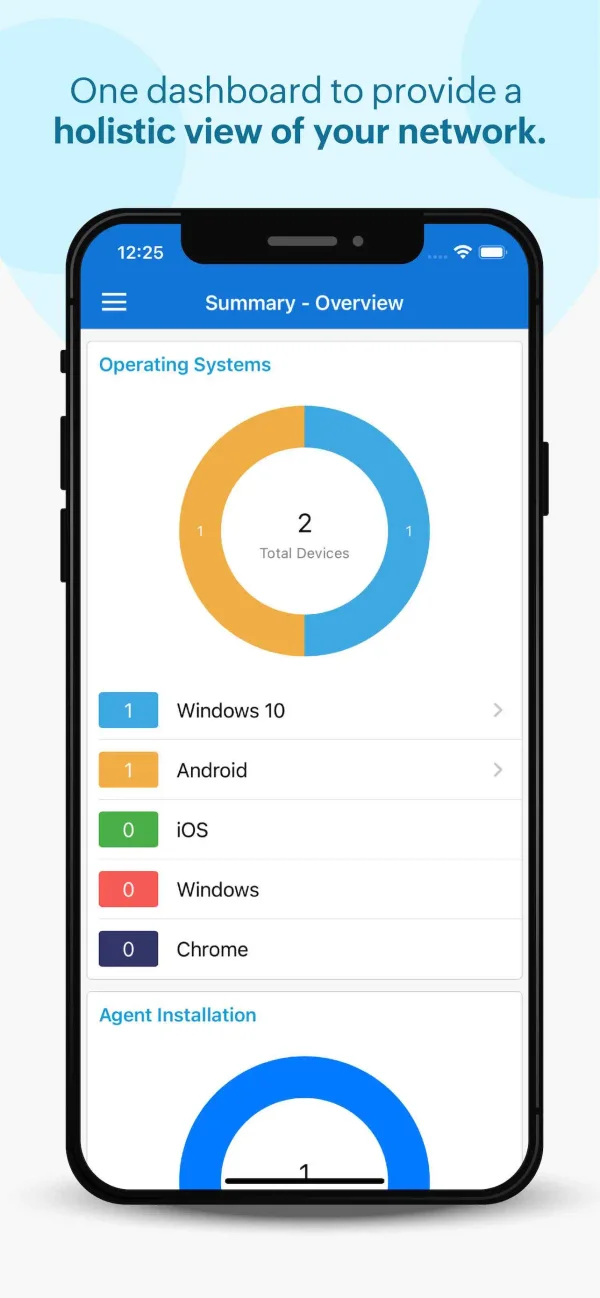
Manage Customer Computers
• Add or remove computers to be managed using Endpoint Central MSP
• Initiate installation of agents in the computers to be managed
• Check status of installation of agents in computers required
• Monitor frequency of agent contact to the server
• Review information on each Remote offices
Asset Management:
• Overview of assets being managed by the app
• Scan systems for generating information on hardware and software
• Review information on Hardware assets being managed
• Check software compliance status
• Analyze software usage of any software to optimize resources
• Prohibit software: Forbid usage of certain applications
Patch Management:
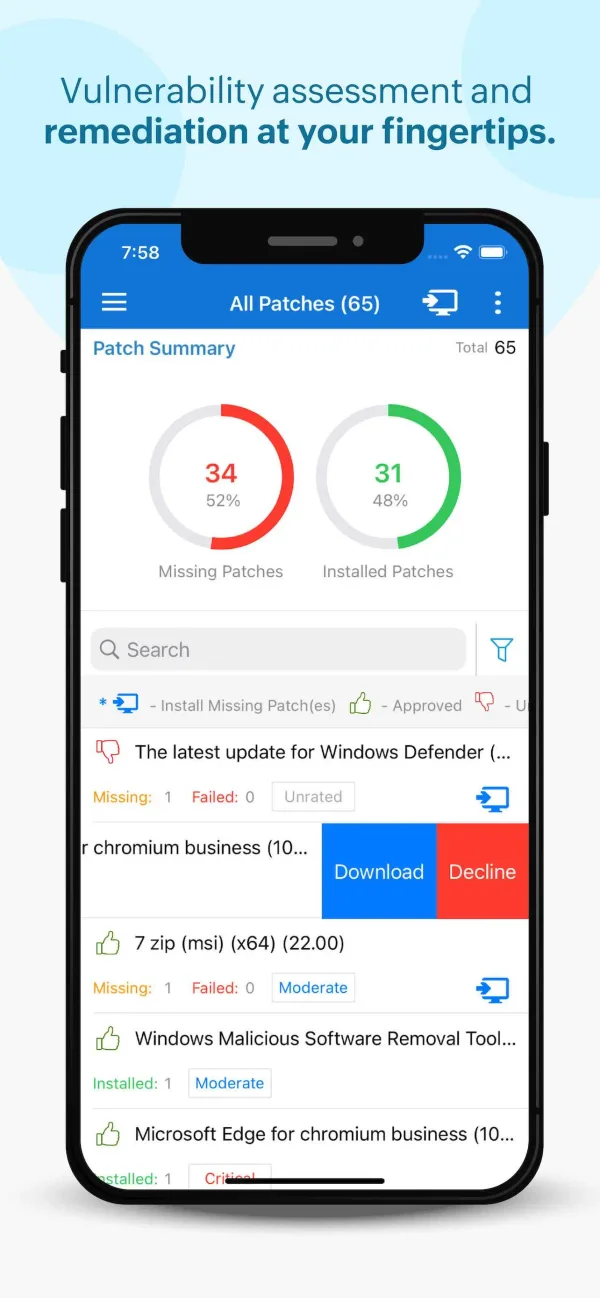
• Scan and identify vulnerable computers
• Detect missing patches for Windows, Mac, Linux and 3rd party applications
• Approve/Decline patches
• Monitor automated patch deployment tasks
• View system health status
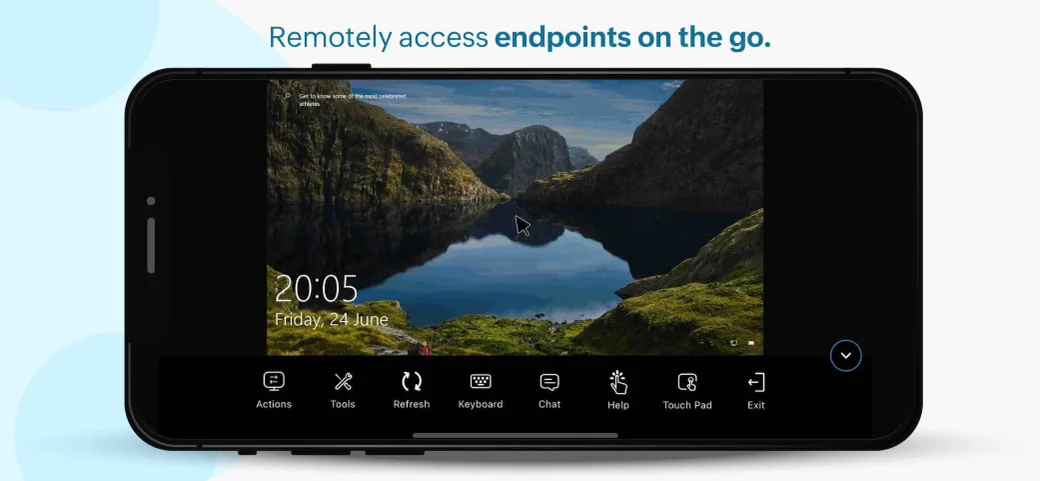
Advanced Remote Control:
• Multi-monitor Support
• Shadow User
• Reboot during a remote session
• Collaborative remote session
• Audit remote sessions
How to activate?
1. Install the Endpoint Central MSP iOS app on your device.
2. Provide your Endpoint Central MSP server URL
3. Sign-in with your Endpoint Central MSP credentials
What’s new
Version 26.11.02 · Nov 16, 2026
Apps - View all apps, see which groups and devices have it, and distribute, update or remove it right from the new Apps list.
App privacy
What Zoho Corporation declares on the App Store about how this app handles data.
-
Data linked to you
May be collected and linked to your identity.
- Contact info
- User content
- Identifiers
- Usage data
- Diagnostics
- Other data
Privacy practices may vary, for example with the features you use or your age.
Information
- Seller
- Zoho Corporation
- Category
- Business
- Version
- 26.11.02
- Updated
- Nov 16, 2026
- Released
- Nov 22, 2018
- Size
- 137.9 MB
- Requires
- iOS 15.0 or later
- Age rating
- 4+
- Price
- Free
- Languages
- English
- Copyright
- © 2026, Zoho Corporation Pvt. Ltd. All Rights Reserved.
You might also like
-
 WinPulse – Windows AdminWindows admin from your phone
-
 FortiMonitorProductivity
-
 ADSignify - Active DirectoryAD Users and Computers Tool
-
 N-able N-sightRemote Monitoring & Management
-
 SuperOpsBusiness
-
 TrendAI Vision One™Notify and Manage new threats
-
 PulsewayMaking IT Heroes
-
 N-central MobileBusiness
-
 Syncro MobileCombined PSA and RMM
-
 S3 Client - Files locationfor AWS, Backblaze & MinIO