EPS Viewer: Open & View Files
EPS Reader & PostScript Tools
Designed for iPhone, iPad, iPod touch
Free · In-app purchases
- Age rating9+
- CategoryProductivity
- DeveloperMohamed Nagy
- LanguagesEnglish
- Size70.4 MB
Links to the official App Store page
Download.org hosts no file of EPS Viewer: Open & View Files. The button opens its official App Store page, published by Mohamed Nagy. Listing last checked on Nov 27, 2026.
Screenshots


About
Open EPS files instantly — completely offline and 100% private. EPS Viewer renders Encapsulated PostScript (EPS) files right on your iPhone or iPad. Your files never leave your device: no uploads, no cloud servers, no file-size limits, no conversion queues.
NEW IN VERSION 3
• Batch Convert: convert multiple EPS files at once and export as SVG, PDF or PNG
• Print-quality vector PDF export
• PNG export up to 3x resolution with transparent background option
• Document Inspector: spot colors, separations, fonts and overprint at a glance
• Recent files for one-tap reopening
• The app now speaks 11 languages
WHY EPS VIEWER
• 100% offline & private — conversion happens entirely on-device, works even in airplane mode
• No file-size limits or conversion quotas
• True vector rendering — razor-sharp at any zoom level
• Open EPS files from the Files app, Mail, WhatsApp, AirDrop and the share sheet
PRECISION MEASUREMENT
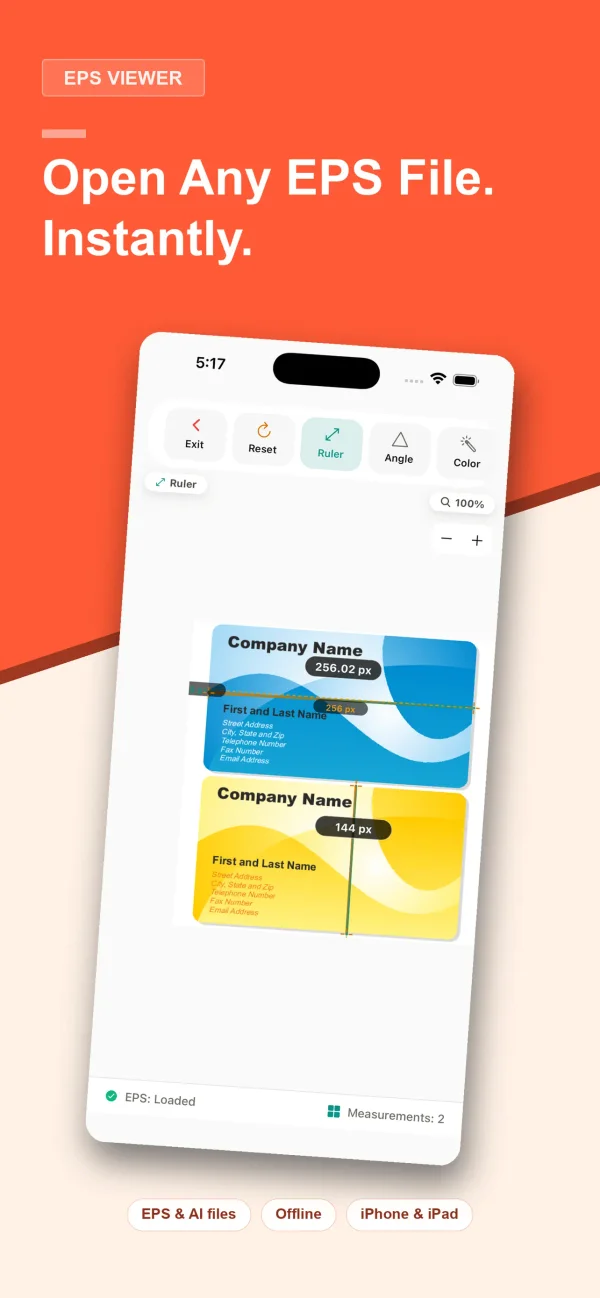
• Ruler tool: point-to-point distances with snap-to-entity accuracy
• Angle tool: measure between any three points
• Bounding box: exact width, height and position of objects
• Units: mm, cm, inches, points — switch anytime
INSPECT LIKE A PRO
• Color inspector: tap any point to read its exact fill & stroke color
• Layer control: show, hide and highlight layers in complex EPS artwork
• Document Inspector for print pros: embedded fonts, spot colors with CMYK values, separations and overprint detection
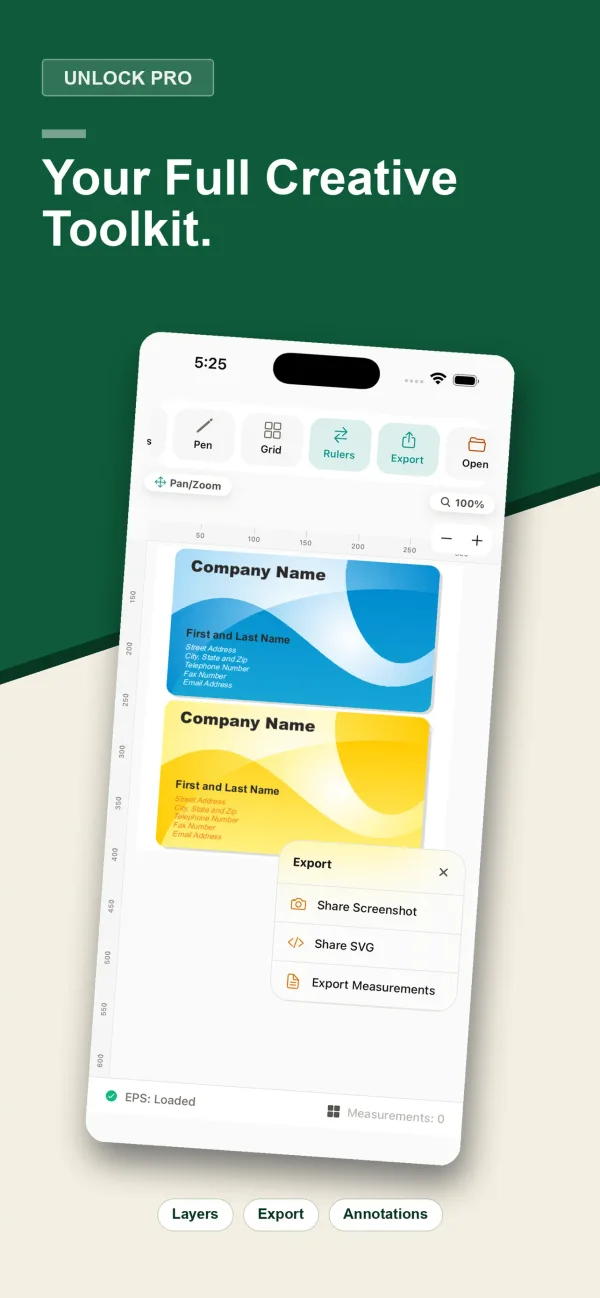
• Grid and scale-ruler overlays for alignment checks
ANNOTATE & EXPORT
• Freehand pen tool in multiple colors and widths
• Export as PNG (up to 3x), print-ready PDF, or SVG
• Send measurements as CSV
PERFECT FOR
• Designers reviewing client EPS artwork on the go
• Print shops preflighting files — check fonts, spot colors and overprint before production
• Cricut & laser-craft users previewing EPS cut files before converting to SVG
• Engineers and architects reviewing PostScript drawings
• Anyone who received an .eps file and just needs to see it
Need AI, PS, PDF, DXF or SVG files? Check out Vector Viewer, our companion app for those formats.
Some advanced tools are part of EPS Viewer Pro.
What’s new
Version 3.1.5 · Nov 17, 2026
Very large files now show a clear "not enough memory" message instead of closing the app. Stability improvements and bug fixes.
App privacy
What Mohamed Nagy declares on the App Store about how this app handles data.
-
Data used to track you
May be used to track you across apps and websites owned by other companies.
- Identifiers
-
Data linked to you
May be collected and linked to your identity.
- Identifiers
Privacy practices may vary, for example with the features you use or your age.
Information
- Seller
- Mohamed Nagy
- Category
- Productivity
- Version
- 3.1.5
- Updated
- Nov 17, 2026
- Released
- May 8, 2026
- Size
- 70.4 MB
- Requires
- iOS 15.1 or later
- Age rating
- 9+
- Price
- Free
- In-app purchases
- Yes
- Languages
- English
- Copyright
- © 2025 Plus Technology
You might also like
-
 PS File ViewerView & Convert PS Files.
-
 AI ViewerView ai (illustrator) files
-
 FileBrowserGO: File ManagerDocuments, Media Player, Cloud
-
 The Image Converter □Convert JPG, PNG, HEIC, PDF
-
 STL Simple ViewerView 3D STL 3MF STEP & DXF CAD
-
 XPrinterProductivity
-
 Image Converter: JPEG PDF HEICConvert to JPG PNG & SVG File
-
 Shutterstock - Stock PhotosImages, Illustrations, Vectors
-
 FSaver - Video, Story, ReelsSave and Repost Videos
-
 Zip, RAR, 7z File ExtractorUnzip, Unrar & File Opener