eSign PDF: Sign Documents
Edit, Fill & Share PDFs
Designed for iPhone
Free · In-app purchases
- Age rating4+
- CategoryProductivity
- DeveloperJyoti Vaidya
- LanguagesEnglish
- Size18.9 MB
Links to the official App Store page
Download.org hosts no file of eSign PDF: Sign Documents. The button opens its official App Store page, published by Jyoti Vaidya. Listing last checked on Nov 20, 2026.
Screenshots
About
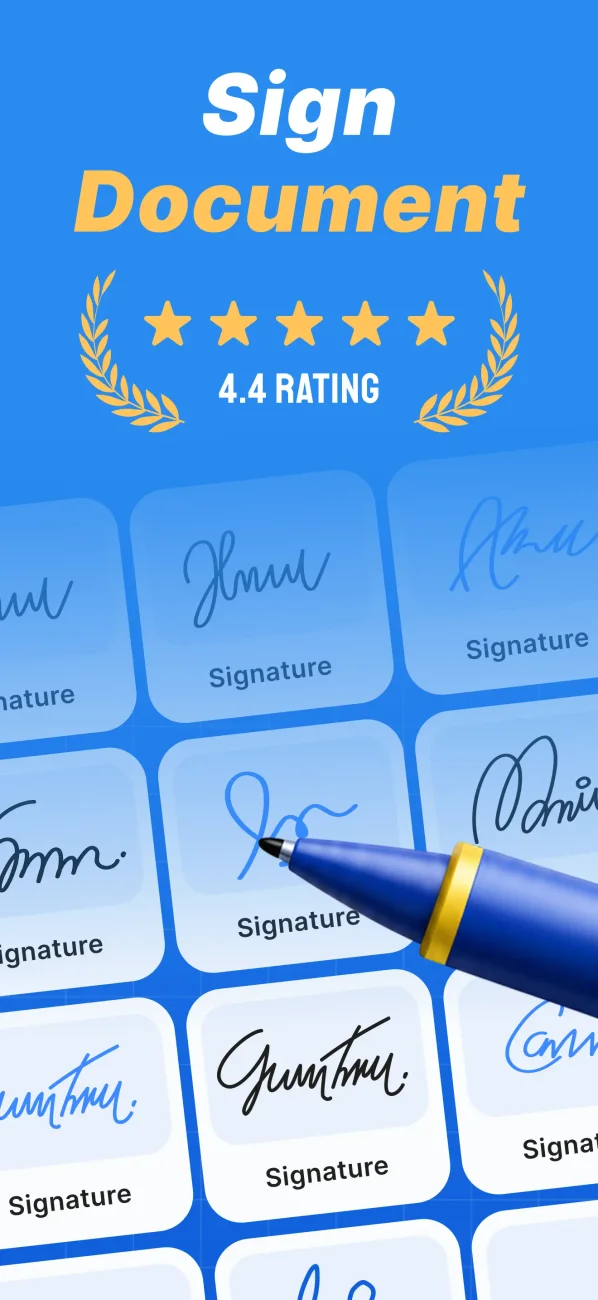
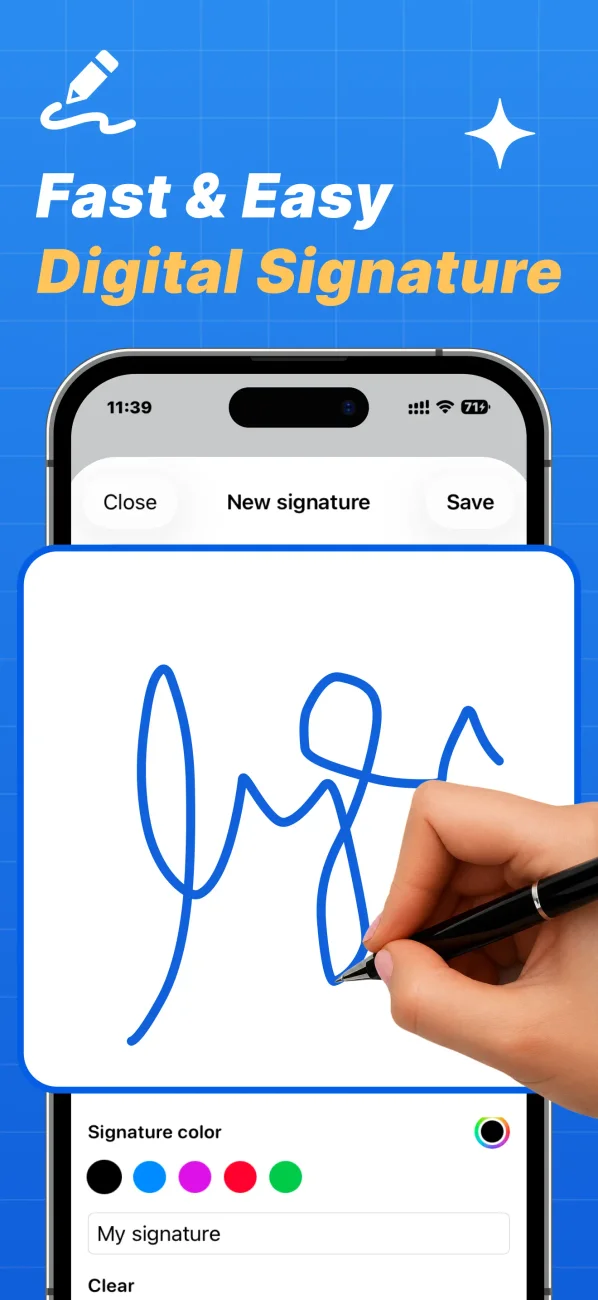
eSign PDF makes signing documents fast, secure, and effortless. Import PDF files, create electronic signatures, place signatures anywhere on documents, and export signed PDFs in seconds.
Designed with a modern and premium experience, eSign PDF helps you manage contracts, agreements, forms, and important documents directly from your iPhone.
KEY FEATURES
• Import PDF documents from Files app
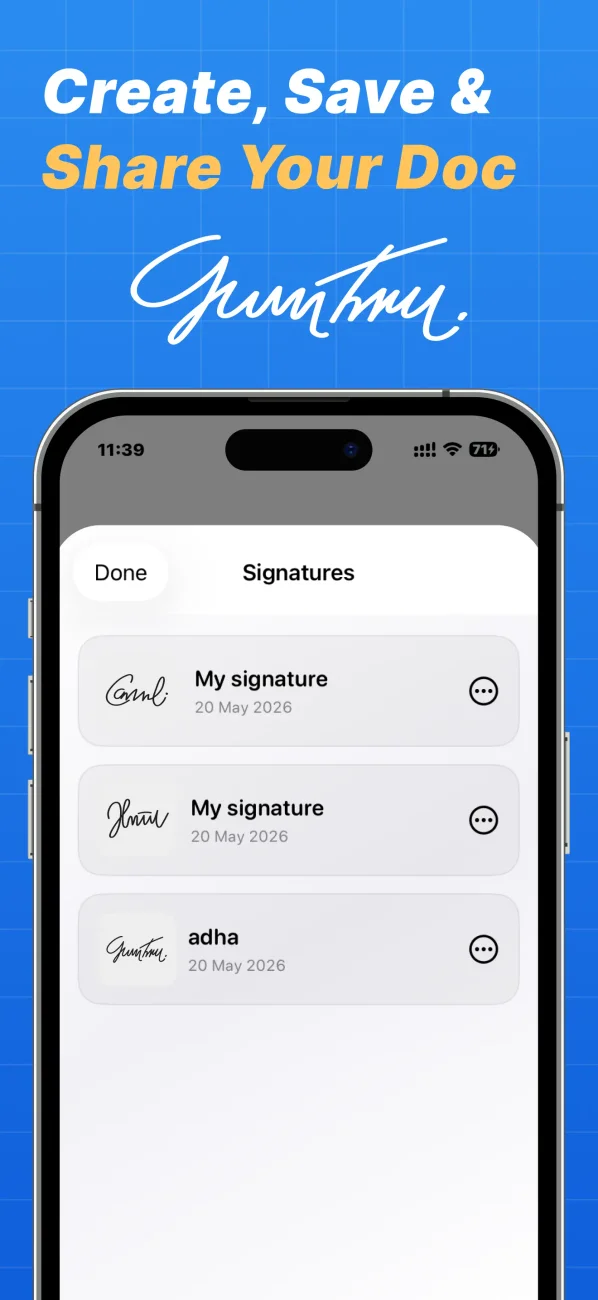
• Draw electronic signatures with smooth gesture support
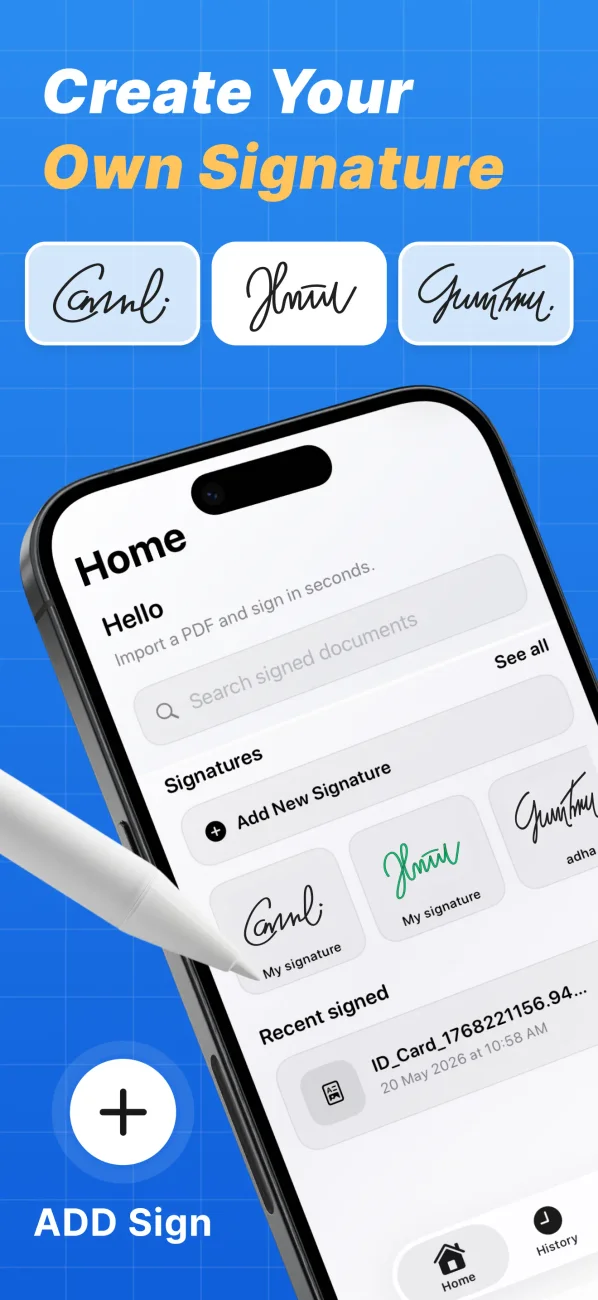
• Save and reuse unlimited signatures
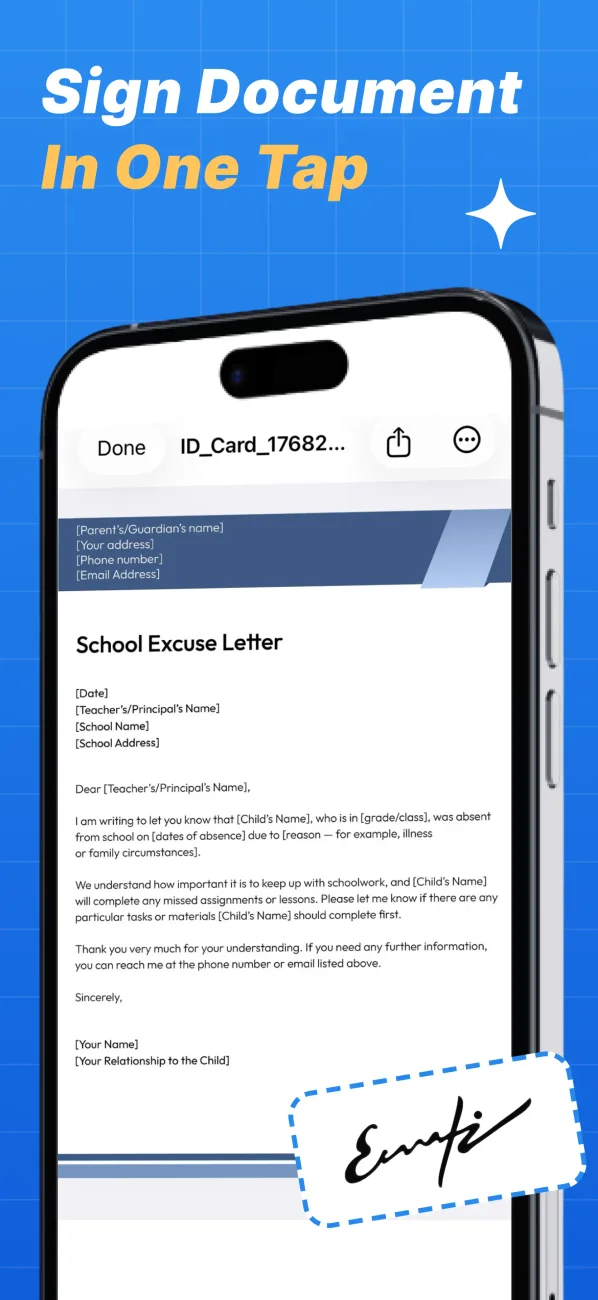
• Add signatures anywhere on PDF pages
• Resize and move signatures easily
• Real-time PDF preview
• Export signed PDFs instantly
• Share signed documents securely
• Save signed files locally
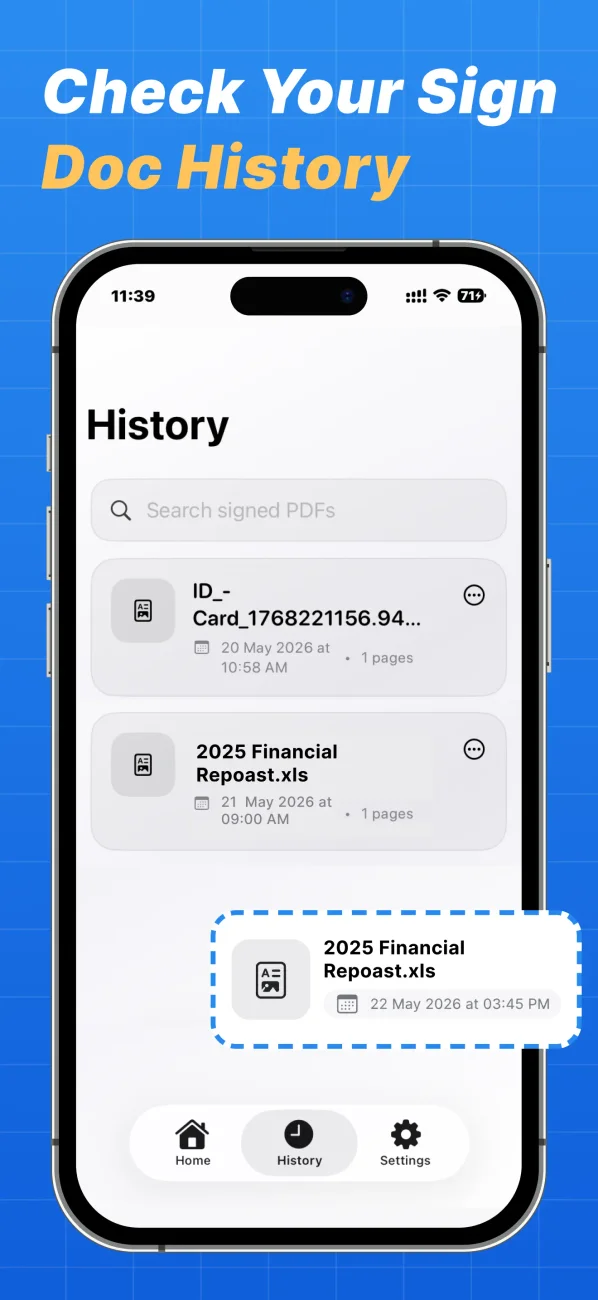
• Manage signed document history
• Dark Mode support
• Fast and smooth PDF rendering
• Premium modern UI experience
PREMIUM FEATURES
• Unlimited PDF signing
• Unlimited saved signatures
• Faster exports
• Ad-free experience
• Premium features and future updates
WHY CHOOSE eSign PDF?
• Simple and easy to use
• Clean productivity-focused design
• Secure local storage
• Perfect for business, office, and personal use
• Works seamlessly on iPhone
Subscription Information
Payment will be charged to your Apple ID account at confirmation of purchase. Subscriptions automatically renew unless auto-renew is turned off at least 24 hours before the end of the current period. You can manage or cancel subscriptions anytime in your App Store account settings.
• Terms of Use: https://sites.google.com/view/jyotivaidya/terms-conditions
• Privacy Policy: https://sites.google.com/view/jyotivaidya/privacy-policy
Whether you need to sign contracts, forms, agreements, or official documents, eSign PDF provides everything you need in one powerful app.
What’s new
Version 1.2 · Jul 6, 2026
* Improved PDF signing with smoother signature placement and resizing.
* Enhanced PDF preview for a faster and more reliable experience.
* Better document management with improved Recent Documents and History.
* Performance improvements for faster PDF import and export.
* Fixed minor bugs and enhanced overall app stability.
This version focuses on making PDF signing faster, smoother, and more reliable.
App privacy
What Jyoti Vaidya declares on the App Store about how this app handles data.
-
Data used to track you
May be used to track you across apps and websites owned by other companies.
- Location
-
Data not linked to you
May be collected but is not linked to your identity.
- Location
Privacy practices may vary, for example with the features you use or your age.
Information
- Seller
- Jyoti Vaidya
- Category
- Productivity
- Version
- 1.2
- Updated
- Jul 6, 2026
- Released
- May 15, 2026
- Size
- 18.9 MB
- Requires
- iOS 17.0 or later
- Age rating
- 4+
- Price
- Free
- In-app purchases
- Yes
- Languages
- English
- Copyright
- © 2026 JYOTI VAIDYA. All Rights Reserved.
You might also like
-
 PDF & OCR Scanner: eSign PDFProductivity
-
 Offline AI Text TranslatorVoice, Photo & Travel Help
-
 Signature Scanner - SignaScanScan Signature - Digital eSign
-
 All Email : Ai MailAll Email Access
-
 e Signature Scanner & CreatorSign PDF Documents & Maker
-
 PDF Converter - PDF to Word •Edit, Merge, Compress Images
-
 All Email Connect & Ai EmailAI email writer & email manage
-
 Paragraph Writer AI StoryHomework helper, Essay writing
-
 Note Taker: Easy NotesChecklist & Notebook
-
 Thermos Pro - Bluetooth PrintQuick POS solutions