PDF & OCR Scanner: eSign PDF
Designed for iPhone, iPod touch
Free · In-app purchases
- Age rating4+
- CategoryProductivity
- DeveloperHarshaben Hirpara
- LanguagesEnglish
- Size60.1 MB
Links to the official App Store page
Download.org hosts no file of PDF & OCR Scanner: eSign PDF. The button opens its official App Store page, published by Harshaben Hirpara. Listing last checked on Nov 18, 2026.
Screenshots

About
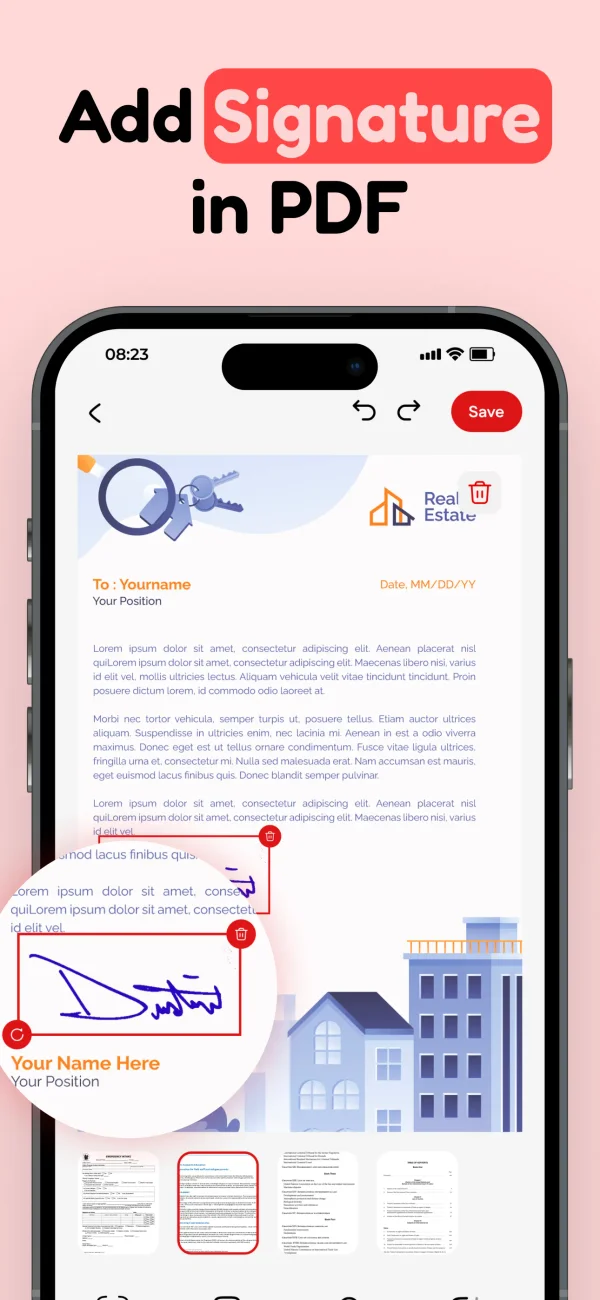
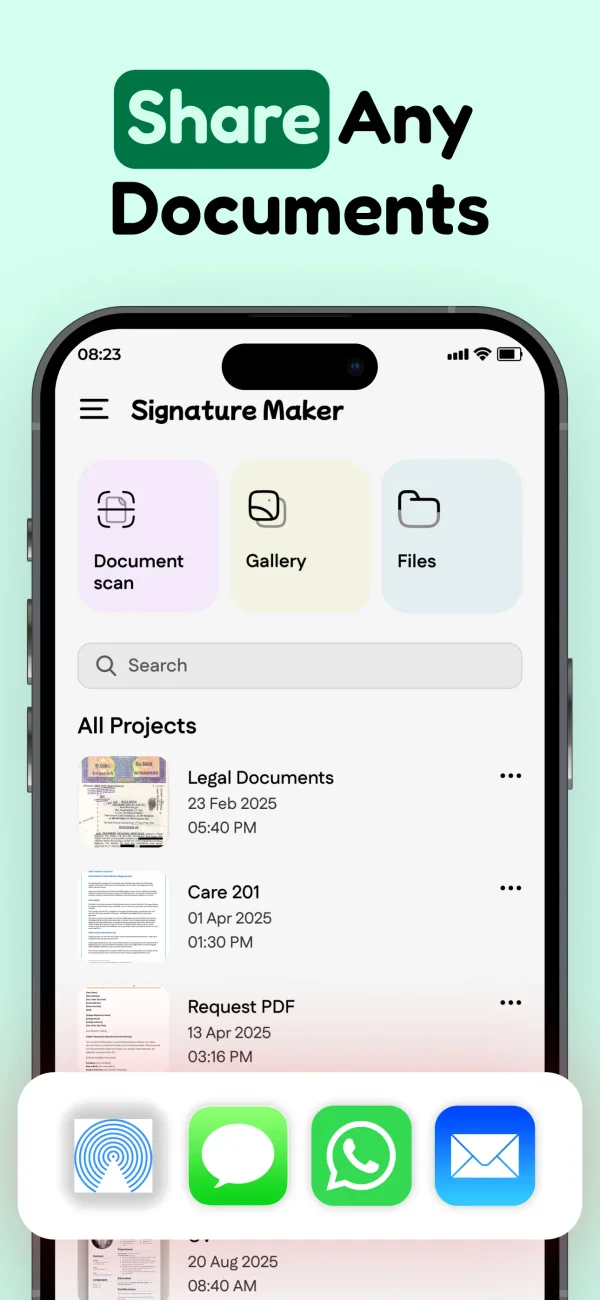
Transform your iOS device into a powerful all-in-one PDF toolkit. PDF Sign & Scan – OCR Converter lets you sign PDFs, scan documents, convert photos to PDF and PDFs to images, extract text with OCR, and manage your digital files effortlessly—anytime, anywhere.
Key Features
PDF Signing & Annotation
- Instantly sign PDFs with drawn, typed, or uploaded signatures.
- Annotate, highlight, and add notes to your documents for easy collaboration.
High-Quality Scanning to PDF
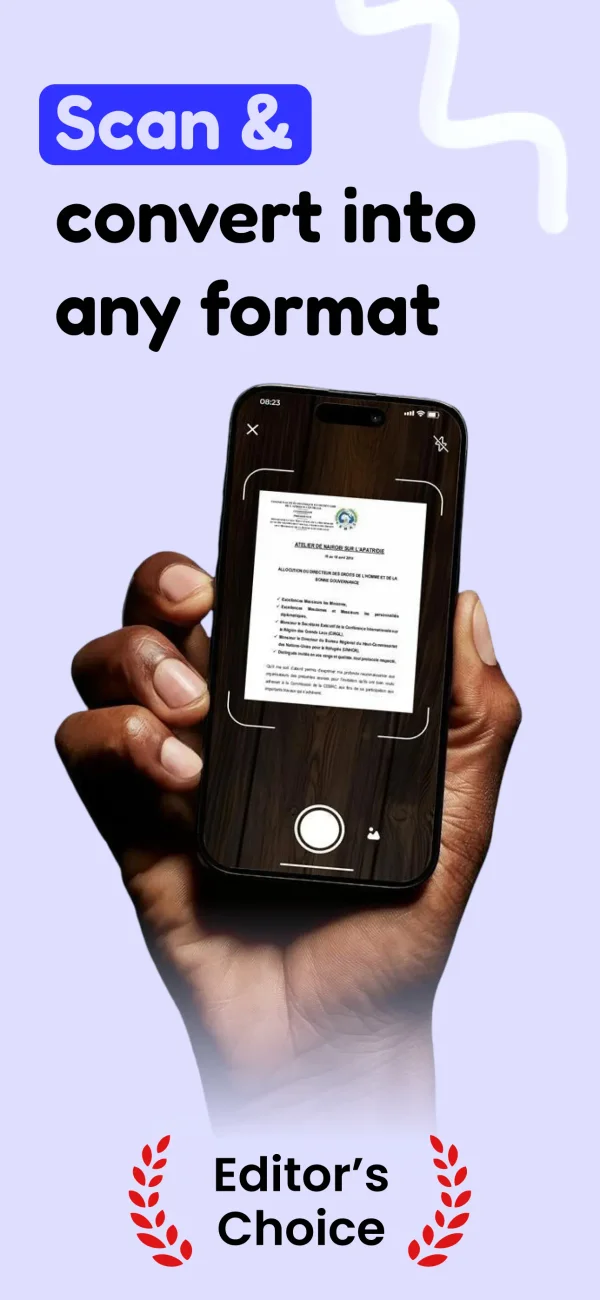
- Scan documents, receipts, forms, ID cards, whiteboards using your camera.
- Auto edge detection, perspective correction, and batch scanning.
Photo ↔ PDF Conversion
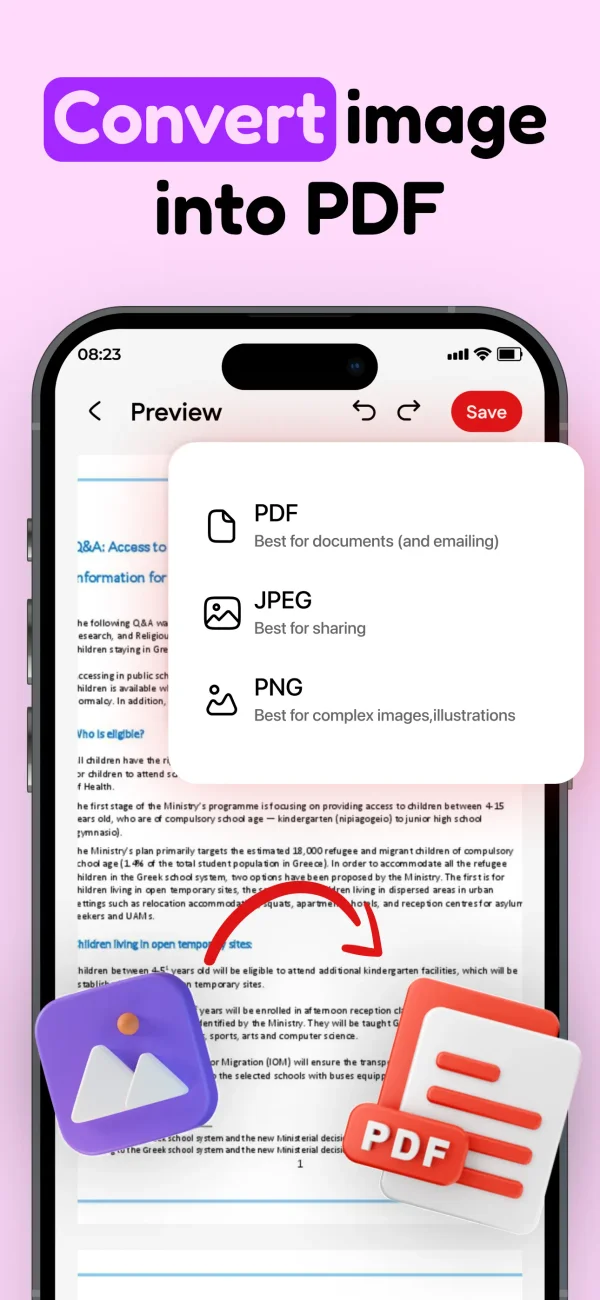
- Seamlessly convert photos to PDF and PDF to image (JPEG/PNG).
- Ideal for sharing, archiving, or editing visual content.
Powerful OCR (Optical Character Recognition)
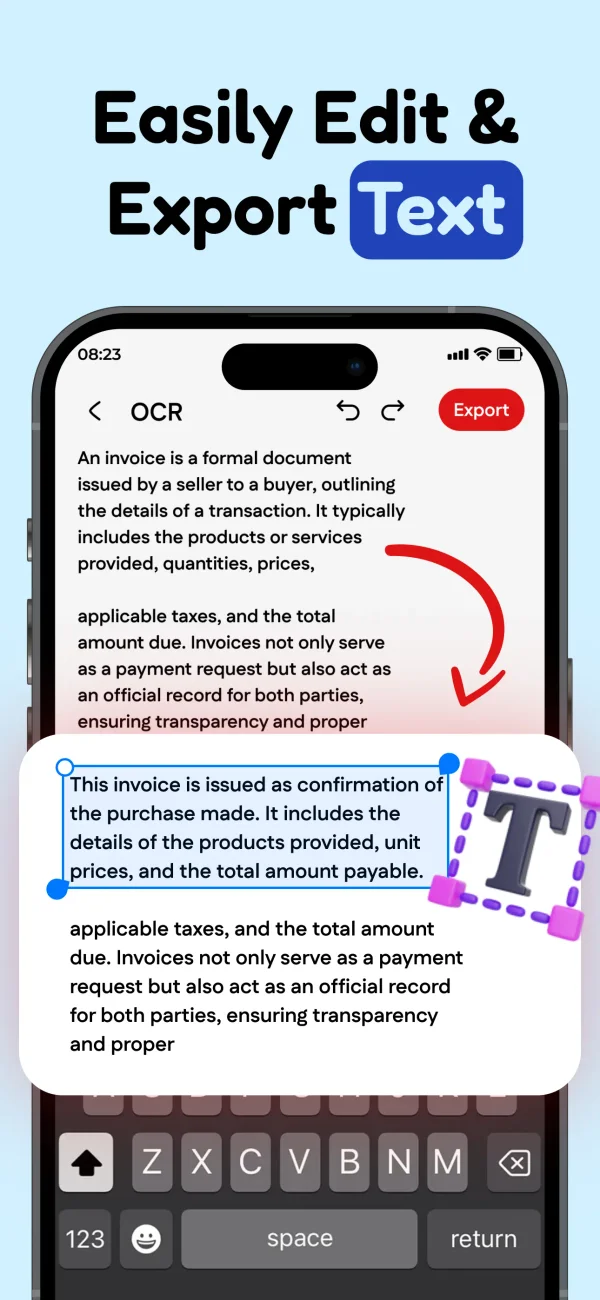
- Extract editable, searchable text from scanned documents or images.
- Supports multiple languages for translation, copy, and editing.
Why Choose This App?
All-in-One PDF Companion: Combines signing, scanning, conversion, and OCR in one app—no need to juggle multiple tools.
Fast & Reliable OCR: Accurate text extraction from images and scanned documents.
Pro-Level Editing Tools: Annotate, organize, and manage files like a desktop editor—on your phone.
Boost Productivity: Batch operations, smart naming, and seamless cloud sharing cut your workflow time.
Install to know what is it all about.
Premium plans are as follow:
eSign PDF Week Plan
eSign PDF Year Plan
Your payment will be charged to your iTunes Account as soon as you confirm your purchase.
Terms of use : https://harshbenhirpara.blogspot.com/2025/04/terms-of-use.html
Privacy Policy : https://harshbenhirpara.blogspot.com/2025/04/privacy-policy.html
App privacy
What Harshaben Hirpara declares on the App Store about how this app handles data.
-
Data used to track you
May be used to track you across apps and websites owned by other companies.
- Identifiers
- Usage data
-
Data not linked to you
May be collected but is not linked to your identity.
- Identifiers
- Usage data
- Diagnostics
Privacy practices may vary, for example with the features you use or your age.
Information
- Seller
- Harshaben Hirpara
- Category
- Productivity
- Version
- 1.0
- Updated
- Sep 8, 2025
- Released
- Sep 7, 2025
- Size
- 60.1 MB
- Requires
- iOS 13.0 or later
- Age rating
- 4+
- Price
- Free
- In-app purchases
- Yes
- Languages
- English
- Copyright
- © Harshaben Hirpara Apps
You might also like
-
 eSign PDF: Sign DocumentsEdit, Fill & Share PDFs
-
 PDF Master: PDF ToolsPDF Merge, PDF Convert & Scan
-
 The PDF Signer AppSign PDFs - No Ads Ever
-
 eSign Signature MakerSign PDF - Digital Signature
-
 Kiln - AI App BuilderMake your own free Games/Apps
-
 Record.Ai : Transcribe AudioRecord it and transcribe
-
 9 DialProductivity
-
 E Sign PDF: Document SignerScan, Sign & Fill Documents
-
 Reminder Alarm & DeadlinesBill, Birthday & Date Alerts
-
 PDF Editor - Read, Scan & SignConvert & Edit PDF Documents