
eSign-Sign Documents&Edit PDF
Edit Doc, Add Signature & seal
Designed for iPhone, iPad, iPod touch
Free
- Age rating4+
- CategoryBusiness
- Developer意 田
- LanguagesEnglish+ 6 more
- Size11.3 MB
Links to the official App Store page
Download.org hosts no file of eSign-Sign Documents&Edit PDF. The button opens its official App Store page, published by 意 田. Listing last checked on Nov 12, 2026.
Screenshots
About
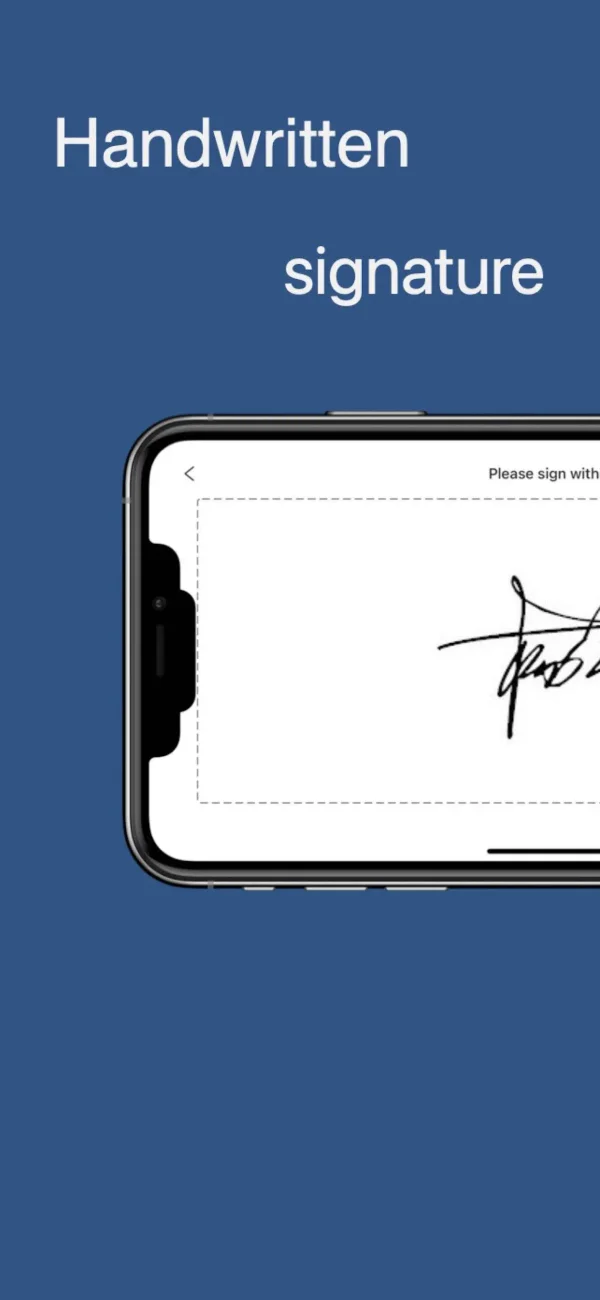
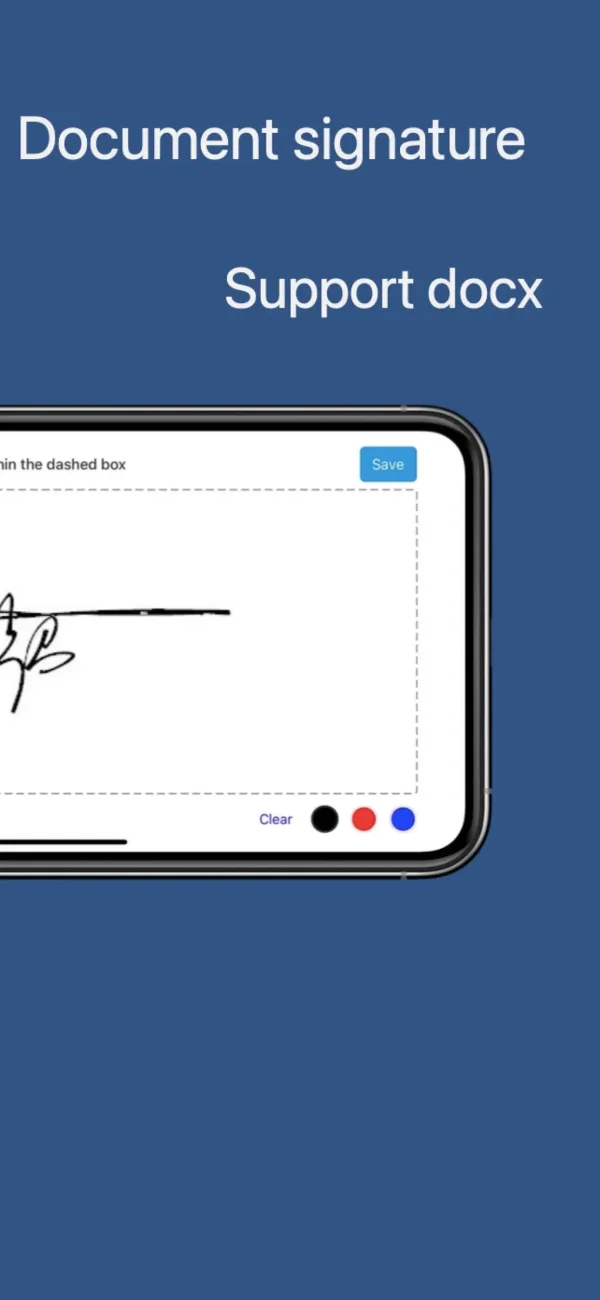
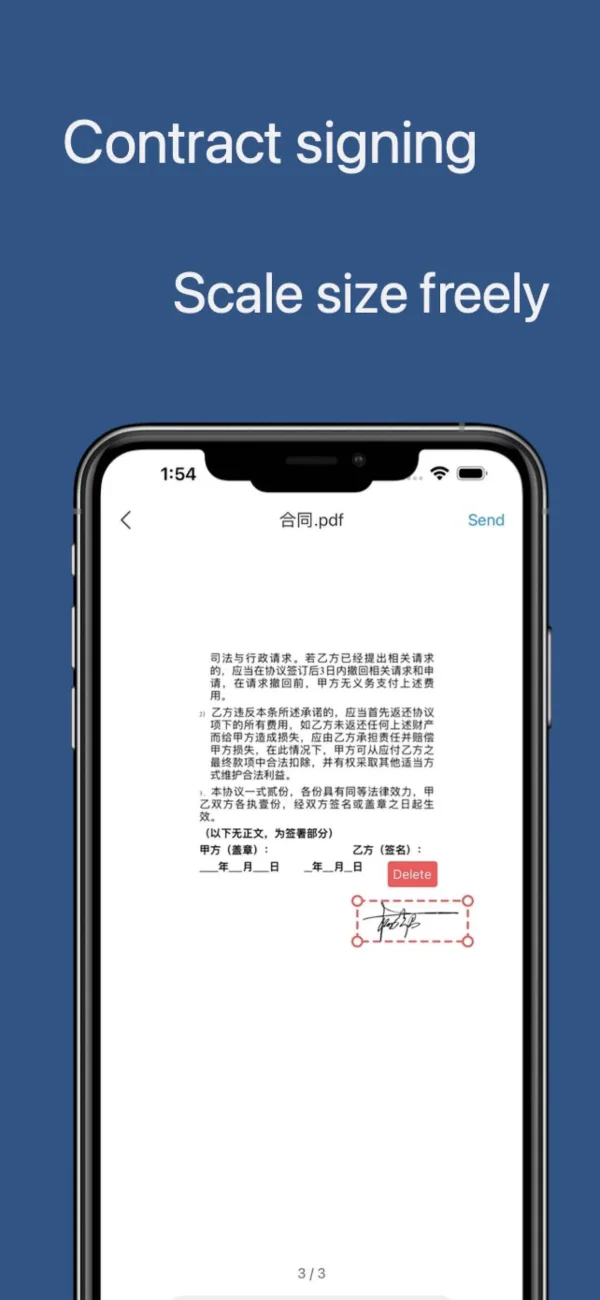
eSign will turn your iPhone or iPad into a powerful instrument for e-signing PDF documents and other formats. Quickly import, add a signature, and share any document as a PDF file. You don’t need an Internet connection because all documents are stored locally on your device.
FEATURE HIGHLIGHTS:
— Convert docx, doc, xlsx to PDF
— Easily Sign Documents Anywhere
— Fill and Edit Documents
— Create Your e-Signature
— Import Your Documents or Photos
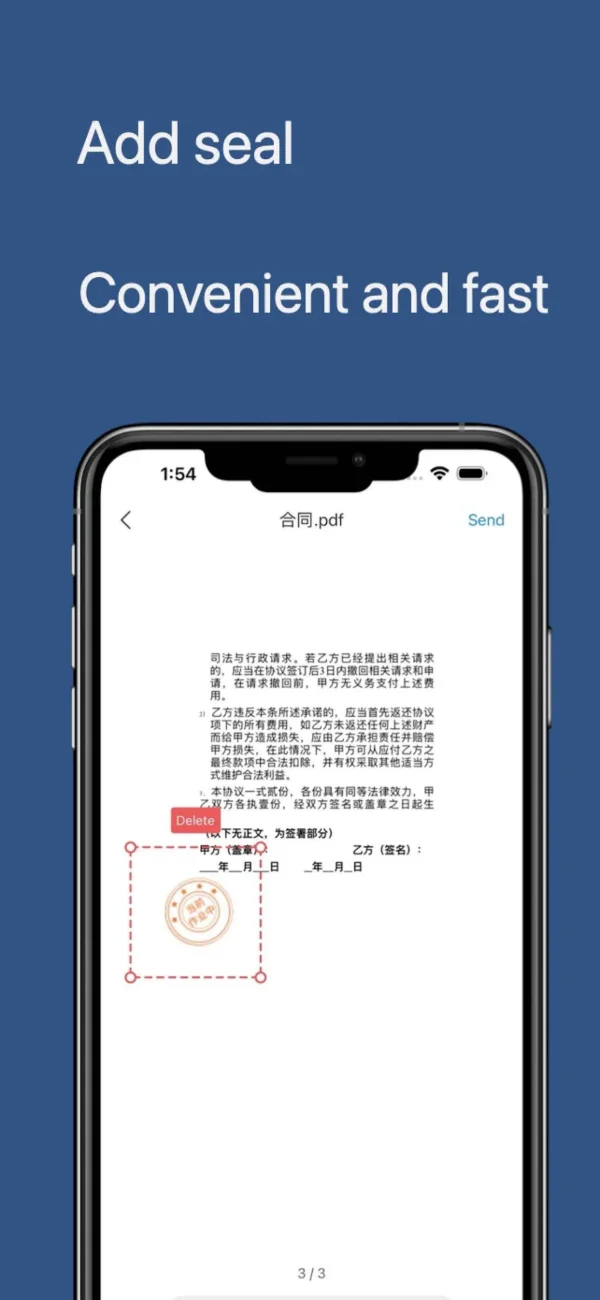
- Add Seal to you file
- Share your sign Documents
What’s new
Version 1.2.3 · Apr 16, 2026
Bugs fixed
App privacy
What 意 田 declares on the App Store about how this app handles data.
-
Data not collected
The developer does not collect any data from this app.
Privacy practices may vary, for example with the features you use or your age.
Information
- Seller
- 意 田
- Category
- Business
- Version
- 1.2.3
- Updated
- Apr 16, 2026
- Released
- Mar 13, 2024
- Size
- 11.3 MB
- Requires
- iOS 12.0 or later
- Age rating
- 4+
- Price
- Free
- Languages
- English, Danish, German, Japanese, Portuguese, Simplified Chinese, Traditional Chinese
- Copyright
- © TY2024
You might also like
-
 Seal Maker-sign pdf with sealEasy use seal maker
-
 签字宝-专业合同签字,手写签名,电子签章Business
-
 QuickSign-Sign documentsDocuments quick sign
-
 好签-签字审批、手写签名Business
-
 Electronic SignatureWrite and paste your signature
-
 Sign Documents - Sign&Edit PDFAdd Signatures to PDF Document
-
 Sign PDF Documents - eSign AppElectronic signature scanner
-
 eSign PDF Sign DocumentsScan Doc,Edit&Signature Maker
-
 Document Editor—Docs,SheetsEdit word,excel,pdf,slides
-
 eSign - Fill & Sign Form DocsScan Documents, add Signature