- Age rating4+
- CategoryProductivity
- DeveloperChang Hyun Lee
- LanguagesEnglish
- Size43.7 MB
Links to the official App Store page
Download.org hosts no file of Essential: Calendar. The button opens its official App Store page, published by Chang Hyun Lee. Listing last checked on Nov 14, 2026.
Screenshots
About
Introducing Essential, a new calendar.
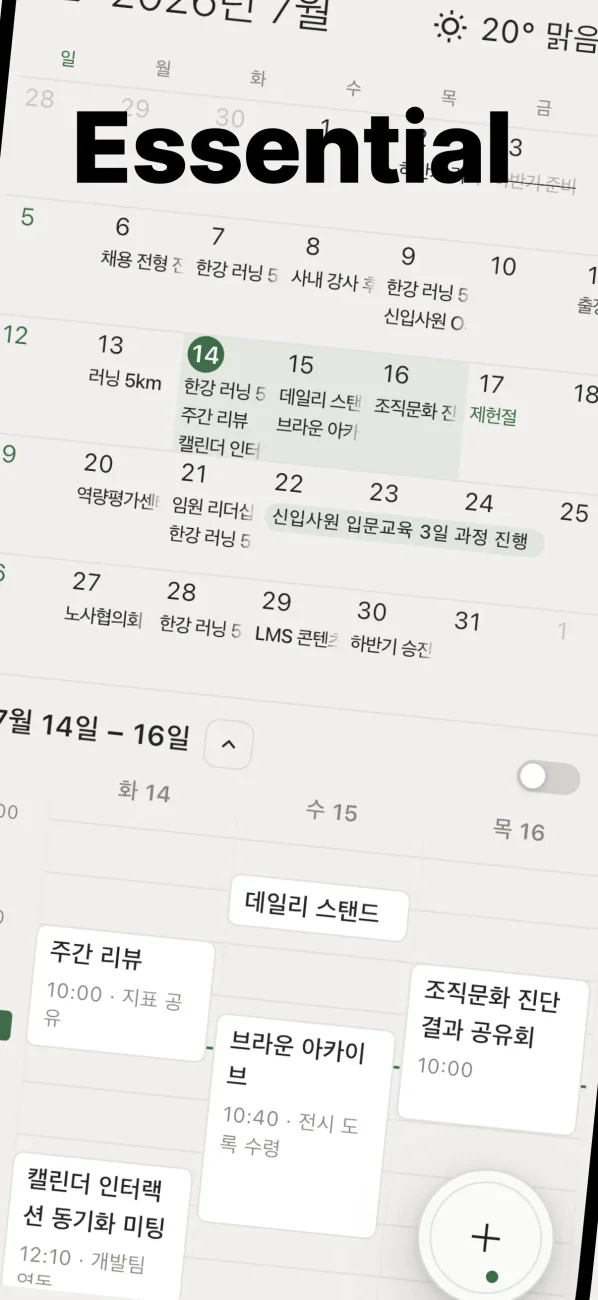
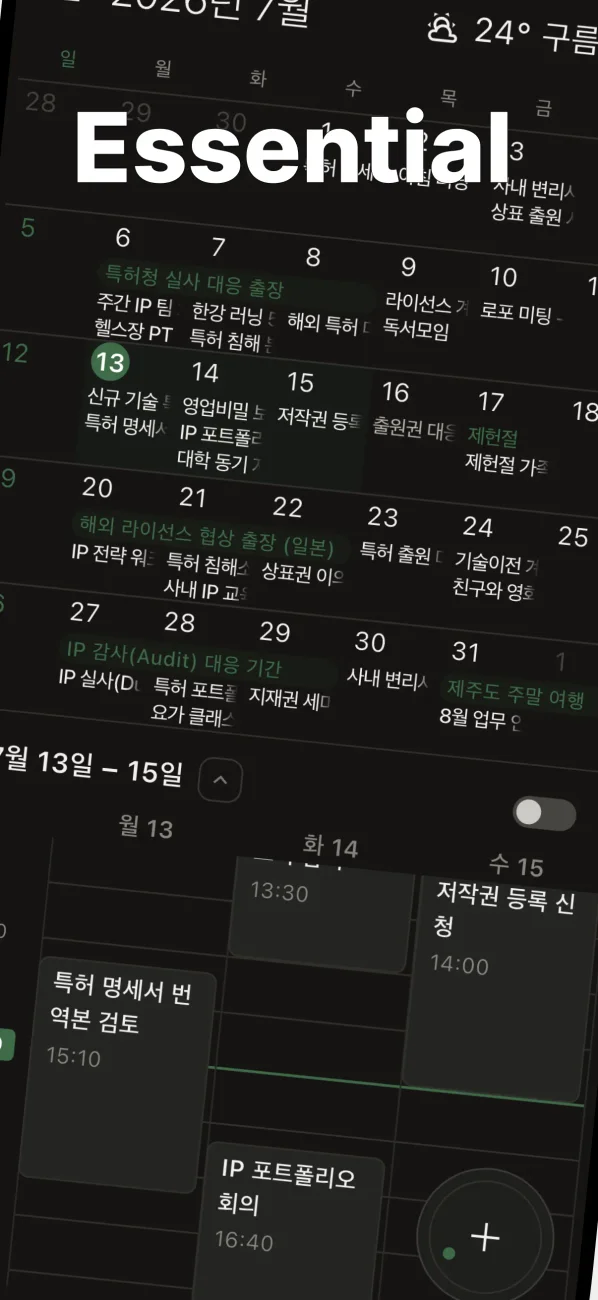
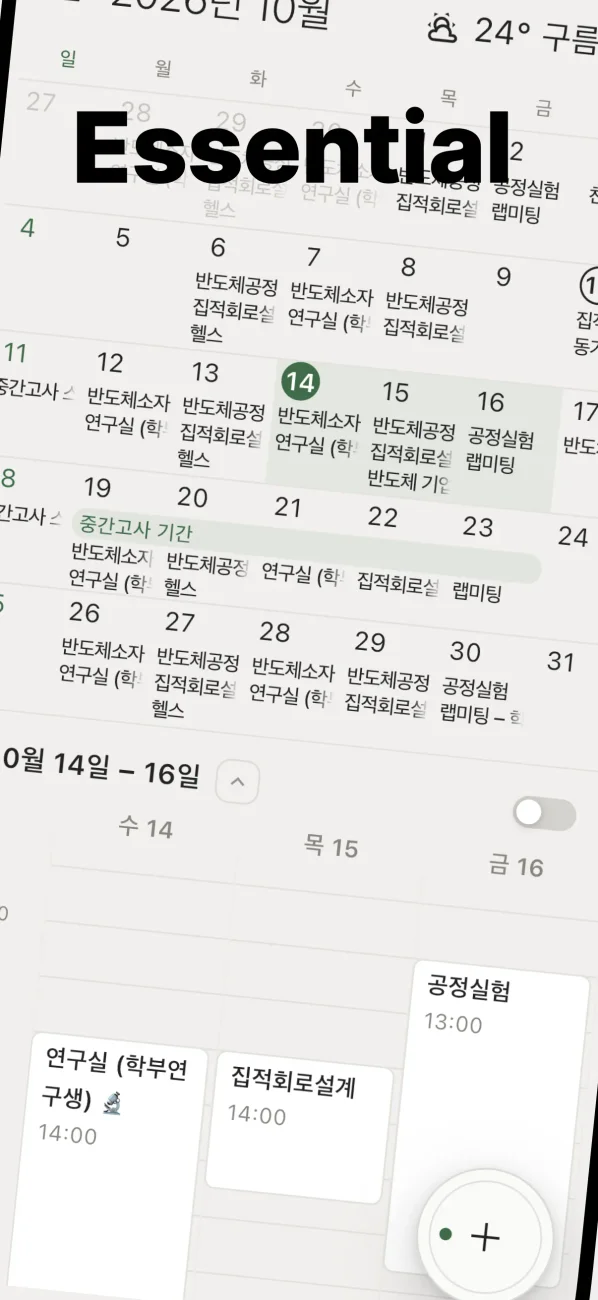
Essential boldly holds back on colour to create a minimalist design focused on what truly matters.
Unlike other apps, events carry no colours, giving your schedule a calm, well-organised feel.
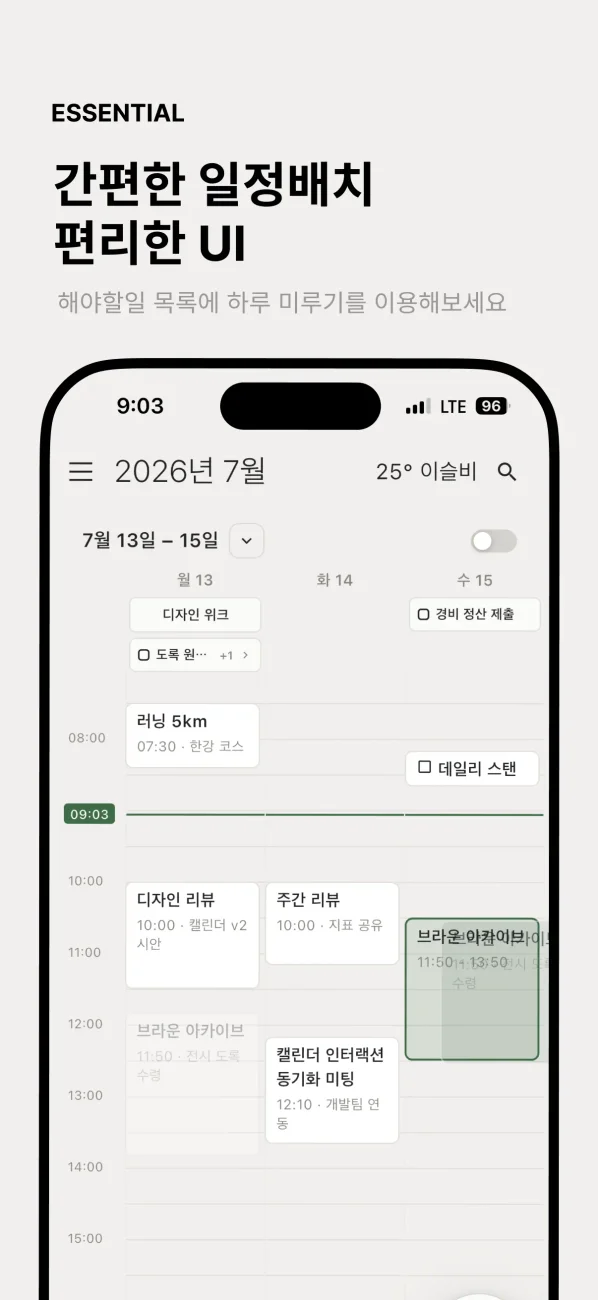
Essential brings a [Monthly Calendar] and a [Timeline] together on a single screen.
No need to switch screens to see the details of your day.
Essential is built around [Continuity]. Whether you're searching for an event or changing a setting, you can do it without leaving the page.
For example, tap the magnifying glass in the top right corner. Instead of taking you to a new screen as most apps do, the icon turns straight into a search field, so you can search right where you are.
Beyond its design, Essential offers a few special features.
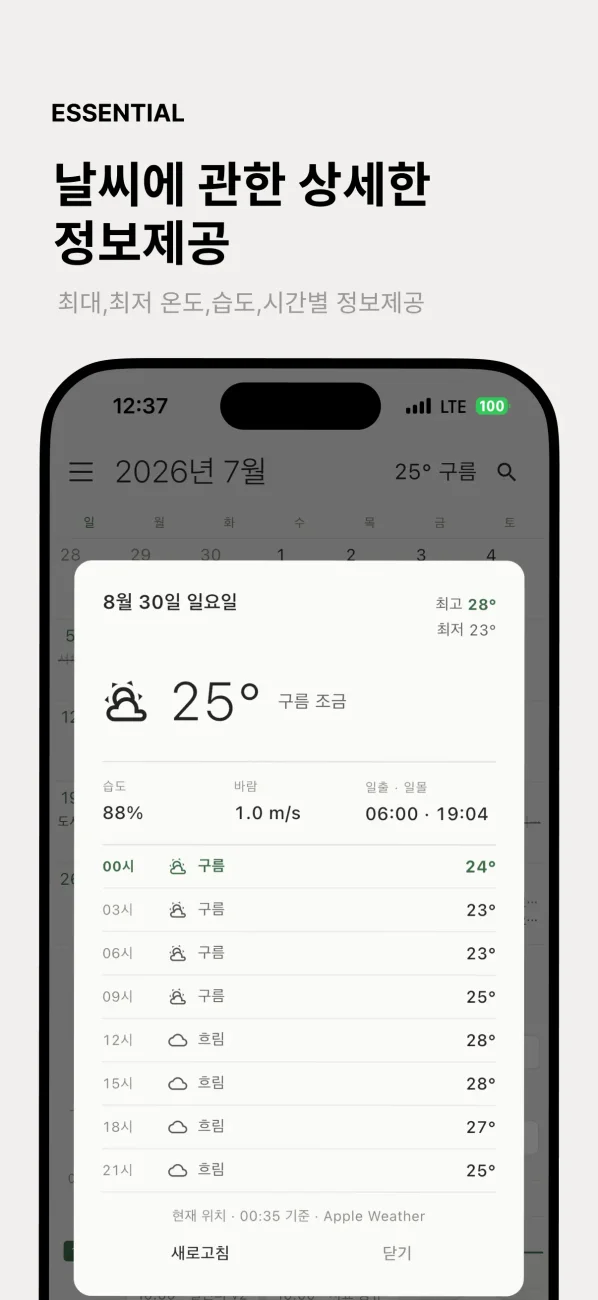
1. Detailed Weather
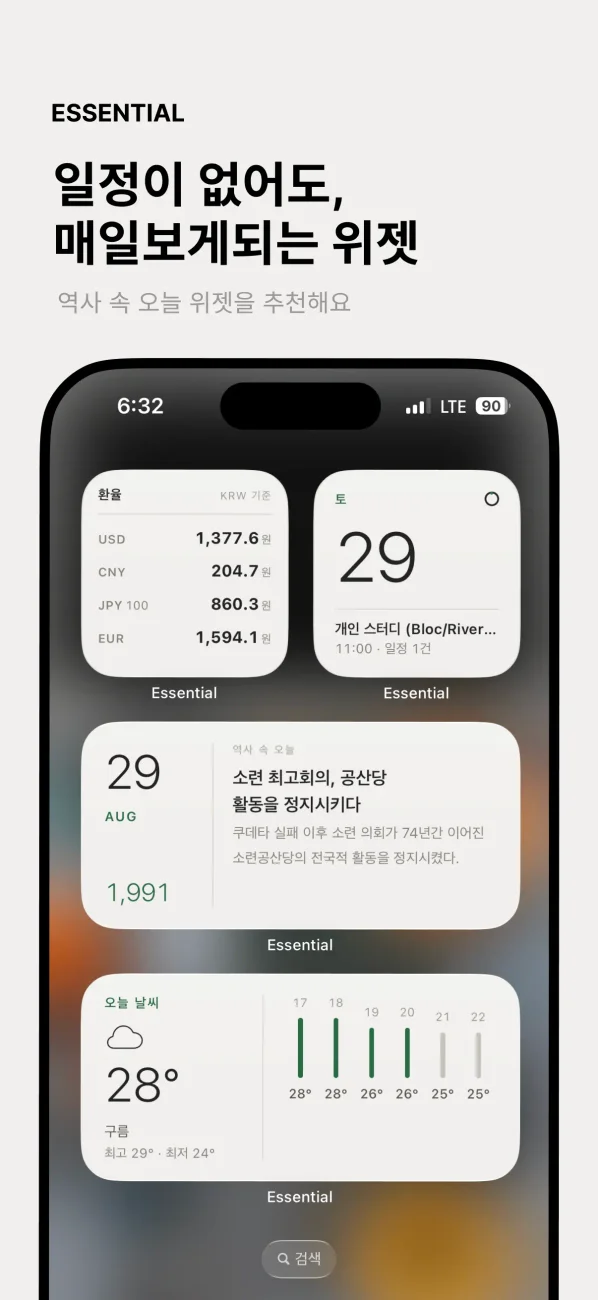
Useful for those who work outdoors. Hourly forecasts, daily highs and lows, and more, made for anyone who keeps an eye on the weather.
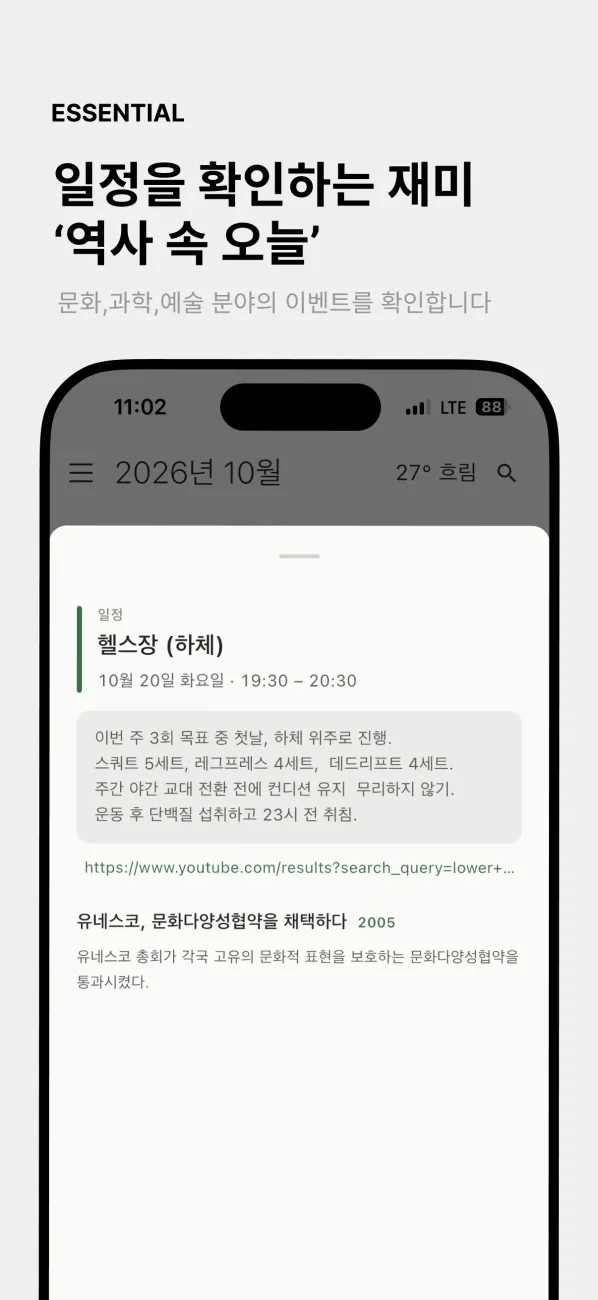
2. A little joy in checking your schedule: "On This Day"
An ordinary day for some was a meaningful one for others. While checking your schedule, discover events from history based on real facts.
Topics span world history, film, art, economics, design and more.
3. Postpone
Move an event to the next day. Plans don't always go as planned, so Essential's postpone feature embraces that uncertainty. It simply moves your event by one day.
A little room for the days that don't go perfectly. It's okay not to be perfect.
4. The Dial
Essential is inspired by the design philosophy of Dieter Rams, the world-renowned industrial designer. To celebrate his work, we've included a tribute object: the dial in the bottom right corner.
Press it to add (+) a new event.
Turn it like a dial to move through the timeline in one-hour steps.
―――
Privacy Policy: https://dieter-rams-project.minimal-calendar.workers.dev/privacy/en
What’s new
Version 1.1.2 · Nov 13, 2026
Added the ability to create and edit events on synced calendars.
App privacy
What Chang Hyun Lee declares on the App Store about how this app handles data.
-
Data not linked to you
May be collected but is not linked to your identity.
- Location
- Usage data
- Diagnostics
Privacy practices may vary, for example with the features you use or your age.
Information
- Seller
- Chang Hyun Lee
- Category
- Productivity
- Version
- 1.1.2
- Updated
- Nov 13, 2026
- Released
- Oct 3, 2026
- Size
- 43.7 MB
- Requires
- iOS 17.0 or later
- Age rating
- 4+
- Price
- Free
- Languages
- English
- Copyright
- © lafayette
You might also like
-
 Eisenhower To-Do - MellowTaskEisenhower Matrix Task Manager
-
 Haru - Calendar & Task ManagerPlanner, To-Dos & Weather
-
 WeeklyTodo | Events and TasksSync with Calendar & Reminders
-
 Squishy Notes - Notepad & TodoColor folders, synced anywhere
-
 Calda - Journal CalendarSchedules and records
-
 Quick Memo+ToDo - PinDeckMemo Widget · To-Do · Gestures
-
 Mobile Diary: TwoLine CalendarShared Planner & Photo Journal
-
 Pack Check: Voice ChecklistNever leave without it again
-
 AskNote : On-Device AI NotesOn-Device AI Organized by Tags
-
 매일할일 – 날씨까지 광고없이 빠르게 하나에서Productivity