
- Age rating4+
- CategoryProductivity
- DeveloperHYOSEOK KIM
- LanguagesEnglish+ 10 more
- Size48.1 MB
Links to the official App Store page
Download.org hosts no file of Haru - Calendar & Task Manager. The button opens its official App Store page, published by HYOSEOK KIM. Listing last checked on Nov 25, 2026.
Screenshots

About
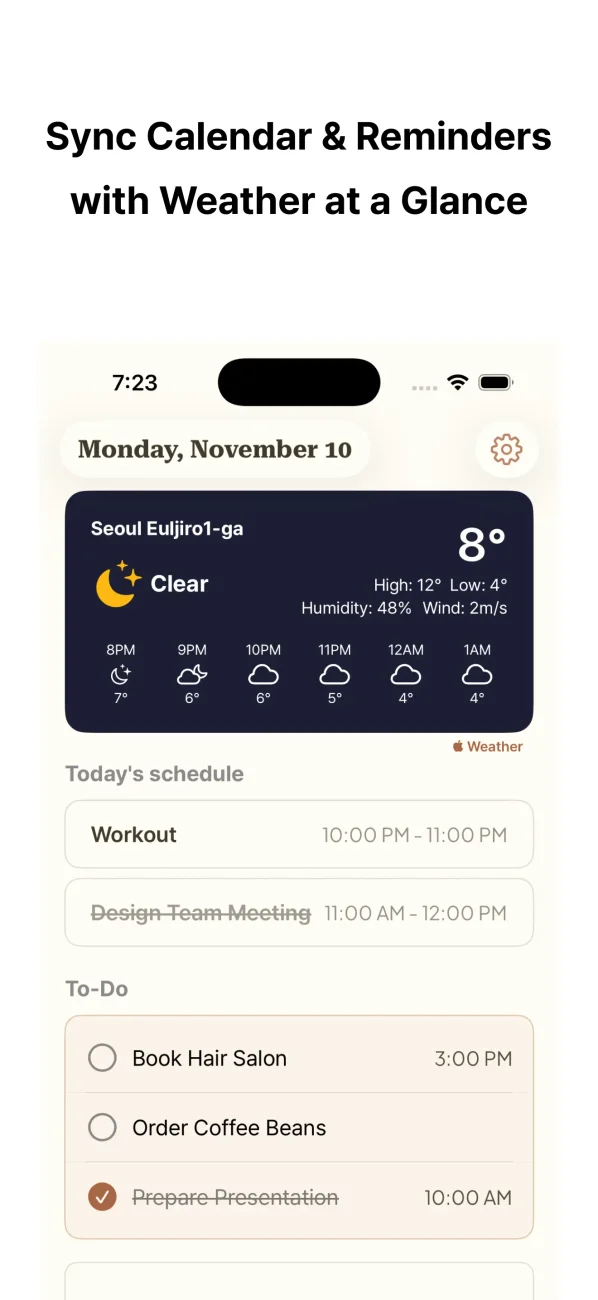
See your events, reminders, and weather in one place.
Haru is a clean calendar app that helps you understand your day at a glance and focus on what matters.
Instead of checking your calendar, reminders, and weather in separate apps, Haru brings the flow of your day together in one clear view.
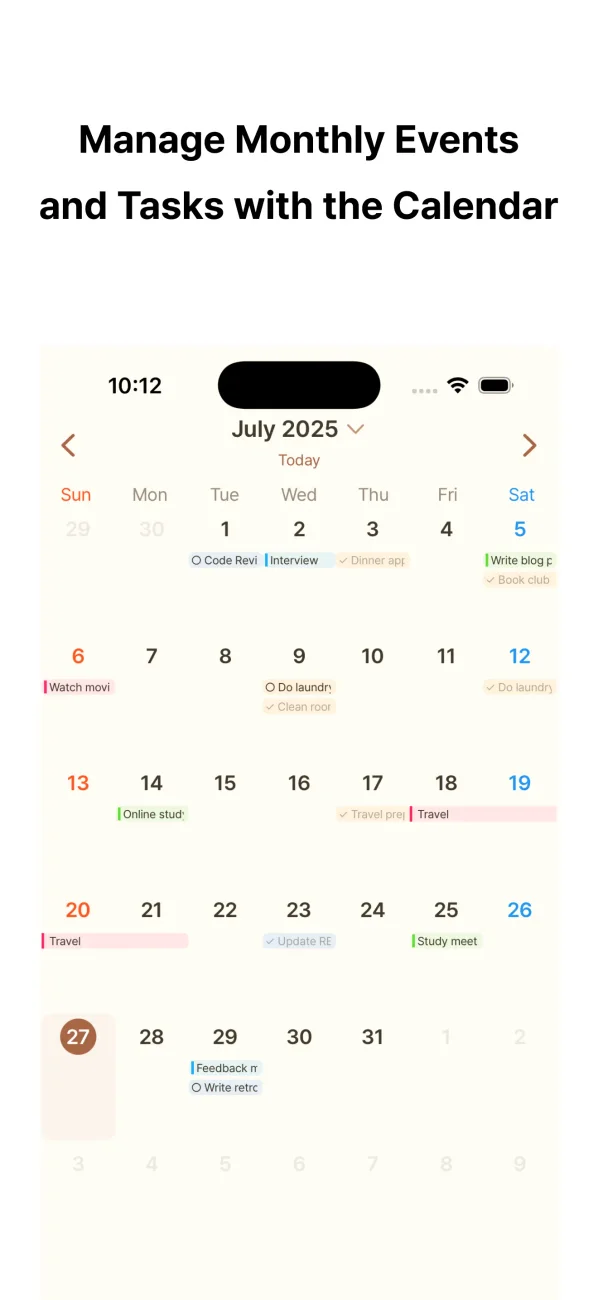
Get the big picture with the monthly calendar, then look closer with the 3-day view and the day timeline. Events and reminders appear together by time, making it easier to plan your day. Press and hold an item, then drag it to move it to another day or time.
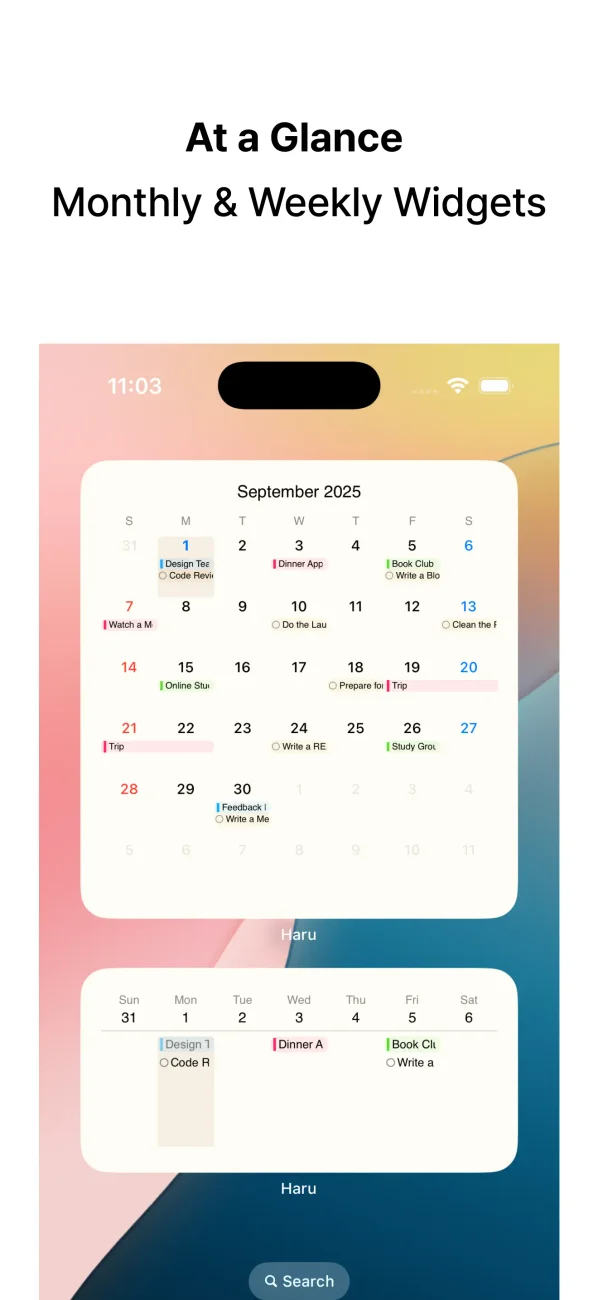
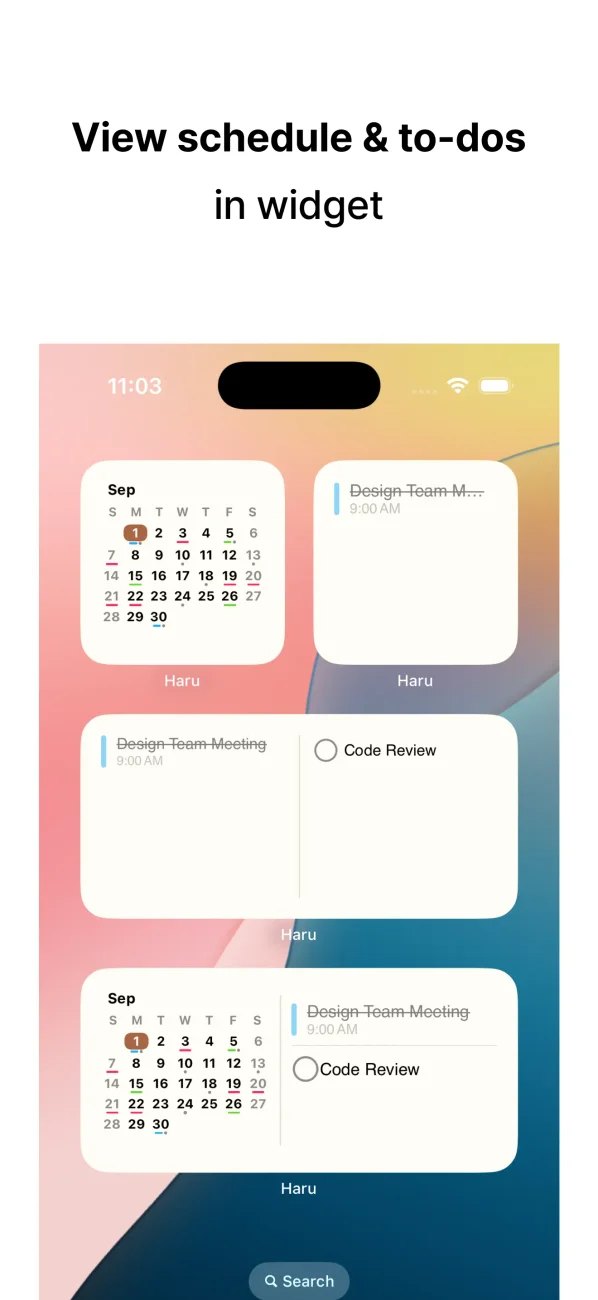
Home Screen widgets let you check events and reminders and complete reminders right from the widget. Customize the start screen, calendar display, theme, and other everyday settings to fit the way you plan.
Key features
• Today's events, reminders, and weather in one place
• Monthly view, 3-day view, and day timeline
• Calendar events and Reminders shown together
• Press and hold, then drag to move events and reminders to another day or time
• Home Screen widgets to check and complete reminders
• Settings for the start screen, calendar display, and theme
• Dark Mode support
• Simple to use, with no complicated setup
• Available in 11 languages
See your day more clearly and keep the flow of your week and month organized.
For questions, issues, or feedback, contact us at:
hsapps.help@gmail.com
What’s new
Version 1.28.0 · Nov 23, 2026
• Show this month's calendar and today's remaining events and reminders on your Lock Screen wallpaper (iOS 26 or later). Events with linked reminders show their progress, like "Prep 1/3".
• Set it up once, and your wallpaper updates by itself when you open or close Haru and every morning at 6:00 AM. In Settings, go to Lock Screen Wallpaper, choose a look, then get the shortcut and turn on its automations.
• Choose App Theme, Light, Dark, or one of three Christmas looks (Christmas Forest, Christmas Red, or Christmas Night). If you've made the Lock Screen clock larger or placed widgets at the bottom of the screen, set Clock Size to Large. To keep event titles private, turn on Hide titles on the Lock Screen.
• A "See Your Day on the Lock Screen" card now appears in the Today tab. Start with the wallpaper, or tap Add a Widget to see how to place Haru widgets on your Lock Screen and Home Screen.
• Choose a Christmas Green or Christmas Red icon under App Icon in Settings. From December 1 to 25, Haru switches to the Christmas Green icon when you open it, and it switches back to the default icon from December 26. An icon you've chosen yourself stays as it is. iOS shows a notice when the icon changes.
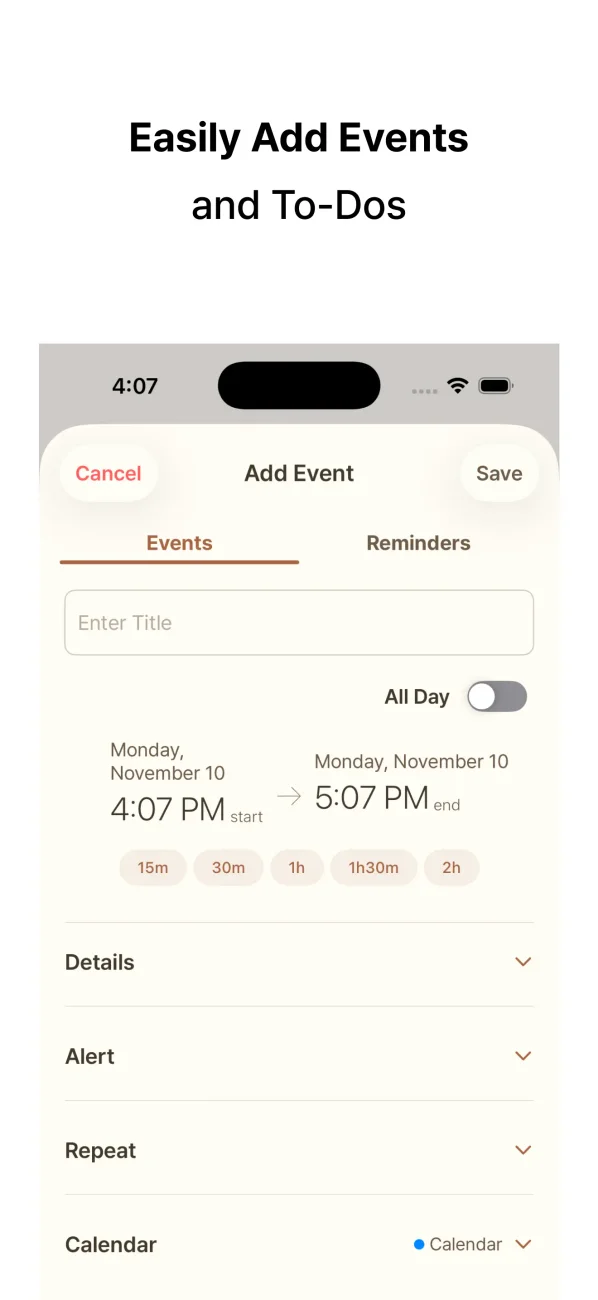
• When you add or edit an event and the end is before the start, Haru now shows "End is before start." and won't save until you fix it.
• If there's nothing to choose in Link Existing, Haru now explains why and takes you straight to New Reminder or Choose Lists.
• Fixed an issue where events from holiday calendars with Japanese titles (such as 日本の祝日) appeared as regular events in the Today tab and widgets, and an issue where the calendar count in Calendar Profiles included calendars not shown in the list.
App privacy
What HYOSEOK KIM declares on the App Store about how this app handles data.
-
Data used to track you
May be used to track you across apps and websites owned by other companies.
- Identifiers
- Usage data
-
Data linked to you
May be collected and linked to your identity.
- Identifiers
- Usage data
-
Data not linked to you
May be collected but is not linked to your identity.
- Location
- User content
- Diagnostics
Privacy practices may vary, for example with the features you use or your age.
Information
- Seller
- HYOSEOK KIM
- Category
- Productivity
- Version
- 1.28.0
- Updated
- Nov 23, 2026
- Released
- Jun 2, 2025
- Size
- 48.1 MB
- Requires
- iOS 17.0 or later
- Age rating
- 4+
- Price
- Free
- Languages
- English, French, German, Japanese, Korean, Portuguese, Simplified Chinese, Spanish, Thai, Traditional Chinese, Vietnamese
- Copyright
- © 2025 Hyoseok Kim
You might also like
-
 Time Calendar, Event, TaskSchedule Planner & Reminder
-
 WeeklyTodo | Events and TasksSync with Calendar & Reminders
-
 Plandy: Calendar & TasksReminders by title, not dots
-
 Dayble - Habits & RoutinesHabit Tracker & Daily Planner
-
 DoThread - Mind journalingJournal, moods, habits. Yours.
-
 Minimo: Notes & WidgetsFolder-Based Note App
-
 Task BatchSmart Task Management
-
 PaperloopEffortless Productivity
-
 My ListMateProductivity
-
 CalcKey: Calculator KeyboardCalc While Typing, Split & Tip