
Ever Teleprompter
Create. Speak. Prosper
Designed for iPhone, iPad
Free · In-app purchases
- Age rating4+
- CategoryUtilities
- DeveloperViet Anh Nguyen
- LanguagesEnglish
- Size34.7 MB
Links to the official App Store page
Download.org hosts no file of Ever Teleprompter. The button opens its official App Store page, published by Viet Anh Nguyen. Listing last checked on Nov 23, 2026.
Screenshots



About
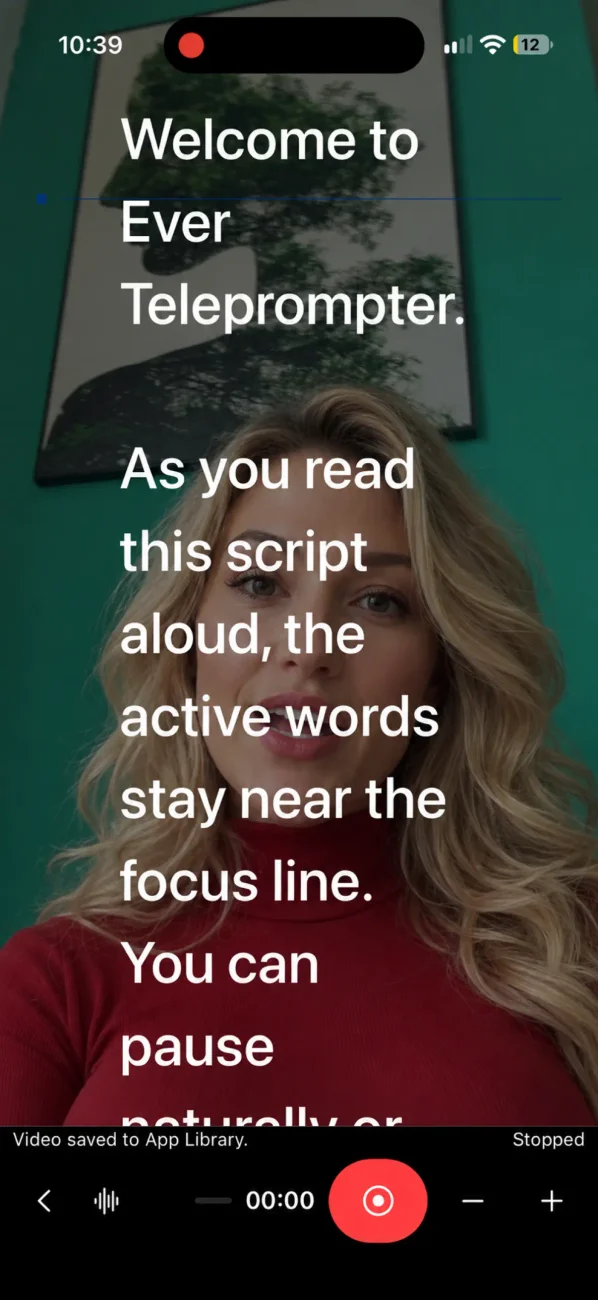
Ever Teleprompter helps you deliver your script with a more natural on-camera presence. Camera-Eye Level Mode (Pro) places your script as close to the front camera as your screen allows. Your eyes stay near the lens, so viewers feel you are talking with them, not reading at them.
THREE WAYS TO SCROLL
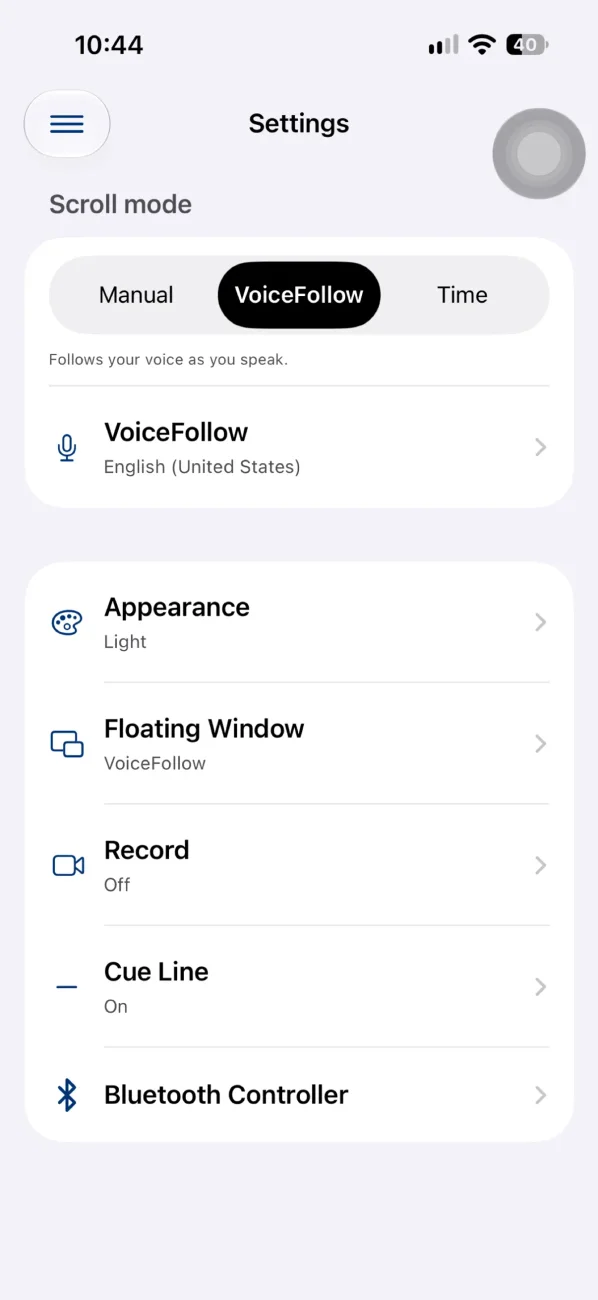
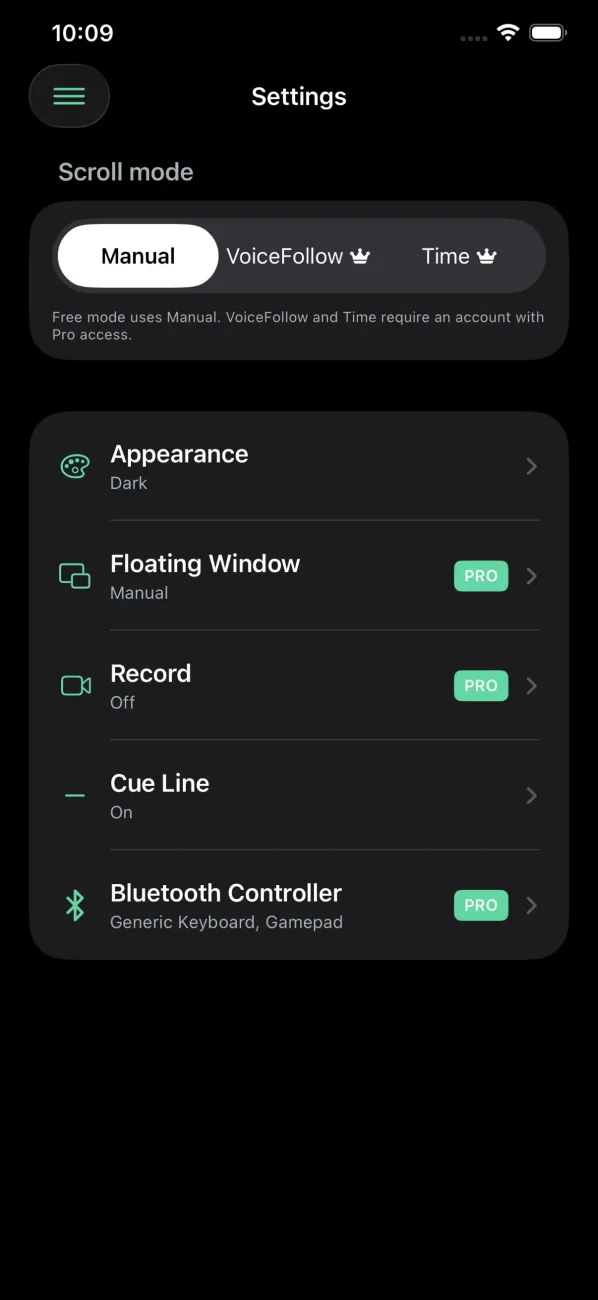
• VoiceFollow (Pro): lets your voice guide the script. It accurately follows the words as you speak. Slow down for an important point, pick up the pace, or pause to breathe. You have all the freedom. Skip a line and the script catches up. Words you have already said are dimmed, so you never lose your place. Ever Teleprompter has one of the most accurate voice-follow modes on the market.
• Time (Pro): smooth or constant scrolling from 60 to 500 words per minute. Change the speed while you read.
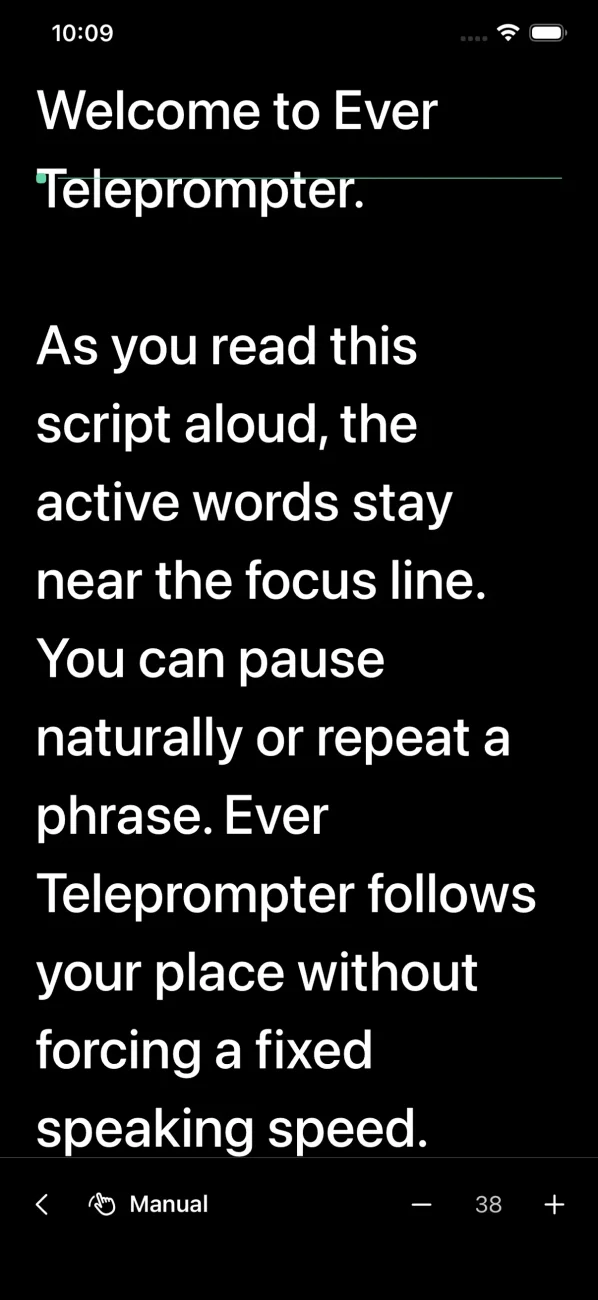
• Manual (Free): move through the script yourself. Nothing scrolls until you do.
FLOAT OVER OTHER APPS (PRO)
Tap Float and your script keeps scrolling in a Picture in Picture window on top of other apps, like your camera or live-streaming app. Works with Time and VoiceFollow. Play, pause or stop from the Lock Screen or the Dynamic Island.
AUTO-CAPTION (PRO)
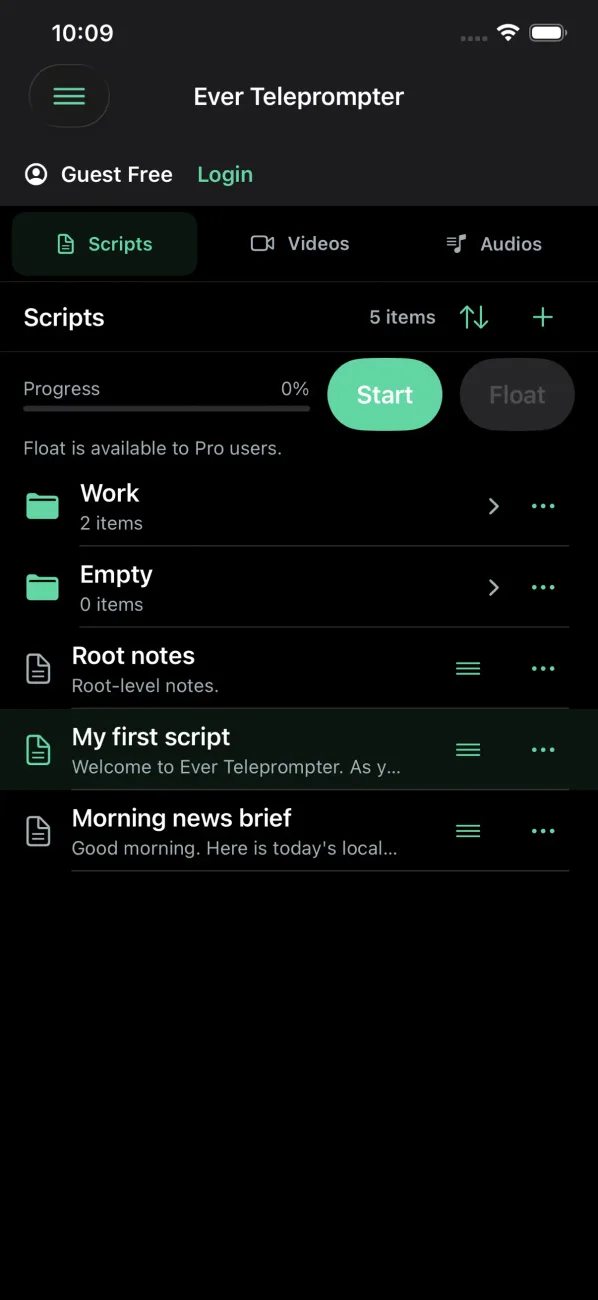
Ever Teleprompter auto-captions your videos using the matching script in your library. Customize caption capital letters, text size, color and position.
RECORD VIDEO RIGHT IN THE APP (PRO)
Record front-camera video and sound while your script scrolls, in any scroll mode, including 4K on supported devices. Play, rename and share your takes, or save them to Photos.
NEW: BUILT-IN VIDEO EDITOR
Fix your takes without leaving the app. Edit the videos you record, or pick any video from Photos. Your original video is never changed. Edits are saved as a new copy.
Don't take our word for it; try all Pro features free for 3 days with the Annual plan (for eligible new subscribers). Ever Teleprompter might just be the last teleprompter app you ever need.
The video editor needs iOS or iPadOS 18 or later. VoiceFollow, Auto-caption, Retakes and Captions need iOS or iPadOS 26 or later.
Terms of Use: https://everteleprompter.com/terms.html
Privacy Policy: https://everteleprompter.com/privacy.html
What’s new
Version 2.1.4 · Nov 19, 2026
Improved: Auto-caption captions now appear in time with your speech instead of showing early during pauses. This also improves captions in the video editor.
App privacy
What Viet Anh Nguyen declares on the App Store about how this app handles data.
-
Data used to track you
May be used to track you across apps and websites owned by other companies.
- Location
- Identifiers
- Usage data
-
Data linked to you
May be collected and linked to your identity.
- Purchases
- Location
- Contact info
- User content
- Identifiers
- Usage data
- Diagnostics
- Other data
-
Data not linked to you
May be collected but is not linked to your identity.
- Usage data
- Diagnostics
Privacy practices may vary, for example with the features you use or your age.
Information
- Seller
- Viet Anh Nguyen
- Category
- Utilities
- Version
- 2.1.4
- Updated
- Nov 19, 2026
- Released
- Oct 30, 2026
- Size
- 34.7 MB
- Requires
- iOS 17.0 or later
- Age rating
- 4+
- Price
- Free
- In-app purchases
- Yes
- Languages
- English
- Copyright
- © 2026 VanhSoft
You might also like
-
 Flow TeleprompterUtilities
-
 FlowMountMount, sync, and manage
-
 CreateCoolGIFsUtilities
-
 Visual MTR: TracerouteIPv6, ASN & Visual Diagnostics
-
 Battery Life WidgetsWidgets & Levels at a Glance
-
 BackupFlow: NAS & SFTP SyncAuto Photo & File WebDAV FTP
-
 Ping Tools: Network UtilityPing, Traceroute, DNS, Speed
-
 PasteKit: Clipboard KeyboardText Snippets & Quick Replies
-
 Sandglass3Utilities
-
 SnapBox Pro: Private Temp MailInstant Disposable Mail