
ExifSmith: Batch Exif Editor
Metadata Remover & Photo Info
Designed for iPhone
Free · In-app purchases
- Age rating4+
- CategoryPhoto & Video
- DeveloperMANUEL MATAS GALEOTE
- LanguagesEnglish+ 7 more
- Size18.0 MB
Links to the official App Store page
Download.org hosts no file of ExifSmith: Batch Exif Editor. The button opens its official App Store page, published by MANUEL MATAS GALEOTE. Listing last checked on Nov 12, 2026.
Screenshots

About
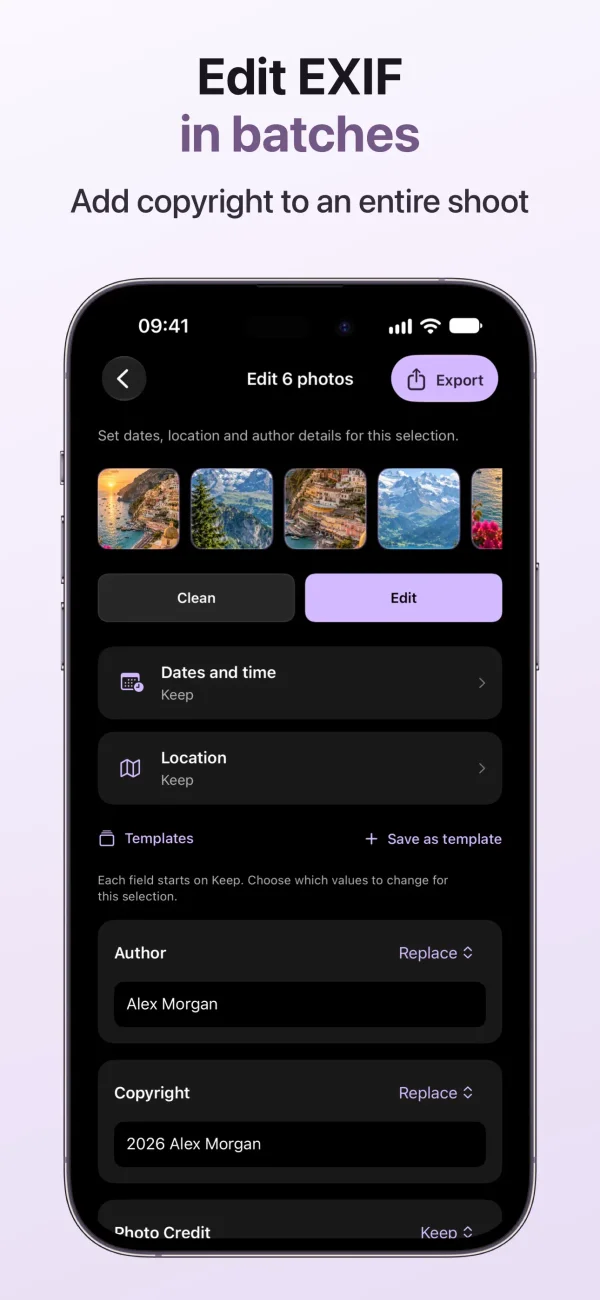
Edit photo metadata and prepare an entire shoot with ExifSmith. Add your name and copyright to a batch, save them as a template, and reuse it on your next delivery.
• Edit in batches. Apply author, copyright, descriptions, or keywords to selected photos. Save your settings as a template for next time.
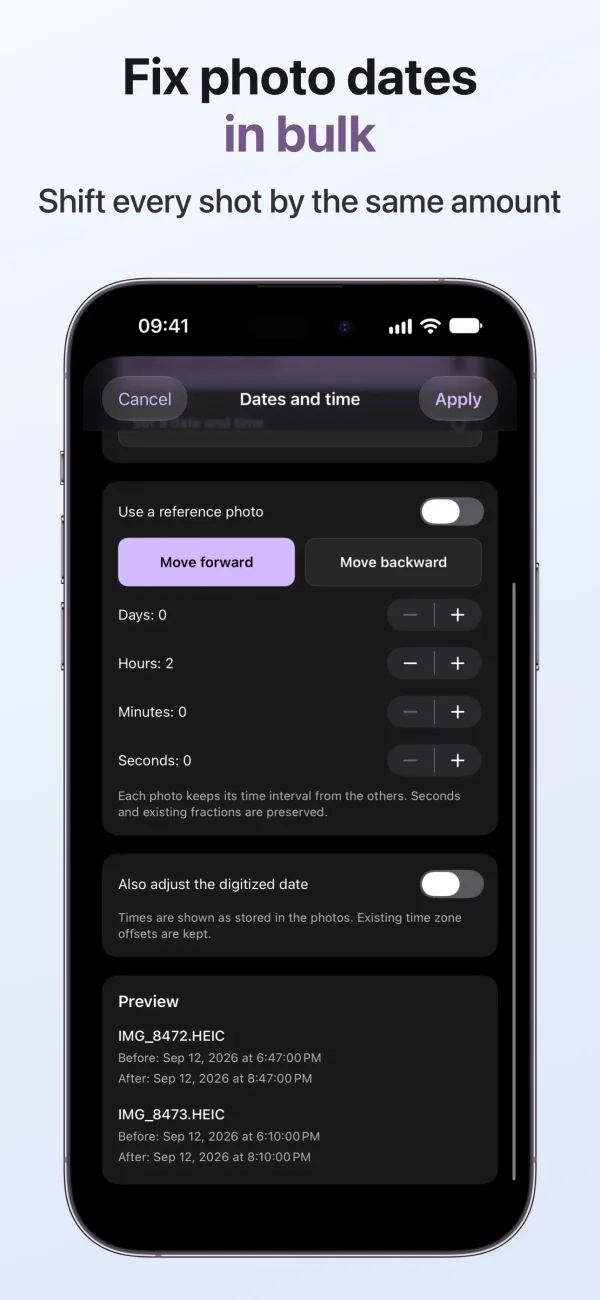
• Fix dates and locations. Adjust a single photo’s date and time or shift an entire shoot by two hours, for example, while keeping the intervals between shots. Search for a place on the map to update the location.
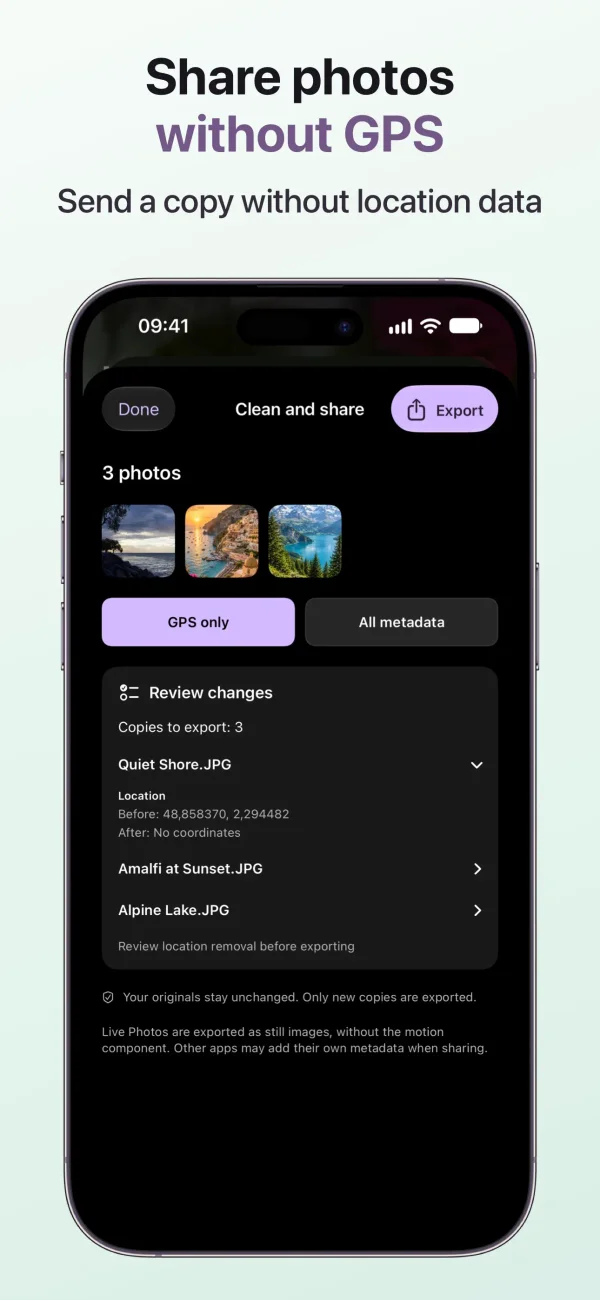
• Share without GPS. Open ExifSmith from the share menu in Photos or Files and send a copy with GPS data removed.
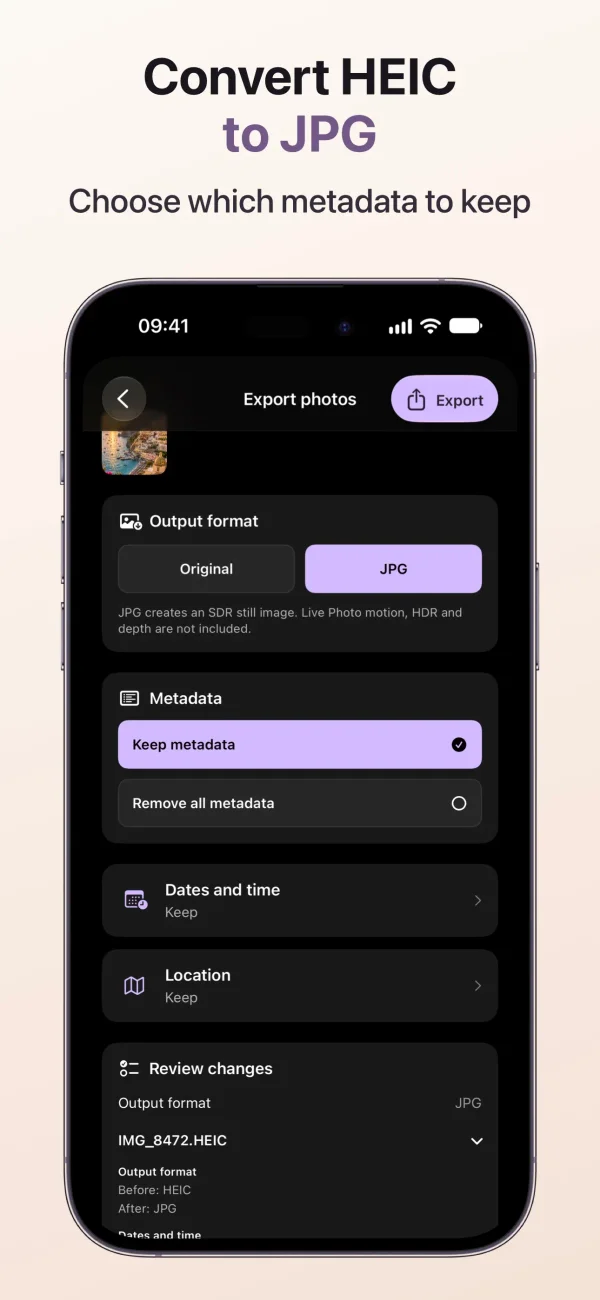
• Convert HEIC to JPG while keeping compatible metadata.
• Review before exporting. Check your changes, then save a copy to Photos or Files, or share it directly.
View EXIF, GPS, and IPTC metadata. Image processing takes place on your device, and your original photos are preserved.
Privacy Policy: https://sites.google.com/view/exifprivacy/home
Apple Standard Terms of Use (EULA): https://www.apple.com/legal/internet-services/itunes/dev/stdeula/
What’s new
Version 2.1.0 · Nov 8, 2026
Add your name and copyright to an entire shoot and save your settings as a template.
• Edit metadata in batches and reuse your templates.
• Correct the date and time of a shoot while preserving the intervals between shots, or adjust the location on a map.
• Share copies without GPS from the share menu in Photos or Files.
• Convert HEIC photos to JPG and review changes before exporting.
App privacy
What MANUEL MATAS GALEOTE declares on the App Store about how this app handles data.
-
Data not linked to you
May be collected but is not linked to your identity.
- Purchases
- Identifiers
- Usage data
Privacy practices may vary, for example with the features you use or your age.
Information
- Seller
- MANUEL MATAS GALEOTE
- Category
- Photo & Video
- Version
- 2.1.0
- Updated
- Nov 8, 2026
- Released
- Nov 4, 2025
- Size
- 18.0 MB
- Requires
- iOS 17.6 or later
- Age rating
- 4+
- Price
- Free
- In-app purchases
- Yes
- Languages
- English, French, German, Japanese, Korean, Portuguese, Simplified Chinese, Spanish
- Copyright
- © 2026 Manuel Matas Galeote
You might also like
-
 Meme Maker & Text Behind PicSticker, Fonts & Collage
-
 PocketBox: Video CompressorHEIC to JPG·MOV to MP4·GIF
-
 Old Photo Restore - ObjectsAIFix Blurry Photos & AI Eraser
-
 EditorPro: AI Video EditorReels Maker, Filters & Effects
-
 Longshot - Long ScreenshotScreenshot Stitching Tool
-
 AI Prompts Art Photo EditingEdit Photos Prompt Engineering
-
 Dual Camera GeoTagDual Cam Capture with Location
-
 Cueboard - Creator Shot ListsPlan it, shoot, track & share!
-
 Geo Shot CameraPhoto & video with GPS info
-
 Radiant Landscape CameraTravel Photo & Video Editor