
- Age rating4+
- CategoryFinance
- DeveloperRODRIGO MERINO DE LA PARRA
- LanguagesFrench+ 5 more
- Size108.9 MB
Links to the official App Store page
Download.org hosts no file of Expense tracker - Nola. The button opens its official App Store page, published by RODRIGO MERINO DE LA PARRA. Listing last checked on Nov 15, 2026.
Screenshots

About
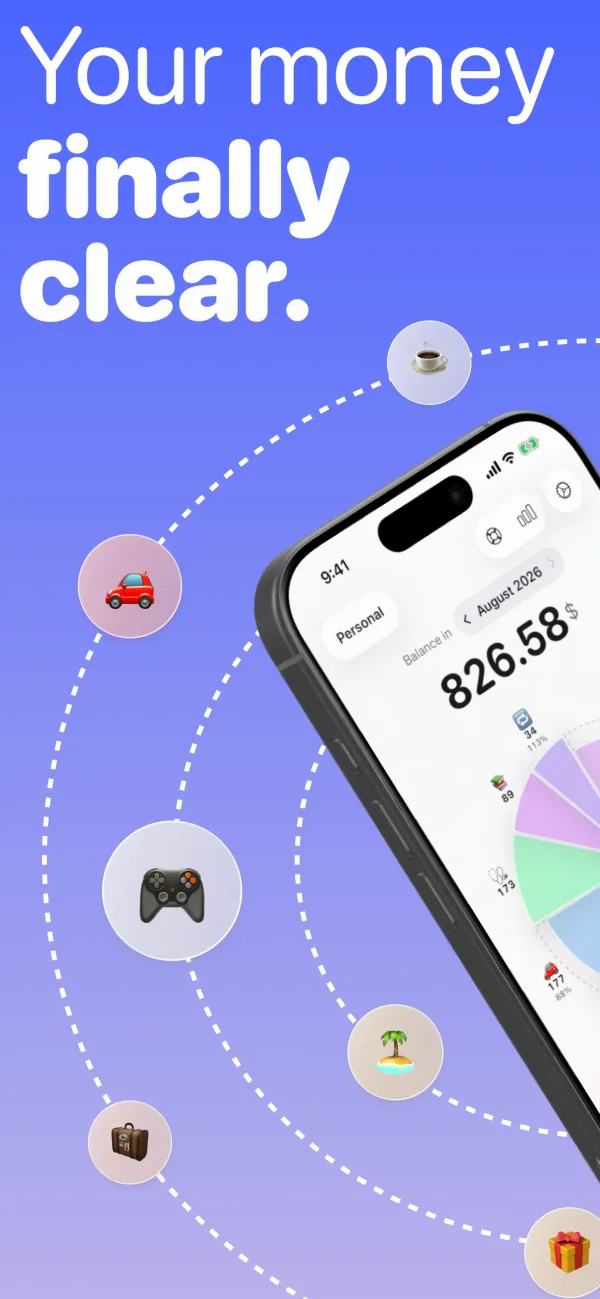
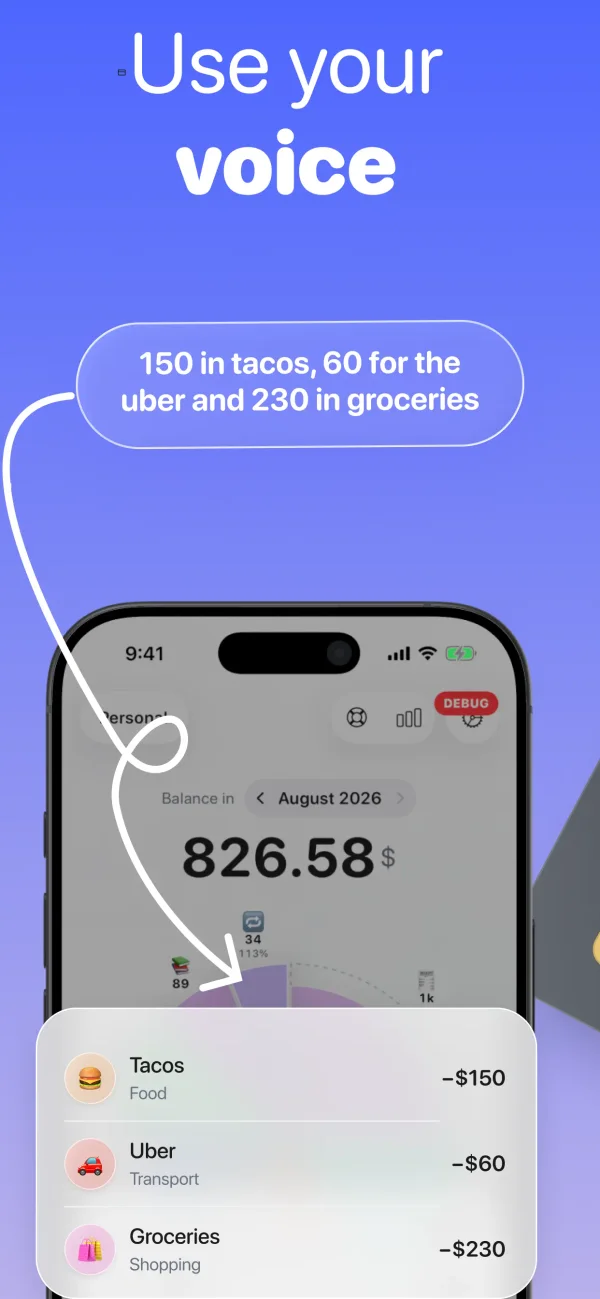
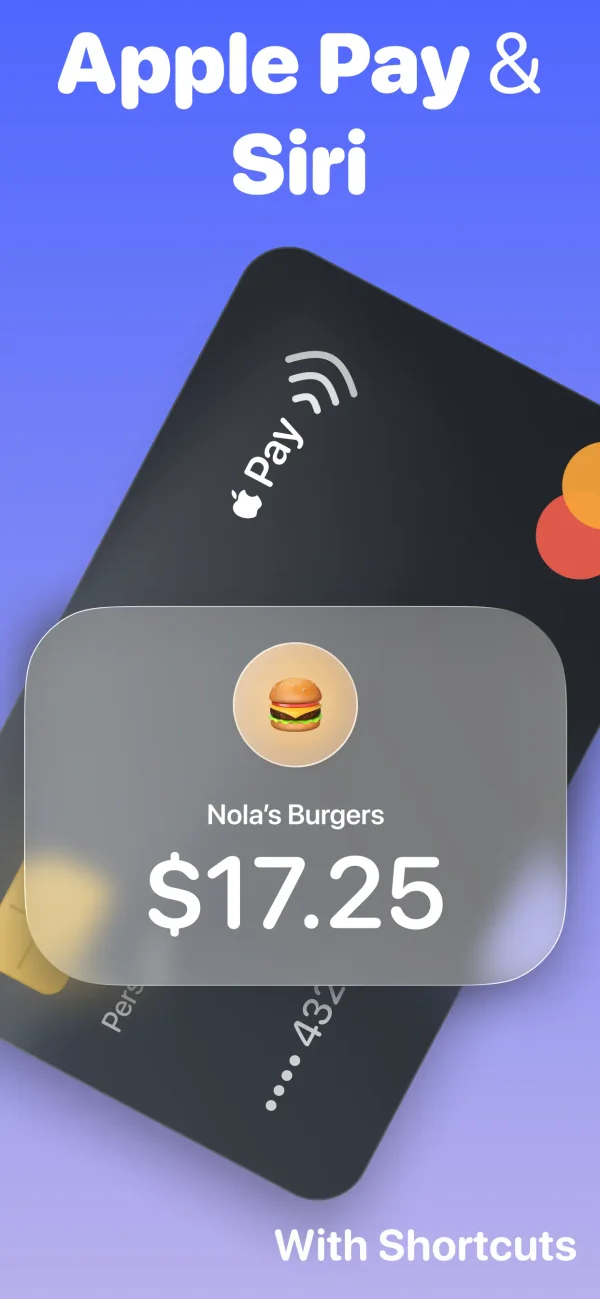
Nola is your AI-powered personal finance companion. Track expenses effortlessly with voice, photos, or manual input — in English and Spanish.
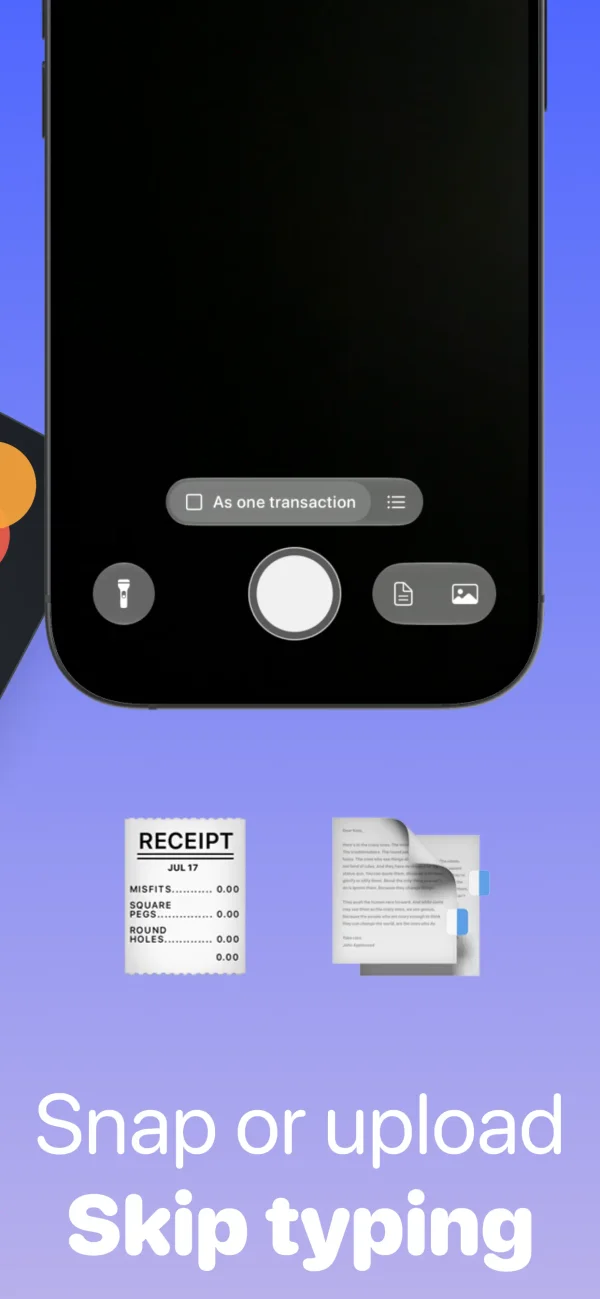
• Snap a receipt or bank statement — Nola reads it instantly
• Say what you spent — voice input with live transcription
• Smart categorization — AI learns your spending patterns
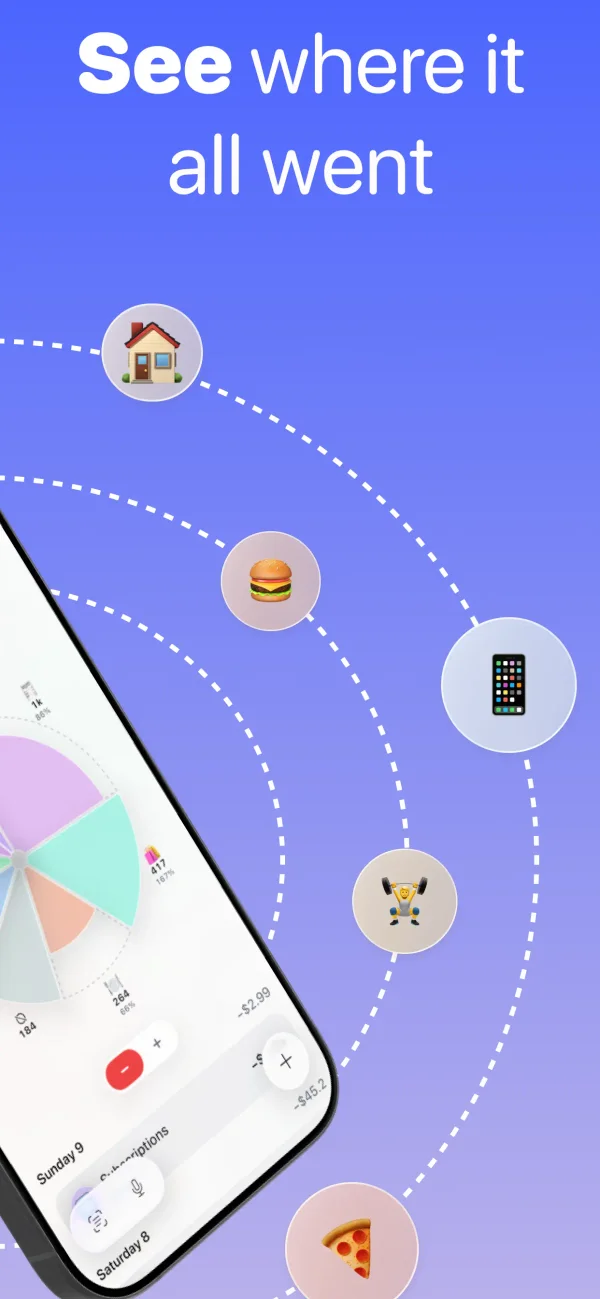
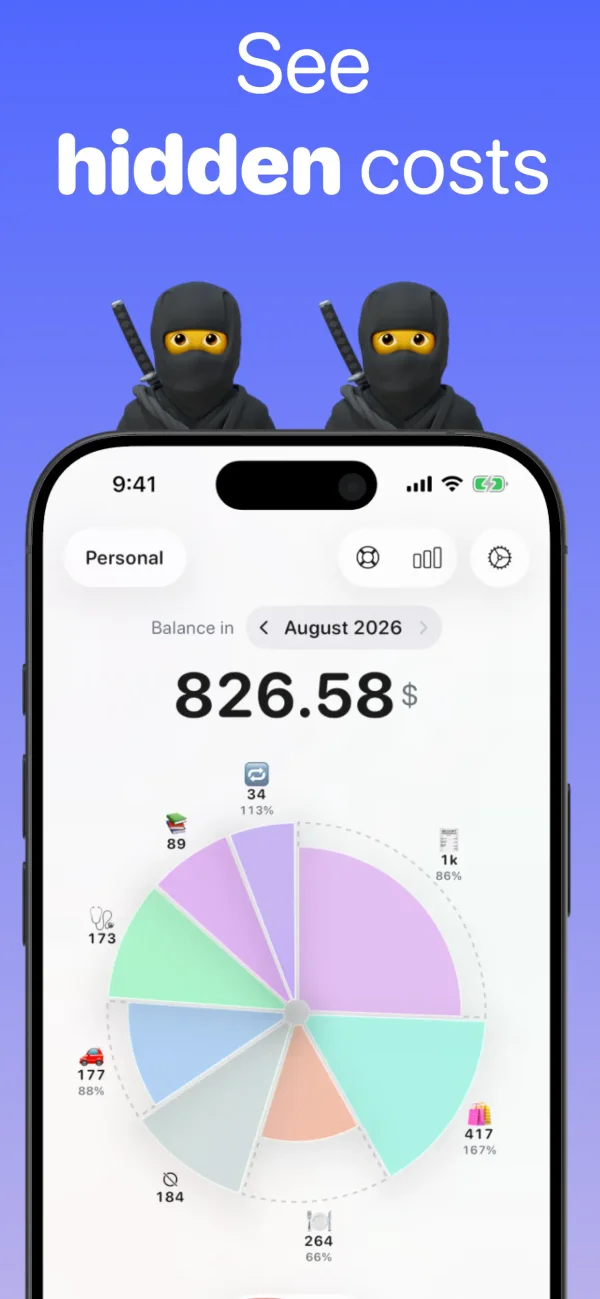
• Beautiful reports — see where your money goes with charts and trends
• Shared expenses — track spending with friends or family
• Budgets — set monthly limits per category and stay on track
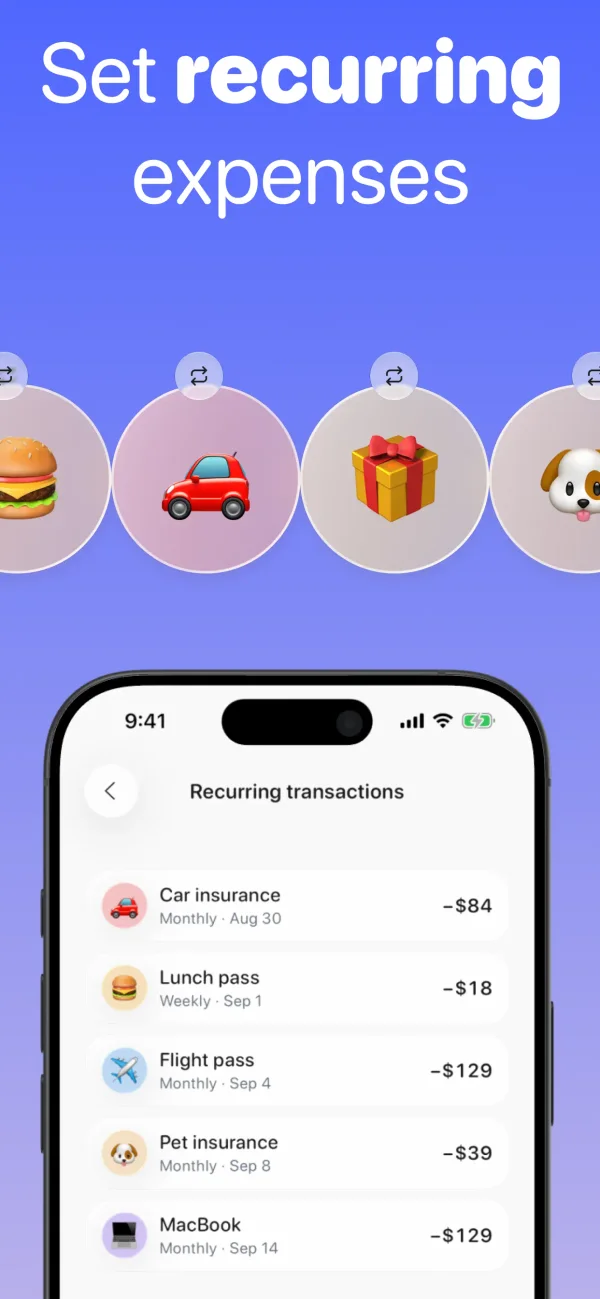
• Recurring transactions — automate regular expenses
• Widgets — quick actions and spending summary on your home screen
• Reminders — gentle notifications to log your expenses
• Export — download your data as CSV anytime
Subscription required: Nola needs a monthly or annual auto-renewable subscription to use the app. The annual plan includes a free trial. The subscription renews automatically and you can cancel anytime in your Apple Account settings.
Terms of Use: https://nolabudgetingapp.com/terms
Privacy Policy: https://nolabudgetingapp.com/privacy
What’s new
Version 1.6.2 · Nov 10, 2026
Payday
Start your month on the day you get paid. Pick any day from 1 to 31 and your balance follows.
Your rows
Choose what each expense leads with: its category or your description. Find it in Settings, Appearance.
Currencies
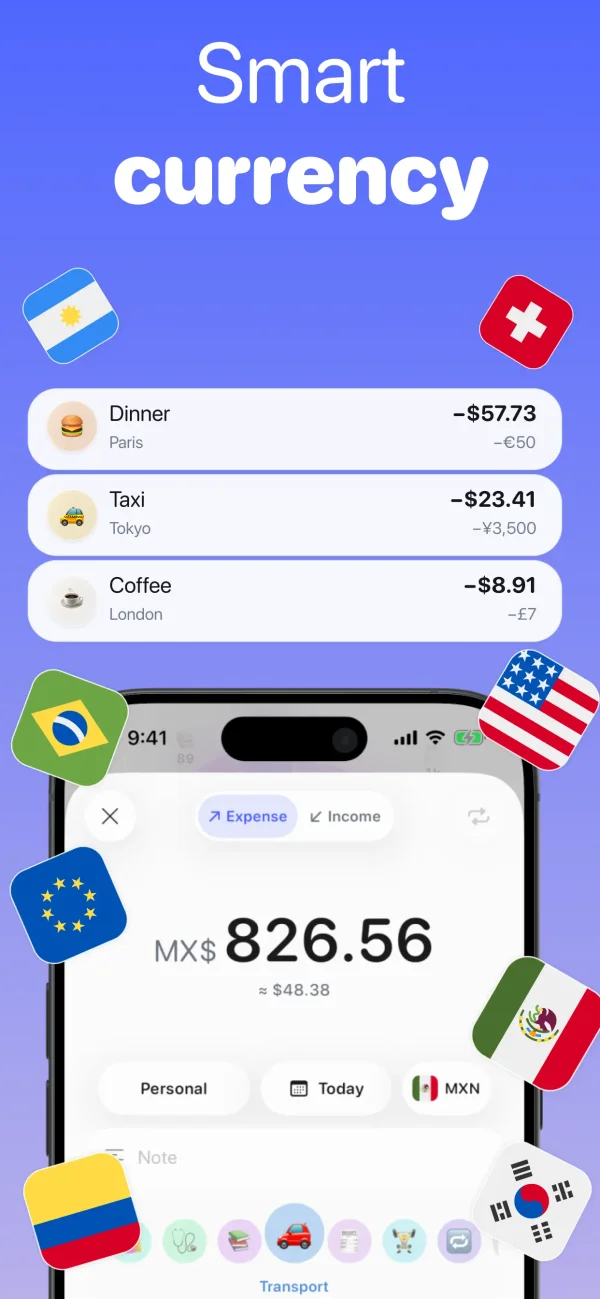
Log in more currencies. A plain "$" reads as your currency, and exchange rates stay up to date.
App privacy
What RODRIGO MERINO DE LA PARRA declares on the App Store about how this app handles data.
-
Data linked to you
May be collected and linked to your identity.
- Purchases
- Financial info
- Contact info
- Identifiers
- Usage data
- Diagnostics
-
Data not linked to you
May be collected but is not linked to your identity.
- Purchases
- User content
- Usage data
Privacy practices may vary, for example with the features you use or your age.
Information
- Seller
- RODRIGO MERINO DE LA PARRA
- Category
- Finance
- Version
- 1.6.2
- Updated
- Nov 10, 2026
- Released
- Mar 25, 2026
- Size
- 108.9 MB
- Requires
- iOS 26.0 or later
- Age rating
- 4+
- In-app purchases
- Yes
- Languages
- French, German, English, Spanish, Italian, Portuguese
- Copyright
- © 2026 Rodrigo Merino
You might also like
-
 Mont - AI Finance TrackerBudget, Spending & Debt
-
 MoneyT: AI Expense TrackerBudget Planner & Money Manager
-
 CoupleProCouple expense tracking
-
 WalliaBudget & Expense Tracker
-
 CoperachApp - Gastos y CuentasFinance
-
 Couplesplit: Couples BudgetSplit bills by income or 50/50
-
 Lani - Finanzas por WhatsappFinance
-
 Honey Money: Personal FinancesExpense Tracker & Budget App
-
 Lucia: Expense TrackerBudget app, no subscription
-
 Budget App & Money - SpendlyAISpending tracker & credit card