
- Age rating4+
- CategoryFinance
- Developerkaturi dinesh
- LanguagesEnglish
- Size9.8 MB
Links to the official App Store page
Download.org hosts no file of Expenses Split. The button opens its official App Store page, published by katuri dinesh. Listing last checked on Nov 17, 2026.
Screenshots


About
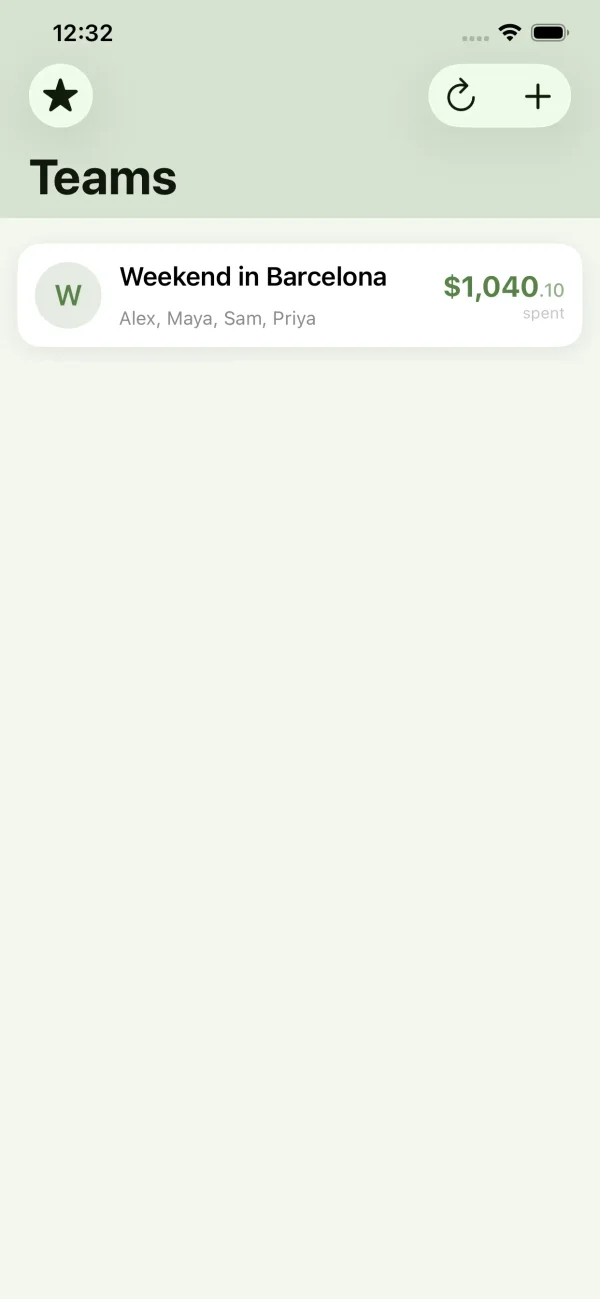
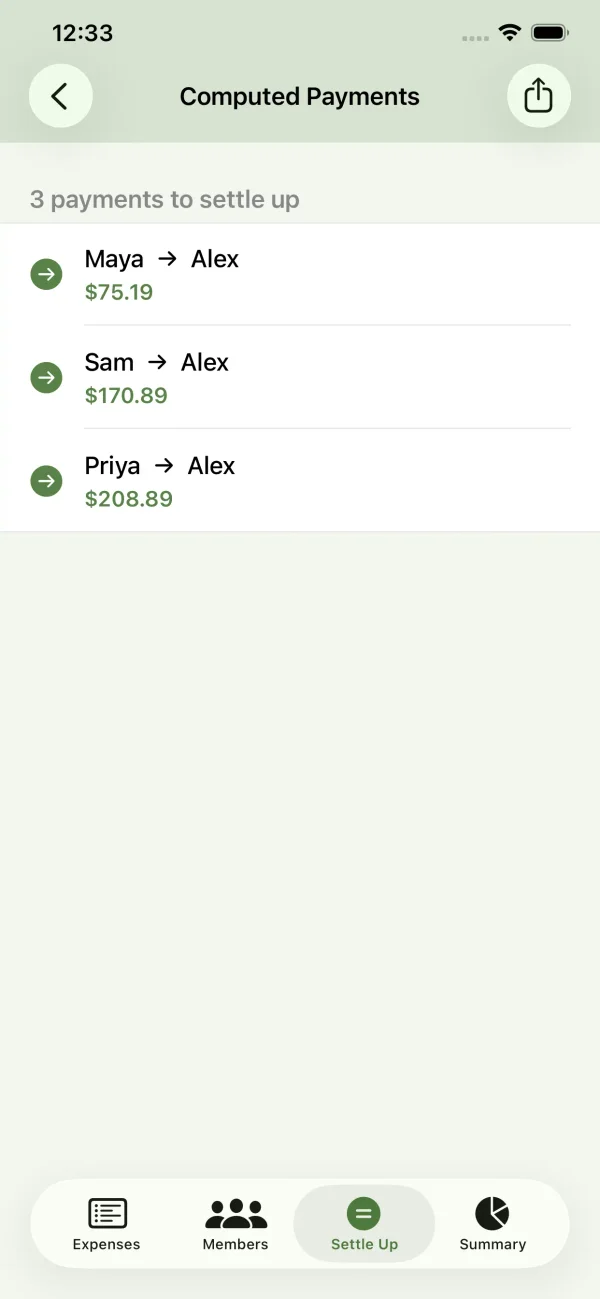
Split Expenses is the best multi-user online app you can use for tracking, splitting, syncing, sharing and automating your team/room expense. Based on expense entered, app calculates and suggests debts of each person and who has to receive money.
Split Expenses app supports push notifications for notifying any changes in a team’s expenses. Whenever user enters an expense into a team, a notification is sent to all members in the team and on clicking on the notification expense is auto synced to other members in the team.
Split Expenses support offline mode, if you don’t have Internet while you are adding expense, it will be synced next time you connect to Internet. Auto sync of latest team details happens on every launch and manual sync on click of sync button in teams screen.
You can share team details across other Split Expenses users who are willing to join your team by just clicking share button in expenses screen. You can also share final computed debts list to any other interested parties through all popular sharing media.
Summarizing what you can do with split expense app: -
1) Create new team/page, where you can add involved members/ roommates.
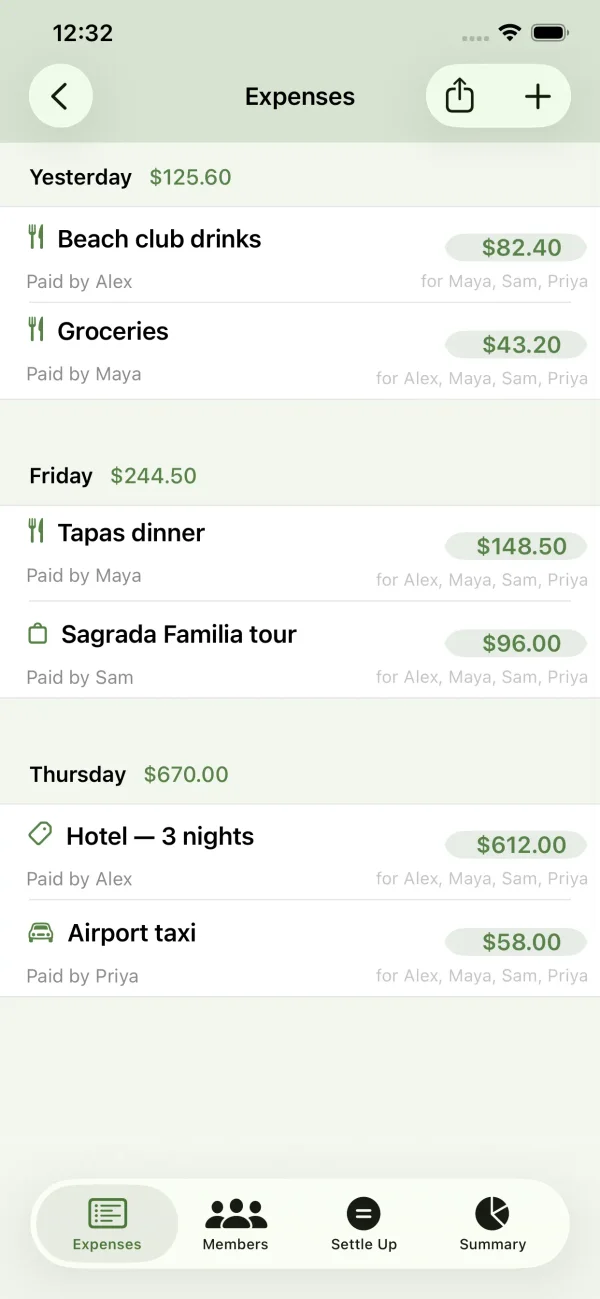
2) Create a new expense, edit expense and delete expense when settled, automatically notifies other members in
3) Share team details with other teammates online by clicking share in Expenses screen of a Team.
4) Edit members and add new members, so that if new member joined a team, it’s useful
5) Automate the final expense and debt calculation
6) Share the final expense debts with the team members/others.
Difference when compared to Split Expense Lite: -
a. Multi user app
b. Can add expense, team, members online and offline and can sync data entered offline to online on launch or on click of sync button in Team screen
c. Share Team details using share button present in Expenses screen
d. Notifications will be broadcasted to all members with in a team whenever a new expense is added
Lots coming in future releases as well.
Future releases: -
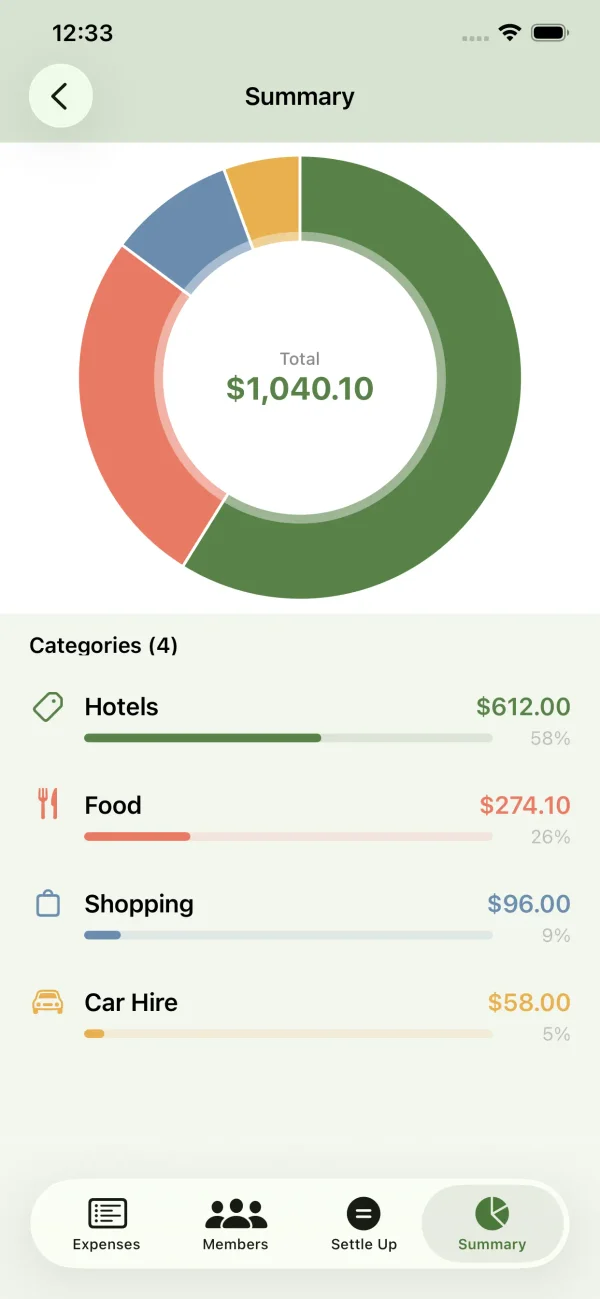
Introducing graphs/charts, which tells user where he/she is spending more.
What’s new
Version 5.1 · Jul 7, 2026
UI uplift and bug fixes
App privacy
What katuri dinesh declares on the App Store about how this app handles data.
-
Data not linked to you
May be collected but is not linked to your identity.
- Usage data
- Diagnostics
Privacy practices may vary, for example with the features you use or your age.
Information
- Seller
- katuri dinesh
- Category
- Finance
- Version
- 5.1
- Updated
- Jul 7, 2026
- Released
- Apr 23, 2016
- Size
- 9.8 MB
- Requires
- iOS 26.0 or later
- Age rating
- 4+
- Price
- Free
- Languages
- English
- Copyright
- © 2025 DK Apps
You might also like
-
 Expenso - Split Expense EasilyFinance
-
 SplitX - Manage Group ExpensesSplit bill with friends & mate
-
 Splitink: Split the BillShared Expenses & Budget
-
 Splitler: AI Expense ManagerExpense manage and cost-share
-
 Splito – Ausgaben teilenFinance
-
 EvenlySplit: Expense & KhataSplit bills, groups & khata
-
 Muetual: Expense TrackerShared budget & bill planner
-
 Splitzz – Dinner Bill SplitterScan receipts, share the bill
-
 Roommate Bill Splitter - SplitTrack & Settle Shared Expenses