
ExplorePDF: Read, Fill & Sign
Merge, Split & Organize PDFs
Designed for iPhone, iPad, Mac
Free
- Age rating4+
- CategoryProductivity
- DeveloperAvanSaber Inc
- LanguagesEnglish
- Size13.4 MB
Links to the official App Store page
Download.org hosts no file of ExplorePDF: Read, Fill & Sign. The button opens its official App Store page, published by AvanSaber Inc. Listing last checked on Nov 12, 2026.
Screenshots
About
ExplorePDF helps you read, edit, organise, fill and sign PDFs on your device. Local PDF tools work without an account.
EDIT AND ORGANISE
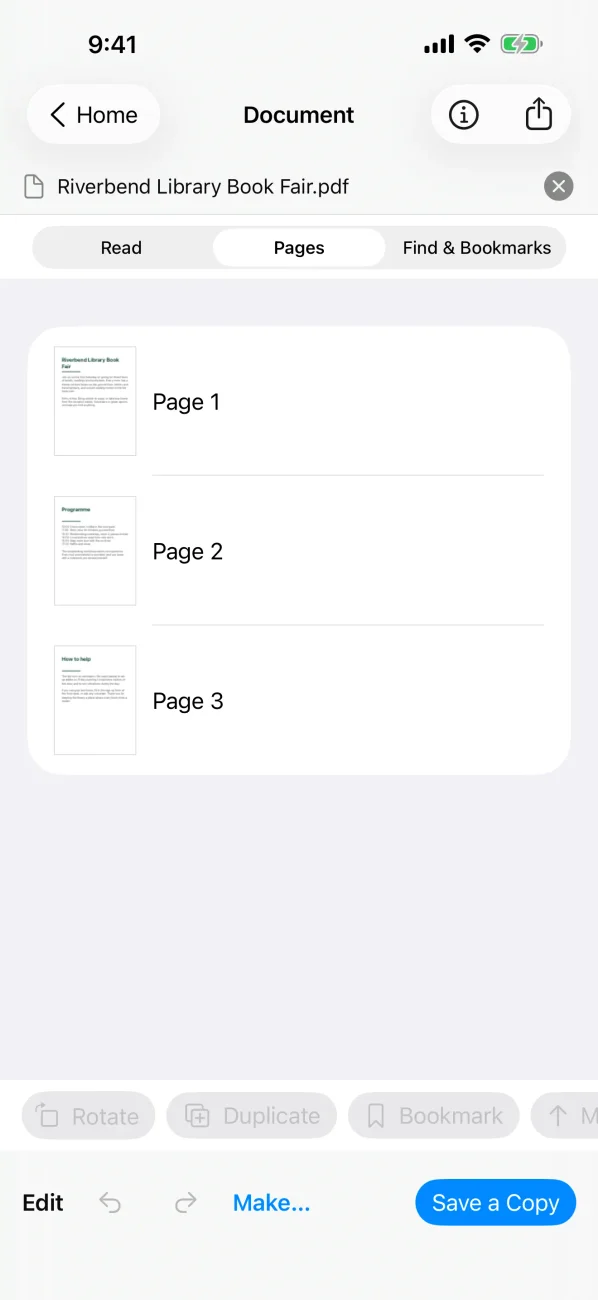
Edit supported existing text, add text boxes and work with images. Add comments, highlights, drawing and shapes. Reorder, duplicate, rotate, insert and remove pages. Use Undo and Redo to review changes, then save your PDF to a destination you choose.
FILL AND SIGN
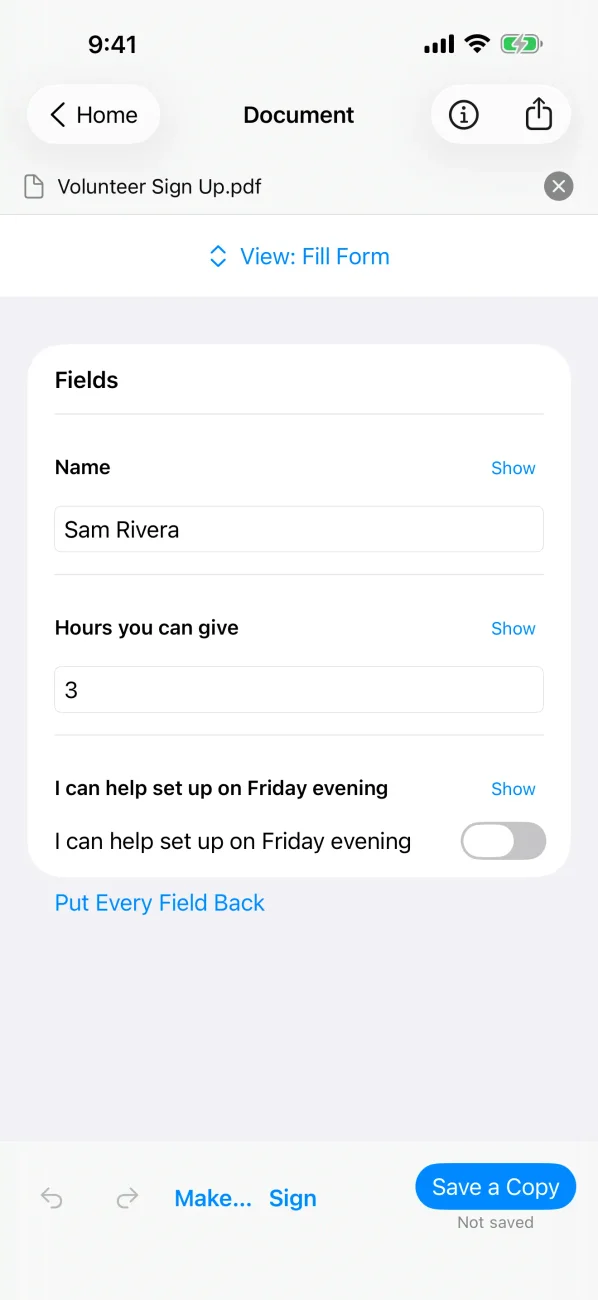
Complete PDF form fields and place a signature. Signature artwork stays on your device. ExplorePDF does not present a drawn signature as a certificate-based digital signature.
SCAN, MAKE AND SHARE
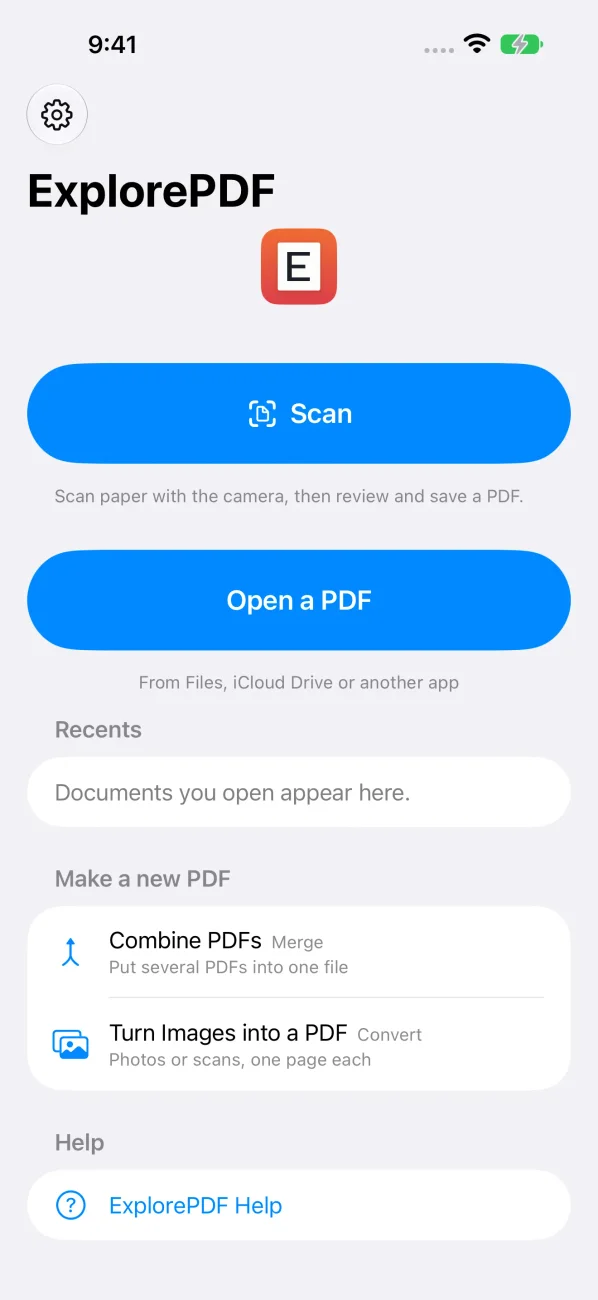
Scan a single page or multiple pages from Home. Review, retake, reorder or remove scans before creating your PDF.
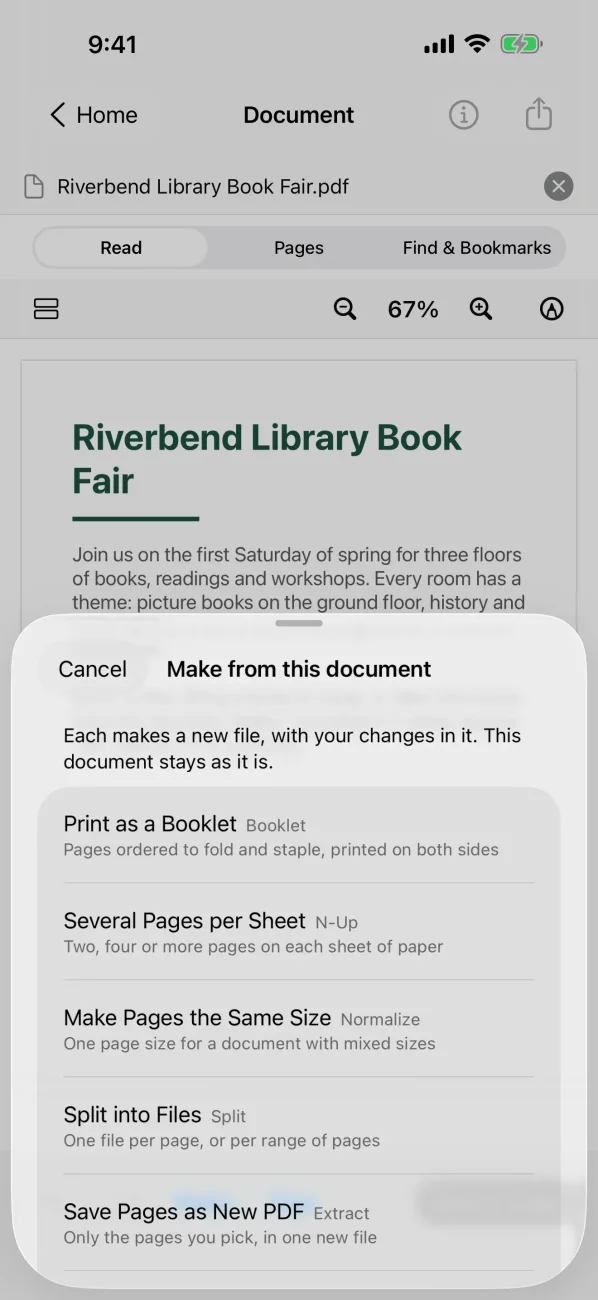
Merge and split PDFs, reduce file size, and create PDFs from images. Recognise scanned text on your device and save a searchable copy. Prepare booklets, place several pages on one sheet and make page sizes consistent. Check the result before sharing. Your PDF documents are not uploaded to an ExplorePDF account.
OPTIONAL ACCOUNT
Sign in with an emailed code if you want an ExplorePDF profile. Add an optional name and photo, export account information and manage account deletion from Account. Reading and working with local PDFs remain available without signing in.
Free to use. For help, email support@explorepdf.com.
What’s new
Version 1.4 · Nov 5, 2026
Version 1.4 adds supported PDF text and image editing, text boxes, markup, improved page tools and recoverable editing history. Optional email-code sign-in lets you keep a basic profile while local PDF tools continue to work without an account.
Single Page and Multiple Pages scanning are easier to find on Home, with review before creating your PDF.
App privacy
What AvanSaber Inc declares on the App Store about how this app handles data.
-
Data linked to you
May be collected and linked to your identity.
- Contact info
- User content
- Identifiers
Privacy practices may vary, for example with the features you use or your age.
Information
- Seller
- AvanSaber Inc
- Category
- Productivity
- Version
- 1.4
- Updated
- Nov 5, 2026
- Released
- Sep 22, 2026
- Size
- 13.4 MB
- Requires
- iOS 26.0 or later
- Age rating
- 4+
- Price
- Free
- Languages
- English
- Copyright
- © 2026 AvanSaber Inc.
You might also like
-
 Print 2 ShipCrop & print shipping labels
-
 Mori - Markdown EditorSee your Markdown as you type
-
 KyPDF: PDF Editor & ConverterWord, Excel & OCR, all offline
-
 PDF Fill & Sign: ScannerFill forms, sign & scan PDF
-
 Make-ContactProductivity
-
 Collate: PDF & Image MergerMerge photos & scans to PDF
-
 Vessa: Shift Work CalendarShift planner, roster & sleep
-
 Word2Pdf: Convert to PDFConvert, edit, and merge PDF
-
 HonestPDF: Private PDF ToolsCompress, Redact, Sign Offline
-
 Remoted: Mac Remote DesktopFast screen sharing with audio