Remoted: Mac Remote Desktop
Fast screen sharing with audio
Designed for iPhone, iPad
Free · In-app purchases
- Age rating4+
- CategoryProductivity
- DeveloperAlberto Guerrero Martn
- LanguagesEnglish+ 12 more
- Size53.4 MB
Links to the official App Store page
Download.org hosts no file of Remoted: Mac Remote Desktop. The button opens its official App Store page, published by Alberto Guerrero Martn. Listing last checked on Nov 23, 2026.
Screenshots
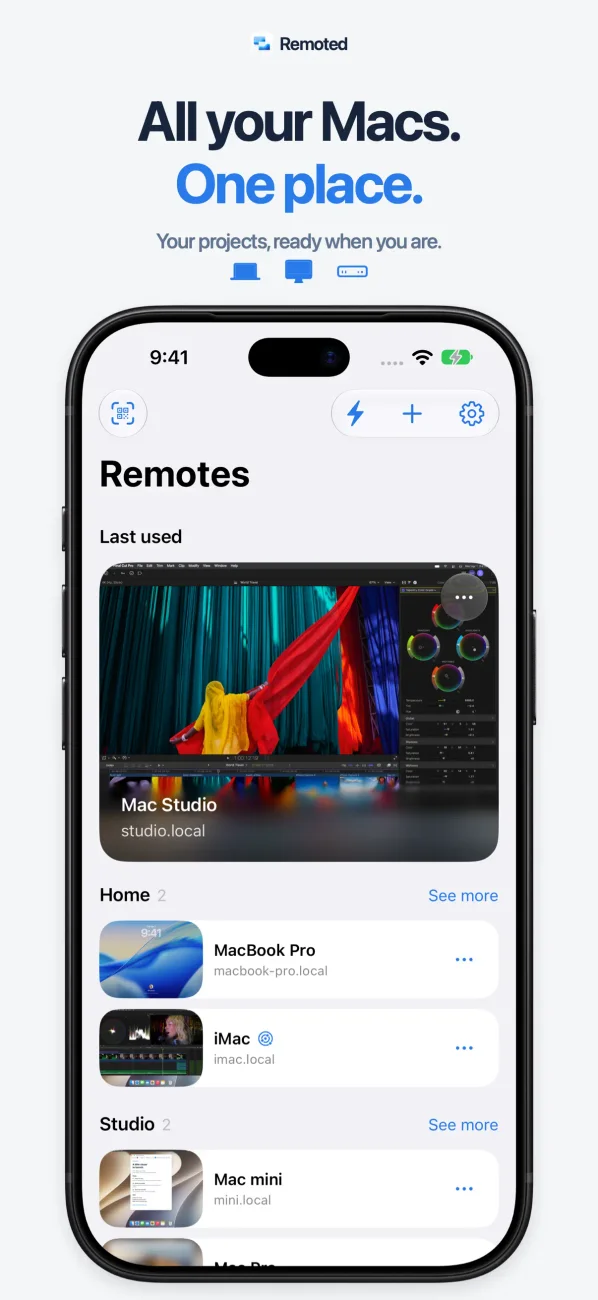
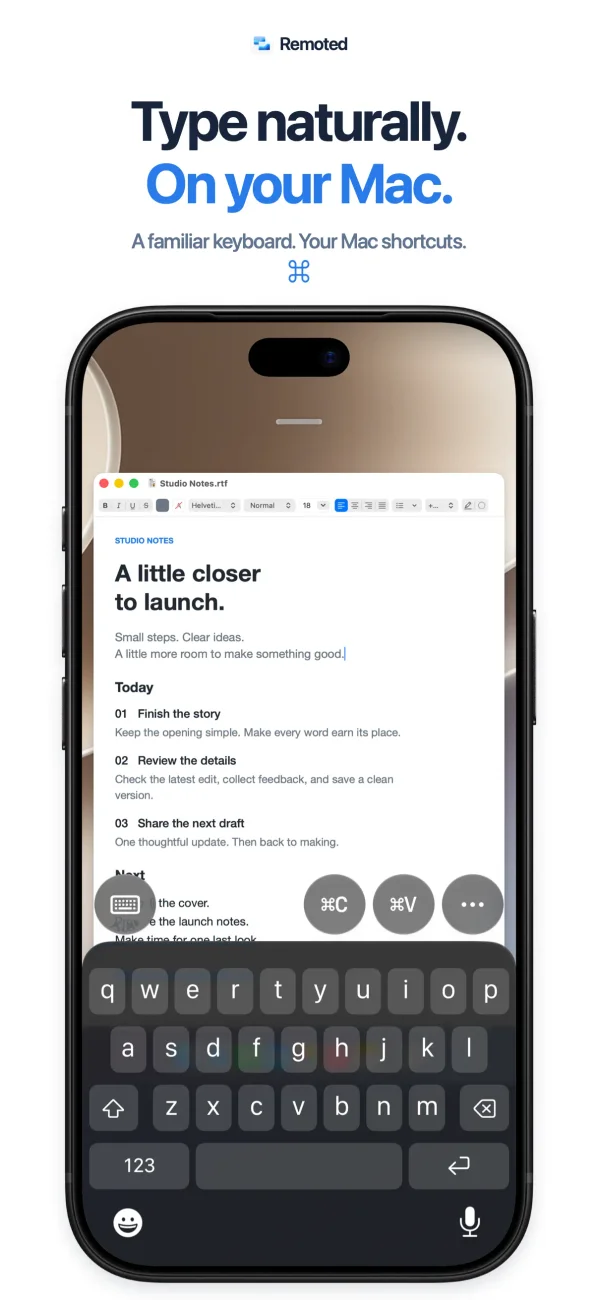
About
Your Mac, right here.
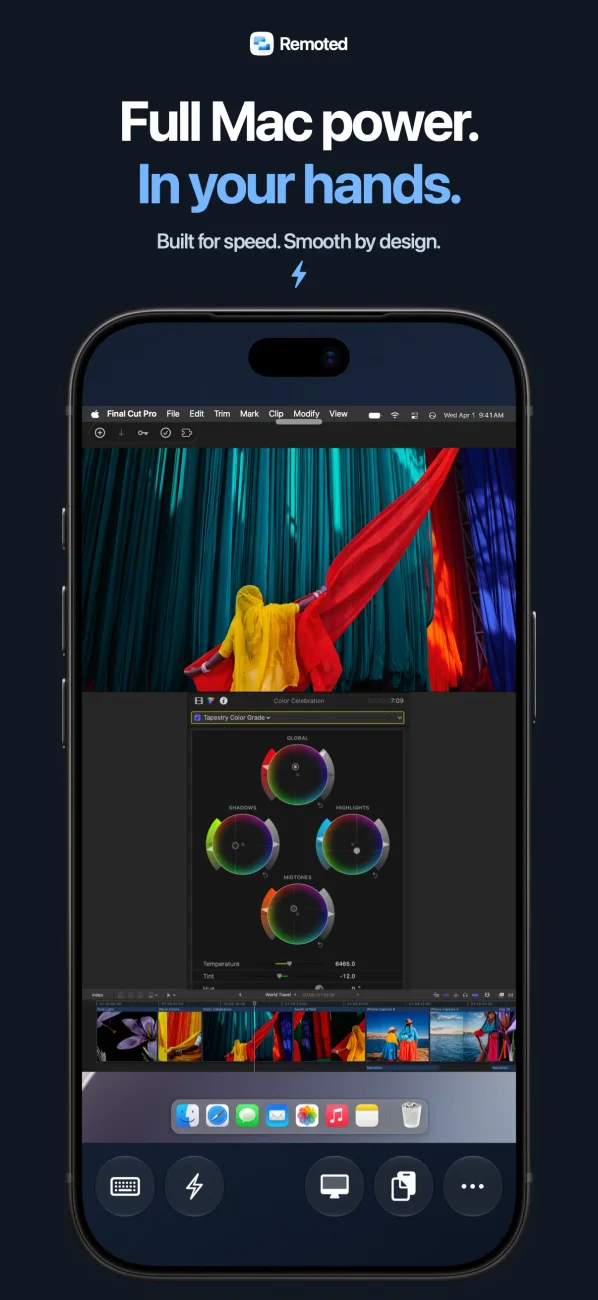
Open a document, check a render or pick up where you left off. Remoted brings your Mac desktop to iPhone and iPad, with responsive controls and a clear view of your work.
YOUR MAC, WHEREVER YOU ARE
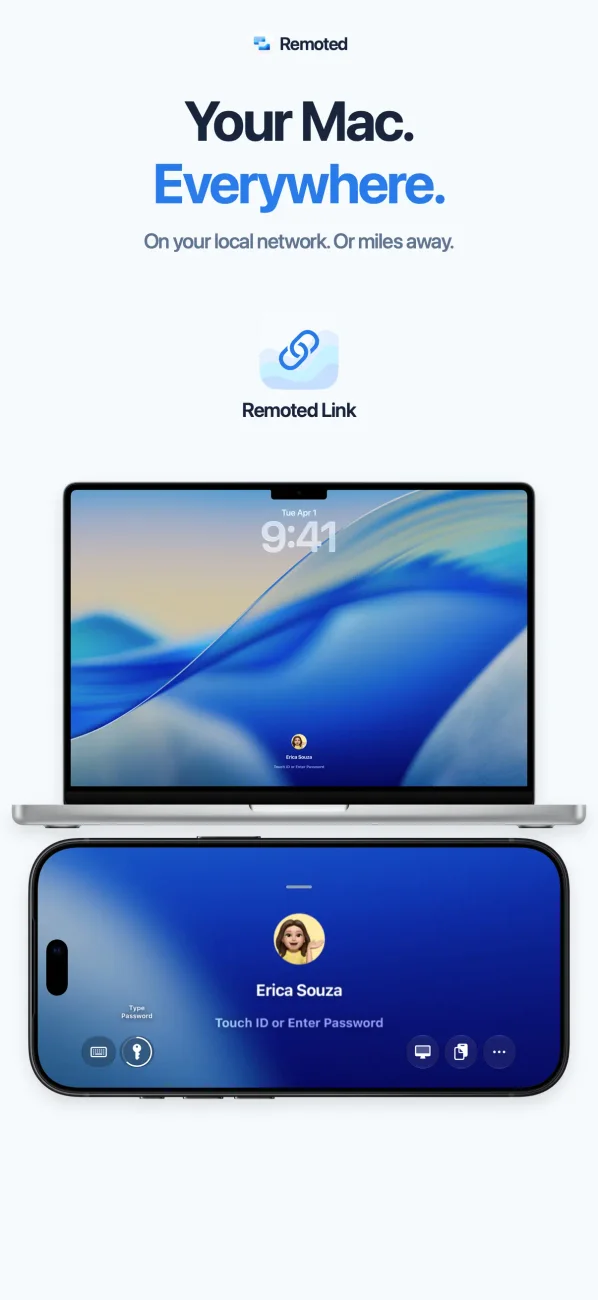
Access your Mac over the internet with Remoted Link, the optional Mac companion for device linking and one-time sharing. Link tries an encrypted direct connection and uses an encrypted relay when needed. The relay cannot read your desktop traffic. For manual connections on a local network or VPN, the Mac’s built-in Screen Sharing also works without Link.
Download and setup: https://remoted.app/link/
A MAC EXPERIENCE THAT MOVES WITH YOU
Connect to your Mac using its built-in Screen Sharing. Find nearby computers, save your Macs and return to them from one place. No Remoted account is required. You choose whether to remember a Mac's sign-in details in Keychain. Standard mode offers smoother, more responsive connections.
HIGH PERFORMANCE, WITH SOUND
On a compatible Mac and a fast network, High Performance streams desktop video and your Mac's audio. Follow a video edit, hear playback and work with a desktop that feels at home on iPad. With one virtual display, the desktop resolution can adapt to your iPad window as you resize it.
CONTROLS THAT FEEL FAMILIAR
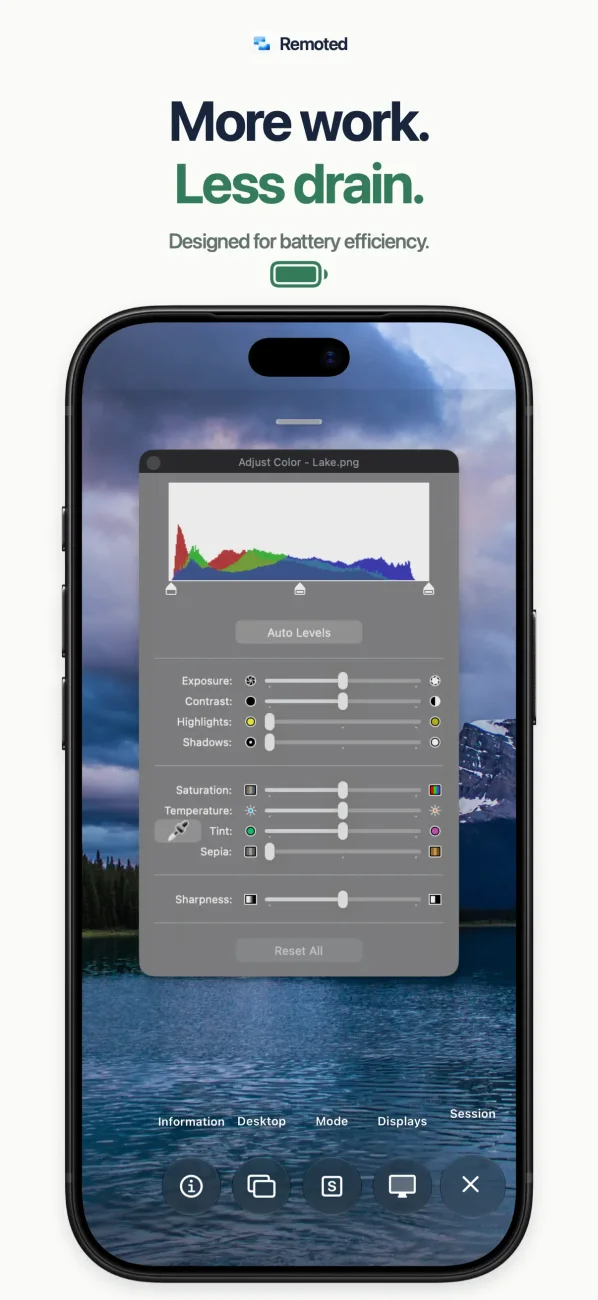
Put keyboard shortcuts and session tools within reach with redesigned, customizable on-screen controls. Use direct touch or trackpad-style gestures. Bring up the keyboard, use shortcuts or connect a compatible external keyboard, mouse or trackpad. Select a display for the task at hand. In supported High Performance sessions, Picture in Picture keeps your Mac in view while you use another app.
REMOTED COMPLETE
Organizing computers and discovering nearby Macs is free. Connecting to a Mac requires Remoted Complete. Choose monthly, annual or lifetime access; each unlocks the same connection features. Eligible new subscribers may see a free trial or an introductory discount. Subscriptions renew automatically unless canceled through your App Store account. Lifetime access is a one-time purchase with no trial. See your price and any available offer before you buy.
Remoted connects only to Macs; it doesn't support Windows, Linux or other VNC servers. High Performance requires a compatible Mac and a fast network. Automatic desktop resizing uses one virtual display. A reachable Mac with Screen Sharing enabled is required. Remoted Link requires macOS 26 or later. Your Mac’s sign-in and permission settings still apply.
Support and setup: https://remoted.app/blog/set-up-remoted/
Privacy: https://remoted.app/privacy/
Terms of Use (EULA): https://www.apple.com/legal/internet-services/itunes/dev/stdeula/
What’s new
Version 1.2.9 · Nov 19, 2026
The redesigned Remoted Complete purchase screen makes it easier to compare prices, free trial terms, and plans.
App privacy
What Alberto Guerrero Martn declares on the App Store about how this app handles data.
-
Data linked to you
May be collected and linked to your identity.
- Purchases
- User content
- Identifiers
- Usage data
- Diagnostics
Privacy practices may vary, for example with the features you use or your age.
Information
- Seller
- Alberto Guerrero Martn
- Category
- Productivity
- Version
- 1.2.9
- Updated
- Nov 19, 2026
- Released
- Oct 14, 2026
- Size
- 53.4 MB
- Requires
- iOS 26.5 or later
- Age rating
- 4+
- Price
- Free
- In-app purchases
- Yes
- Languages
- English, Dutch, French, German, Italian, Japanese, Korean, Portuguese, Russian, Simplified Chinese, Spanish, Traditional Chinese + 1 more
- Copyright
- © 2026 Remoted
You might also like
-
 Remote Desktop: RDP & VNCRDP & VNC remote control
-
 DuoBook: Pocket MacTurn iPhone Duo into a Mac
-
 RealVNC Viewer: Remote DesktopProductivity
-
 OpenClawPersonal AI on your devices
-
 Locally AI by LM StudioLocal & Private AI Assistant
-
 Raycast: Keyboard, AI and moreProductivity on the go
-
 Google AI Edge EloquentUnlimited, no cost dictation
-
 Shadow PCShadow PC mobile access
-
 Duet DisplayBe Twice As Productive
-
 Elgato Stream Deck MobileTap to control your desktop