Explorer - Device Sensor Data
Own your device's sensor data
Designed for iPhone
Free
- Age rating4+
- CategoryUtilities
- DeveloperJames Bolderson
- LanguagesEnglish
- Size2.4 MB
Links to the official App Store page
Download.org hosts no file of Explorer - Device Sensor Data. The button opens its official App Store page, published by James Bolderson. Listing last checked on Nov 15, 2026.
Screenshots
About
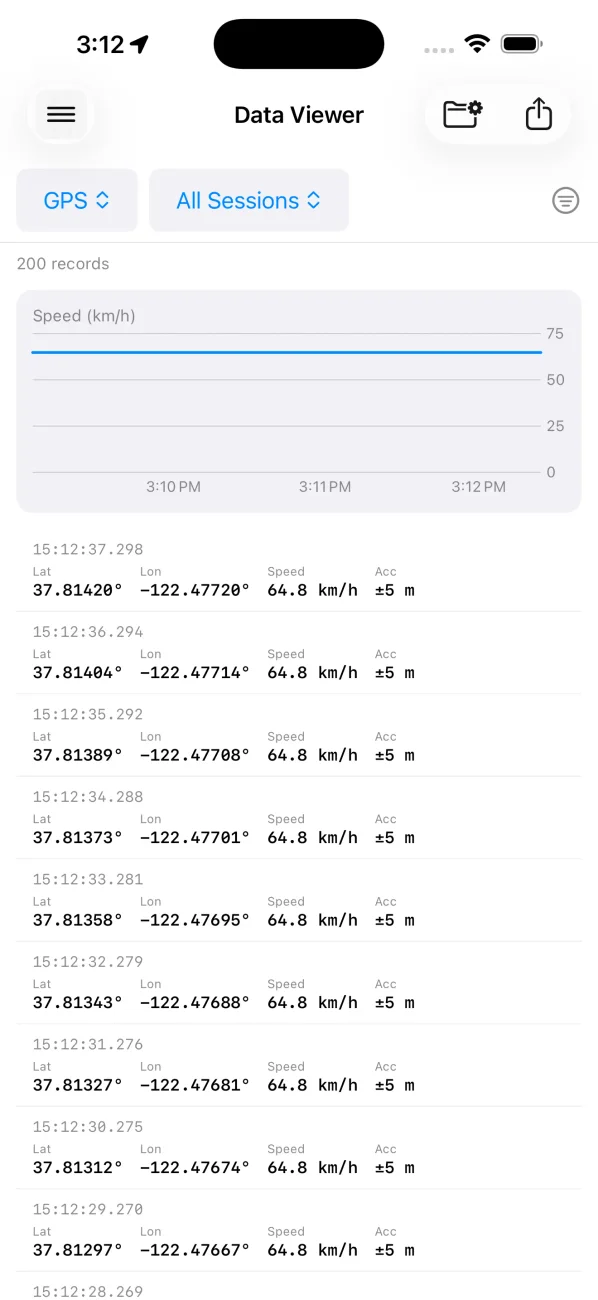
Explorer turns your iPhone into a full sensor logger. Start a session and it records your GPS track together with barometric pressure, compass heading, motion and activity data, step counts, and battery state — in the foreground or with the screen locked.
YOUR DATA STAYS YOURS
Everything is stored on your device. No account, no analytics, no ads, no third-party SDKs. Data leaves your phone only when you export it — and you choose where it goes.
RECORD
• One-tap session recording with live dashboard: position, speed, altitude, G-force
• Background tracking that keeps logging while your screen is off
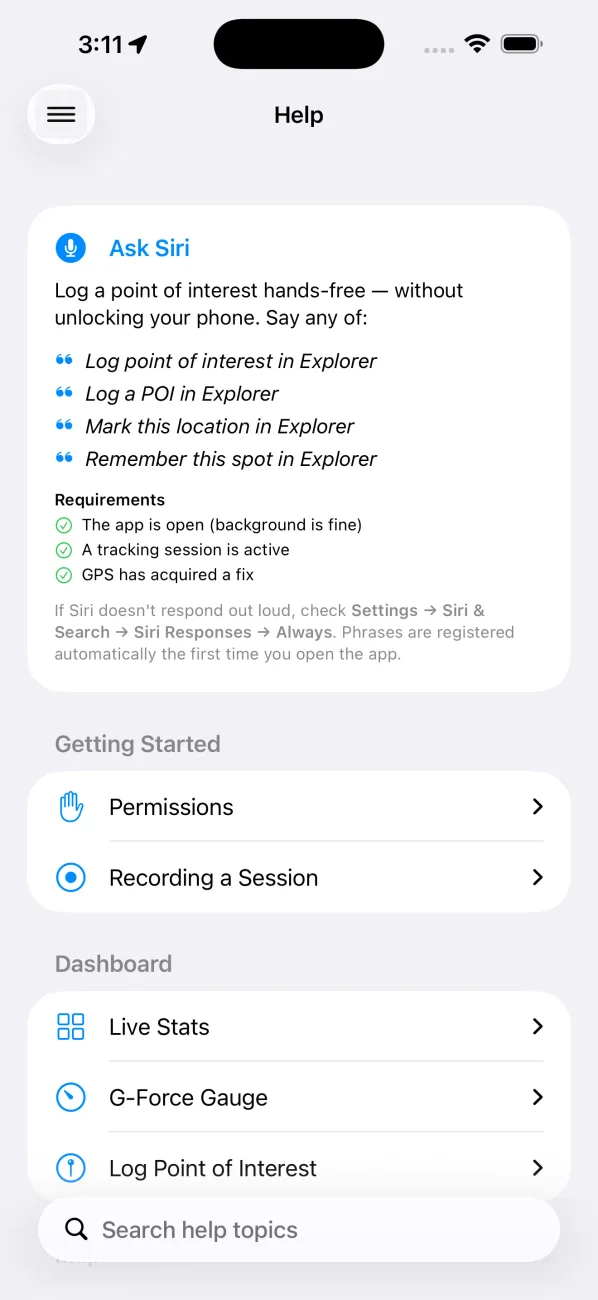
• Log points of interest with a tap - or hands-free with Siri: "Log a POI in Explorer"
• Per-sensor controls and sample rates to balance detail against battery
EXPLORE
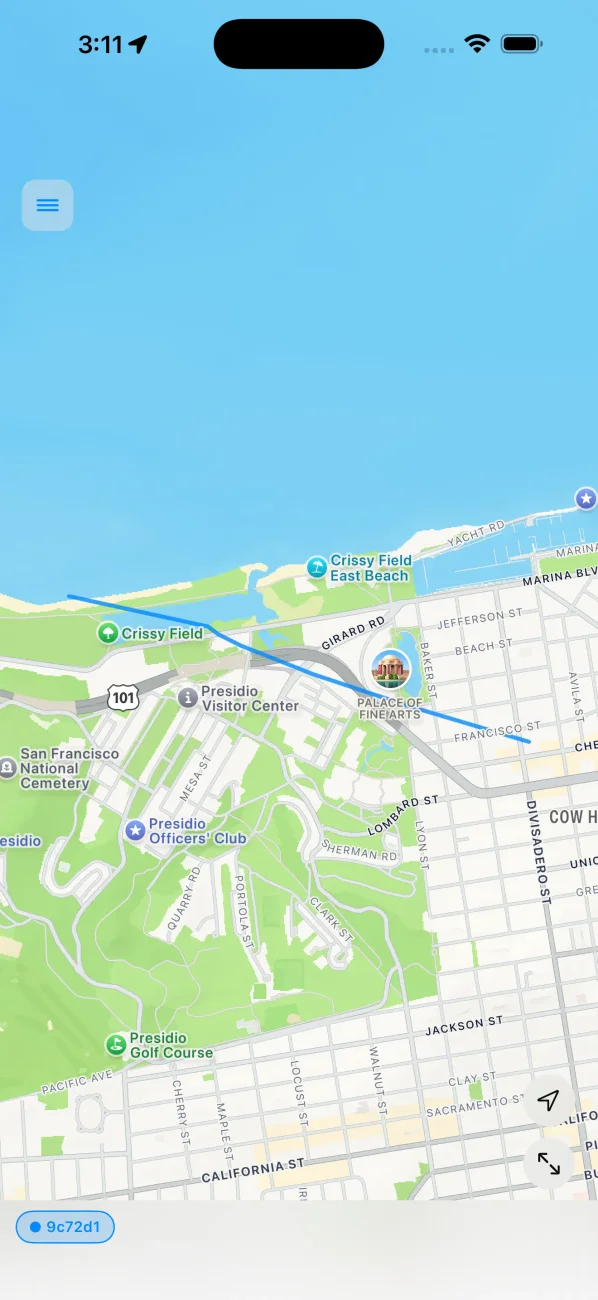
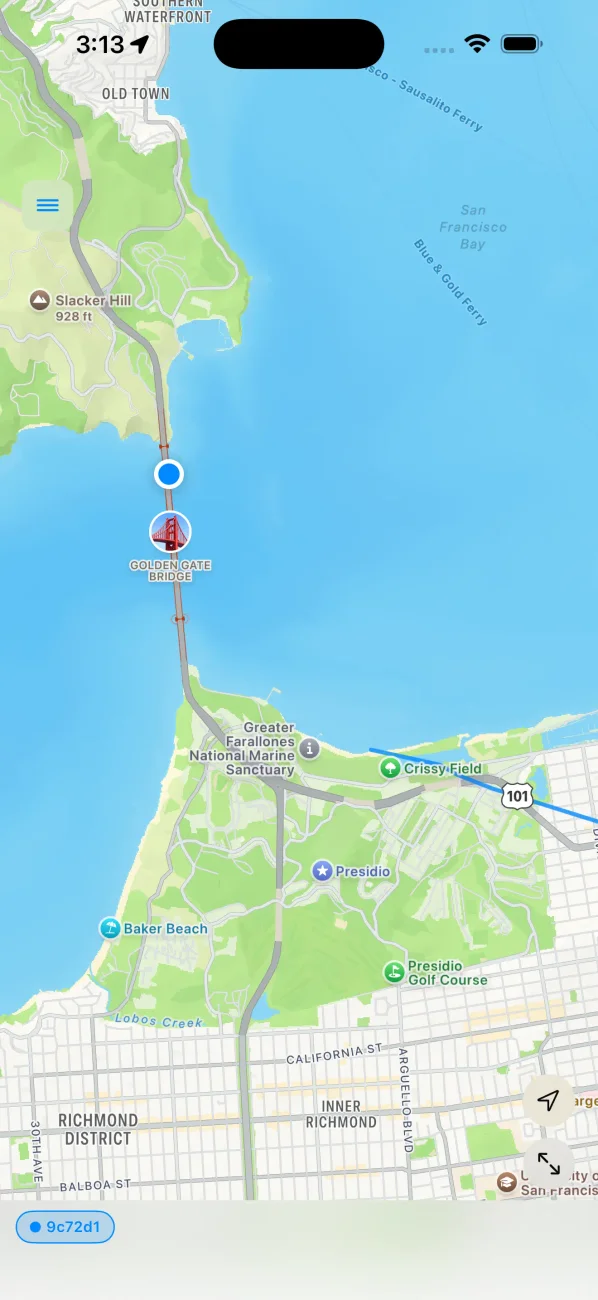
• Every session drawn on the map in its own color, with POI pins
• Live compass, motion, and environment views
• Browse every reading in the Data viewer with filters and charts
• Preview any session on a map before deleting it
EXPORT ANYWHERE
• Share ZIPs of CSV or JSONL via Files, AirDrop, or Mail
• Or send data straight to your own server: any HTTP(S) endpoint, POST or PUT, custom headers, Bearer/Basic/API-key auth — credentials kept in the iOS Keychain
• Filter exports by sensor type, session, and date range
• Full schema documentation built into the app (Help → Data Reference)
Explorer asks for location (including Always, for background recording) and motion permissions. Recording happens after you tap Start Tracking or open the app.
App privacy
What James Bolderson declares on the App Store about how this app handles data.
-
Data not collected
The developer does not collect any data from this app.
Privacy practices may vary, for example with the features you use or your age.
Information
- Seller
- James Bolderson
- Category
- Utilities
- Version
- 1.0
- Updated
- Jul 9, 2026
- Released
- Jul 9, 2026
- Size
- 2.4 MB
- Requires
- iOS 17.0 or later
- Age rating
- 4+
- Price
- Free
- Languages
- English
- Copyright
- © 2026 James Bolderson
You might also like
-
 deBeam - Secure File TransferSend files over LAN
-
 Tablecast: CSV ConverterBatch convert, fully offline
-
 LocalLock: Offline Vault100% Offline Privacy Vault
-
 Ear SonarHear the space around you
-
 ICIDOLiDAR indoor navigation
-
 Crisp Document ScannerScan documents to PDFs
-
 Big SpeedometerUtilities
-
 WebDAV File BrowserWebDAV Browser & Cleanup
-
 Aligna - File RenamerBatch rename with simple rules
-
 Sensor Recorder ProMulti-Cam & Sensor Logger