- Age rating4+
- CategoryUtilities
- DeveloperAgimem
- LanguagesEnglish+ 10 more
- Size3.1 MB
Links to the official App Store page
Download.org hosts no file of Crisp Document Scanner. The button opens its official App Store page, published by Agimem. Listing last checked on Nov 12, 2026.
Screenshots

About
Crisp Document Scanner is built on a simple idea: scanning a document shouldn't require an account, a subscription, or sending your data to a third-party server. All processing happens on your iPhone or iPad, using Apple's own frameworks. Your scans are saved to iCloud and accessible from the Files app on all your devices. No compromises.
SCAN IN ONE TAP
Open the app and tap Scan. That's it. Automatic edge detection finds the edges of your document and perspective correction straightens it instantly. Scan a single receipt or a 50-page contract in one session. The camera adapts to your environment and captures sharp, clean pages every time.
SEARCHABLE PDFs WITH OCR
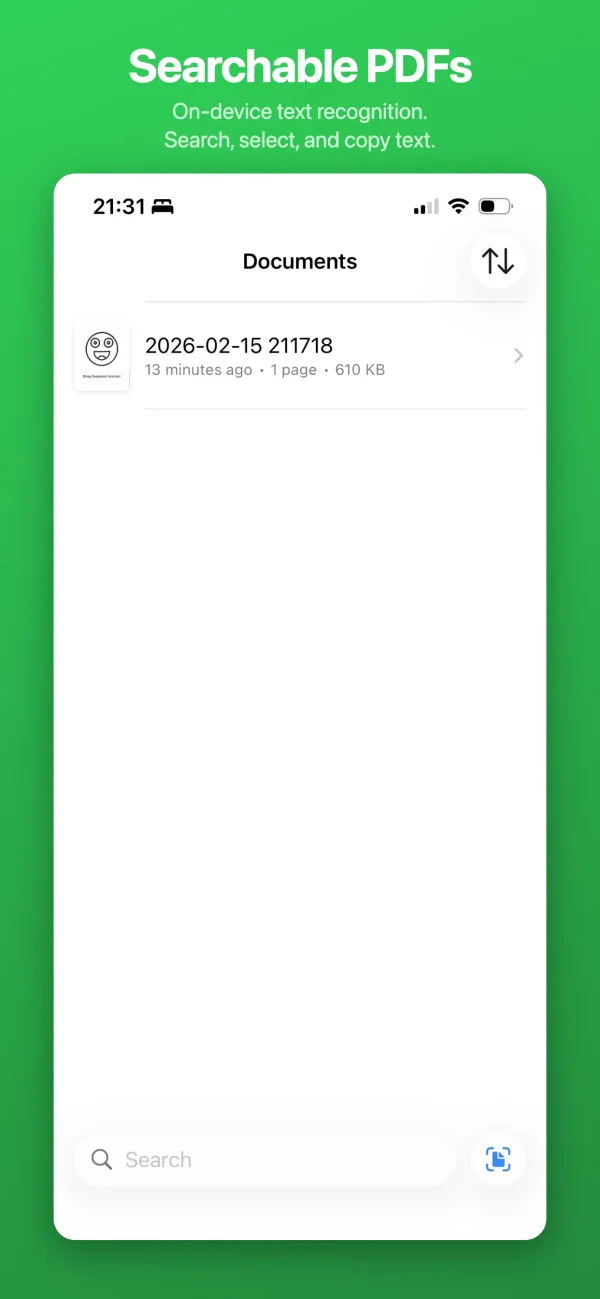
Every scan is automatically processed with on-device text recognition. The result: PDFs where you can search for any word, select text, and copy it to other apps. Looking for an amount on a 20-page statement? Just search. Need to copy an address from a letter? Select and copy. OCR supports English, Spanish, and French, with automatic language detection. Even handwritten text is recognized.
PERFECT FOR EVERYDAY DOCUMENTS
- Invoices and bills
- Receipts and purchase confirmations
- Bank and credit card statements
- Contracts and agreements
- Letters and official correspondence
- Meeting notes and memos
- Certificates and forms
- Any paper document you want to digitize
SAVED TO iCLOUD
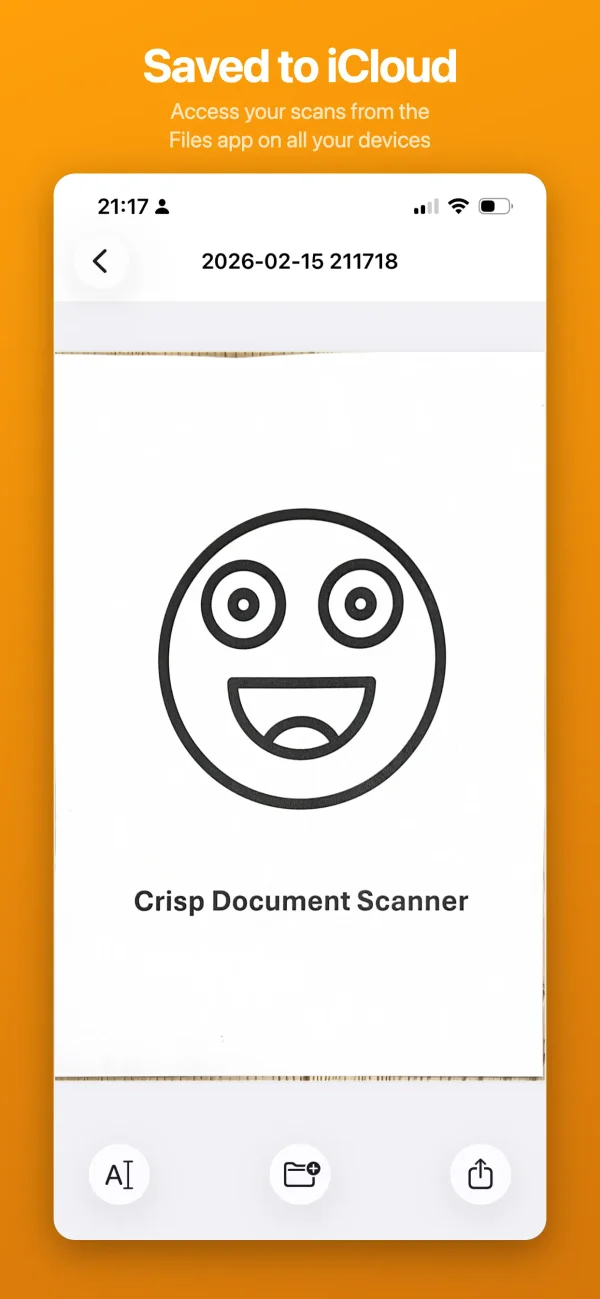
All your scans are saved directly to iCloud and accessible from the Files app on any of your Apple devices. Browse, rename, organize into folders, and manage your documents the way you already manage all your other files. No proprietary format, no lock-in — just standard PDF files in your iCloud Drive.
SHARE INSTANTLY
Send your scans anywhere. Use AirDrop to share with nearby devices, attach to an email or message, or share directly from the Files app. Works with every app that accepts PDF files.
PRIVATE BY DESIGN
This is not just a feature — it is the foundation of the app.
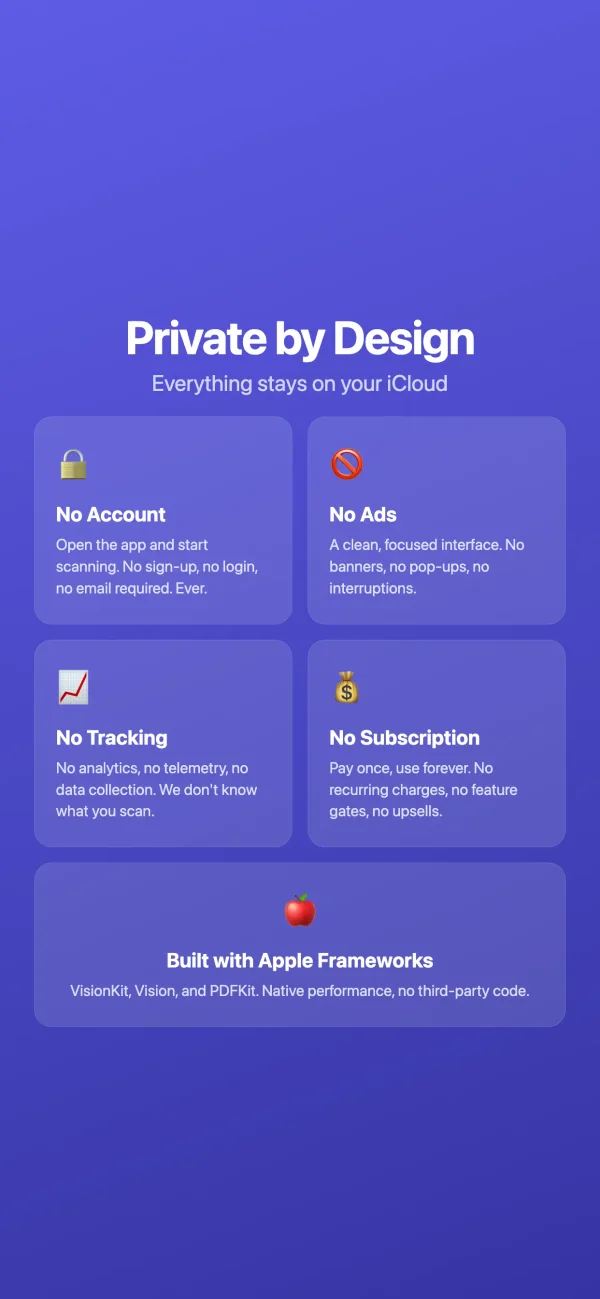
- No account required. Open the app and start scanning.
- No third-party servers. Your documents go to your iCloud, not ours.
- No analytics or tracking. We don't know what you scan.
- No ads. A clean interface, nothing else.
- No subscription. Pay once, use forever.
All text recognition and document processing happens locally using Apple's native Vision and VisionKit frameworks. Your documents are yours and yours alone.
BUILT WITH APPLE FRAMEWORKS
Document Scanner relies entirely on Apple's native technologies: VisionKit for camera scanning, Vision for text recognition, PDFKit for PDF generation, and iCloud for seamless sync. This means fast performance, low battery usage, and seamless integration with iOS. No third-party libraries, no external dependencies, no surprises.
What’s new
Version 2.0 · Feb 16, 2026
Redesigned with a simpler, more intuitive interface. Your scans are now saved directly to iCloud and accessible from the Files app on all your Apple devices.
App privacy
What Agimem declares on the App Store about how this app handles data.
-
Data not collected
The developer does not collect any data from this app.
Privacy practices may vary, for example with the features you use or your age.
Information
- Seller
- Agimem Sarl
- Category
- Utilities
- Version
- 2.0
- Updated
- Feb 16, 2026
- Released
- Feb 12, 2026
- Size
- 3.1 MB
- Requires
- iOS 26.0 or later
- Age rating
- 4+
- Languages
- English, Arabic, French, German, Italian, Japanese, Korean, Portuguese, Russian, Simplified Chinese, Spanish
- Copyright
- © Copyright 2026 Agimem Sàrl
You might also like
-
 Explorer - Device Sensor DataOwn your device's sensor data
-
 deBeam - Secure File TransferSend files over LAN
-
 Tablecast: CSV ConverterBatch convert, fully offline
-
 PaperBridge: Document ScannerScan, OCR & AI — all offline
-
 LocalLock: Offline Vault100% Offline Privacy Vault
-
 WebDAV File BrowserWebDAV Browser & Cleanup
-
 Snapdf - PDF ScannerCamera to PDF in Seconds
-
 Nordcham - Business CardCollect Personal Information
-
 PDF to Word Scanner·CleanScanID, JPG & Photos to PDF, eSign
-
 PDF Scanner - SLOXUtilities