- Age rating4+
- CategoryPhoto & Video
- DeveloperSoyoung Baek
- LanguagesEnglish
- Size52.7 MB
Links to the official App Store page
Download.org hosts no file of FaceAway. The button opens its official App Store page, published by Soyoung Baek. Listing last checked on Nov 11, 2026.
Screenshots
About
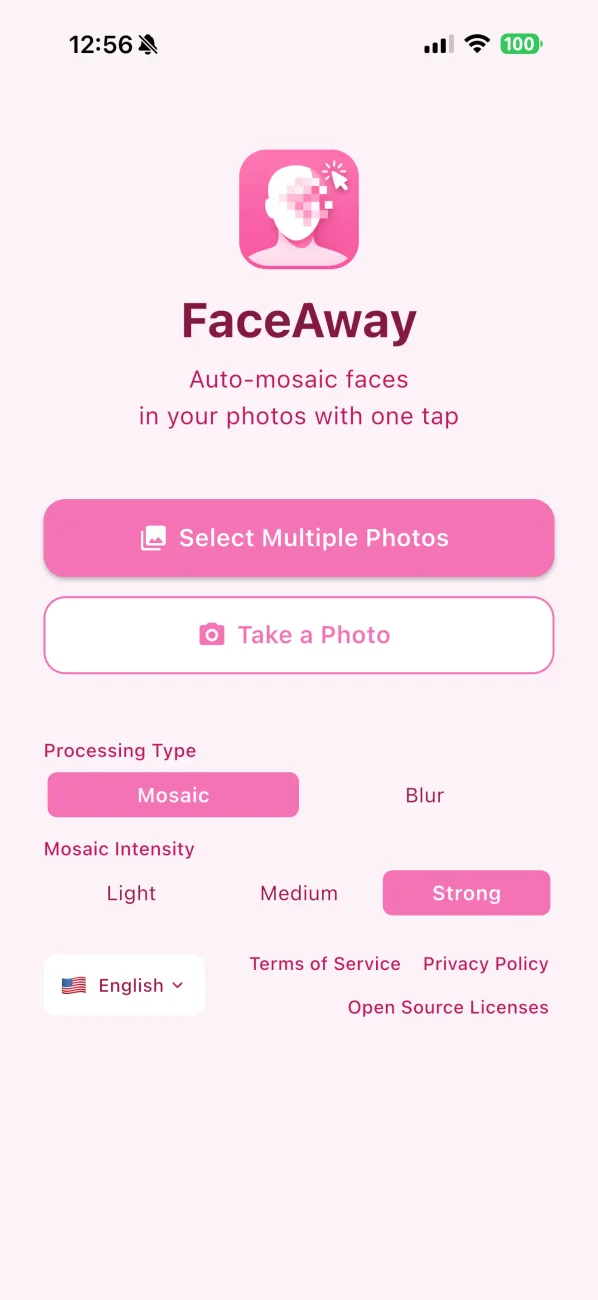
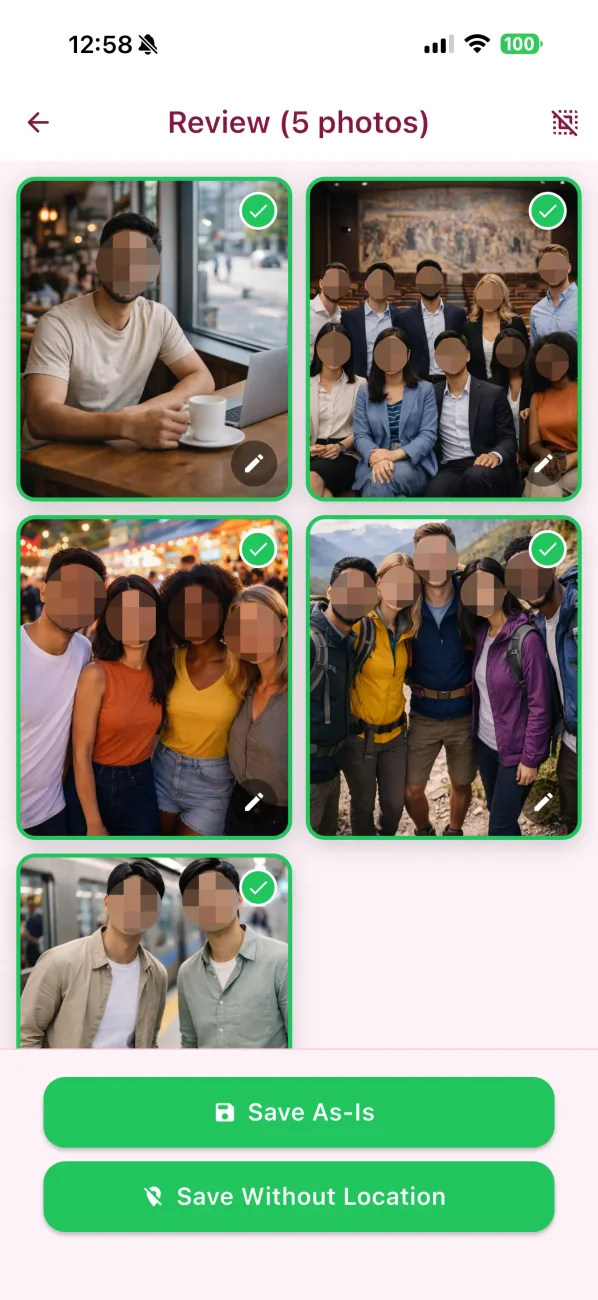
FaceAway is a privacy app that automatically detects faces in photos on your device and quickly applies a mosaic effect. There are no complicated editing tools—just choose a photo, tap or drag over the areas you want to cover, and save.
Key Features
- Automatic face detection
- Toggle mosaic on/off with a single tap
- Manually select missed areas
- Supports both pixel mosaic and blur effects
- 3 levels of intensity control
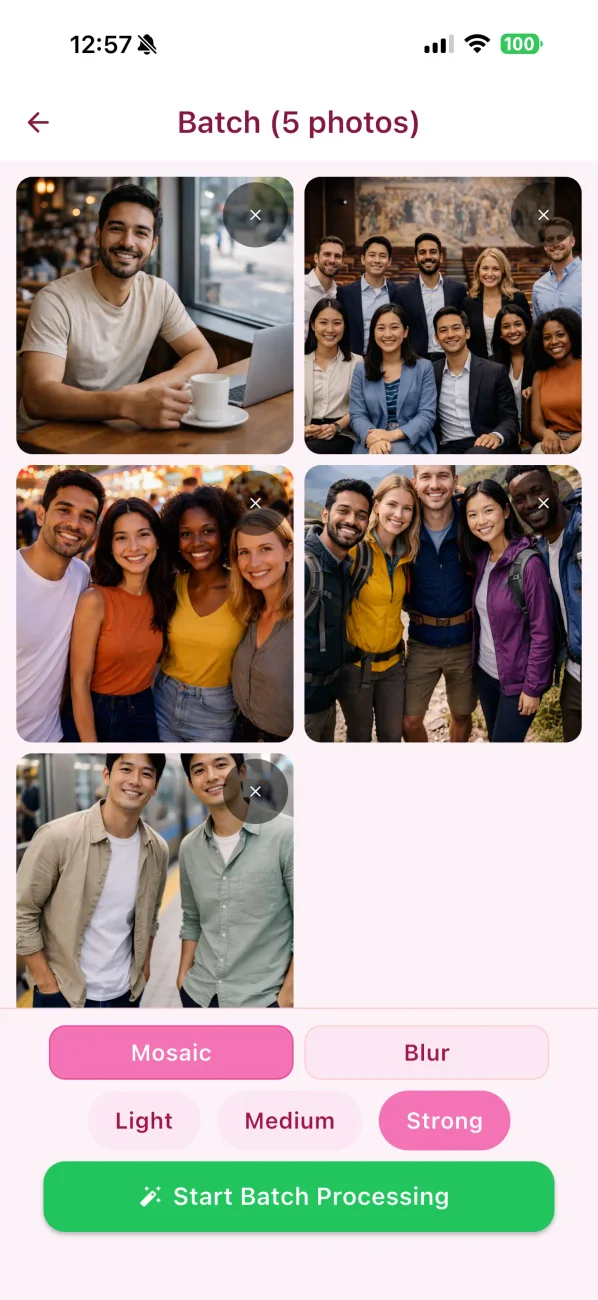
- Batch processing for multiple photos
- Save after removing location metadata
Why FaceAway?
- Use it right away with no sign-in.
- All photo processing happens on your device.
- Edit quickly without sending photos to a server.
- A simple workflow focused on masking, without the complexity of full editing apps.
Useful When
- You want to hide faces captured in the background of marketplace photos
- You want to cover some faces before sharing family or group photos
- You want to directly select and hide license plates in vehicle photos or sensitive areas in document photos
App privacy
What Soyoung Baek declares on the App Store about how this app handles data.
-
Data not collected
The developer does not collect any data from this app.
Privacy practices may vary, for example with the features you use or your age.
Information
- Seller
- Soyoung Baek
- Category
- Photo & Video
- Version
- 1.0
- Updated
- Mar 12, 2026
- Released
- Mar 15, 2026
- Size
- 52.7 MB
- Requires
- iOS 13.0 or later
- Age rating
- 4+
- Languages
- English
- Copyright
- © 2026 DDINGDONG
You might also like
-
 TapMaskMask faces and text locally
-
 Pixveil: Blur Video & PhotoCensor Faces, Plates & Text
-
 Make It BlurryBlur faces & hide anything
-
 Blurfold: Face Blur & MosaicHide faces, plates & objects
-
 mosaiccyFace mosaic for photos
-
 Emoji Mask MakerHide faces in an instant
-
 MosaCamEasy Photo & Video Mosaic
-
 Mosaic - モザイク・ぼかし加工 写真も動画もPhoto & Video
-
 Mosaic & Blur - Censor FacesHide faces, plates & info fast
-
 XBlur: Face Blur & CensorMosaic Video & Pixelate Photo