
Mosaic & Blur - Censor Faces
Hide faces, plates & info fast
Designed for iPhone, iPad
In-app purchases
- Age rating4+
- CategoryPhoto & Video
- Developerhidenobu akiyoshi
- LanguagesTraditional Chinese+ 2 more
- Size163.9 MB
Links to the official App Store page
Download.org hosts no file of Mosaic & Blur - Censor Faces. The button opens its official App Store page, published by hidenobu akiyoshi. Listing last checked on Nov 10, 2026.
Screenshots

About
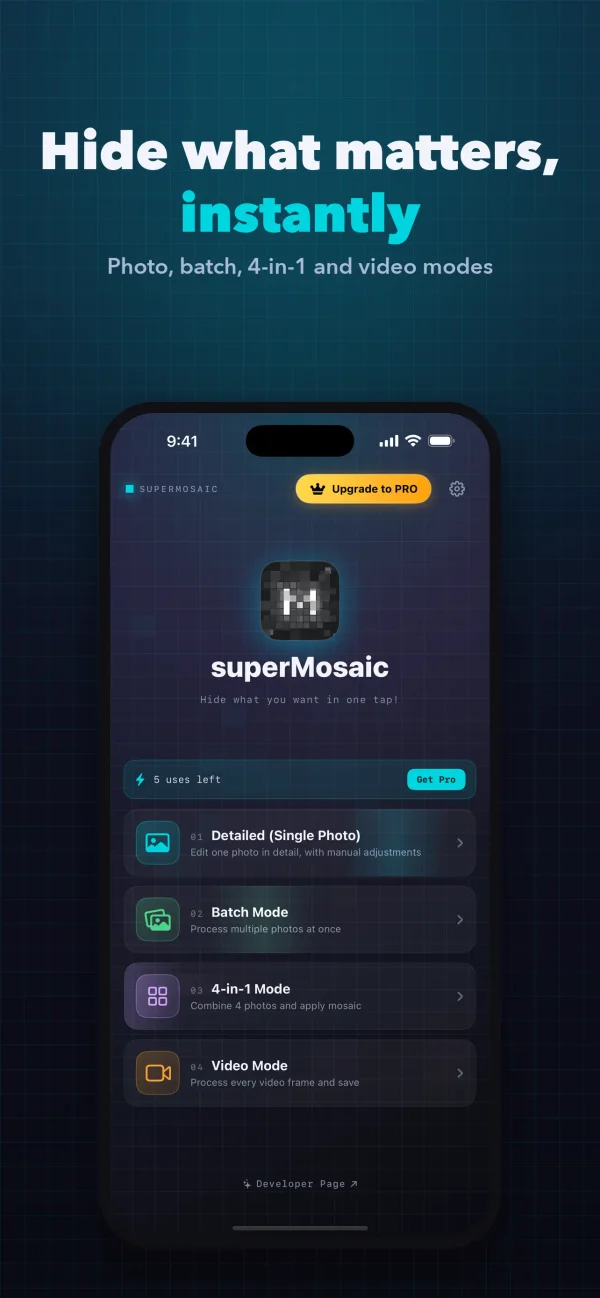
Hide anything you don't want in the frame — in one tap.
Your ex in the background, a passerby, your home address, a car's license plate, a delivery slip... Before you post to Instagram, TikTok or a marketplace app, superMosaic wipes out whatever shouldn't be seen.
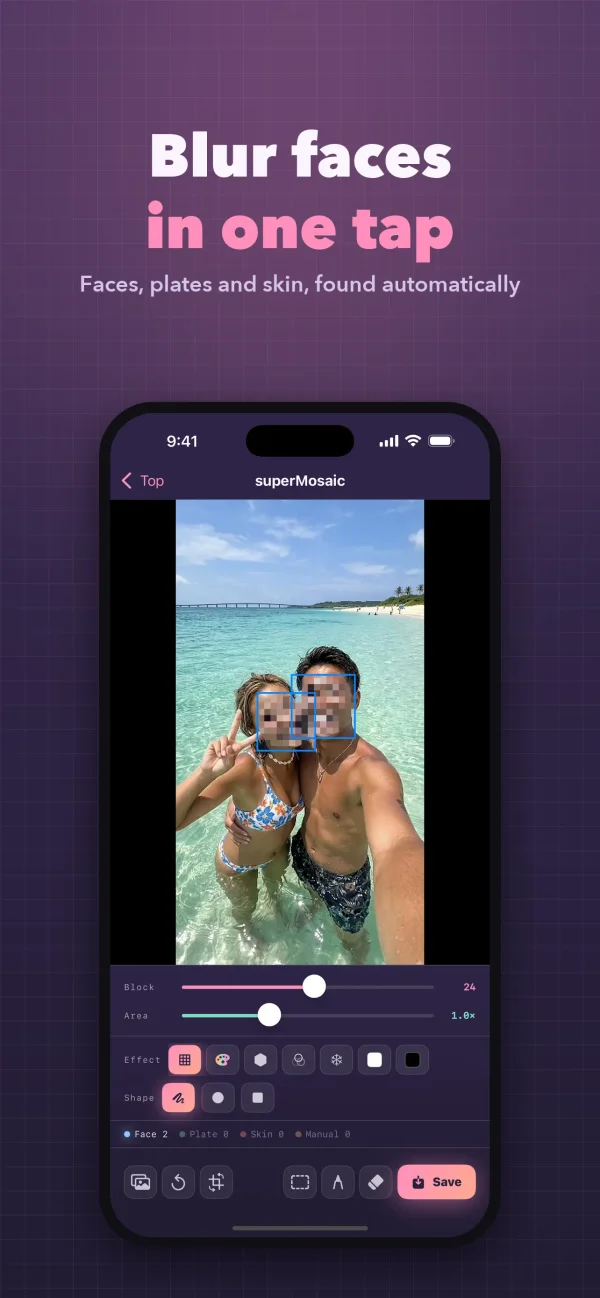
■ Auto-detects faces, plates & skin
AI finds what to hide and mosaics it all at once. Fine-tune by hand anytime.
■ Choose how you hide
Mosaic, blur, solid black or color. Black out anything you want gone for good.
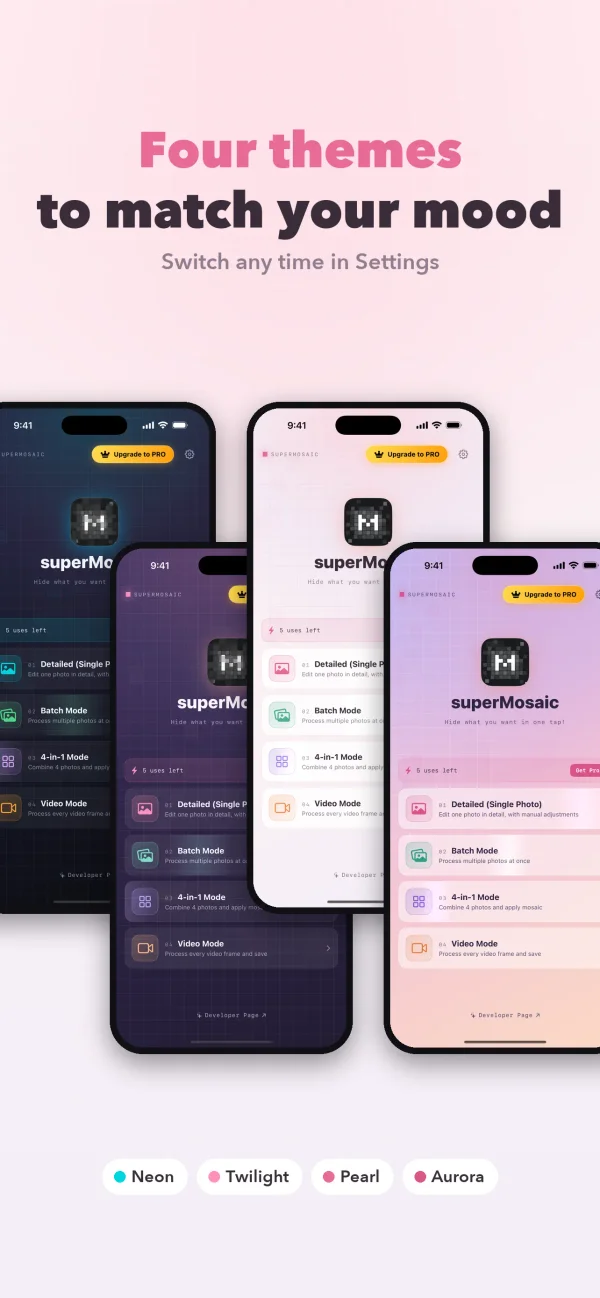
■ 4 powerful modes
- Detail Mode — edit a single photo with precision
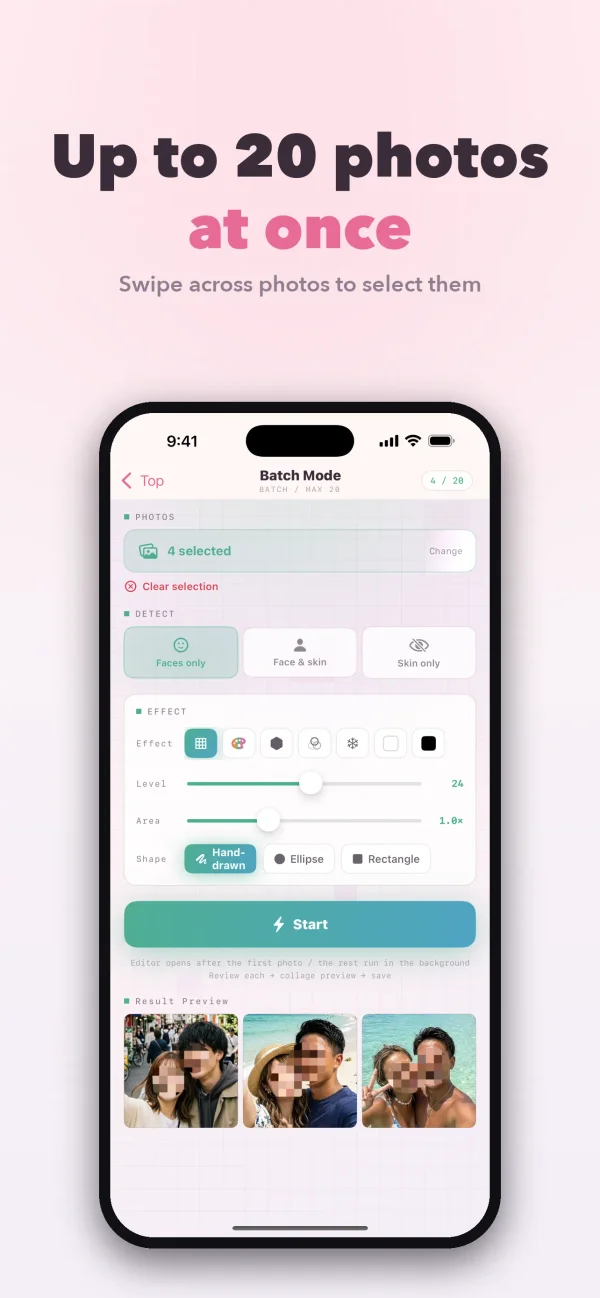
- Batch Mode — process dozens of photos at once
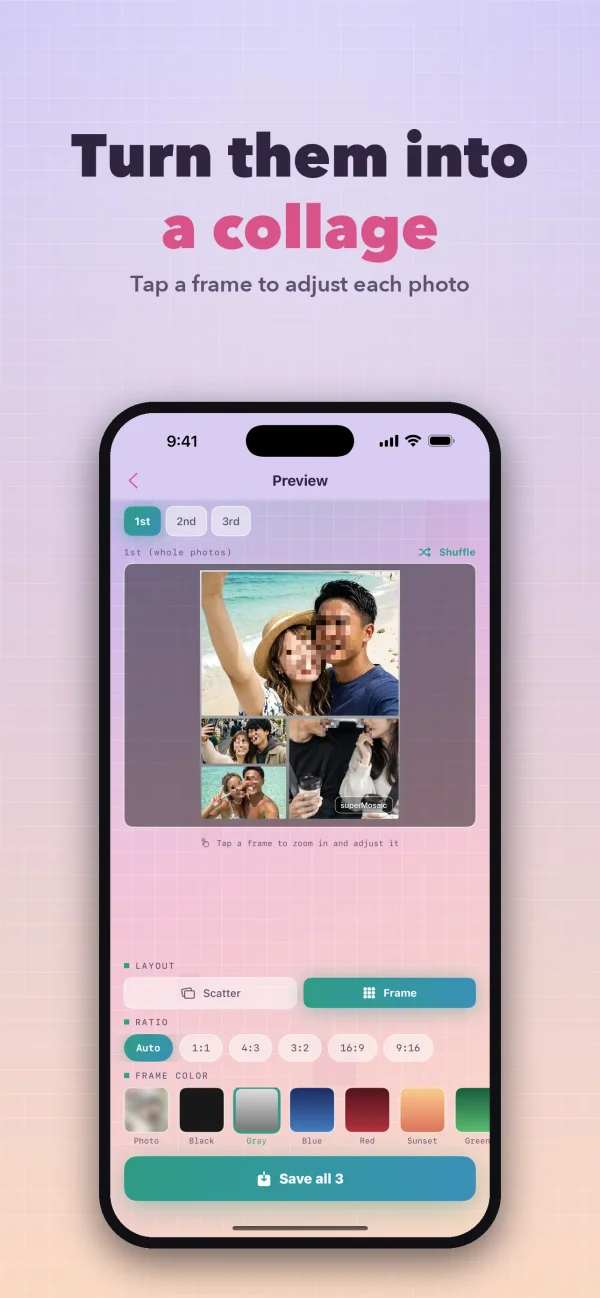
- 4-in-1 Mode — merge 4 shots into one stylish collage
- Video Mode — auto-mosaic every frame
■ Made for people who want to
- Hide people caught in the background of a photo
- Cover addresses & personal info before selling online
- Protect kids' faces before posting
- Blur cars and license plates
Hide what matters — instantly.
Terms of Use (EULA): https://www.apple.com/legal/internet-services/itunes/dev/stdeula/
Privacy Policy: https://hideto0926.github.io/superMosaic/
What’s new
Version 2.0 · Oct 12, 2026
Version 2.0 makes superMosaic better on bigger screens.
- iPhone Duo support
Works on both the outer screen and the big inner screen. Open or close your phone and pick up right where you left off.
- iPad support
Photos and controls are laid out to make the most of the larger display.
- Landscape support
Use the app with your device turned sideways.
- Touch up photos in Batch mode
On wide layouts, before and after photos appear side by side. Tap a photo to open the editor and add or remove blurred areas. Your edits are kept when the batch is processed.
- Fixes and improvements
Fixed buttons and ads running off the edge on narrow screens.
Thanks for using superMosaic. Let us know what you think in a review.
App privacy
What hidenobu akiyoshi declares on the App Store about how this app handles data.
-
Data linked to you
May be collected and linked to your identity.
- Purchases
- Identifiers
Privacy practices may vary, for example with the features you use or your age.
Information
- Seller
- hidenobu akiyoshi
- Category
- Photo & Video
- Version
- 2.0
- Updated
- Oct 12, 2026
- Released
- Jul 2, 2026
- Size
- 163.9 MB
- Requires
- iOS 18.0 or later
- Age rating
- 4+
- In-app purchases
- Yes
- Languages
- Traditional Chinese, English, Japanese
- Copyright
- © 2026 HIDENOBU AKIYOSHI
You might also like
-
 Blurish: AI Blur Video & FacesHide, Censor, Mosaic, Pixelate
-
 Make It BlurryBlur faces & hide anything
-
 FaceAwayHide Faces with Privacy
-
 Censor Photo: Redact & BlurHide Face & Sensitive Info
-
 Tone Cam — Printed PhotosHalftone, RISO & Dither
-
 PictOrb Movable Lens CameraLive Effects for Photo & Video
-
 PictNota - Blur & Photo EditorScreenshot Markup: Arrows&Text
-
 lenshide - Face Blur & MosaicMosaic, face blur, photo batch
-
 iBlur: Blur Face, Censor PhotoPixelate & redact photo, video
-
 Veil: Censor & Blur PhotosPhoto & Video