
Facepop: Hide & blur faces
Face stickers as you shoot
Designed for iPhone, iPad
Free · In-app purchases
- Age rating4+
- CategoryPhoto & Video
- DeveloperEunchan Kim
- LanguagesEnglish+ 5 more
- Size22.7 MB
Links to the official App Store page
Download.org hosts no file of Facepop: Hide & blur faces. The button opens its official App Store page, published by Eunchan Kim. Listing last checked on Nov 12, 2026.
Screenshots
About
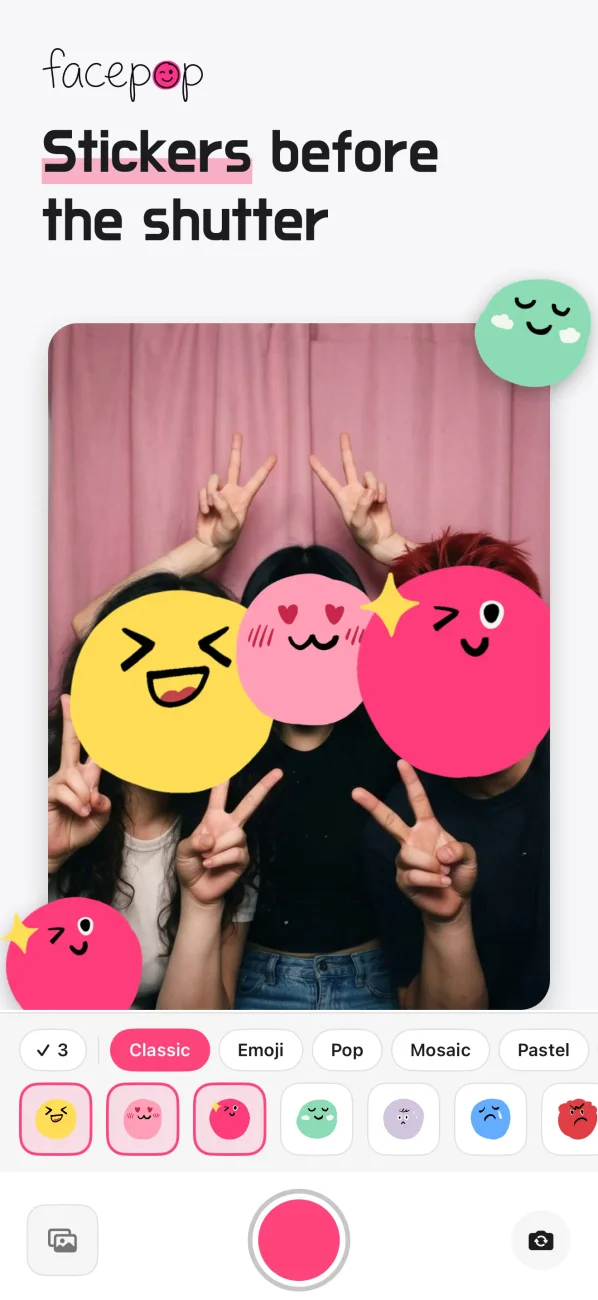
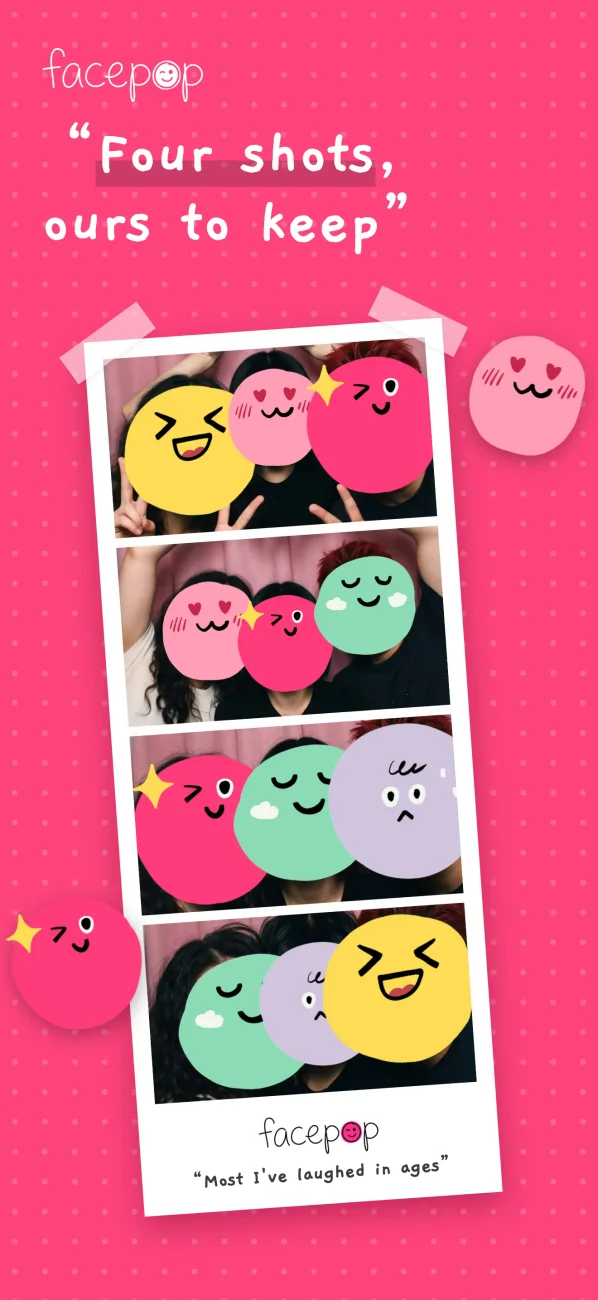
The moment you shoot, the faces on screen get stickers automatically. (No ads!)
A friend who'd rather not show their face doesn't have to step out of the group shot. By the time you press the shutter, the stickers are already on.
WHAT IT DOES
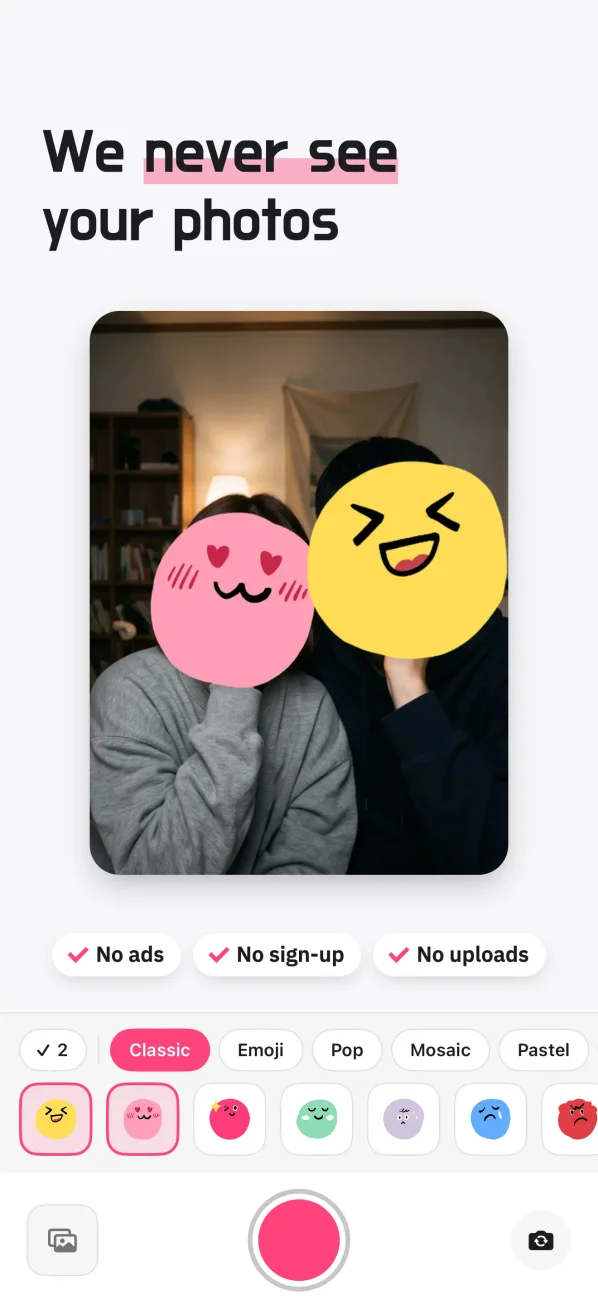
- Stickers land on faces automatically, right in the live preview
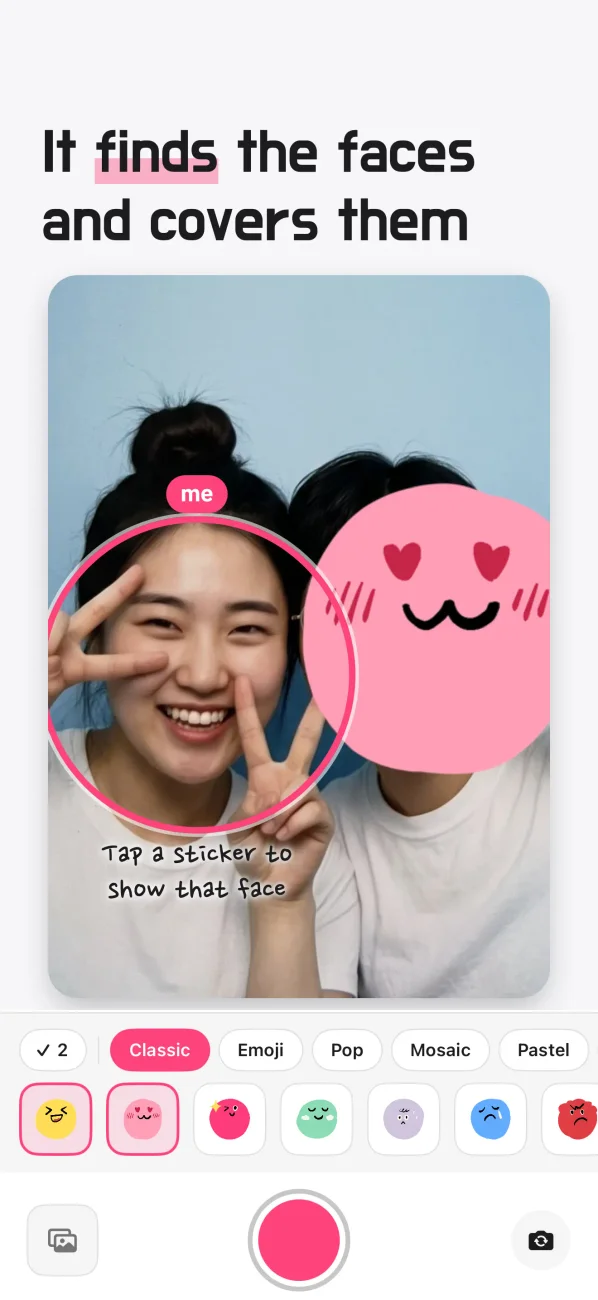
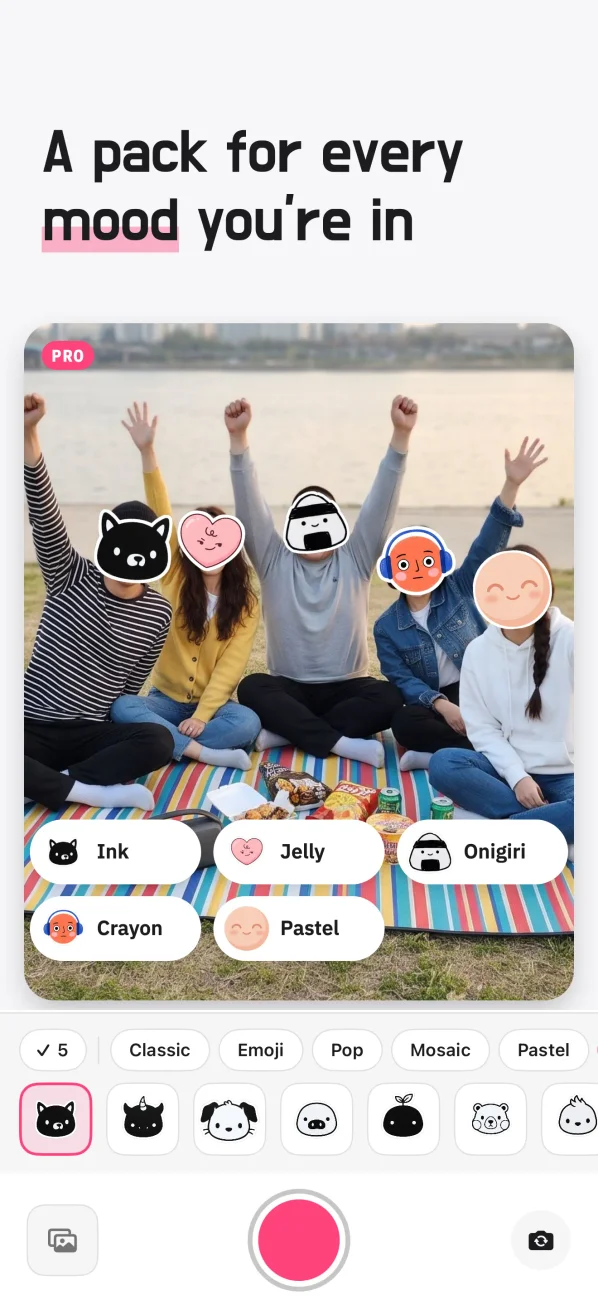
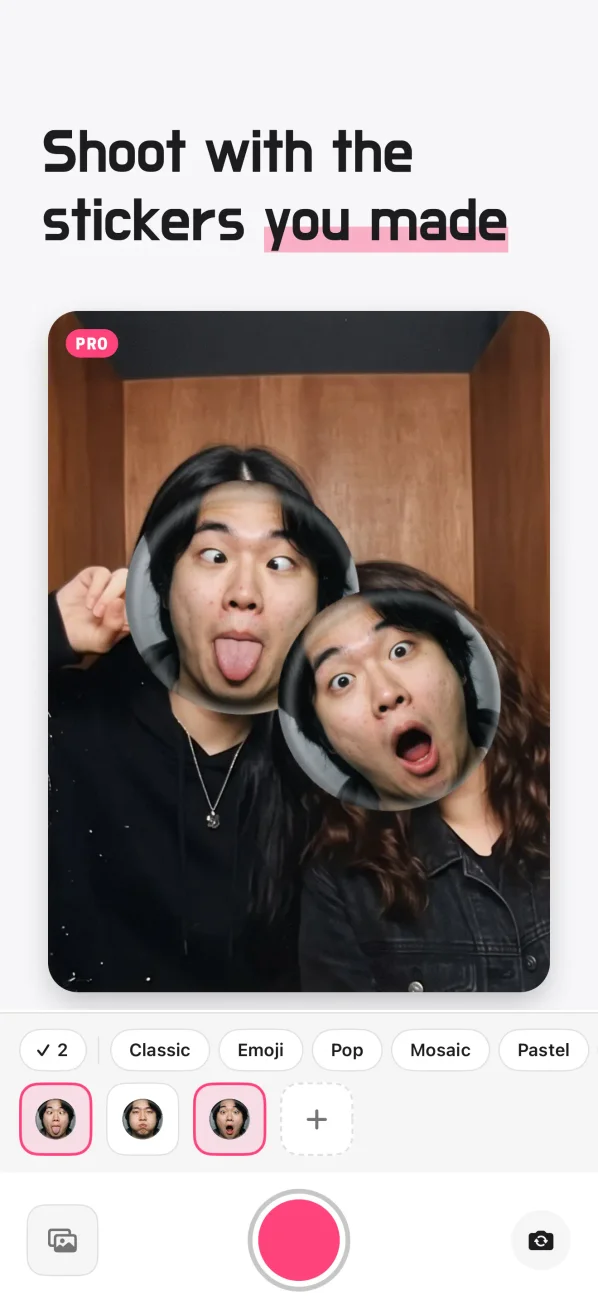
- Pick two or more stickers and each face gets its own
- Tap your own face and its sticker comes off. Everyone else keeps their sticker
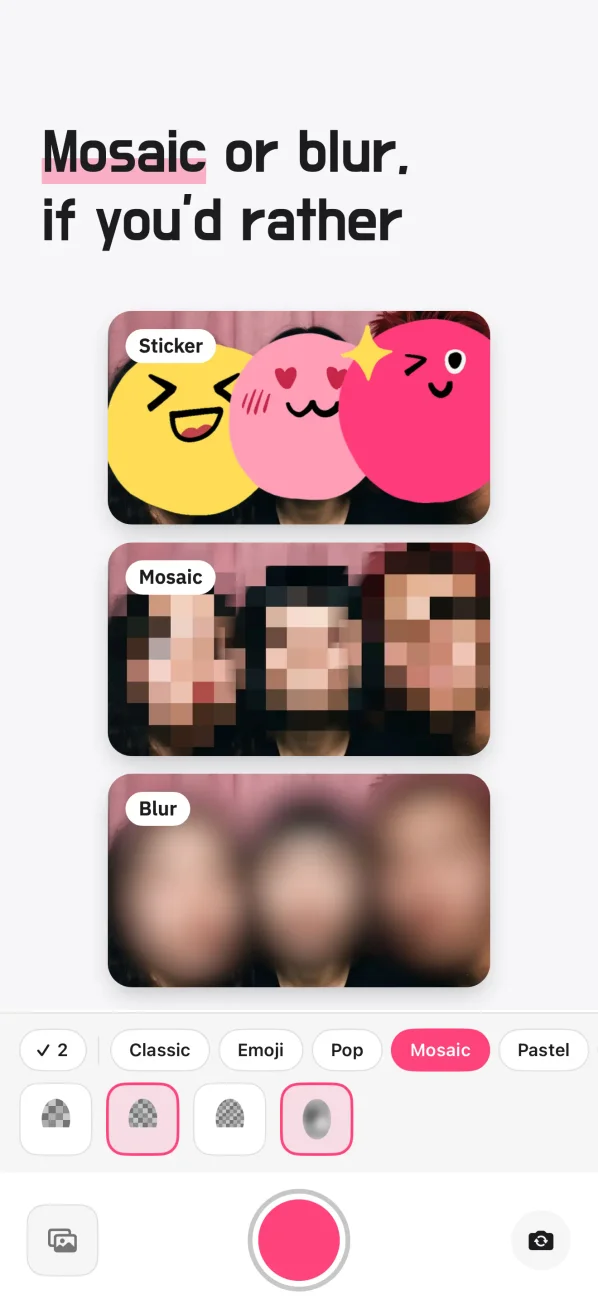
- Mosaic or blur instead of a sticker, if you'd rather
- Keep the original as you shoot: with it on, you keep both the original and the photo with stickers. With it off, you keep only the photo with stickers
- Move, resize, rotate, or remove any sticker after the shot, or flip it to face the other way
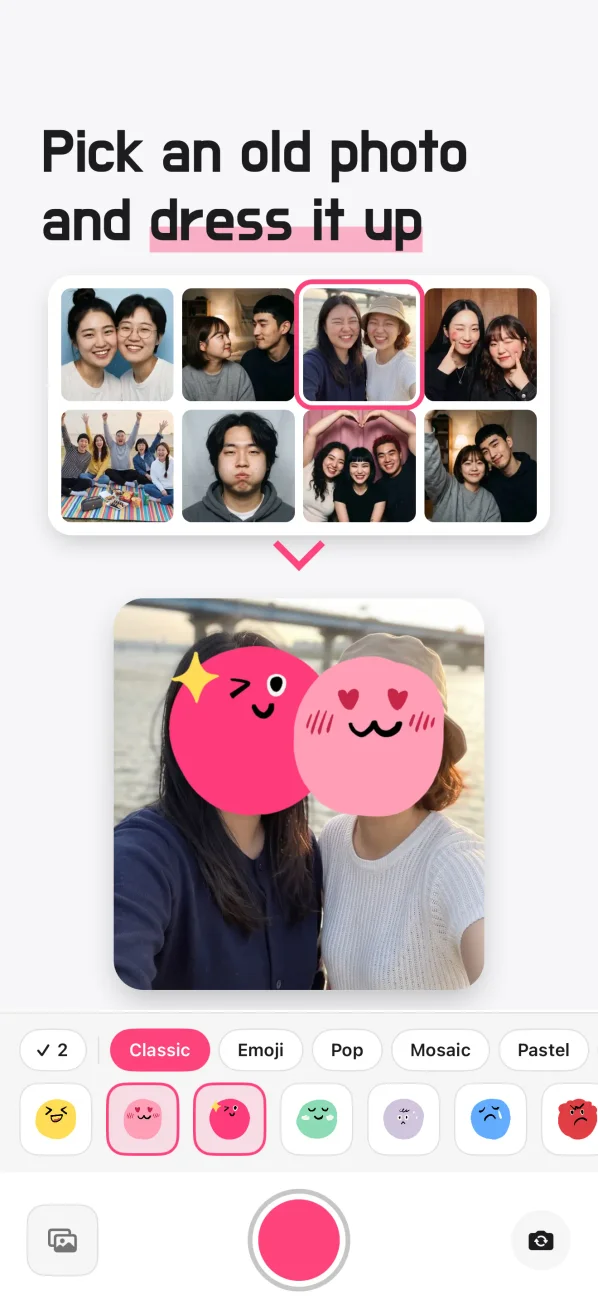
- Bring in a photo you've already taken and put stickers on the faces
- Four cuts: turn four photos into one photo booth print, with a line of your own under the logo
- Doodle over a photo or a four-cut print with one of four pens, in the color and thickness you pick
NO ACCOUNT, NO UPLOADS
Facepop finds faces right on your phone. You don't need an account, and we don't run a server for your photos, so it works just the same in airplane mode. The only time Facepop sends a photo anywhere is when you share it.
FREE
The camera, every sticker pack, mosaic and blur, the doodle brush, and photo booth prints. Try all of it on your first 10 saved photos. Originals the camera keeps don't count. Free photos carry a small Facepop watermark.
FACEPOP PRO
Pay once. It's not a subscription.
- Save as many photos as you like
- Every Pro sticker pack, including the ones we add later
- Keep the stickers you make in your photos
- Turn off the Facepop watermark
Making stickers is free. Try one before you decide.
What’s new
Version 1.1.5 · Nov 11, 2026
Facepop now lets you save 10 photos for free. Try every sticker pack on them, Pro packs included. Originals the camera keeps don't count. After that, Facepop Pro removes the limit, and it now costs less. It's still one purchase, not a subscription. If you used Facepop before this update, nothing changes for you.
App privacy
What Eunchan Kim declares on the App Store about how this app handles data.
-
Data not collected
The developer does not collect any data from this app.
Privacy practices may vary, for example with the features you use or your age.
Information
- Seller
- Eunchan Kim
- Category
- Photo & Video
- Version
- 1.1.5
- Updated
- Nov 11, 2026
- Released
- Feb 7, 2025
- Size
- 22.7 MB
- Requires
- iOS 18.0 or later
- Age rating
- 4+
- Price
- Free
- In-app purchases
- Yes
- Languages
- English, Japanese, Korean, Portuguese, Spanish, Traditional Chinese
- Copyright
- © 2024 weuse
You might also like
-
 Blurin: Face Blur & Emoji HideAuto-hide faces with stickers
-
 Petari: Cutout ScrapbookPhoto Collage & Journal Maker
-
 顔かくしスタンプ-保育園・幼稚園・小学校の写真にPhoto & Video
-
 Kumo - Blur FacesKids invisible to AI forever
-
 SnapFitPhoto & Video
-
 ShotText: Filter/Overlay/TextOn-device AI photo editor
-
 젠티 Genti - 내 마음대로 만드는 AI 사진Photo & Video
-
 Vlog Maker - NowlogNo Edit, Just Record Today
-
 Face Blur: Mosaic & EmojiPhoto Editor: Auto Hide Faces
-
 Emoji Stickers: Photo EditorEmoticon Filters Picture Art