ShotText: Filter/Overlay/Text
On-device AI photo editor
Designed for iPhone, iPad
Free · In-app purchases
- Age rating4+
- CategoryPhoto & Video
- DeveloperTurkdogan Tasdelen
- LanguagesEnglish
- Size77.0 MB
Links to the official App Store page
Download.org hosts no file of ShotText: Filter/Overlay/Text. The button opens its official App Store page, published by Turkdogan Tasdelen. Listing last checked on Nov 12, 2026.
Screenshots
About
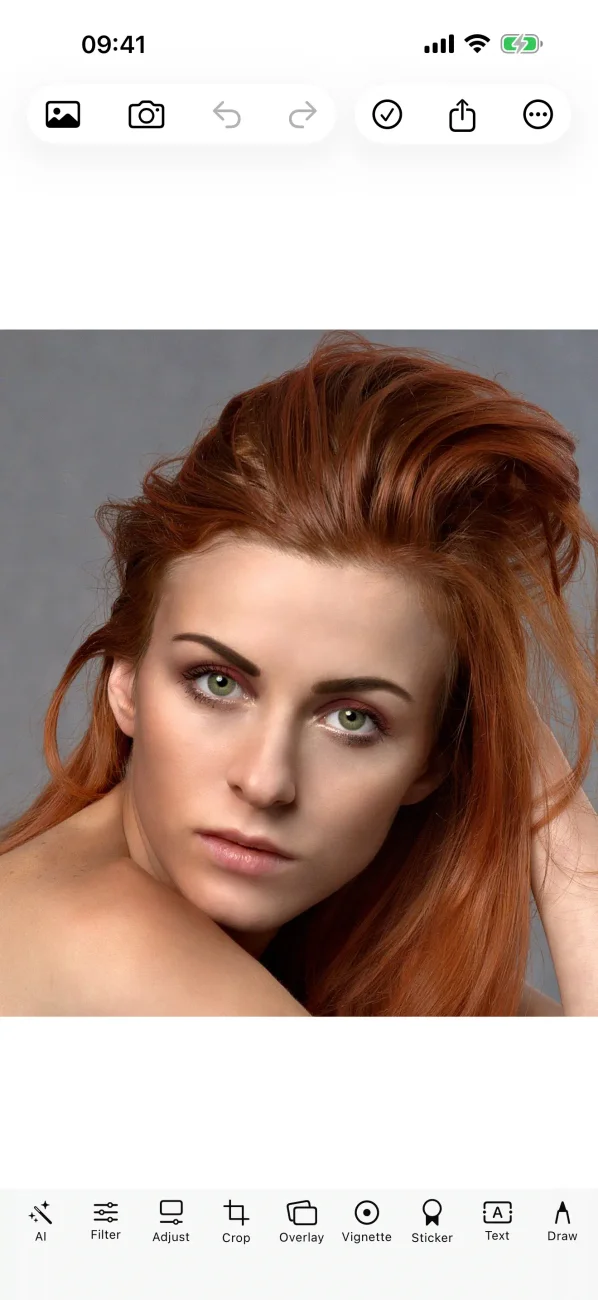
ShotText is a photo editor that does everything on your iPhone. No accounts. No cloud uploads. No analytics. Your photos never leave your device.
EVERYTHING IS ON-DEVICE
Every filter, every AI feature, every export happens locally using Apple's Core Image, Vision, and Core ML frameworks. Edit in airplane mode if you want — it all just works.
AI THAT RUNS OFFLINE
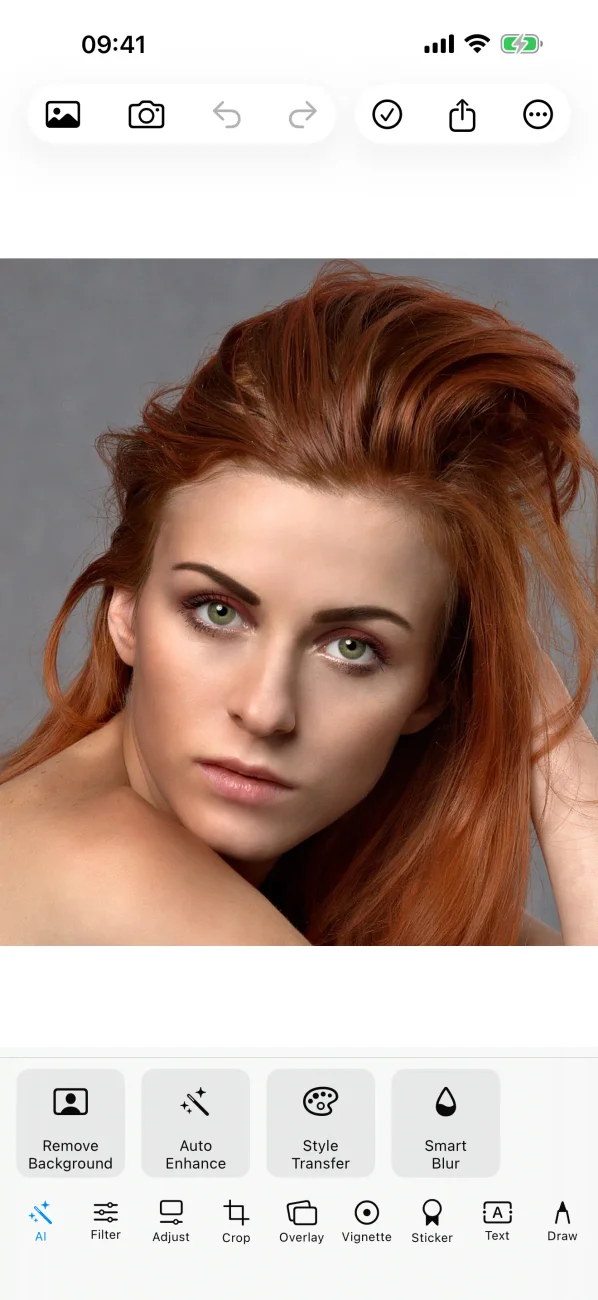
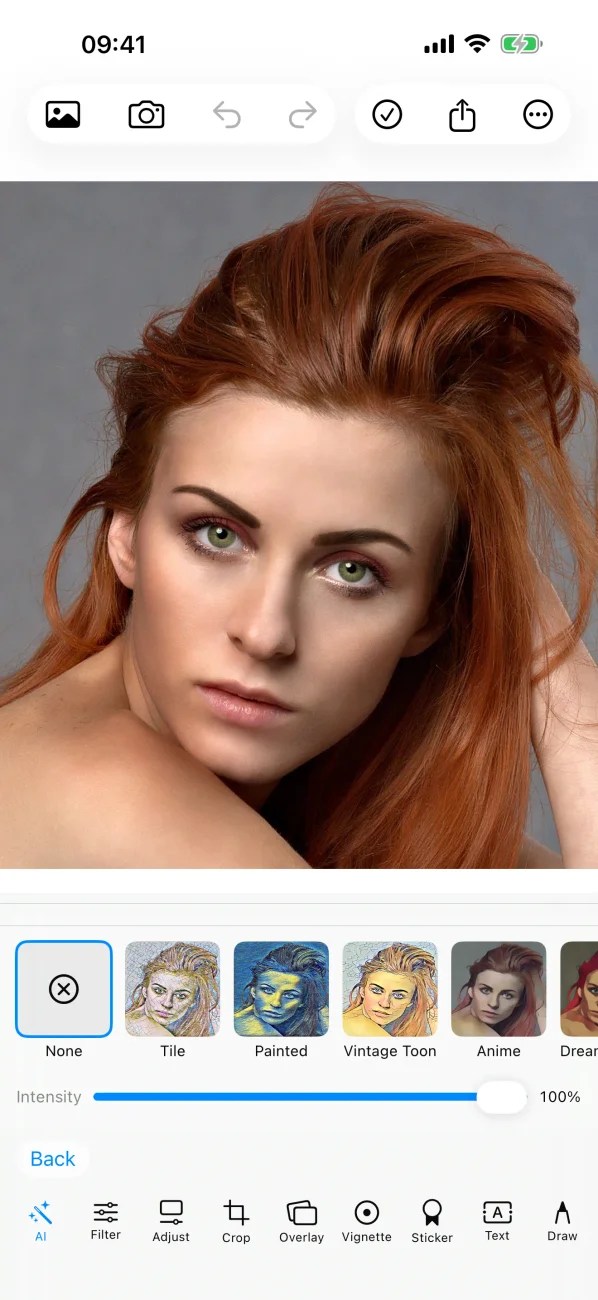
• Background removal — one tap to isolate a person and drop in a new background
• Auto-enhance — smart correction for exposure, color, and sharpness
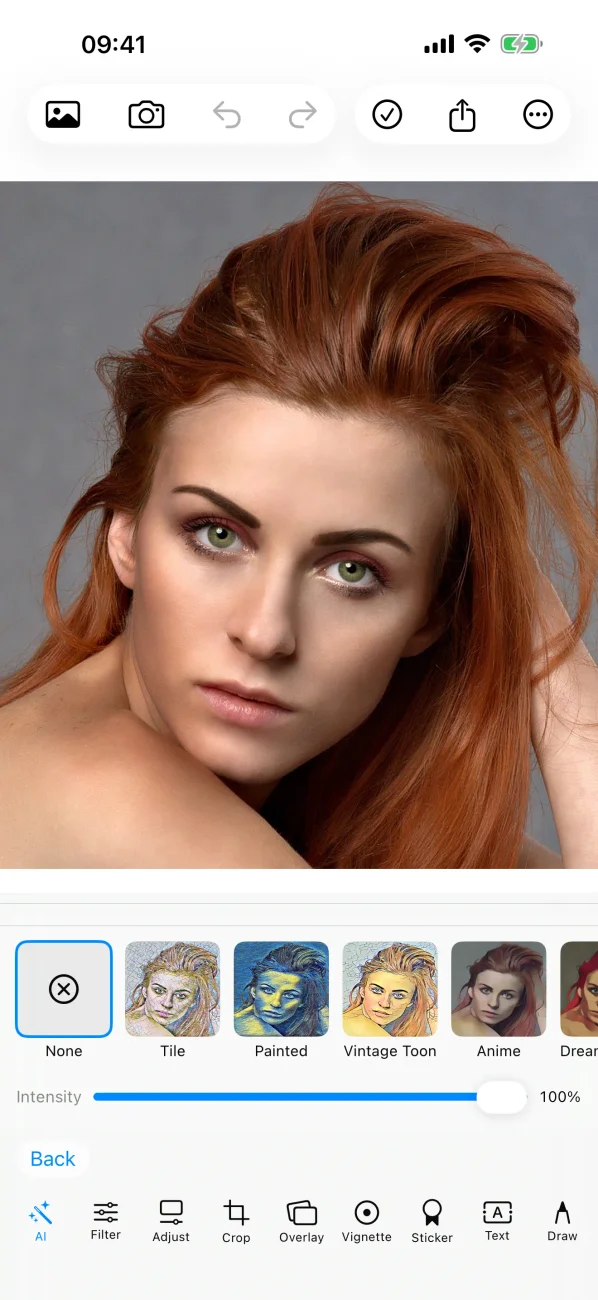
• Style transfer — turn any photo into Mosaic, Starry Night, Cuphead, Anime, Cartoon, or White Box style with adjustable intensity
• Object erase — paint over what you want gone
38+ FILTERS IN 9 CATEGORIES
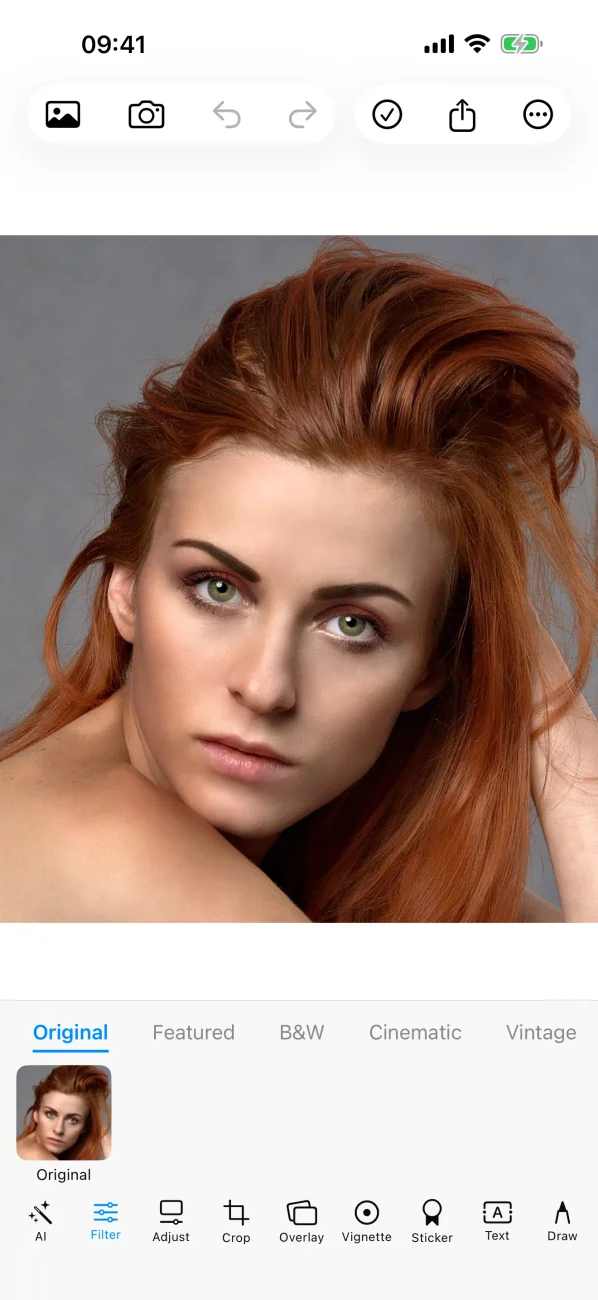
Film looks (Noir, Chrome, Fade, Instant), 11 cinematic LUTs, art styles, lighting effects (Bloom, Gloom, Thermal, X-Ray), pencil sketch, tone mapping, and more — with a global intensity slider on every one.
EVERYTHING ELSE YOU EXPECT
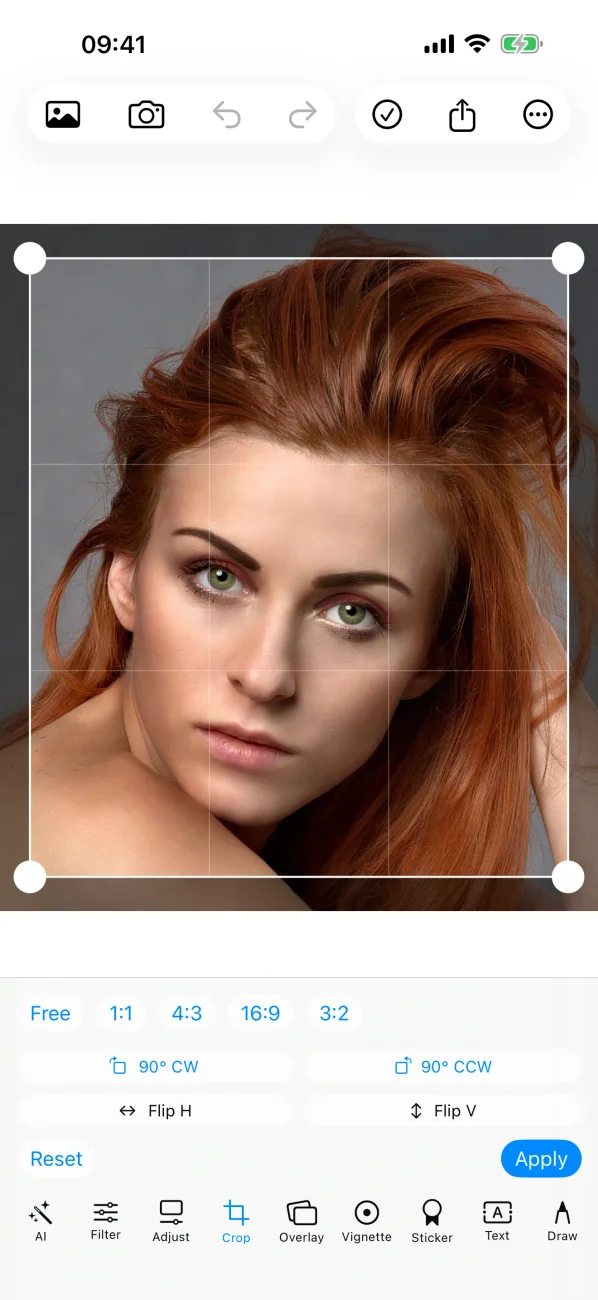
• Crop with aspect ratio presets, rotation, and flip
• Adjustments for brightness, contrast, saturation, warmth, and sharpness
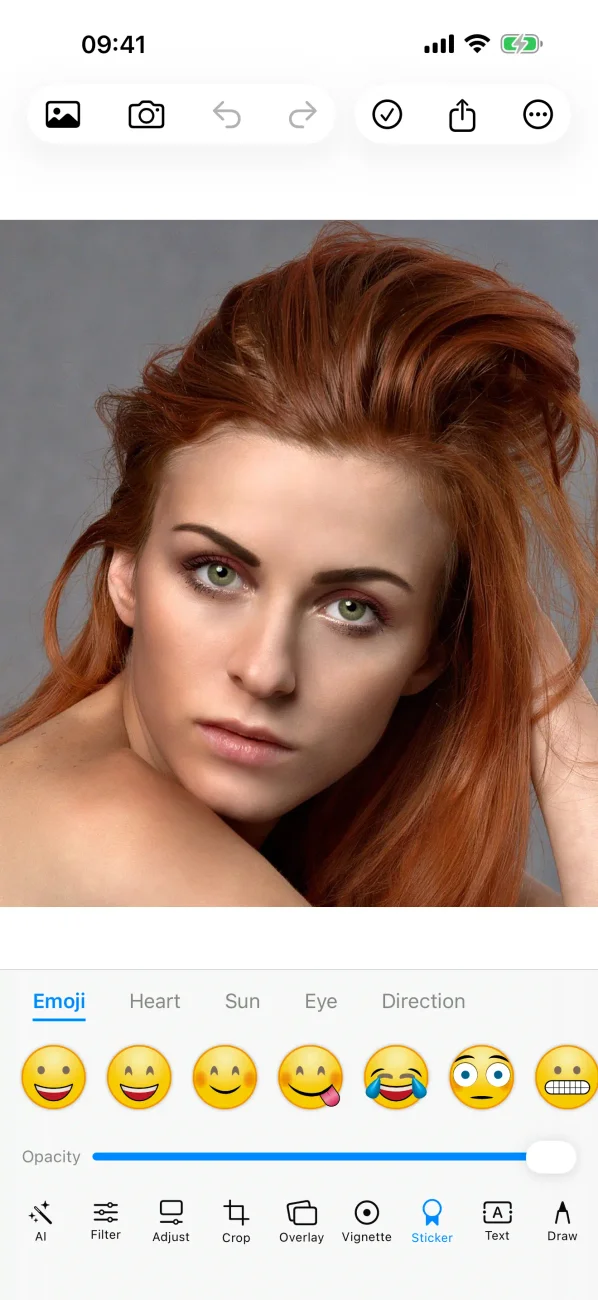
• 73 stickers across 5 packs (emoji, hearts, suns, eyes, directions)
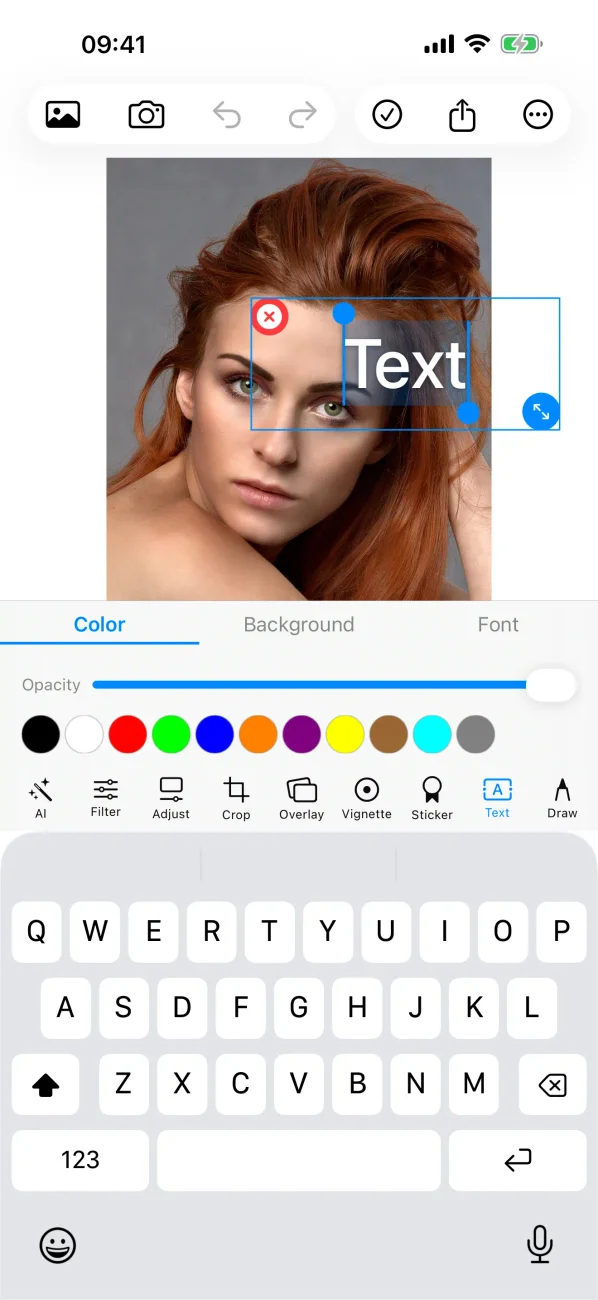
• Editable text with font, color, background, and shadow controls
• 8 overlay packs (grunge, colors, nature, patterns, wood, bubbles)
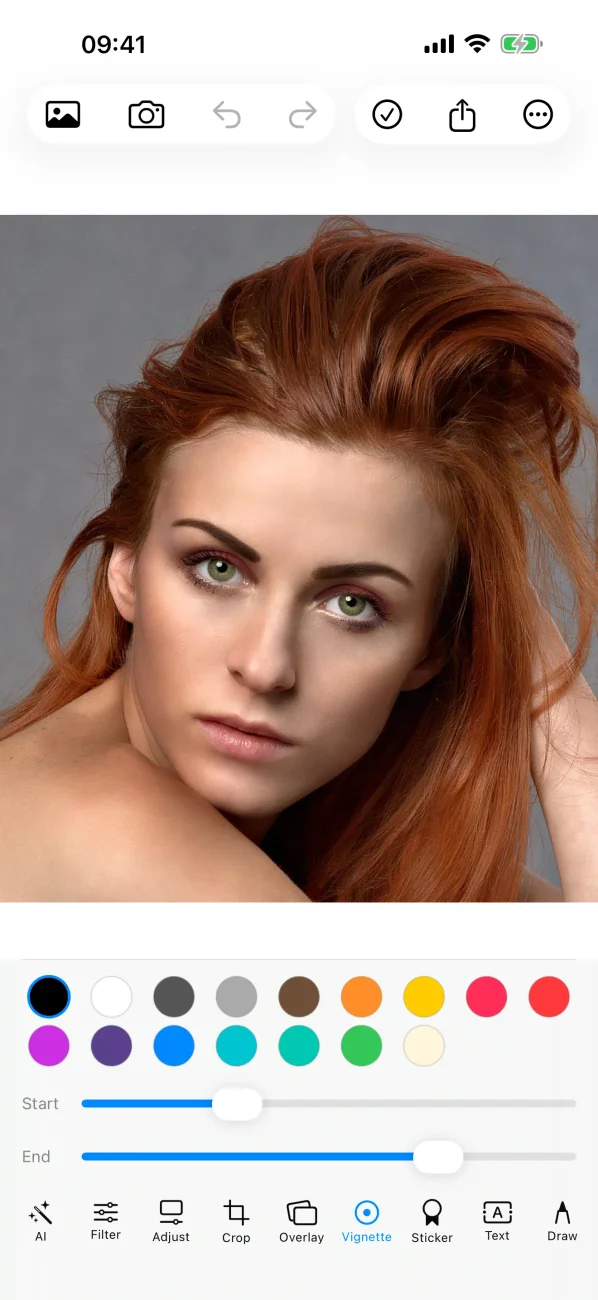
• 6 vignette presets with start/end controls
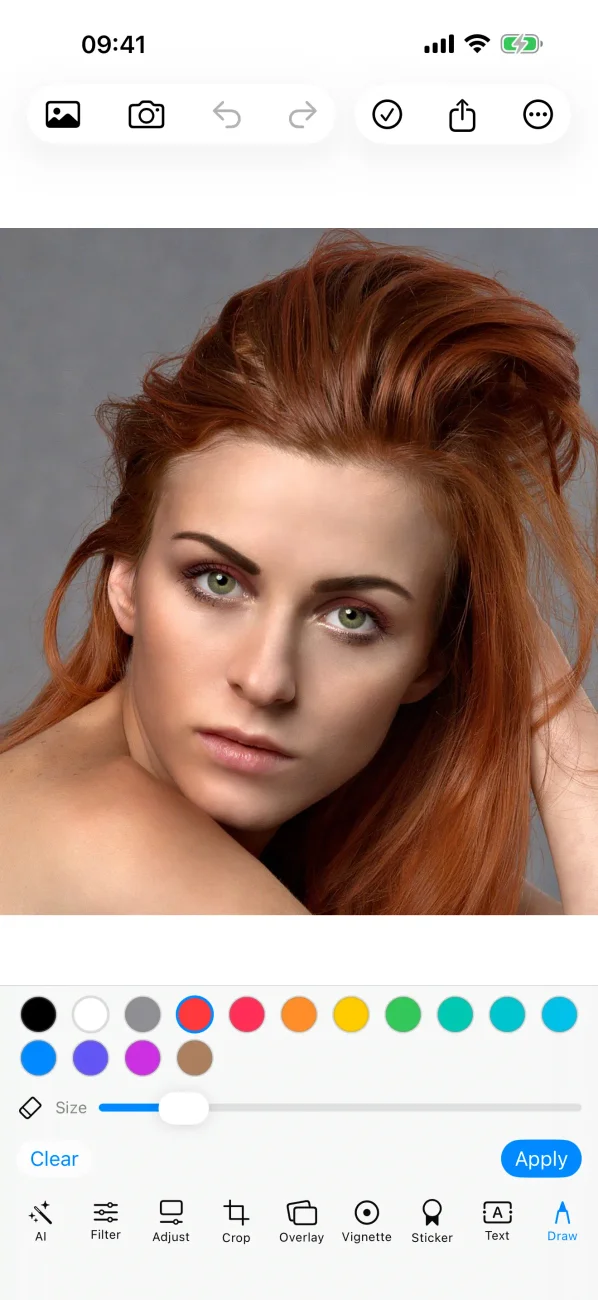
• PencilKit drawing with pressure-sensitive brushes and eraser
EXPORT YOUR WAY
HEIC, JPEG, or PNG with adjustable quality. One-tap export to a 9:16 Story format with a blurred background — perfect for Instagram, TikTok, or anywhere vertical. Saved photos go to your library and a dedicated "ShotText" album.
DESIGNED FOR THE LONG SESSION
• 20-level undo and redo
• Long-press the canvas to compare before and after
• Pick up exactly where you left off — sessions persist across app restarts
• Optimized for iPad with a side-by-side editing layout
• Haptic feedback on every action
PRIVACY
ShotText collects nothing. There are no servers, no accounts, no third-party SDKs. Read the full policy at turkdogan.dev/shottext/privacy.
What’s new
Version 2.0.1 · Jul 6, 2026
ShotText 2.0 — a complete rebuild from the ground up.
• Brand-new SwiftUI editor designed for iOS 17+
• 7 Core ML style transfer models (Mosaic, Starry Night, Cuphead, Anime Hayao, Anime Paprika, Cartoon, White Box)
• AI background removal and AI auto-enhance, all on-device
• Object erase with mask painting
• 38+ filters across 9 categories, 11 LUTs, with a global intensity slider
• 73 stickers, 8 overlay packs, 6 vignette presets
• Crop, adjust, draw (PencilKit), and editable text
• HEIC / JPEG / PNG export plus a 9:16 Story format with blurred background
• 20-level undo and redo
• Long-press the canvas to see before and after
• Session persistence — pick up where you left off
• iPad side-by-side layout
• Haptic feedback throughout
• Photos saved to a dedicated "ShotText" album
• Zero tracking, zero analytics, zero accounts
App privacy
What Turkdogan Tasdelen declares on the App Store about how this app handles data.
-
Data not collected
The developer does not collect any data from this app.
Privacy practices may vary, for example with the features you use or your age.
Information
- Seller
- Turkdogan Tasdelen
- Category
- Photo & Video
- Version
- 2.0.1
- Updated
- Jul 6, 2026
- Released
- Oct 8, 2013
- Size
- 77.0 MB
- Requires
- iOS 17.0 or later
- Age rating
- 4+
- Price
- Free
- In-app purchases
- Yes
- Languages
- English
- Copyright
- © 2026 Turkdogan Tasdelen
You might also like
-
 Pixelate: Hide Faces in Videooffline, no watermark on Pro
-
 Shine LensAmplify Shine and Brightness
-
 CaptionCraft(AI)Photo & Video
-
 Super Wide RecorderRecording of wide-angle effect
-
 After CameraWorkCamerawork effects on videos
-
 Virgil: AI Photo GeneratorGenerate Ai Pranks and Art
-
 Grainiq - AI Photo EditorFilm Filters, AI Art & Retouch
-
 TonefoldOffline AI photo editor
-
 MotionVideoCameraAfterimage Effect for videos
-
 braintrance - 3D MemoriesCapture 3D Moments