
- Age rating17+
- CategoryBusiness
- DeveloperFacilio Inc.
- LanguagesEnglish+ 1 more
- Size104.3 MB
Links to the official App Store page
Download.org hosts no file of Facilio WorkQ. The button opens its official App Store page, published by Facilio Inc. Listing last checked on Nov 12, 2026.
Screenshots
About
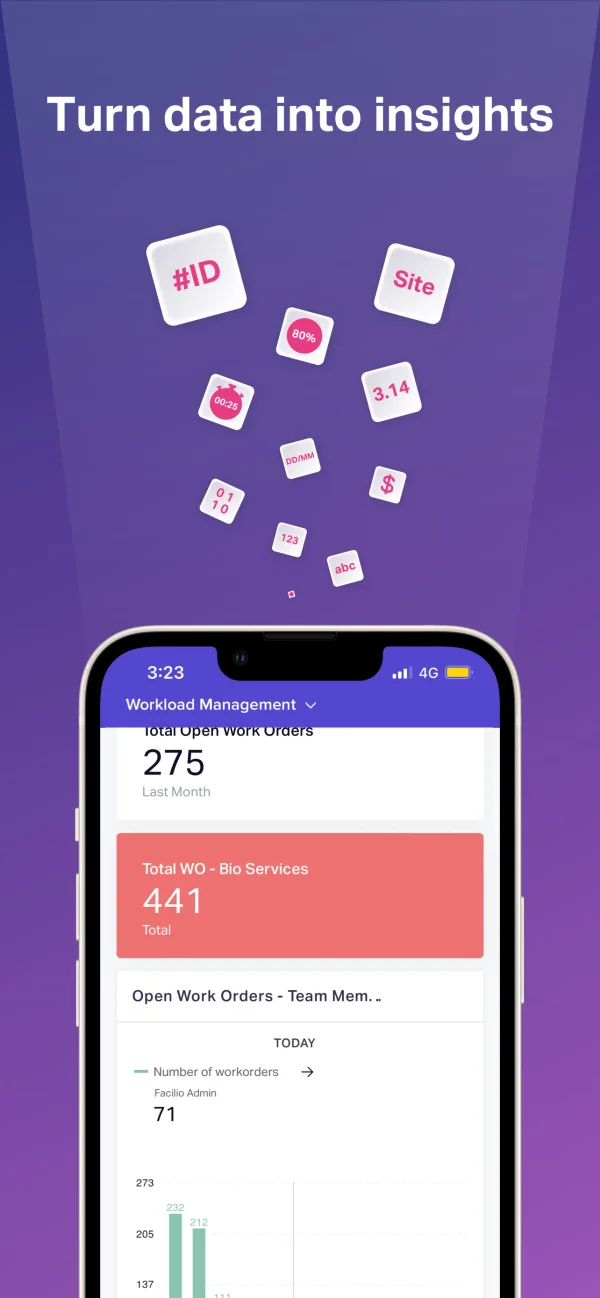
Find actionable insights with intuitive executive dashboards that are easily customizable.
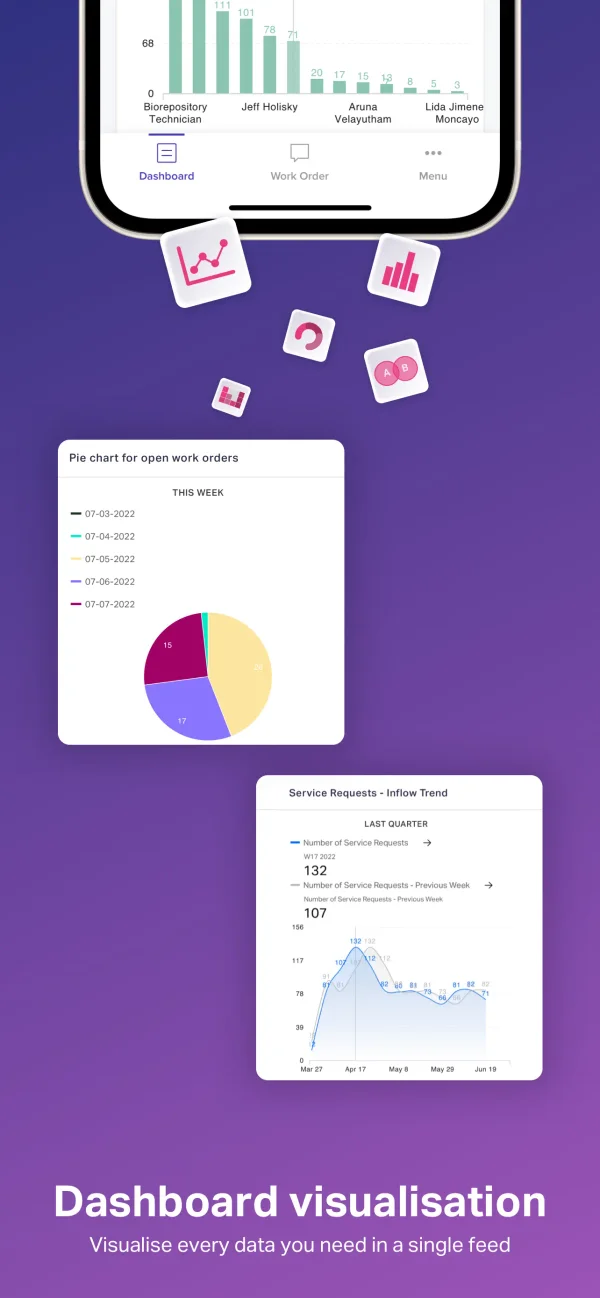
Transform data into insights using a variety of visualization techniques such as cards, bar graphs, line graphs, and pie charts. Texts and images can also be added to customise the dashboard to meet specific needs, making it easier for the user to visualize multiple data sets in a single frame.
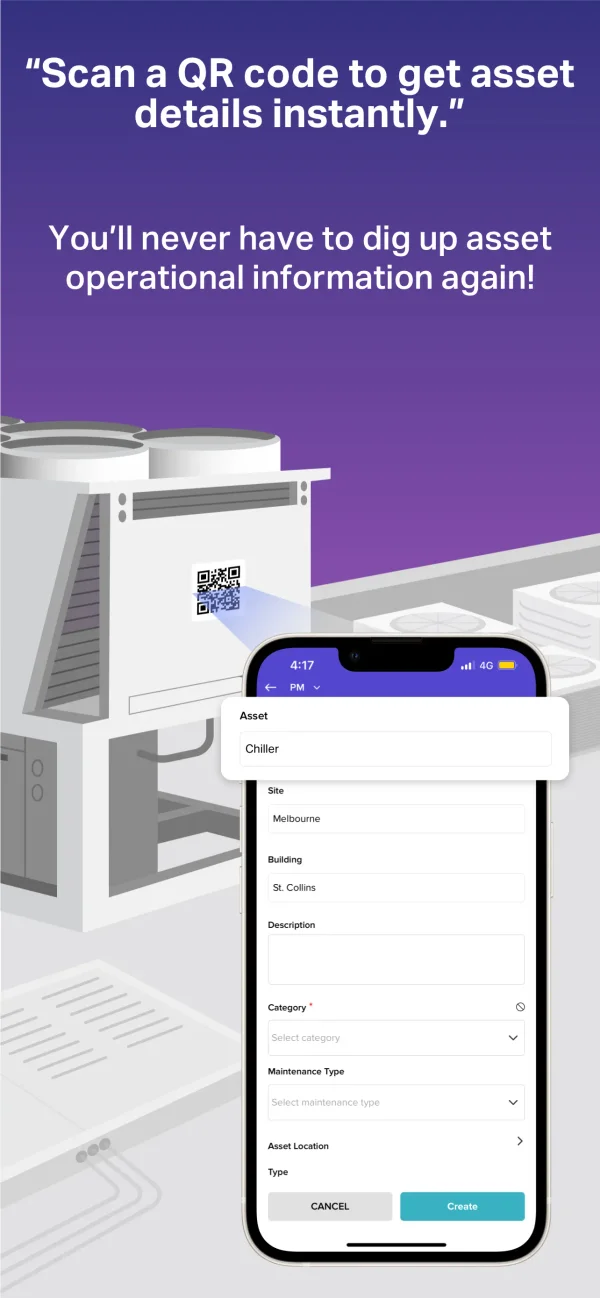
Scan a QR to get asset details
To obtain information, simply point your camera at the QR code on the asset. Understand and control the entire equipment lifecycle, including information about your asset operations, including a detailed summary and asset history details.
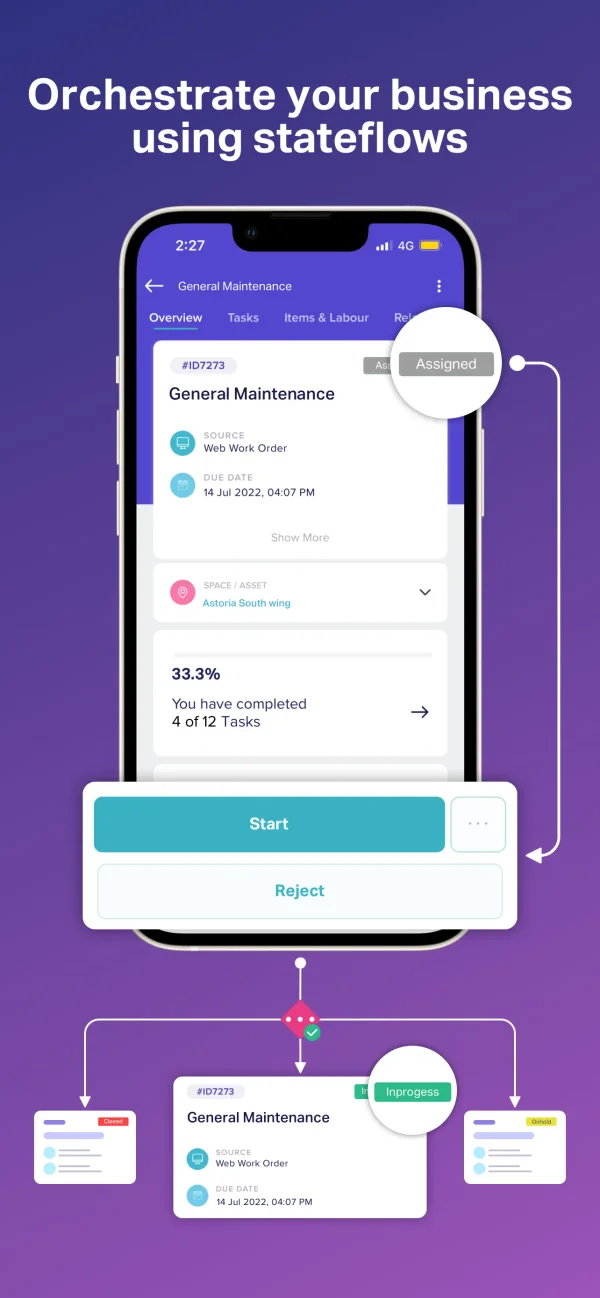
State customization according to business requirements
A state represents the condition or circumstance in a workflow at an instant of time. Stateflows are majorly needed to introduce an execution process for any business requirement. Every stateflow has multiple states associated with it.
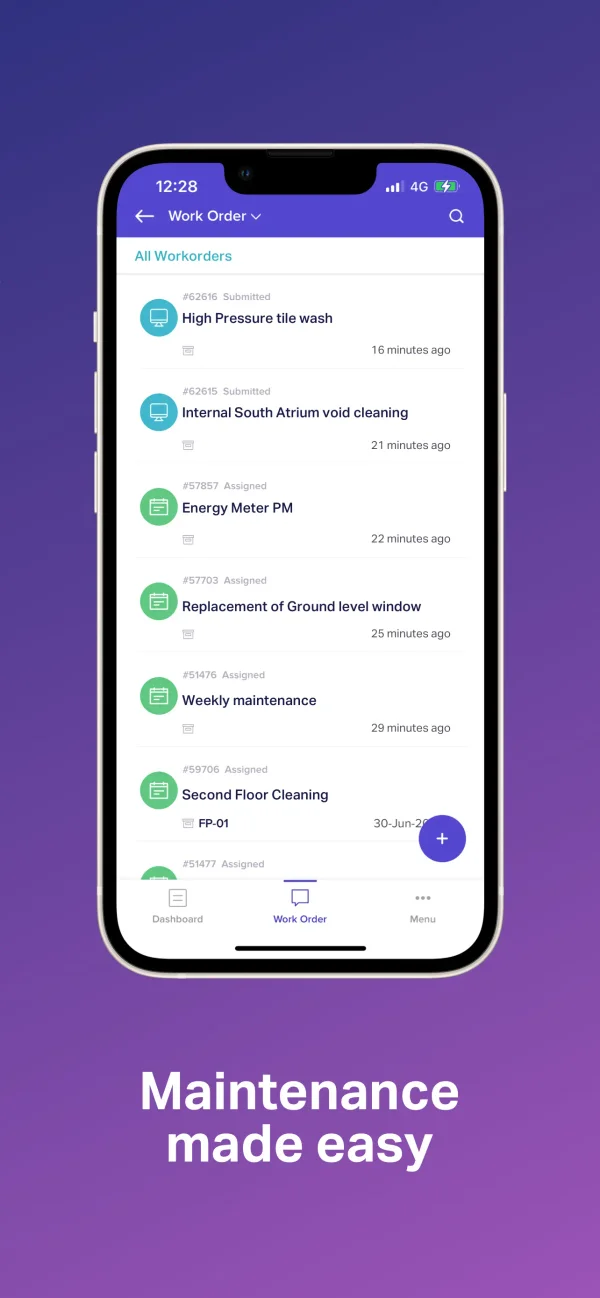
Create work orders without any hassle in just a tap and manage them easily in a single view.
Work orders are used to schedule various types of work, such as installations, repairs, or preventive and corrective maintenance. WorkQ allows you to prioritize workorders based on their importance, and you can also include images. The work order can also be assigned to technicians and sent for approval on need basis.
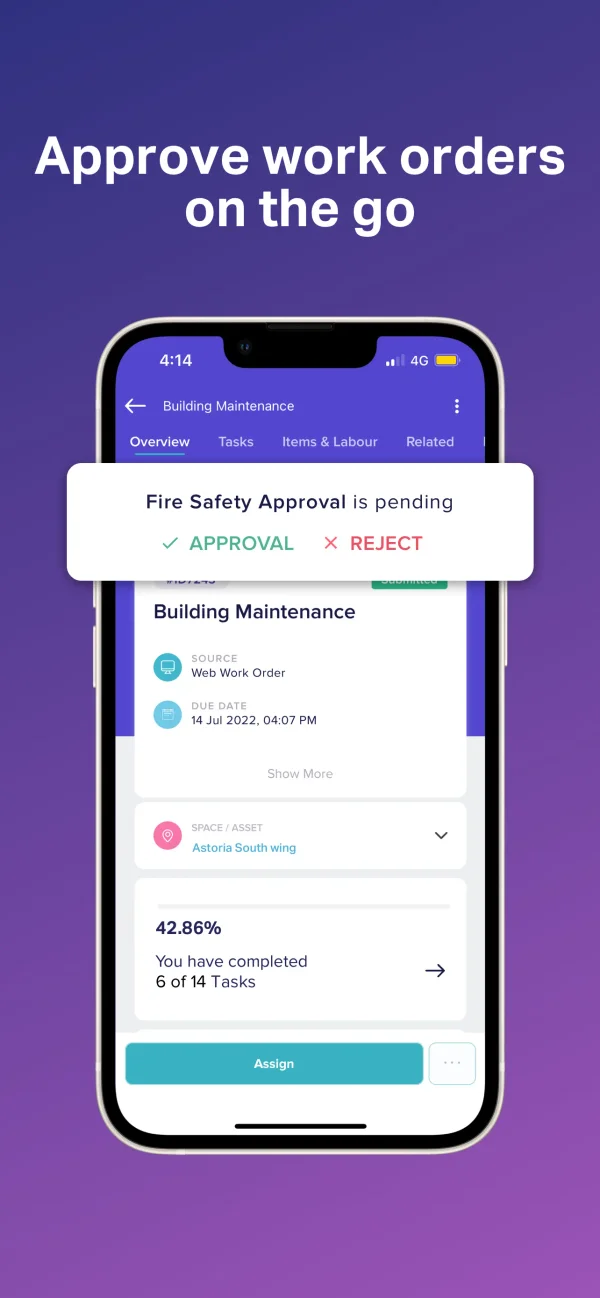
Approve work orders seamlessly
Approval feature allows users or groups to approve or reject a task. When records are submitted for approval, they are approved by the organization's users, known as approvers. An administrator must configure approval for specific tasks in selected modules to prevent unauthorized users from accessing or modifying critical information, thereby promoting data security and integrity.
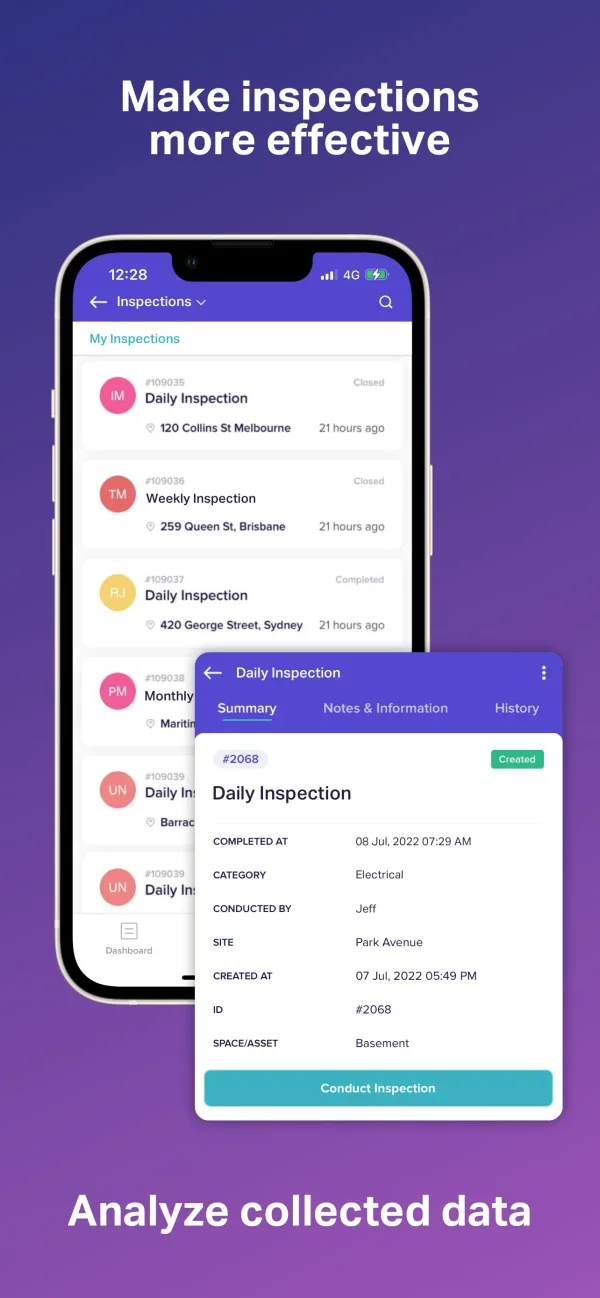
Make inspections more effective for your field staff and analyze collected data afterward
Inspections are digital forms that technicians use to quickly and easily answer a series of questions as part of a work order. They can also be associated with assets, allowing users to see a history of all inspections for a specific piece of equipment. A detailed summary of each inspection, as well as its history, can be viewed.
Who is workQ for?
Facilio Workq is a scalable and adaptable solution for unifying siloed building systems, automating your unique processes, and achieving the best cost and productivity results. The Facilio Workq app is primarily designed for technicians and supervisors to manage their building level maintenance tasks such as managing work orders, gaining insight into asset details for asset history, and so on.
What’s new
Version 6.13.1 · Sep 15, 2026
Enhancements
App privacy
What Facilio Inc. declares on the App Store about how this app handles data.
-
Data not collected
The developer does not collect any data from this app.
Privacy practices may vary, for example with the features you use or your age.
Information
- Seller
- Facilio Inc.
- Category
- Business
- Version
- 6.13.1
- Updated
- Sep 15, 2026
- Released
- Nov 9, 2021
- Size
- 104.3 MB
- Requires
- iOS 15.0 or later
- Age rating
- 17+
- Price
- Free
- Languages
- English, Portuguese
- Copyright
- © 2023 FACILIO.COM | ALL RIGHTS RESERVED
You might also like
-
 Procurant Food SafetyBusiness
-
 UpshopBusiness
-
 March Networks Command +Productivity
-
 MangoApps HubBusiness
-
 MOHRE UAEBusiness
-
 Drahim: Invest & Track moneyInvest safely, track spending
-
 Voya Health Account SolutionsFinance
-
 Drive & ShineBusiness
-
 ServiceChannelBusiness
-
 PaperCut Hive - Secure PrintSecure, easy, responsible