
- 対象年齢17+
- カテゴリビジネス
- 開発元Facilio Inc.
- 言語英語ほか1言語
- サイズ104.3 MB
App Storeの公式ページにリンクしています
Download.orgはFacilio WorkQのファイルを一切ホストしていません。ボタンを押すと、Facilio Inc.が公開しているApp Storeのアプリページが開きます。ページの最終確認:2026/11/12。
スクリーンショット

概要
開発元はこのテキストをお使いの言語で提供していません。
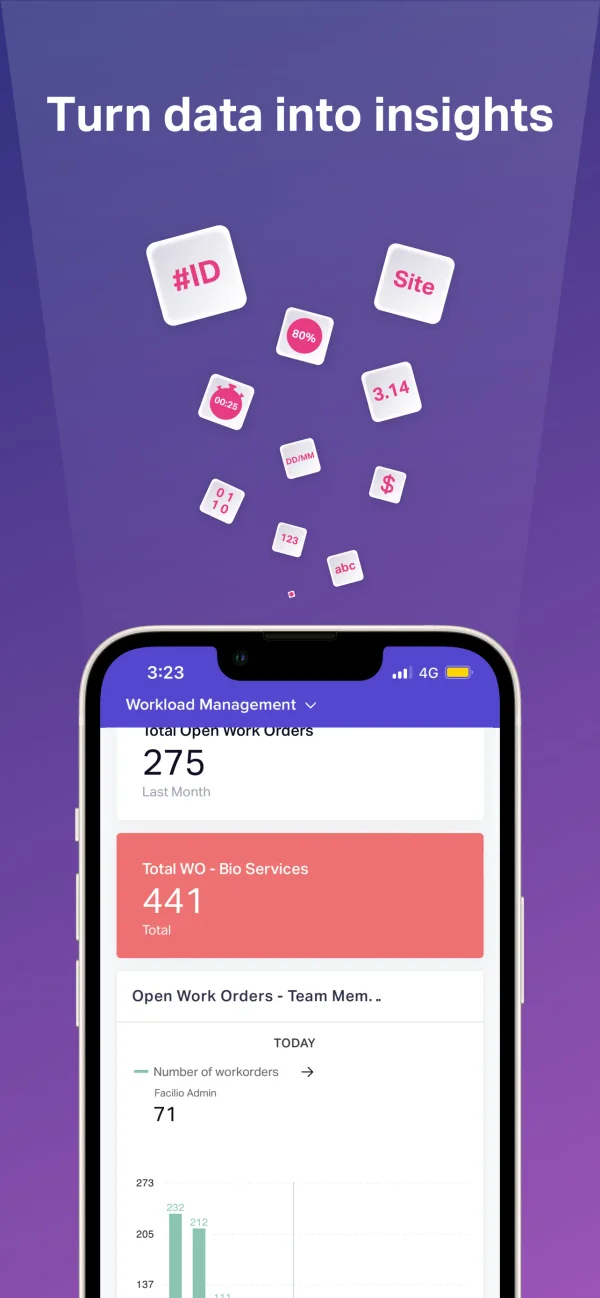
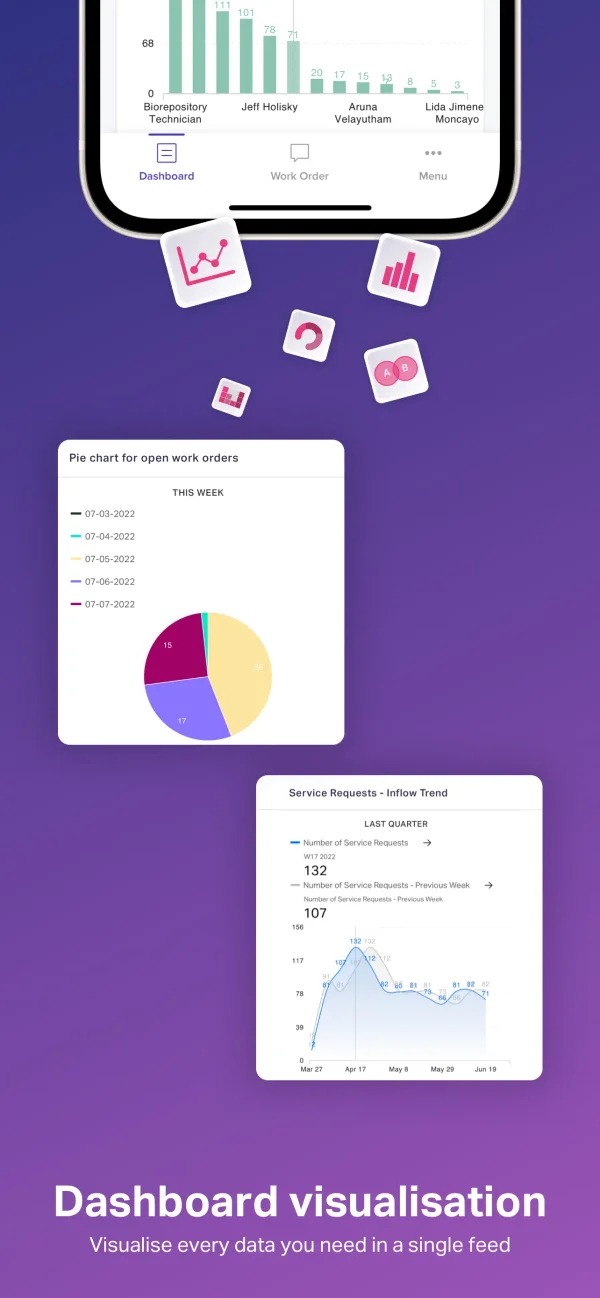
Find actionable insights with intuitive executive dashboards that are easily customizable.
Transform data into insights using a variety of visualization techniques such as cards, bar graphs, line graphs, and pie charts. Texts and images can also be added to customise the dashboard to meet specific needs, making it easier for the user to visualize multiple data sets in a single frame.
Scan a QR to get asset details
To obtain information, simply point your camera at the QR code on the asset. Understand and control the entire equipment lifecycle, including information about your asset operations, including a detailed summary and asset history details.
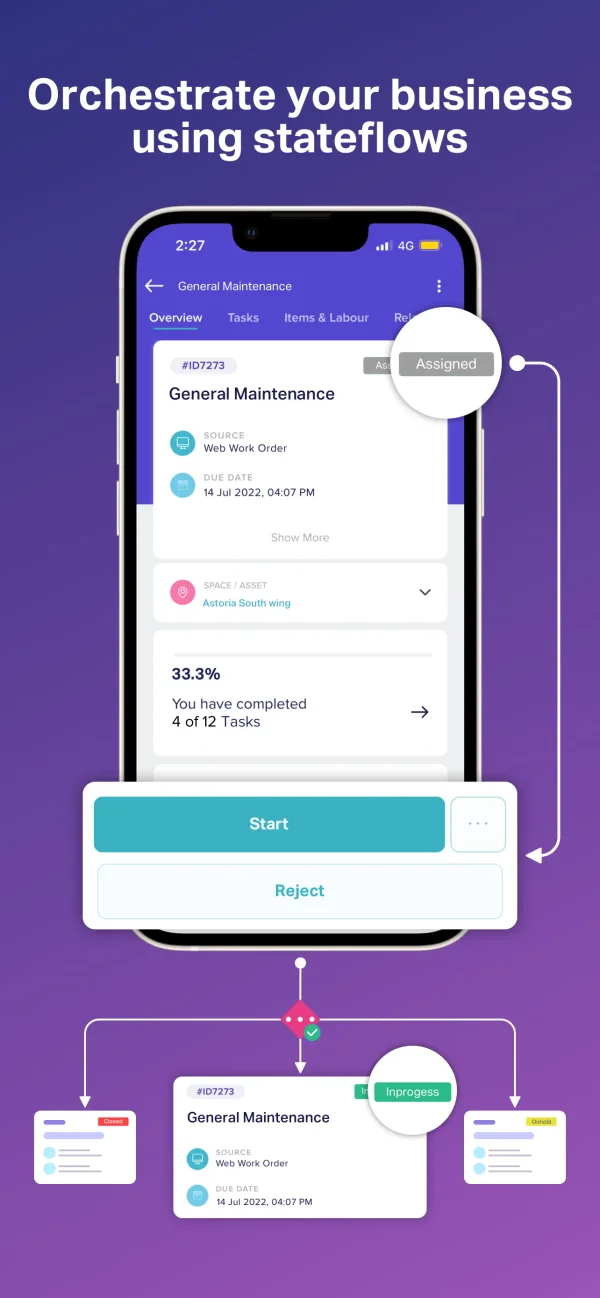
State customization according to business requirements
A state represents the condition or circumstance in a workflow at an instant of time. Stateflows are majorly needed to introduce an execution process for any business requirement. Every stateflow has multiple states associated with it.
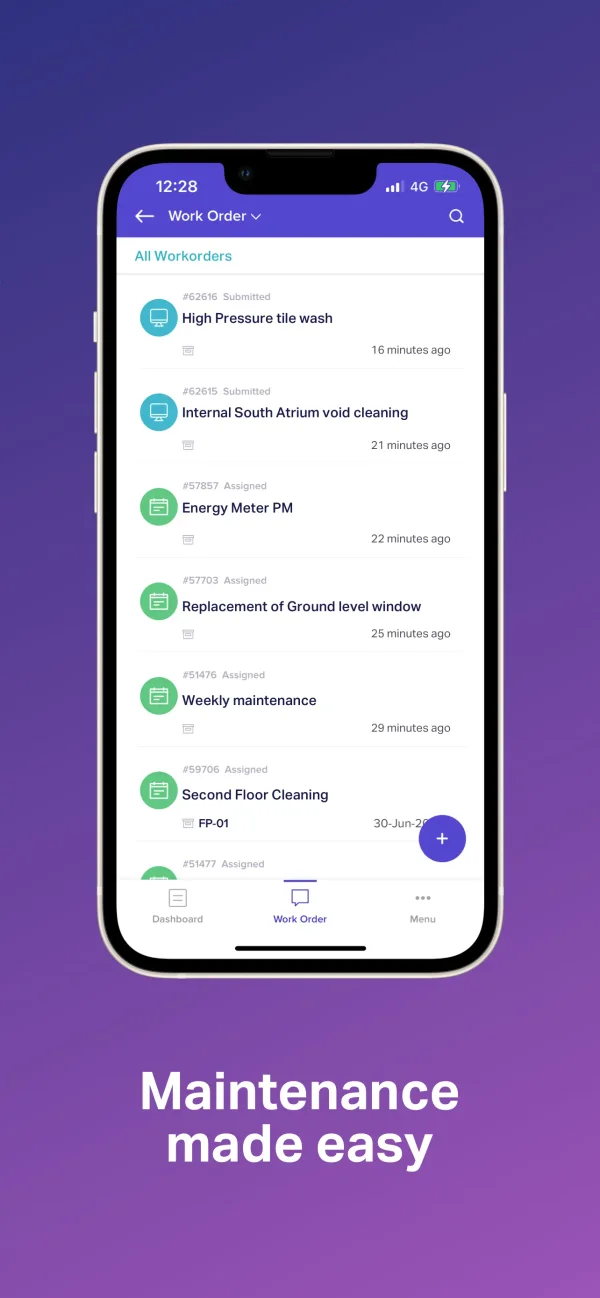
Create work orders without any hassle in just a tap and manage them easily in a single view.
Work orders are used to schedule various types of work, such as installations, repairs, or preventive and corrective maintenance. WorkQ allows you to prioritize workorders based on their importance, and you can also include images. The work order can also be assigned to technicians and sent for approval on need basis.
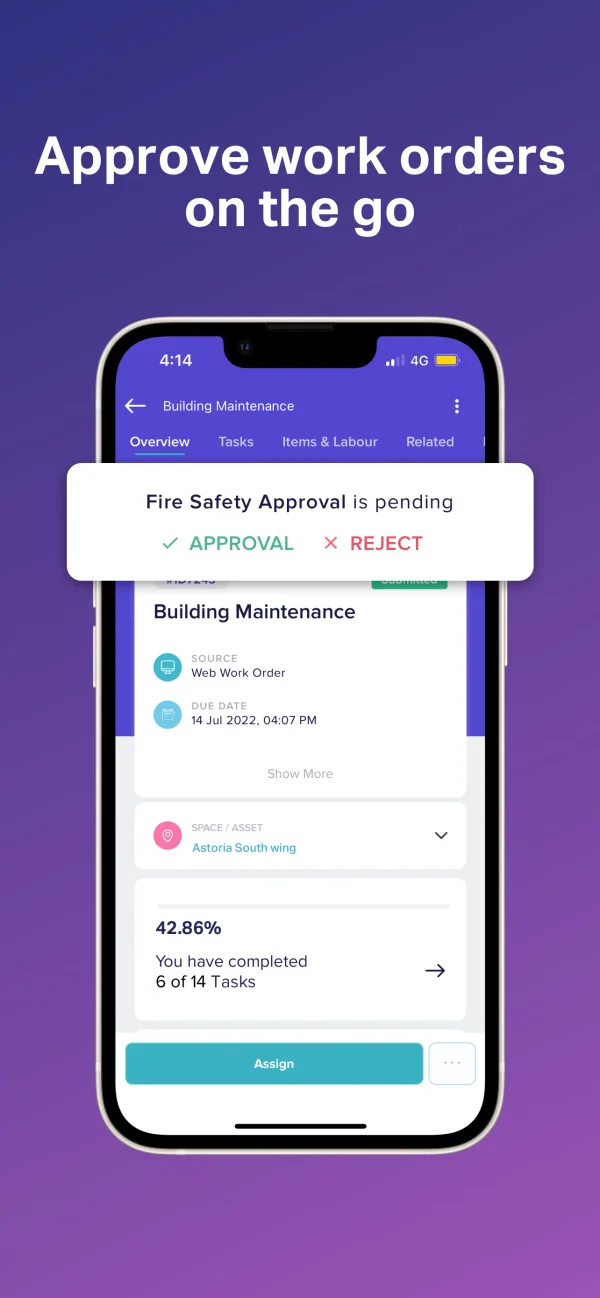
Approve work orders seamlessly
Approval feature allows users or groups to approve or reject a task. When records are submitted for approval, they are approved by the organization's users, known as approvers. An administrator must configure approval for specific tasks in selected modules to prevent unauthorized users from accessing or modifying critical information, thereby promoting data security and integrity.
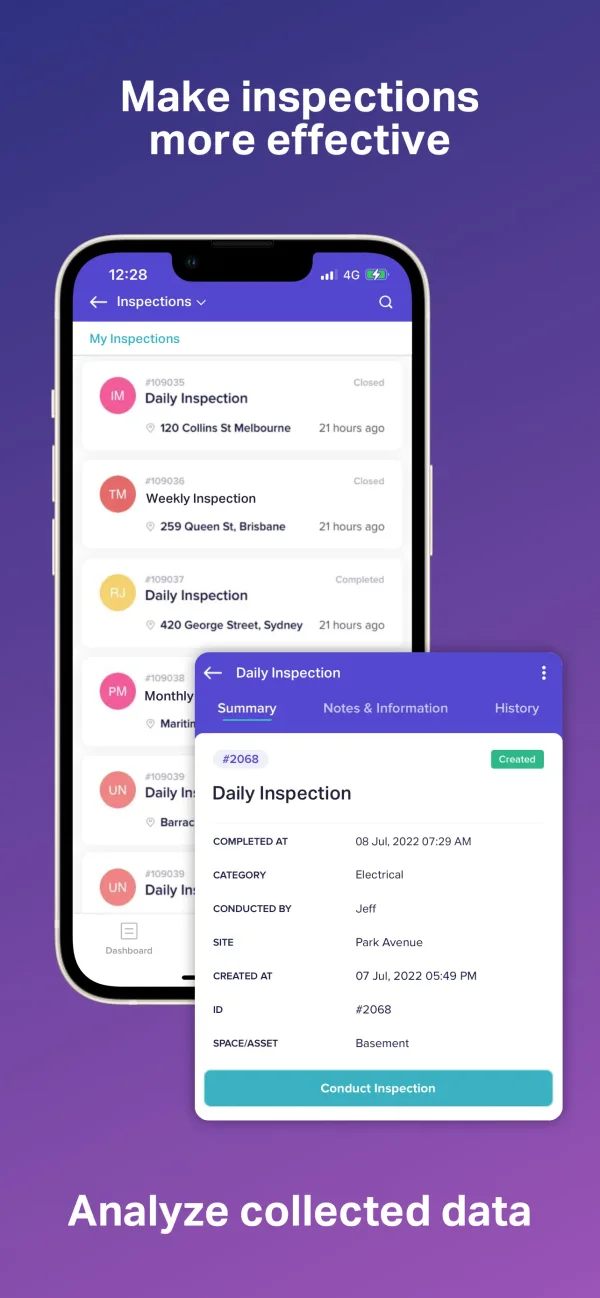
Make inspections more effective for your field staff and analyze collected data afterward
Inspections are digital forms that technicians use to quickly and easily answer a series of questions as part of a work order. They can also be associated with assets, allowing users to see a history of all inspections for a specific piece of equipment. A detailed summary of each inspection, as well as its history, can be viewed.
Who is workQ for?
Facilio Workq is a scalable and adaptable solution for unifying siloed building systems, automating your unique processes, and achieving the best cost and productivity results. The Facilio Workq app is primarily designed for technicians and supervisors to manage their building level maintenance tasks such as managing work orders, gaining insight into asset details for asset history, and so on.
新機能
バージョン 6.13.1 · 2026/9/15
Enhancements
アプリのプライバシー
このアプリのデータの取り扱いについて、Facilio Inc.がApp Storeで申告している内容です。
-
データの収集なし
開発元はこのアプリからデータを収集しません。
プライバシーの取り扱いは、ご利用の機能やお客様の年齢などに応じて異なる場合があります。
情報
- 販売元
- Facilio Inc.
- カテゴリ
- ビジネス
- バージョン
- 6.13.1
- 更新日
- 2026/9/15
- リリース
- 2021/11/9
- サイズ
- 104.3 MB
- 必要条件
- iOS 15.0以降
- 対象年齢
- 17+
- 価格
- 無料
- 言語
- 英語, ポルトガル語
- 著作権
- © 2023 FACILIO.COM | ALL RIGHTS RESERVED