
- Age rating4+
- CategoryUtilities
- DeveloperFAIRLAND HOLDINGS CO.,LTD
- LanguagesEnglish+ 19 more
- Size208.8 MB
Links to the official App Store page
Download.org hosts no file of Fairland Smart Pool. The button opens its official App Store page, published by FAIRLAND HOLDINGS CO.,LTD. Listing last checked on Nov 20, 2026.
Screenshots

About
Fairland Smart Pool is a platform for your heat pump and dehumidifier management, you can remote control your heat pump and dehumidifier anytime anywhere with this APP and share the pleasure with your family. Fairland Smart Pool brings you easy and relaxed life style.
Function
1. Smart connection, bring your heat pump and dehumidifier in the pocket
2. Control you heat pump and dehumidifier anytime anywhere
3. Share with you family, easier and relaxed life style
4. Multi-language support, 12 languages available for different countries
Software operation
When first time to access App, please register following below steps: Click desktop icon ->Register-> Entering a phone number or email-> Send verification code -> Enter the verification code ->Enter password->Register success:
User loading
After register success, please follow below steps to load:
1. Click desktop icon ->Enter phone number and password->Load:
2. Click “add device” ->I need match new device ->Enter Wi-Fi password(please make sure the phone connects the Wi-Fi network)->Match success (Remarks: if match failed, please follow the tips to repeat the match operation.)
Main Interface
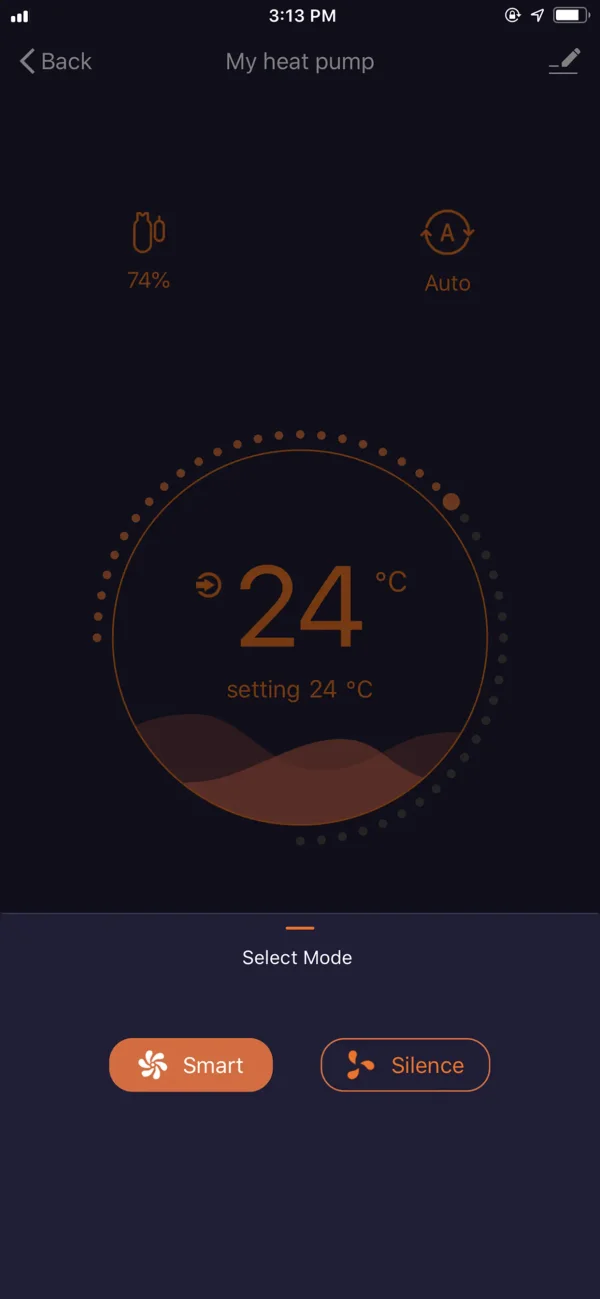
After logging into the main interface, you can do the following operation:
1. Temperature setting
The temperature can be set by sliding the dash board in the middle of the main interface
2. Switching mode --Smart/Silence
Click bottom “Smart/Silence” to switch mode
3. Switching mode--Heat/Cool
Click bottom “Heat/Cool” to switch mode
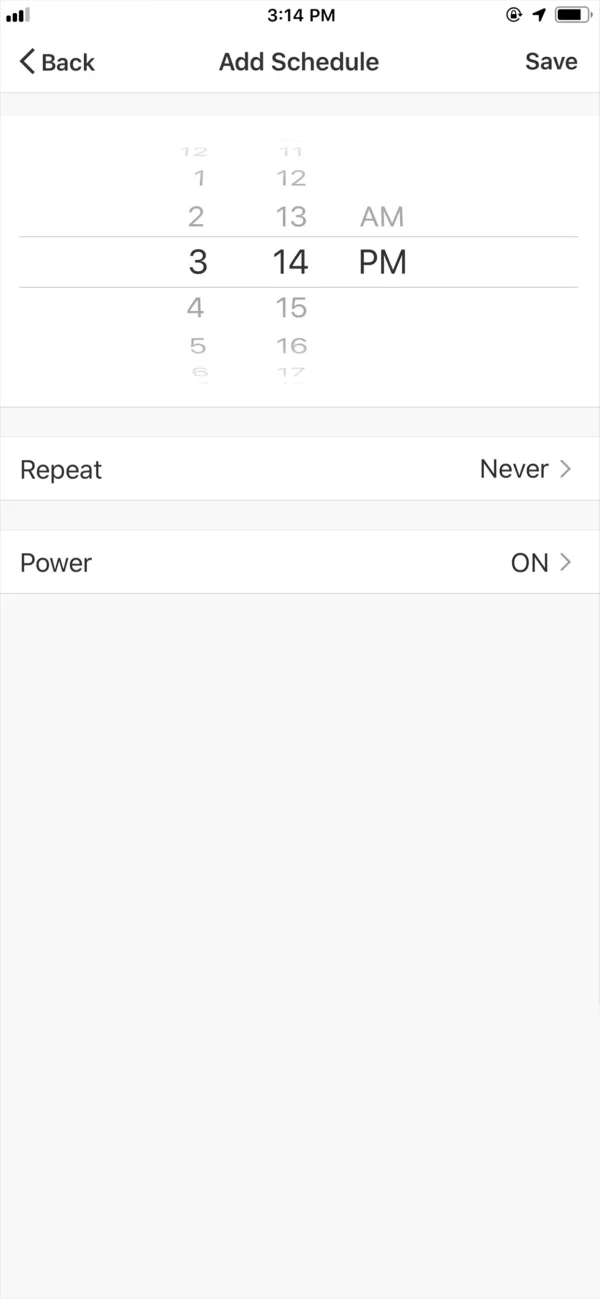
4. Timer
Click the bottom “Timer” to set the switch time
Manual
End user can enter “Manual”to operate “Switch Device””Device Management””User Center””General”as below:
1. Switch Device
If app bind several devices, “Switch Device”can select different devices to operate.
2. Device Management
“Device Management” ->Add new device as picture 1 ->Edit device as picture 2
3. User Center
“User Center”set User Name and Password as below:
4. General
Set language and temperature unit.
What’s new
Version 1.1.5 · Oct 27, 2026
1. Optimize certain features
2. Fix known issues
App privacy
What FAIRLAND HOLDINGS CO.,LTD declares on the App Store about how this app handles data.
-
Data linked to you
May be collected and linked to your identity.
- Location
- Contact info
- User content
- Identifiers
- Usage data
- Diagnostics
-
Data not linked to you
May be collected but is not linked to your identity.
- User content
- Diagnostics
Privacy practices may vary, for example with the features you use or your age.
Information
- Seller
- FAIRLAND HOLDINGS CO.,LTD
- Category
- Utilities
- Version
- 1.1.5
- Updated
- Oct 27, 2026
- Released
- Dec 13, 2018
- Size
- 208.8 MB
- Requires
- iOS 14.0 or later
- Age rating
- 4+
- Price
- Free
- Languages
- English, Arabic, Czech, Dutch, French, German, Hungarian, Italian, Japanese, Korean, Polish, Portuguese + 8 more
- Copyright
- © 1999 - 2030 Fairland Electric (China) Limited