
Fake Flex: Virtual Try-On
AI Clothes Changer & Outfits
Designed for iPhone, iPad
Free · In-app purchases
- Age rating4+
- CategoryPhoto & Video
- DeveloperBlock Browser
- LanguagesEnglish
- Size61.4 MB
Links to the official App Store page
Download.org hosts no file of Fake Flex: Virtual Try-On. The button opens its official App Store page, published by Block Browser. Listing last checked on Nov 17, 2026.
Screenshots
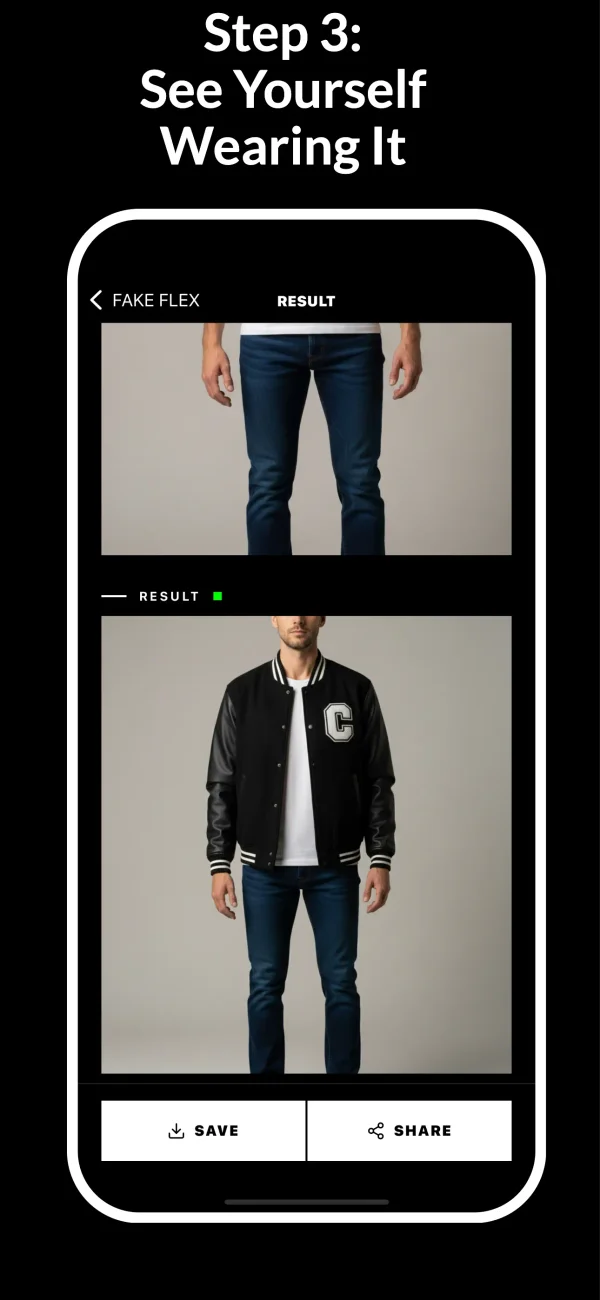
About
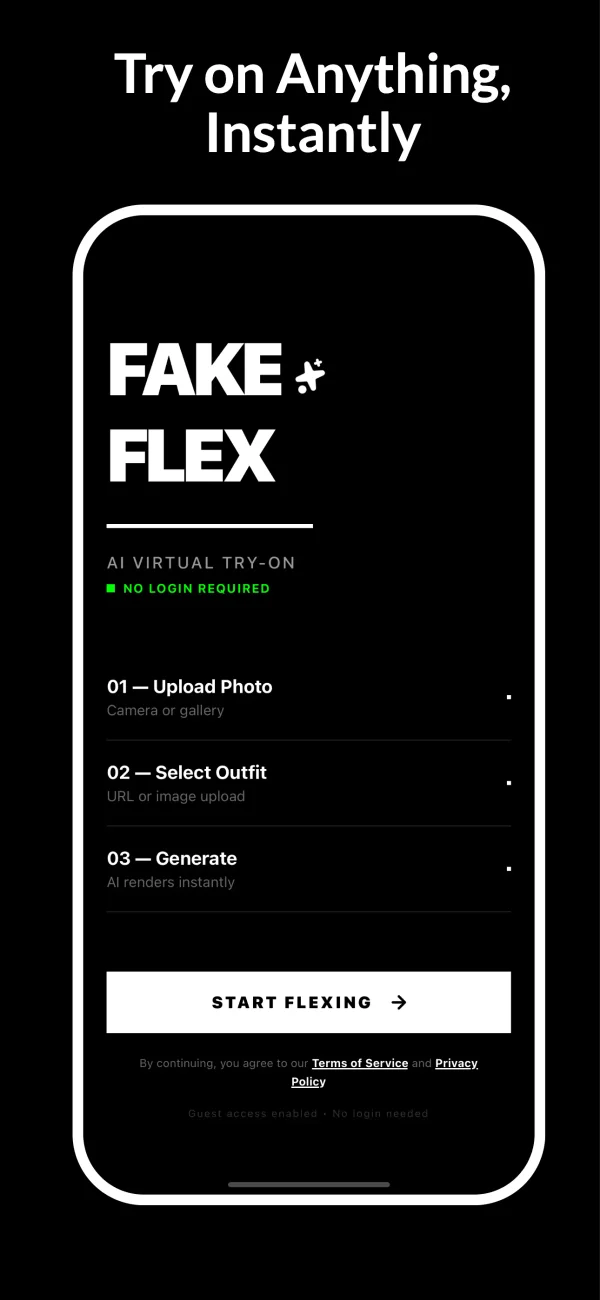
Fake Flex is a virtual try-on app. Add a photo of yourself and a photo of the clothes, and see the outfit on you in seconds.
Found a jacket in a store window, a dress in a screenshot, or a hoodie your friend owns? Try it on first, then decide.
HOW IT WORKS
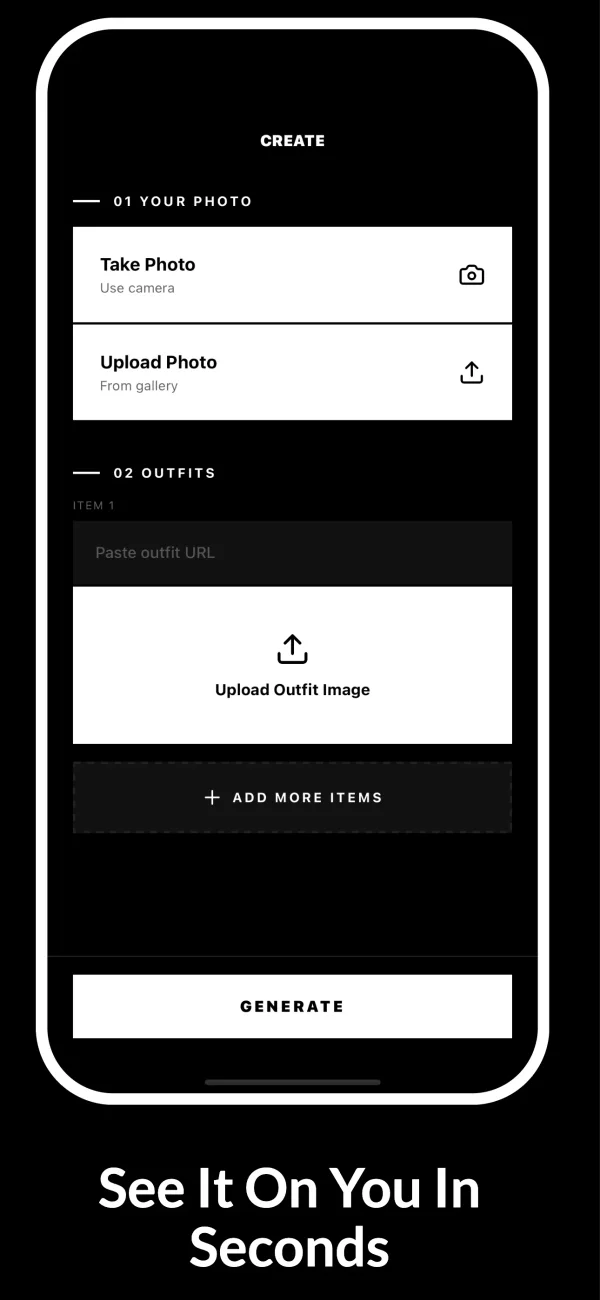
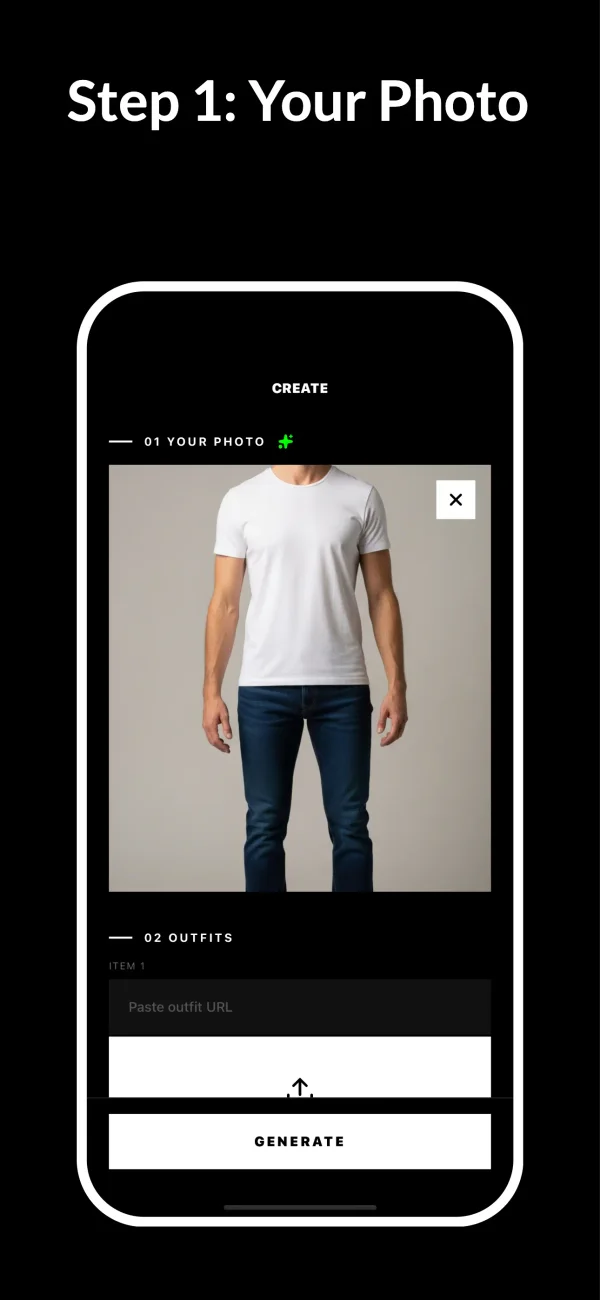
1. Pick a photo of yourself, or take one.
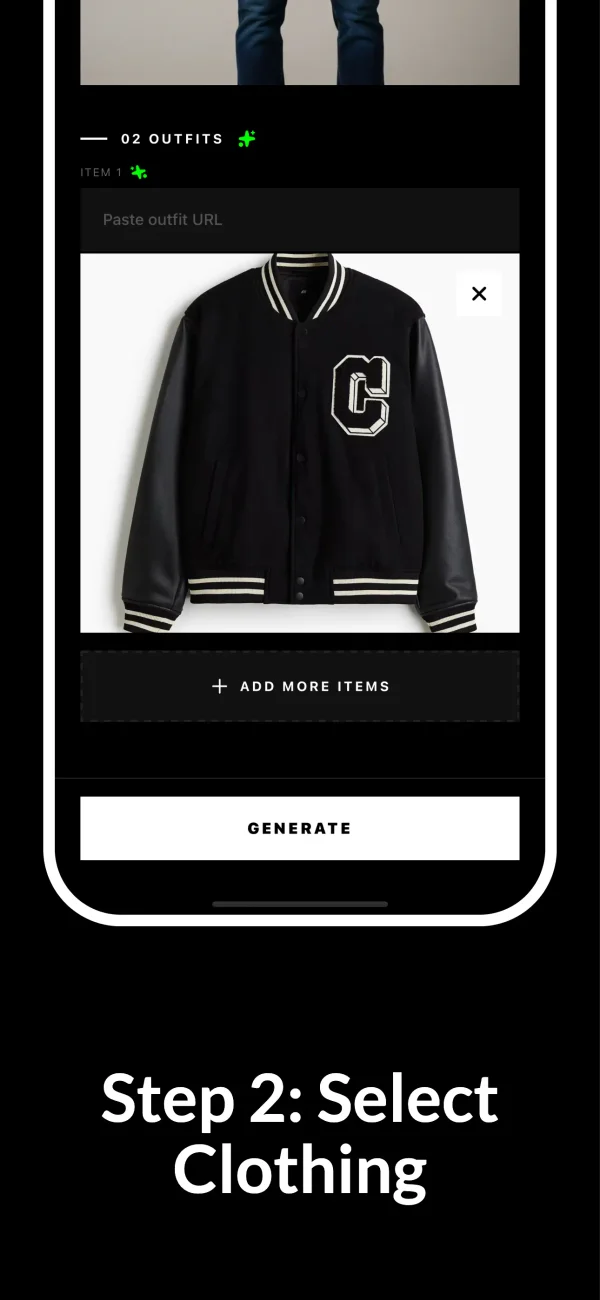
2. Add the clothing: a product photo, a screenshot, a picture of the item laid flat.
3. Choose a pose and a photo shape.
4. Wait a few seconds and the AI puts the outfit on you.
WHAT YOU GET
• Virtual try-on for tops, dresses, jackets and pants. Fit, folds and fabric are drawn onto your own photo.
• Mix and match. Pro members can put up to 4 items on at once, like a jacket over a shirt over pants, and see the full look.
• 10 poses. Keep your own pose, or try standing, walking, sitting, a runway pose and more.
• 5 photo shapes: portrait, square, wide, vertical and original, so a result is ready for a Story or a post.
• Save to your photos and share with friends before you spend a cent in the store.
FREE TO START
Make 5 try-ons a week for free, with a watermark. Pro removes the watermark and raises the limit to 20 a week, 100 a month or 500 a year. Credit packs let you pay as you go.
GOOD FOR
• Checking an online order before you buy it
• Comparing two outfits for an event or a trip
• Gift shopping: see a gift on yourself first
• Making outfit photos to post
PRIVACY
To make a try-on, the photos you pick are sent to our AI provider (fal.ai, running OpenAI's image model). The app asks before the first upload. We don't sell your data. See our Privacy Policy for details.
Terms of Service: https://fakeflex.app/terms
Privacy Policy: https://fakeflex.app/privacy
What’s new
Version 1.8 · Oct 19, 2026
• Ready for iPhone Duo: every screen, sheet and result fits both the outer and inner displays.
• Finished try-ons show up sooner.
• Smaller fixes throughout the app.
App privacy
What Block Browser declares on the App Store about how this app handles data.
-
Data used to track you
May be used to track you across apps and websites owned by other companies.
- Purchases
- Identifiers
- Usage data
- Other data
-
Data linked to you
May be collected and linked to your identity.
- Purchases
- Contact info
- User content
- Identifiers
- Usage data
- Diagnostics
- Other data
Privacy practices may vary, for example with the features you use or your age.
Information
- Seller
- Block Browser INC
- Category
- Photo & Video
- Version
- 1.8
- Updated
- Oct 19, 2026
- Released
- Nov 3, 2025
- Size
- 61.4 MB
- Requires
- iOS 16.4 or later
- Age rating
- 4+
- Price
- Free
- In-app purchases
- Yes
- Languages
- English
- Copyright
- © Fake Flex AI
You might also like
-
 Photo Cleaner: Delete & SwipeFind Duplicates & Blurry Pics
-
 PhotoRiverYour Memories, Perfected
-
 PosterGrid MobilePhoto Poster Maker
-
 Moment - On This Day HistoryMemories, Calendar & Cleaner
-
 Kompressor - Compress imagesRAW Image Converter
-
 LKXV: Analog Film CameraRetro filters & PRO HD
-
 Old Photo Restore & Repair ProAI Enhance Picture Quality
-
 WallFit – Wallpaper MakerMulti Photo Wallpapers Fit
-
 VideoSlimmer - Compress VideosFast & batch video compressor
-
 Swipe Album Cleaner - AI CleanAI Sort, Similar Photos, Space