Falling Filter: Loop Me
Funny Prank Video Effects
Designed for iPhone
Free · In-app purchases
- Age rating12+
- CategoryPhoto & Video
- DeveloperHa Quyen Ho Thi
- LanguagesEnglish+ 7 more
- Size43.7 MB
Links to the official App Store page
Download.org hosts no file of Falling Filter: Loop Me. The button opens its official App Store page, published by Ha Quyen Ho Thi. Listing last checked on Nov 23, 2026.
Screenshots


About
Create the viral Falling Filter and Loop Me effect in seconds.
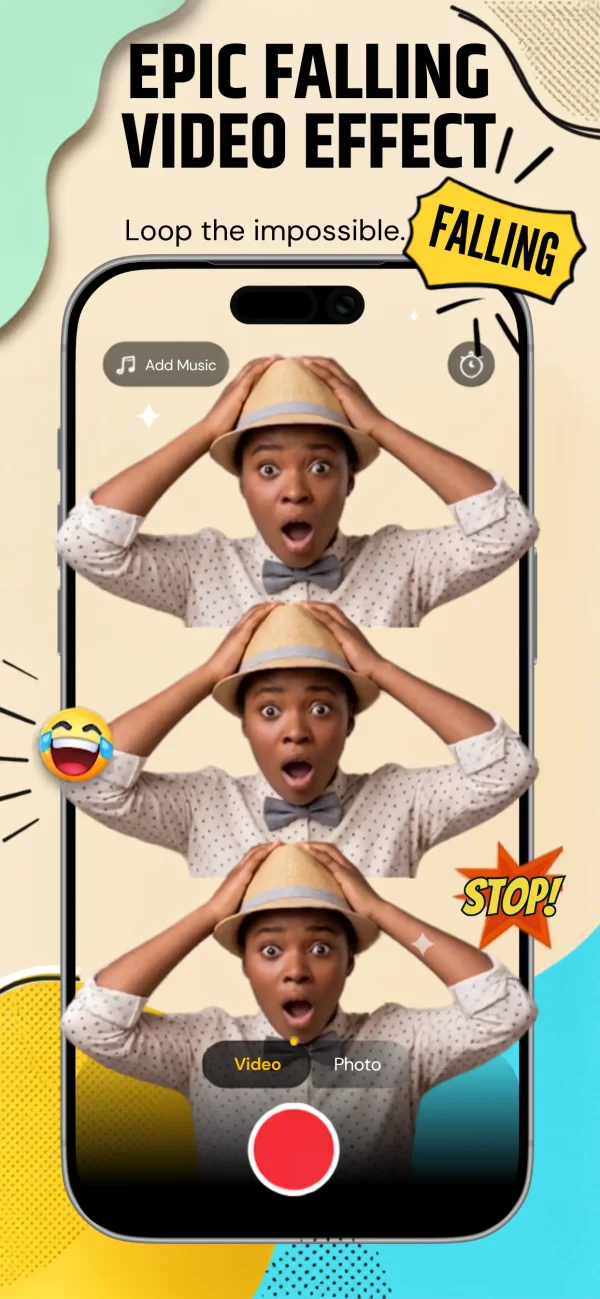
Record a photo or video, watch your subject fall forward in a smooth repeating loop, then save and share the result. No complicated editing skills needed.
MAKE EVERY MOMENT MORE FUN
Turn everyday scenes into funny, surprising and shareable short videos. Choose an effect, open the camera and start creating instantly.
SIGNATURE VIDEO EFFECTS
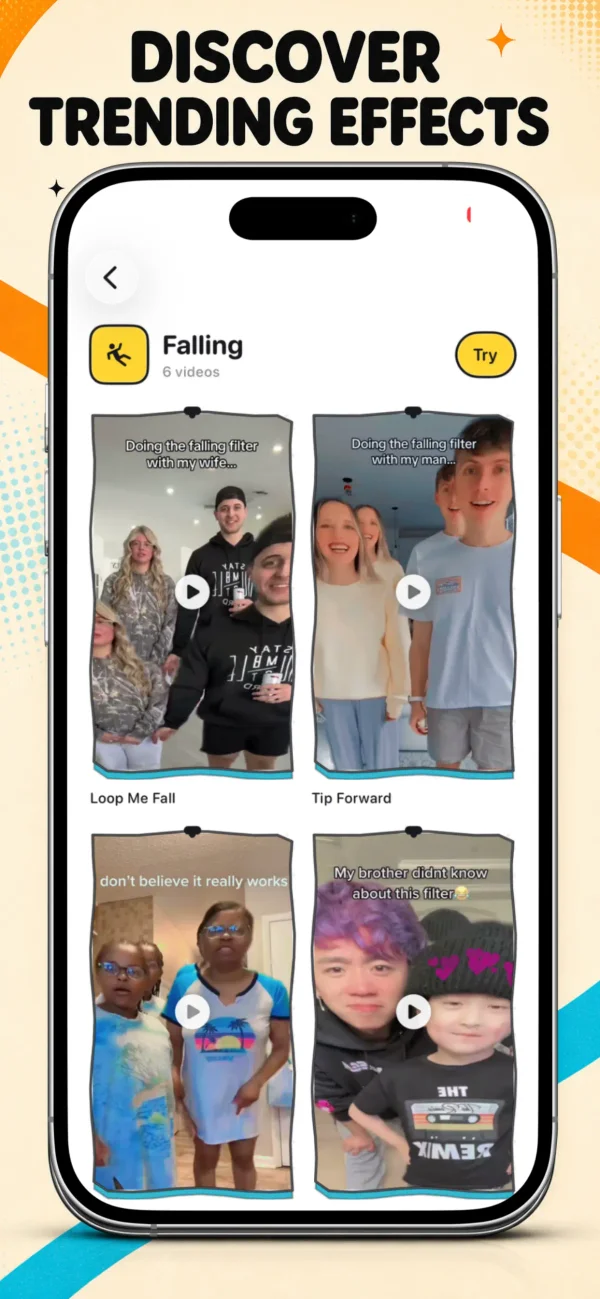
• Falling Filter
Create the illusion of falling forward with a smooth, repeating motion effect made for funny reactions and creative challenges.
• Whirlpool
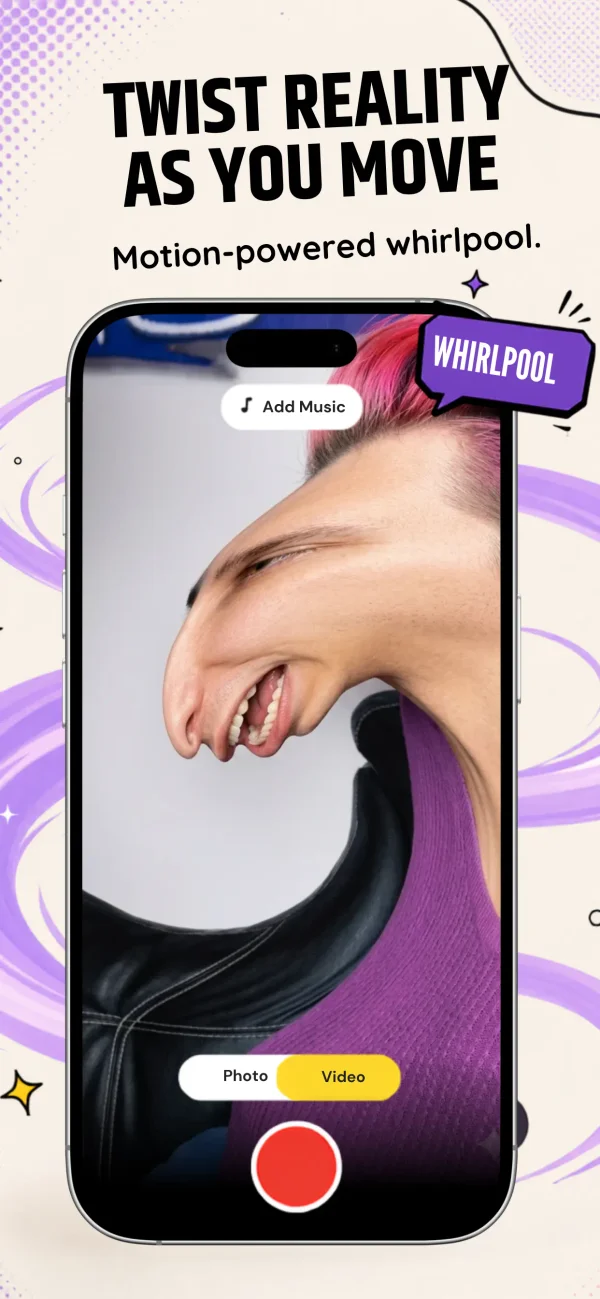
Twist the camera view into a dynamic swirling vortex. Move your phone to control the direction and strength of the effect.
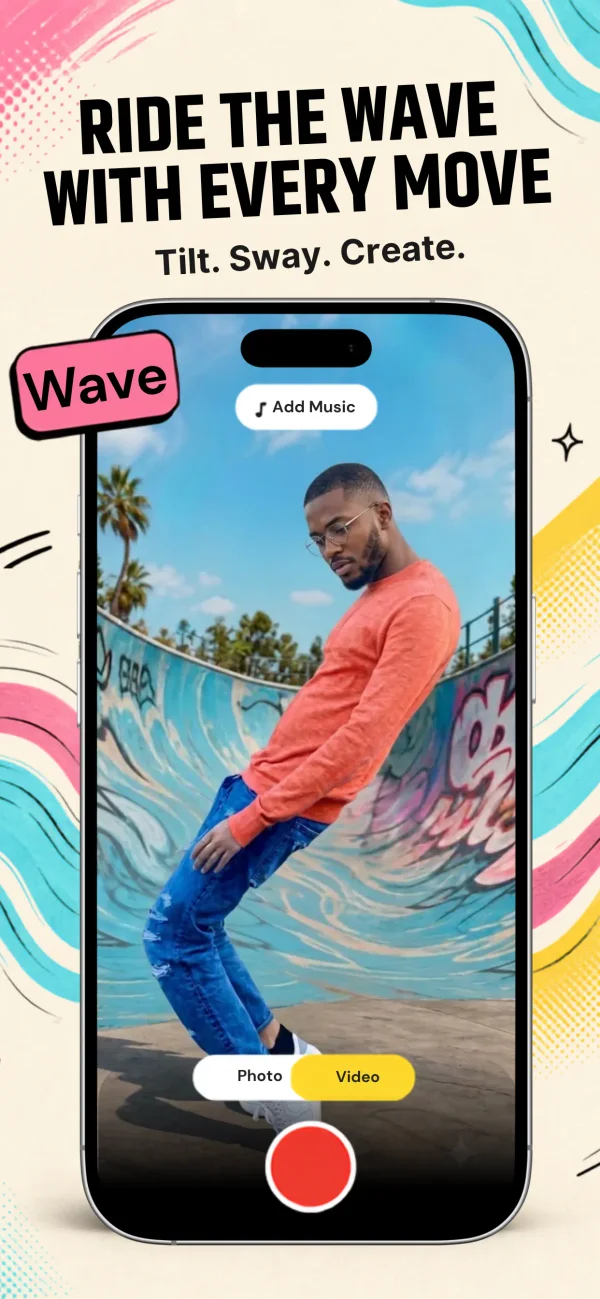
• Wave
Add a gentle side-to-side wave distortion that reacts as you tilt and sway your device.
• Horizon Scan
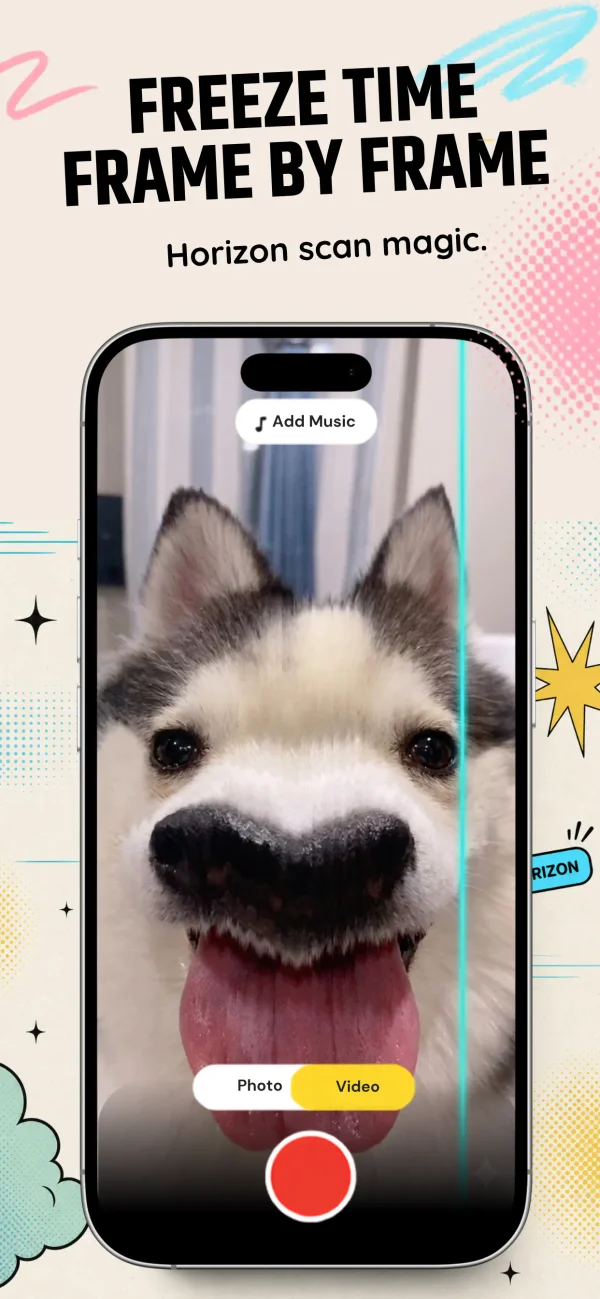
Freeze the image progressively with a moving scan line to create impossible poses, stretched shapes and time-warp illusions.
CREATE PHOTOS AND VIDEOS
Capture quick photos or record short videos directly inside the app. Preview your creation immediately before saving it.
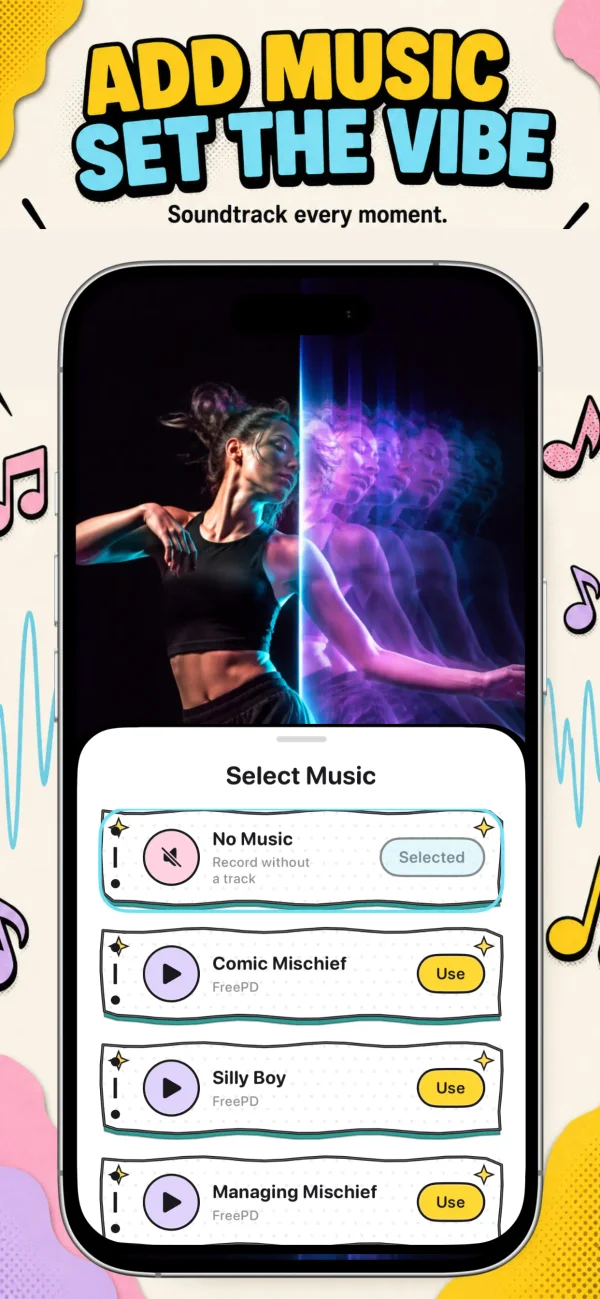
ADD MUSIC
Choose a track that matches your video and turn a simple moment into entertaining short-form content.
FAST AND EASY
1. Choose your favorite effect
2. Point the camera and start recording
3. Preview your result
4. Add music if you want
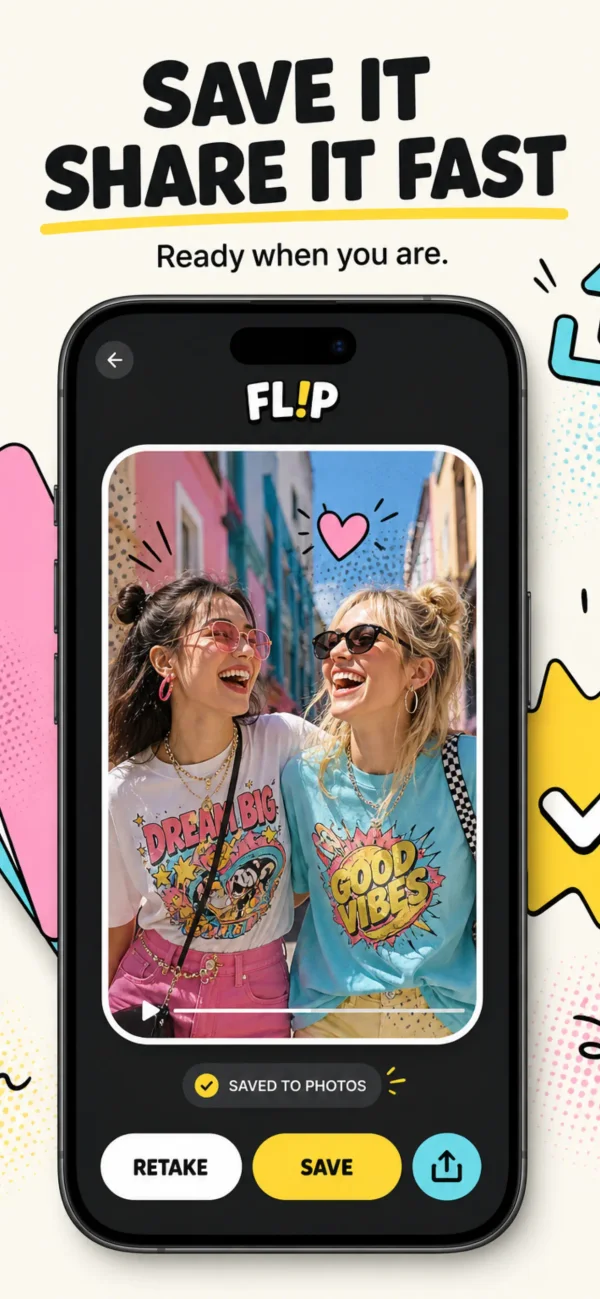
5. Save or share in seconds
BUILT FOR CREATIVE MOMENTS
• Funny videos with friends and family
• Falling and Loop Me challenges
• Prank and reaction clips
• Viral short-form content
• Wave and whirlpool distortions
• Time warp scan illusions
• Creative photo experiments
YOUR SHORTS, ALL IN ONE PLACE
Keep your recent photos and videos organized inside My Shorts, so you can quickly preview, save or share them again.
Create your first Falling Filter video today and turn an ordinary moment into something impossible to ignore.
The visual effects are simulated for entertainment. Use motion effects responsibly and stay aware of your surroundings.
Face Data & Camera Processing (Falling Filter)
What face data we collect
Falling Filter does not collect, store, or transmit facial recognition data, facial geometry, or biometric identifiers. When you use the camera, the app may process camera frames on your device. For the “Falling” effect only, the app uses Apple’s on-device Vision framework to generate a temporary person-segmentation mask (silhouette) so the visual effect can be applied in real time.
How we use it
Camera frames and segmentation masks are used only to render live preview and to create photos/videos you choose to capture. Processing happens locally on your device. We do not use this data for identification, profiling, advertising, or analytics.
Sharing with third parties
We do not share face data or camera frames with third parties.
Storage & retention
Segmentation masks and live camera frames exist only in device memory during use and are not saved as separate face-data files. If you record or capture media, the resulting photo/video is stored locally in the app until you delete it or uninstall the app. If you choose to save to Photos, the file is stored in your device’s photo library under your control.
Deletion
You can delete captured items inside the app (My Shorts / recent projects). Uninstalling the app removes locally stored app data. Items saved to Photos can be deleted from the Photos app.
Subscription Terms:
Falling Filter Premium is an optional auto-renewable subscription and requires a separate purchase. Payment will be charged to your Apple ID account at confirmation of purchase. The subscription renews automatically unless canceled at least 24 hours before the end of the current period. You can manage or cancel your subscription in your App Store account settings.
Terms of Use (EULA):
https://www.apple.com/legal/internet-services/itunes/dev/stdeula/
Privacy Policy:
https://sites.google.com/view/sv56developer/privacy-policy
What’s new
Version 1.2 · Nov 21, 2026
Performance and stability improvements
App privacy
What Ha Quyen Ho Thi declares on the App Store about how this app handles data.
-
Data used to track you
May be used to track you across apps and websites owned by other companies.
- Location
- Identifiers
- Usage data
-
Data linked to you
May be collected and linked to your identity.
- Identifiers
- Usage data
-
Data not linked to you
May be collected but is not linked to your identity.
- Location
- Usage data
- Diagnostics
Privacy practices may vary, for example with the features you use or your age.
Information
- Seller
- Ha Quyen Ho Thi
- Category
- Photo & Video
- Version
- 1.2
- Updated
- Nov 21, 2026
- Released
- Aug 20, 2026
- Size
- 43.7 MB
- Requires
- iOS 17.0 or later
- Age rating
- 12+
- Price
- Free
- In-app purchases
- Yes
- Languages
- English, Hindi, Indonesian, Japanese, Korean, Portuguese, Spanish, Vietnamese
- Copyright
- © @sv56
You might also like
-
 Falling Effect : Loop Me DownCreate Falling Loop Effects
-
 Video Editor: Trim, Cut & CropSlow Motion, Speed & Add Music
-
 Smart IPTV Player Life+Stream & Watch TV With Style
-
 ReCrea: AI Photo GeneratorHeadshots & Video Portraits
-
 Screen Mirroring Smart Cast +Mirror your video view to TV
-
 AR Camera: 3D Funny FiltersAR Camera & Short Video Effect
-
 Smart Cast TV & Screen ShareInstant wireless mirroring
-
 Thermal & Night Vision CameraHeat sensor effects
-
 Screen & Video RecordScreen recording & screenshot
-
 Funveo: Funny Face Swap FilterCamera effects & Voice changer