
- 対象年齢12+
- カテゴリ写真/ビデオ
- 開発元Ha Quyen Ho Thi
- 言語英語ほか7言語
- サイズ43.7 MB
App Storeの公式ページにリンクしています
Download.orgはFalling Filter: Loop Meのファイルを一切ホストしていません。ボタンを押すと、Ha Quyen Ho Thiが公開しているApp Storeのアプリページが開きます。ページの最終確認:2026/11/23。
スクリーンショット


概要
開発元はこのテキストをお使いの言語で提供していません。
Create the viral Falling Filter and Loop Me effect in seconds.
Record a photo or video, watch your subject fall forward in a smooth repeating loop, then save and share the result. No complicated editing skills needed.
MAKE EVERY MOMENT MORE FUN
Turn everyday scenes into funny, surprising and shareable short videos. Choose an effect, open the camera and start creating instantly.
SIGNATURE VIDEO EFFECTS
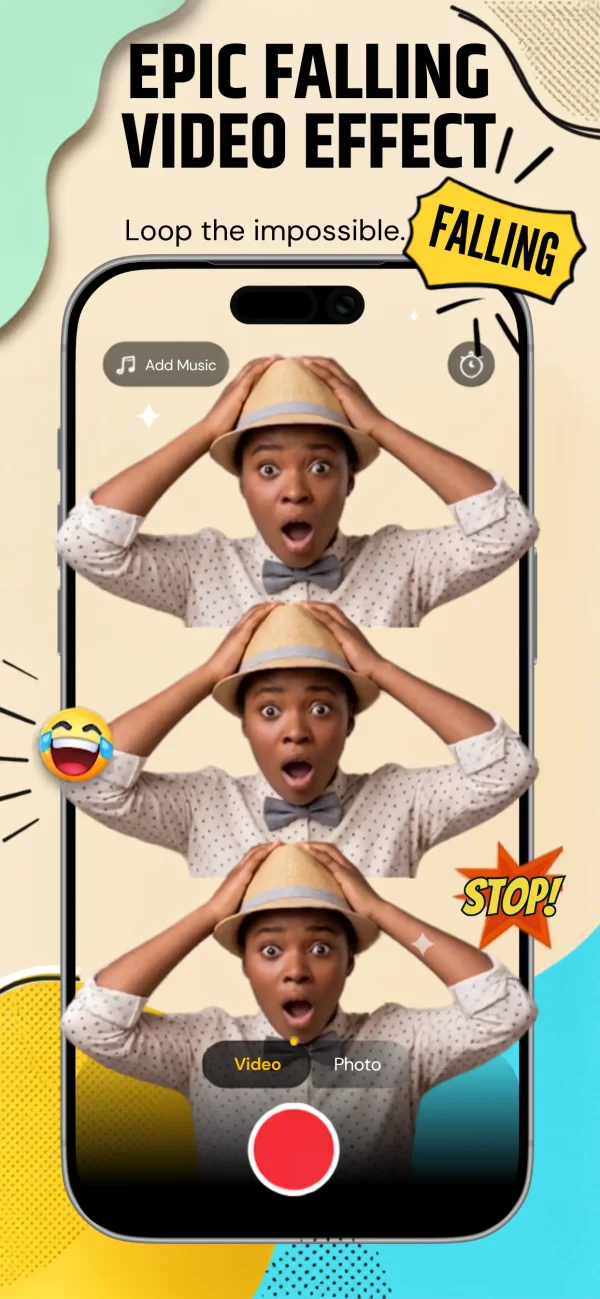
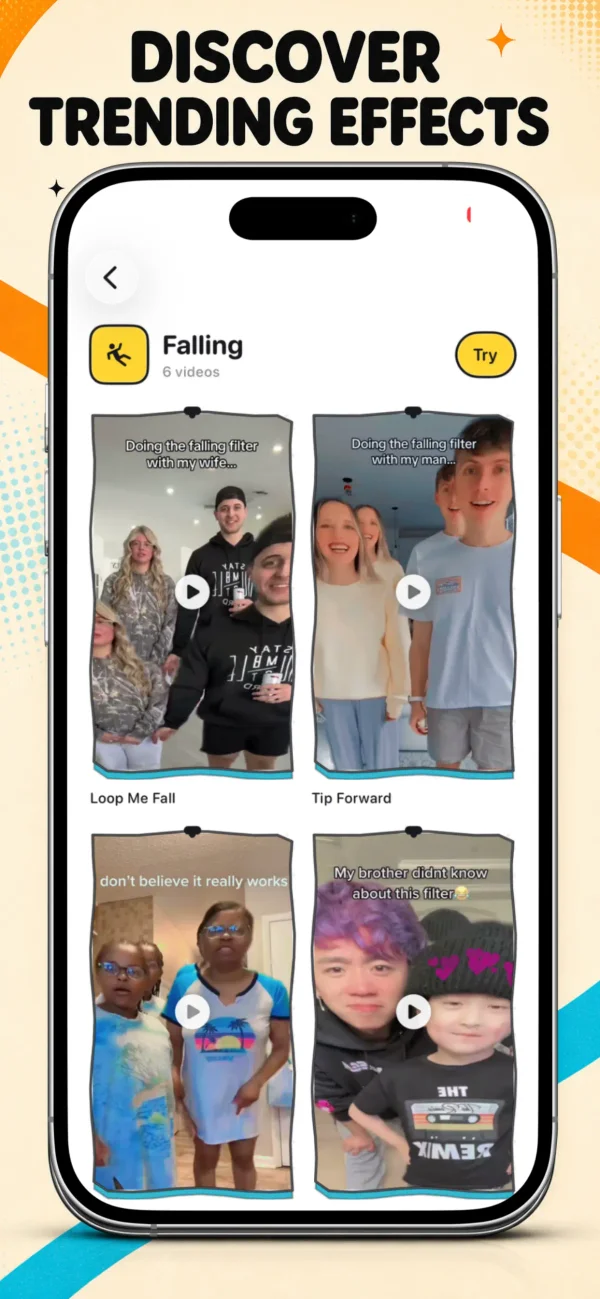
• Falling Filter
Create the illusion of falling forward with a smooth, repeating motion effect made for funny reactions and creative challenges.
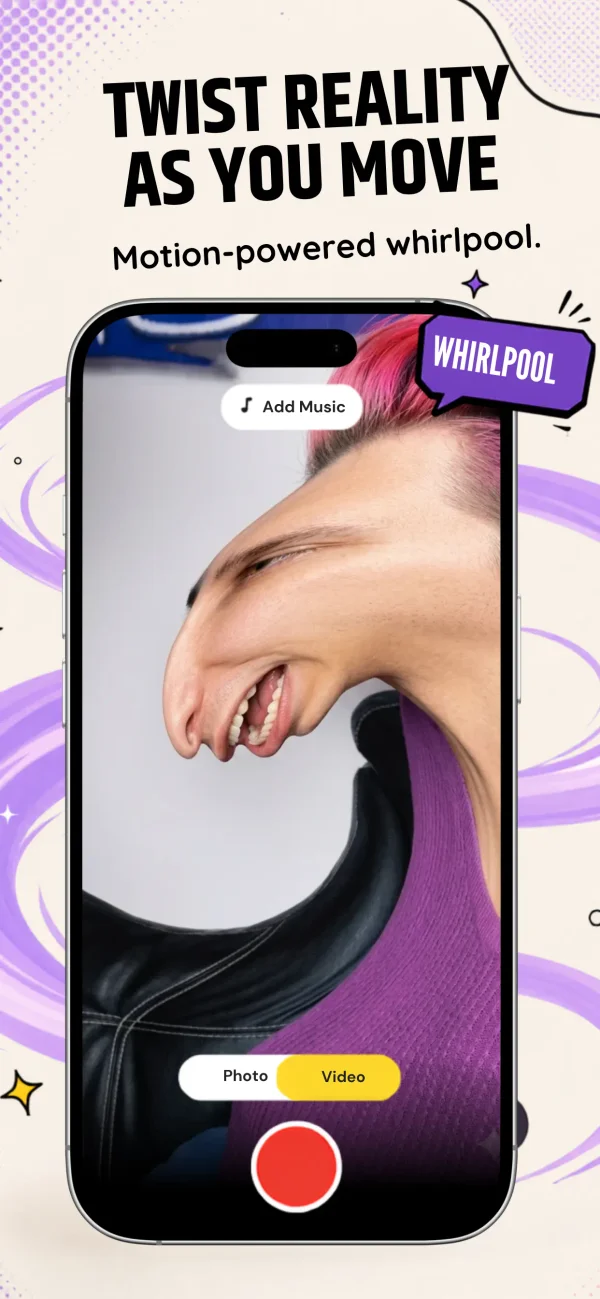
• Whirlpool
Twist the camera view into a dynamic swirling vortex. Move your phone to control the direction and strength of the effect.
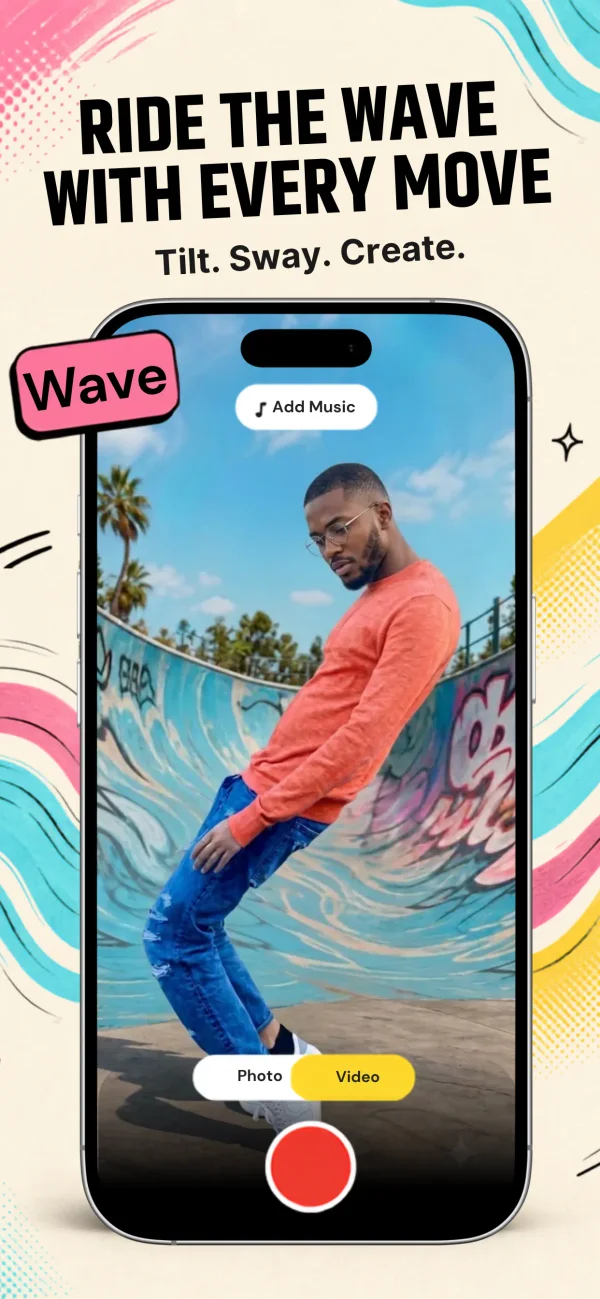
• Wave
Add a gentle side-to-side wave distortion that reacts as you tilt and sway your device.
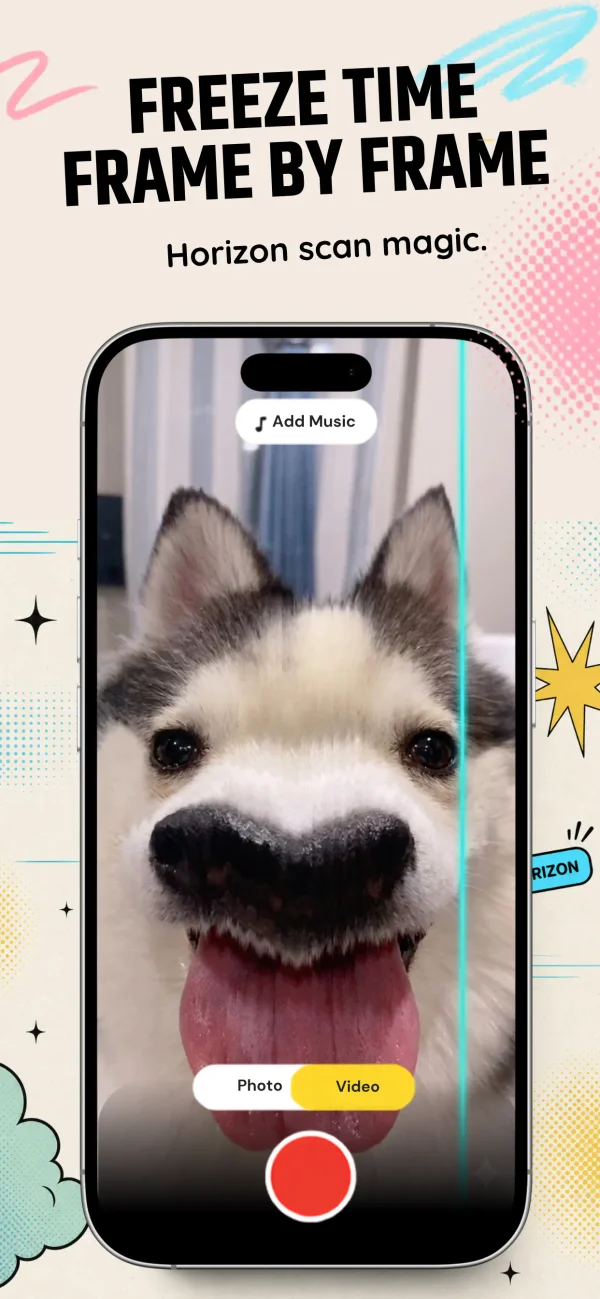
• Horizon Scan
Freeze the image progressively with a moving scan line to create impossible poses, stretched shapes and time-warp illusions.
CREATE PHOTOS AND VIDEOS
Capture quick photos or record short videos directly inside the app. Preview your creation immediately before saving it.
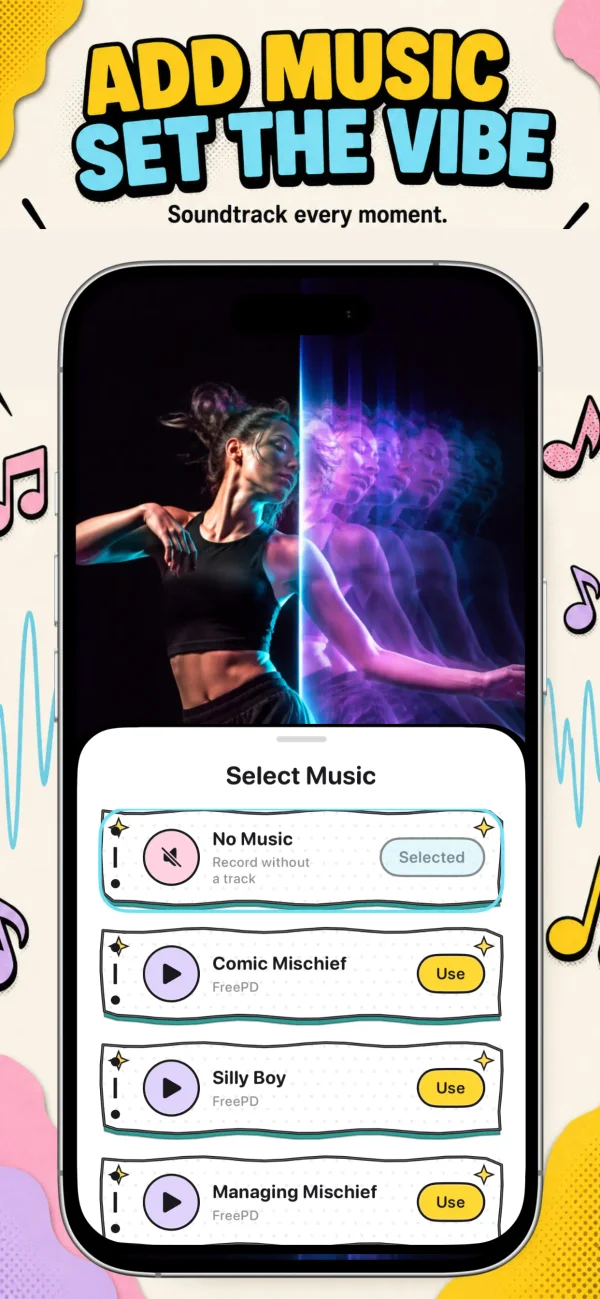
ADD MUSIC
Choose a track that matches your video and turn a simple moment into entertaining short-form content.
FAST AND EASY
1. Choose your favorite effect
2. Point the camera and start recording
3. Preview your result
4. Add music if you want
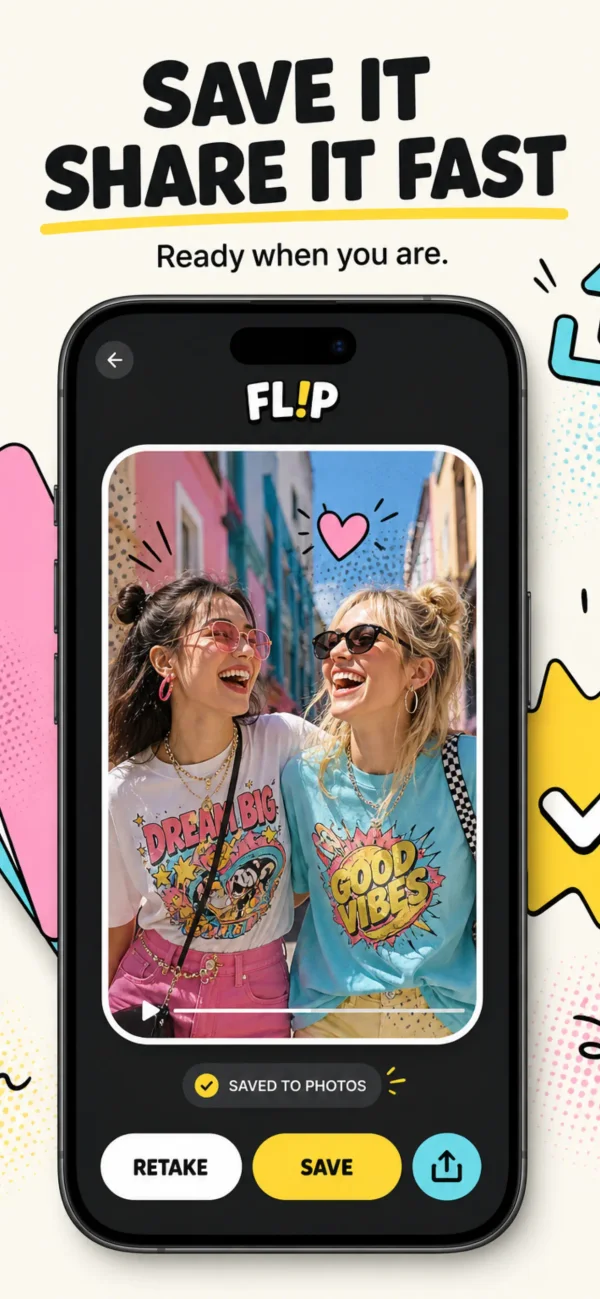
5. Save or share in seconds
BUILT FOR CREATIVE MOMENTS
• Funny videos with friends and family
• Falling and Loop Me challenges
• Prank and reaction clips
• Viral short-form content
• Wave and whirlpool distortions
• Time warp scan illusions
• Creative photo experiments
YOUR SHORTS, ALL IN ONE PLACE
Keep your recent photos and videos organized inside My Shorts, so you can quickly preview, save or share them again.
Create your first Falling Filter video today and turn an ordinary moment into something impossible to ignore.
The visual effects are simulated for entertainment. Use motion effects responsibly and stay aware of your surroundings.
Face Data & Camera Processing (Falling Filter)
What face data we collect
Falling Filter does not collect, store, or transmit facial recognition data, facial geometry, or biometric identifiers. When you use the camera, the app may process camera frames on your device. For the “Falling” effect only, the app uses Apple’s on-device Vision framework to generate a temporary person-segmentation mask (silhouette) so the visual effect can be applied in real time.
How we use it
Camera frames and segmentation masks are used only to render live preview and to create photos/videos you choose to capture. Processing happens locally on your device. We do not use this data for identification, profiling, advertising, or analytics.
Sharing with third parties
We do not share face data or camera frames with third parties.
Storage & retention
Segmentation masks and live camera frames exist only in device memory during use and are not saved as separate face-data files. If you record or capture media, the resulting photo/video is stored locally in the app until you delete it or uninstall the app. If you choose to save to Photos, the file is stored in your device’s photo library under your control.
Deletion
You can delete captured items inside the app (My Shorts / recent projects). Uninstalling the app removes locally stored app data. Items saved to Photos can be deleted from the Photos app.
Subscription Terms:
Falling Filter Premium is an optional auto-renewable subscription and requires a separate purchase. Payment will be charged to your Apple ID account at confirmation of purchase. The subscription renews automatically unless canceled at least 24 hours before the end of the current period. You can manage or cancel your subscription in your App Store account settings.
Terms of Use (EULA):
https://www.apple.com/legal/internet-services/itunes/dev/stdeula/
Privacy Policy:
https://sites.google.com/view/sv56developer/privacy-policy
新機能
バージョン 1.2 · 2026/11/21
Performance and stability improvements
アプリのプライバシー
このアプリのデータの取り扱いについて、Ha Quyen Ho ThiがApp Storeで申告している内容です。
-
ユーザーのトラッキングに使用されるデータ
他社のアプリやウェブサイトを横断してユーザーをトラッキングする目的で使用される場合があります。
- 位置情報
- ID
- 使用状況データ
-
ユーザーに関連付けられたデータ
収集され、ユーザーの識別情報に関連付けられる場合があります。
- ID
- 使用状況データ
-
ユーザーに関連付けられないデータ
収集される場合がありますが、ユーザーの識別情報には関連付けられません。
- 位置情報
- 使用状況データ
- 診断
プライバシーの取り扱いは、ご利用の機能やお客様の年齢などに応じて異なる場合があります。
情報
- 販売元
- Ha Quyen Ho Thi
- カテゴリ
- 写真/ビデオ
- バージョン
- 1.2
- 更新日
- 2026/11/21
- リリース
- 2026/8/20
- サイズ
- 43.7 MB
- 必要条件
- iOS 17.0以降
- 対象年齢
- 12+
- 価格
- 無料
- アプリ内課金
- あり
- 言語
- 英語, ヒンディー語, インドネシア語, 日本語, 韓国語, ポルトガル語, スペイン語, ベトナム語
- 著作権
- © @sv56
こちらもおすすめ
-
 Falling Effect : Loop Me Down写真/ビデオ
-
 動画編集アプリ - 動画作成・リール作成音楽・スロー・字幕で簡単ビデオ編集
-
 Smart IPTV Player Life+写真/ビデオ
-
 ReCrea: AI Photo Generator写真/ビデオ
-
 Screen Mirroring Smart Cast +写真/ビデオ
-
 ARフィルター: 3D Funny FiltersARカメラとショート動画効果
-
 Smart Cast TV & Screen Share写真/ビデオ
-
 Thermal & Night Vision Camera写真/ビデオ
-
 Screen & Video RecordScreen recording & screenshot
-
 顔はめ交換動画と録音ボイスチェンジャー音声エフェクト&カメラ画像フィルター