
Feedlock: Stop Scrolling
App Blocker & Dopamine Detox
Designed for iPhone, iPod touch
Free · In-app purchases
- Age rating4+
- CategoryProductivity
- DeveloperKarim Khaled
- LanguagesEnglish
- Size50.8 MB
Links to the official App Store page
Download.org hosts no file of Feedlock: Stop Scrolling. The button opens its official App Store page, published by Karim Khaled. Listing last checked on Nov 18, 2026.
Screenshots


About
You don't decide to lose an hour. You just open the app.
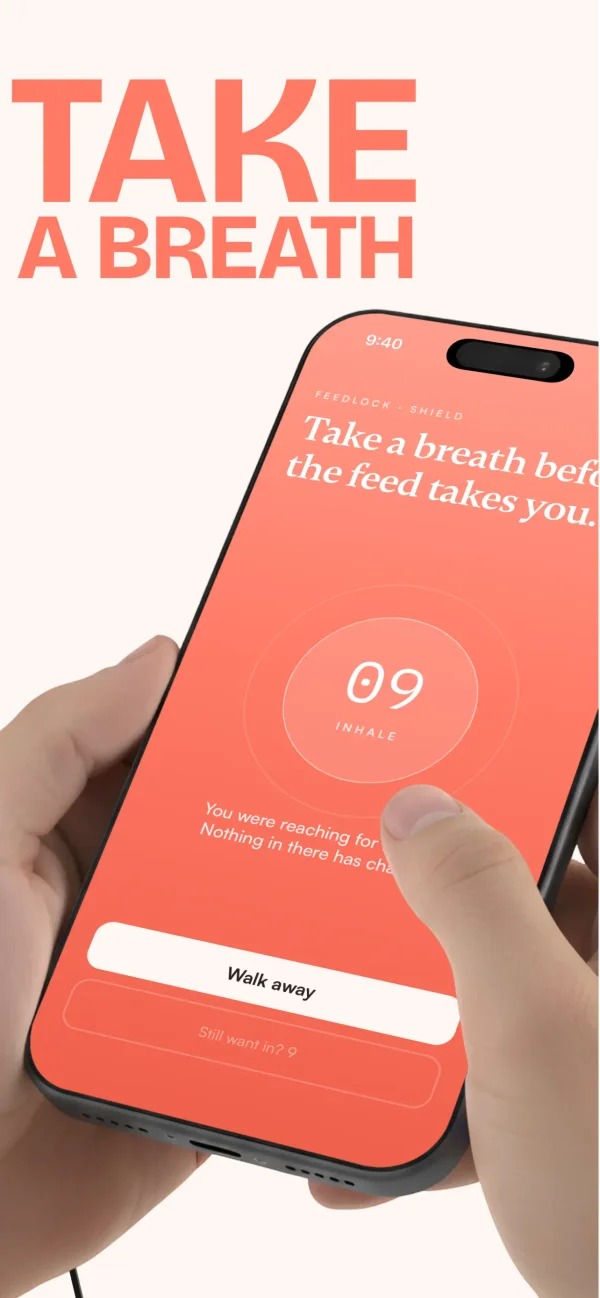
Feedlock puts a wall in front of the apps that eat your evenings and a slow
breath in front of the wall. Not a timer you'll ignore. Not a limit you'll tap
past. A real stop.
HOW IT WORKS
1. Pick what pulls you in. Instagram, TikTok, Reddit, YouTube, news whatever
your thumb goes to without asking.
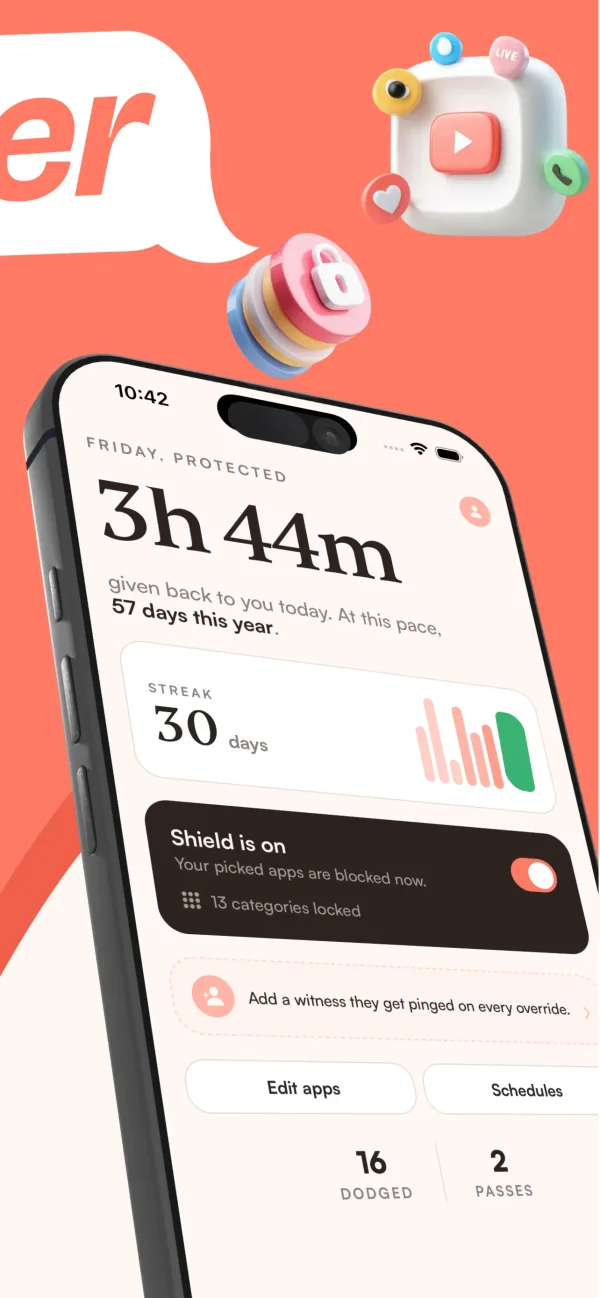
2. Feedlock shields them using Apple's own Screen Time lock.
3. When you reach for one anyway, you get a breath and a question: what are you
actually here for?
Most of the time, that's enough. You put the phone down.
WHEN A BREATH ISN'T ENOUGH
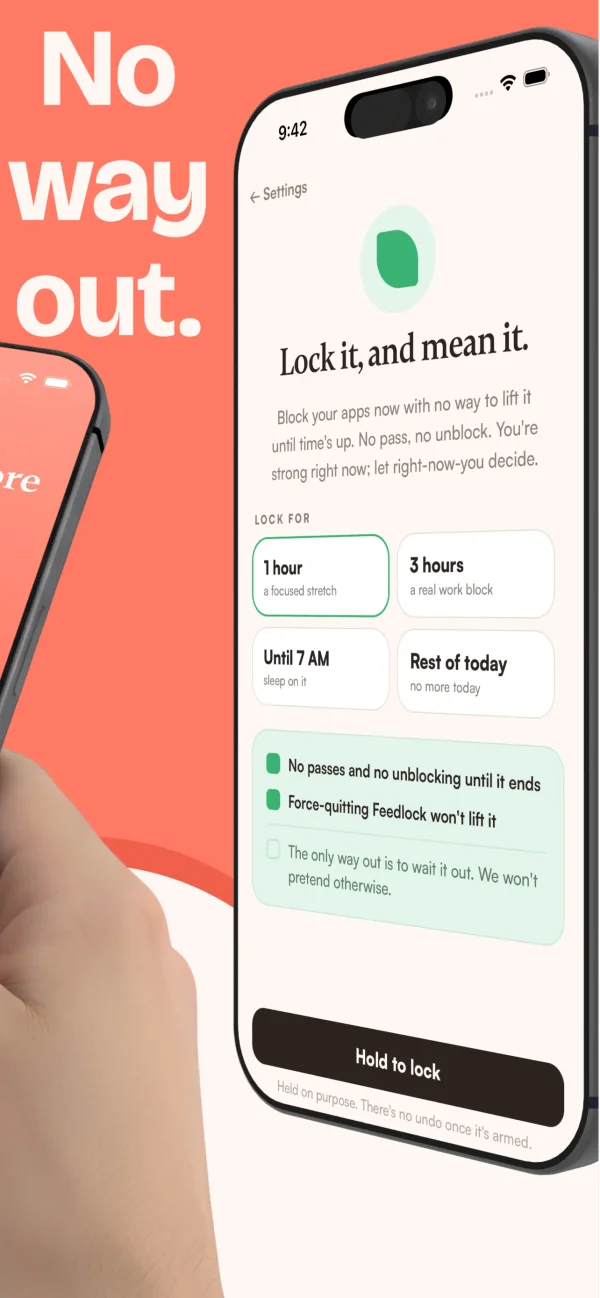
Strict Mode locks a block so that even you can't lift it early. Pick an hour,
an evening, or until 7 AM, hold to confirm, and it's done. No settings menu to
sneak into at 1 AM. That's the point.
Schedules put it on rails sleep hours, work hours, every weekday so you
stop having to decide.
THE PART NOBODY ELSE DOES
Name a friend as your witness.
If you override a block, they're told. That's it. No lectures, no dashboards —
just someone who knows. It turns out that being seen is the cheapest willpower
there is, and it changes what you do at 1 AM more than any app ever will.
They can send you a nudge back. You can drop them any time.
WHAT YOU GET FREE
- Block as many apps and sites as you want
- The breathing gate before every one
- 7 days of stats: what you dodged, and the time you got back
FEEDLOCK PRO
- Strict Mode blocks you can't lift early
- Recurring schedules
- Your accountability partner
- Full history, trends and patterns
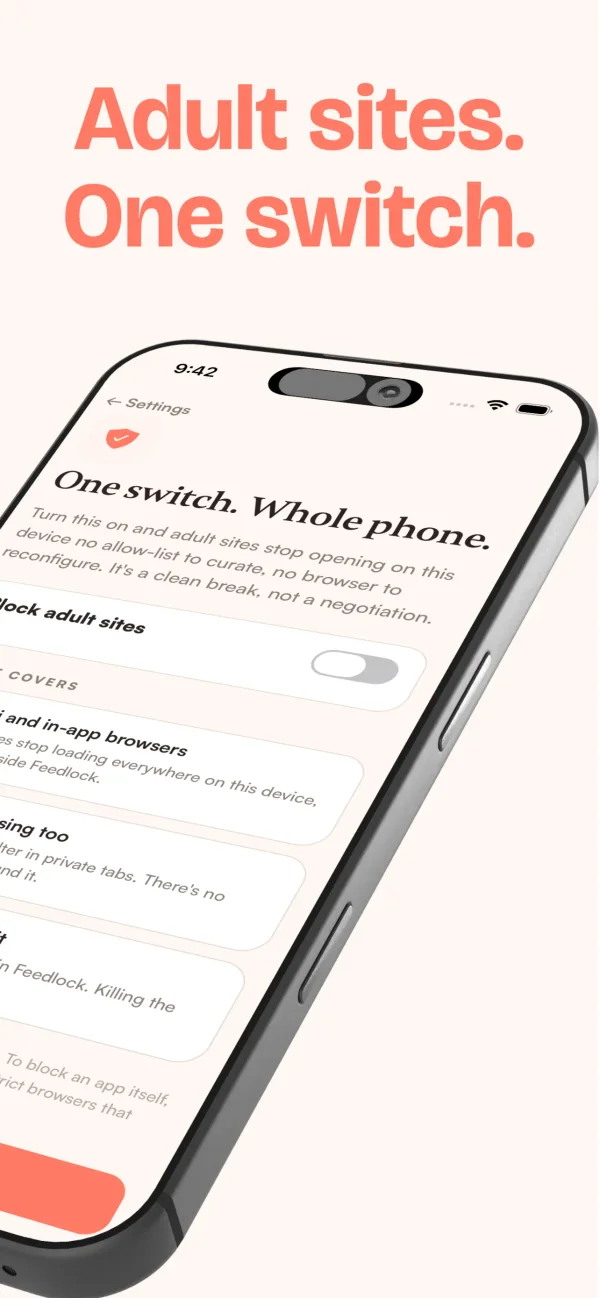
- Adult-site filtering across the whole phone
- Alternate app icons
PRIVACY
Feedlock can't see what you browse, and doesn't want to. Your quiz answers
never leave your phone. There is no ad tracking, no advertising SDK, and no
data sold ever.
Sign in with Apple or an email address. Your blocks, streak, schedules and
witness live on your account, so they follow you to a new phone.
---
Feedlock Pro is available as a yearly subscription that renews until you cancel,
or as a one-time lifetime purchase. Cancel any time in your Apple ID settings.
Terms: https://www.apple.com/legal/internet-services/itunes/dev/stdeula/
What’s new
Version 1.0.1 · Aug 13, 2026
Getting set up now takes less than a minute — choose your apps, turn on the shield, and you're protected.
You can also use Feedlock without an account. Blocking, your streak and your daily stats all work right away. Sign in when you want to back them up, add a witness, or carry Pro to a new phone.
App privacy
What Karim Khaled declares on the App Store about how this app handles data.
-
Data linked to you
May be collected and linked to your identity.
- Purchases
- Contact info
- User content
- Identifiers
- Usage data
Privacy practices may vary, for example with the features you use or your age.
Information
- Seller
- Karim Khaled
- Category
- Productivity
- Version
- 1.0.1
- Updated
- Aug 13, 2026
- Released
- Aug 5, 2026
- Size
- 50.8 MB
- Requires
- iOS 15.5 or later
- Age rating
- 4+
- Price
- Free
- In-app purchases
- Yes
- Languages
- English
- Copyright
- © 2026 Karim Khaled
You might also like
-
 Scrollout: Block Reels&ShortsUse Social, Skip Doomscrolling
-
 Until - Homework PlannerOrganize your productivity
-
 ZenSocial: Reels BlockerBlock Reels, Keep Your DMs
-
 Unfeed: Block Reels & ShortsSocial media without the feed
-
 Keepin Habit - habit trackerBetter days with habits!
-
 ScrollBump: Reduce Screen TimeStop Scrolling Less Screentime
-
 DoomSafe: Stop ScrollingSocial media without scroll
-
 Scrolless: Feed BlockerBlock Reels, Shorts & Feeds
-
 FeedOff: Block Reels & ShortsKeep Your DMs, Lose the Feed
-
 Focus Friend - PomoroomPomodoro Timer & Todo List