
File Browser: Offline Manager
WiFi Transfer, WebDAV & Vault
Designed for iPhone, iPad
Free · In-app purchases
- Age rating4+
- CategoryUtilities
- Developer伟祥 陈
- LanguagesEnglish+ 2 more
- Size11.3 MB
Links to the official App Store page
Download.org hosts no file of File Browser: Offline Manager. The button opens its official App Store page, published by 伟祥 陈. Listing last checked on Nov 12, 2026.
Screenshots
About
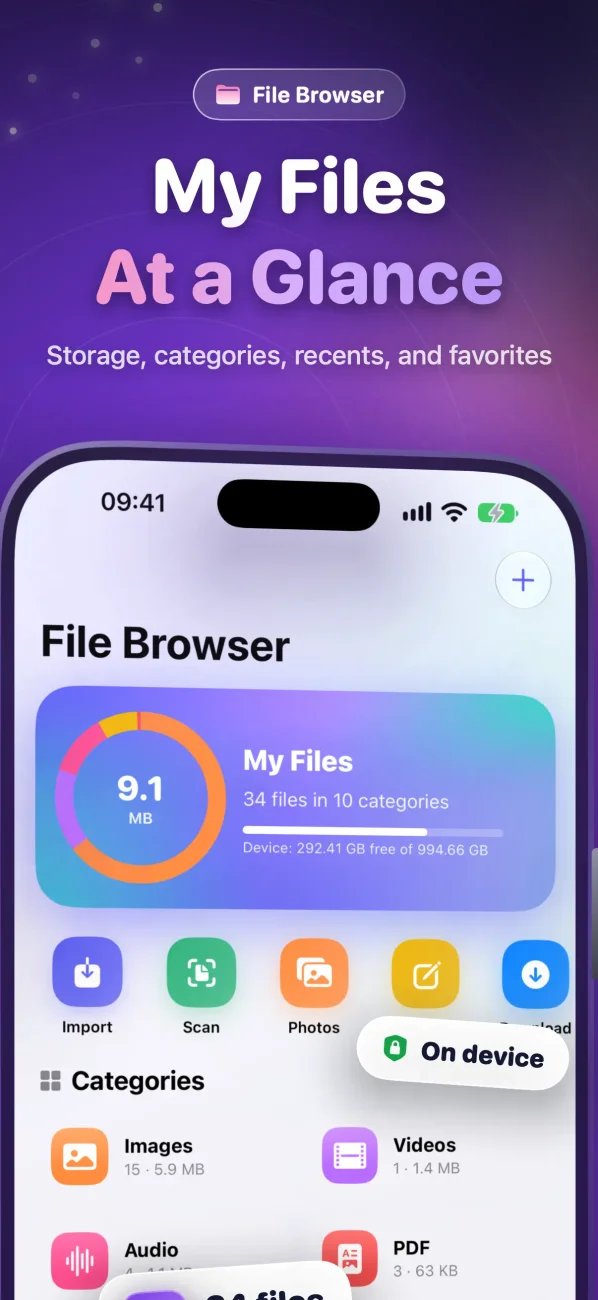
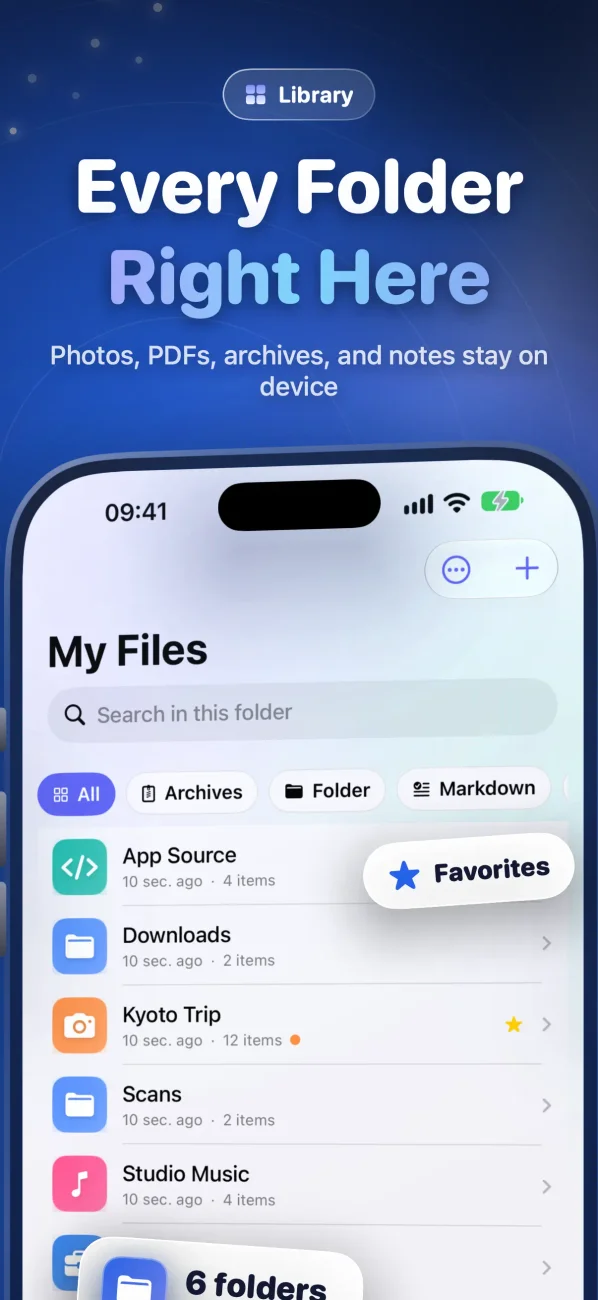
Photos, PDFs, archives, videos, and notes scattered everywhere? File Browser brings everything on your iPhone and iPad into one polished place—browse, preview, organize, tag, search, and transfer, all offline with no account required.
Browse and organize
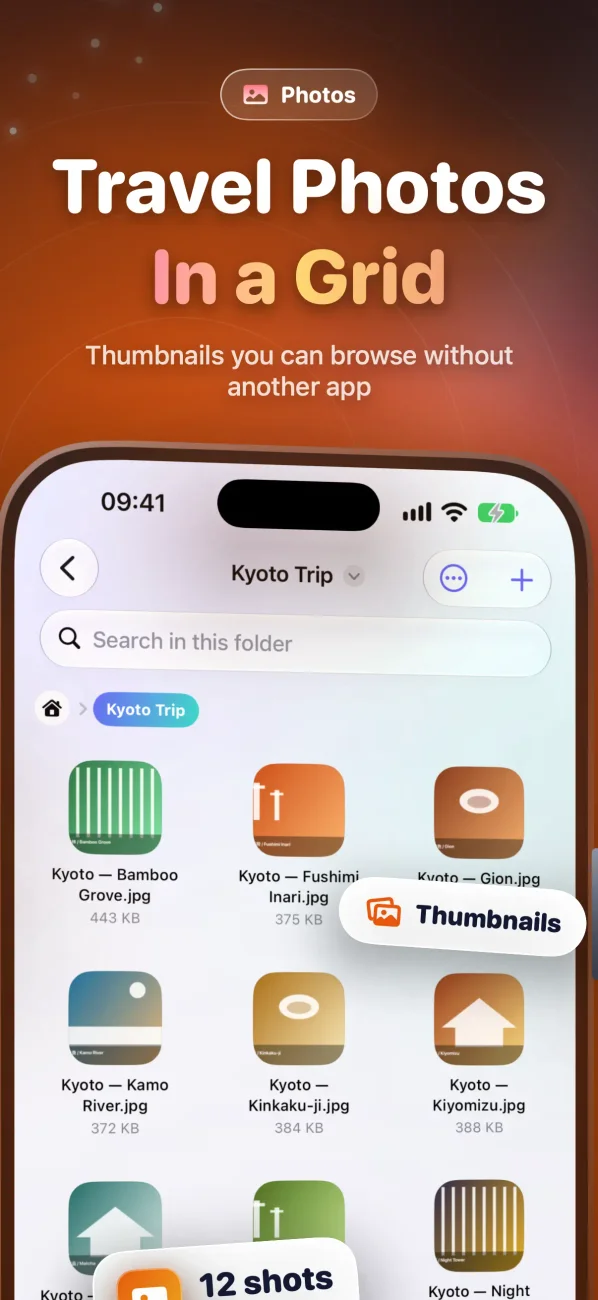
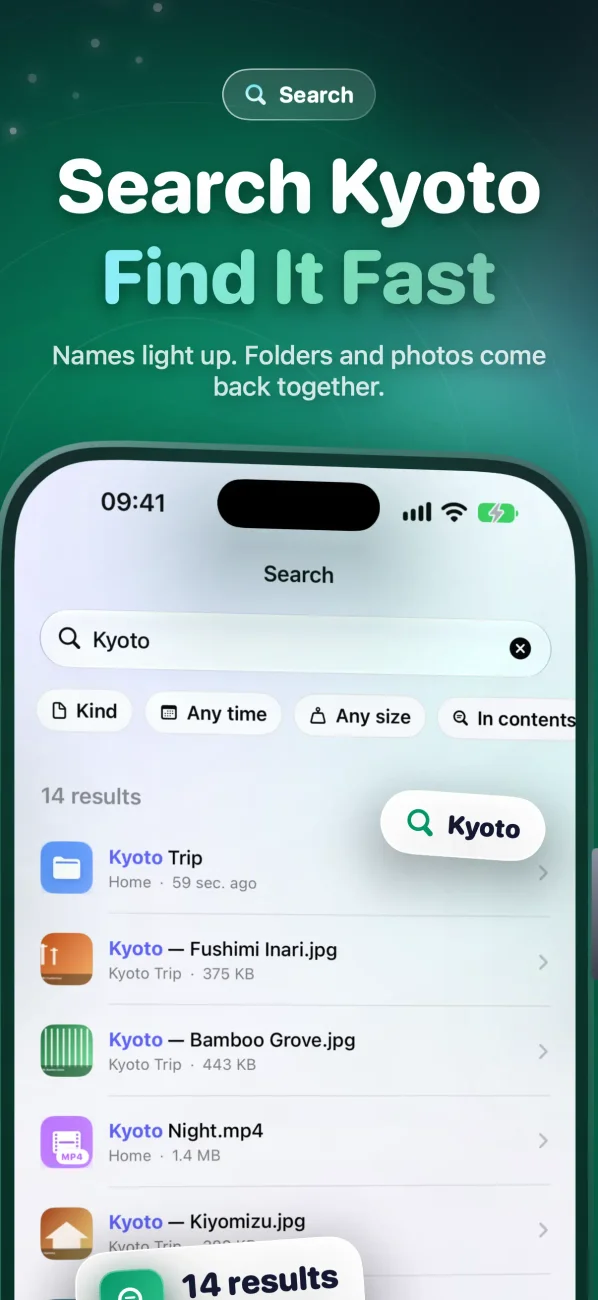
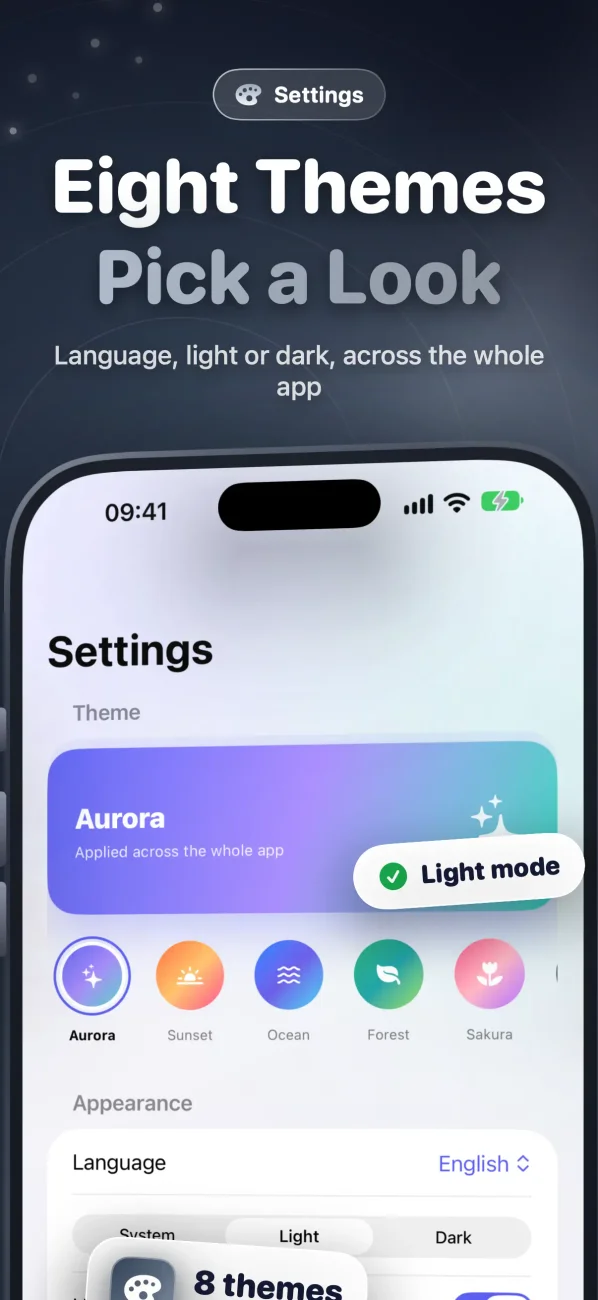
List, grid, and gallery views with sorting by name, date, size, or type. Multi-select to move, copy, and rename; folders get custom colors and icons. Favorites, color tags, recents, and Trash (auto-expiring) keep libraries tidy. Global search filters by kind, date, and size with highlighted matches.
Preview and edit
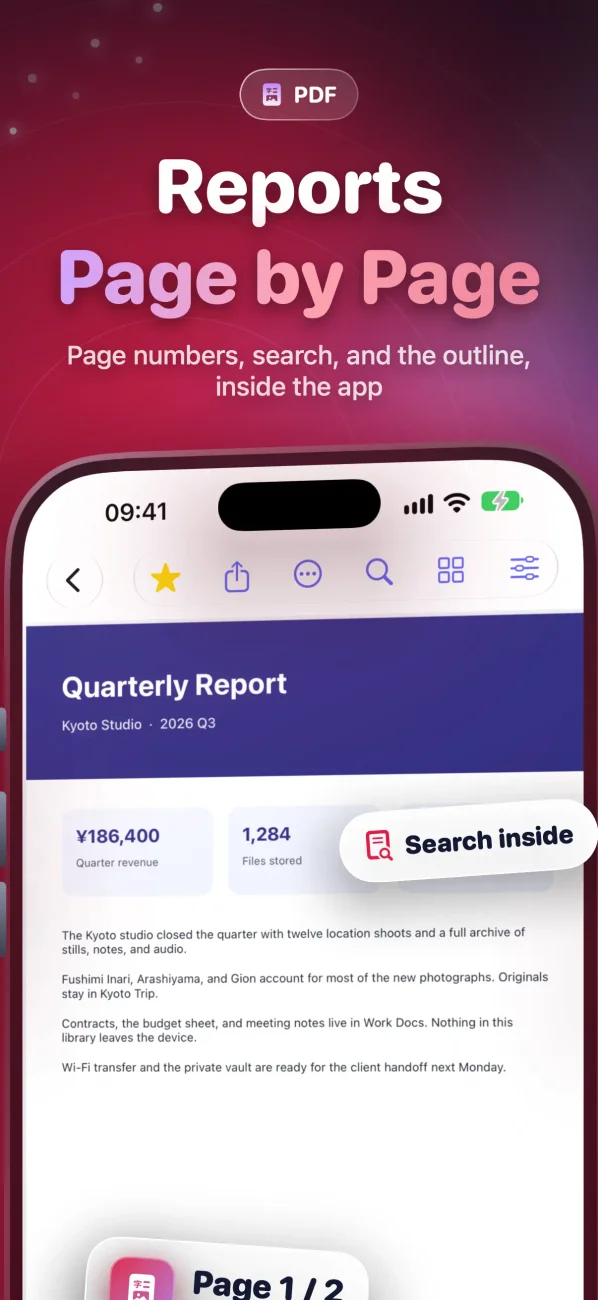
Pinch-to-zoom photos; video and audio playlists with background playback. PDFs offer page jumps, thumbnails, outlines, and full-text search. Text, code, and Markdown editors auto-save, find-and-replace, and export to PDF. ZIP archives open in place—extract only what you need.
Transfer and cloud
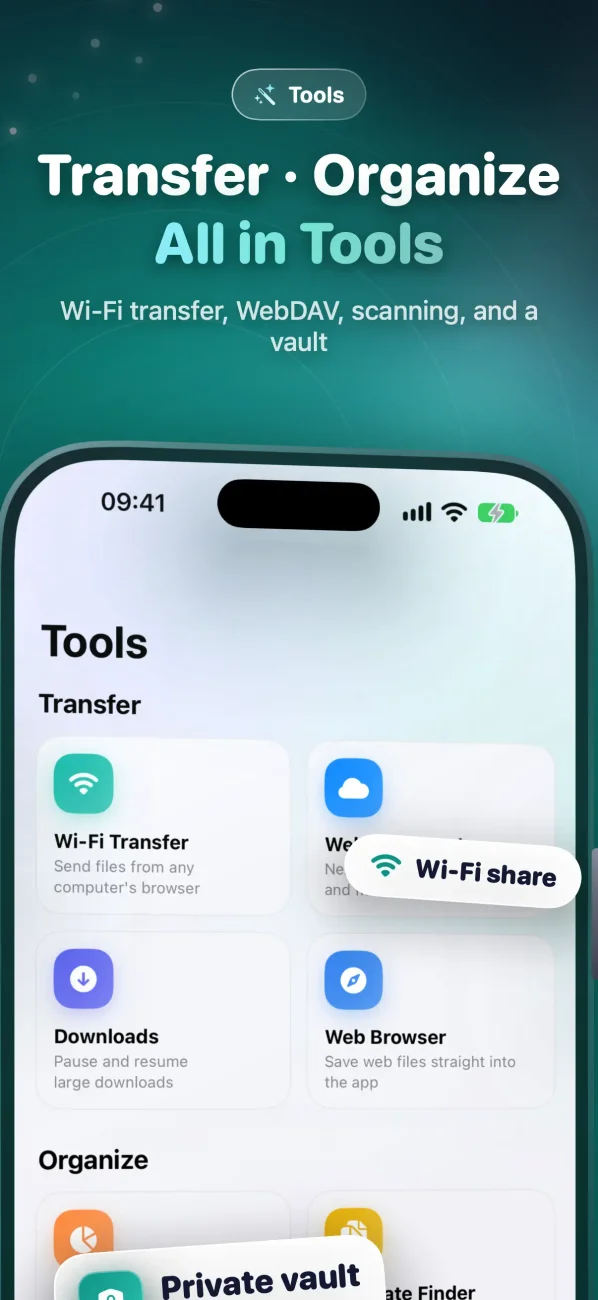
Wi‑Fi Transfer runs a local HTTP server—upload and download from any desktop browser, QR code included. WebDAV connects to NAS, Nextcloud, Jianguoyun, and more; credentials stay in the Keychain. The built-in browser catches downloads; paste a link to save straight to your library.
Built-in tools
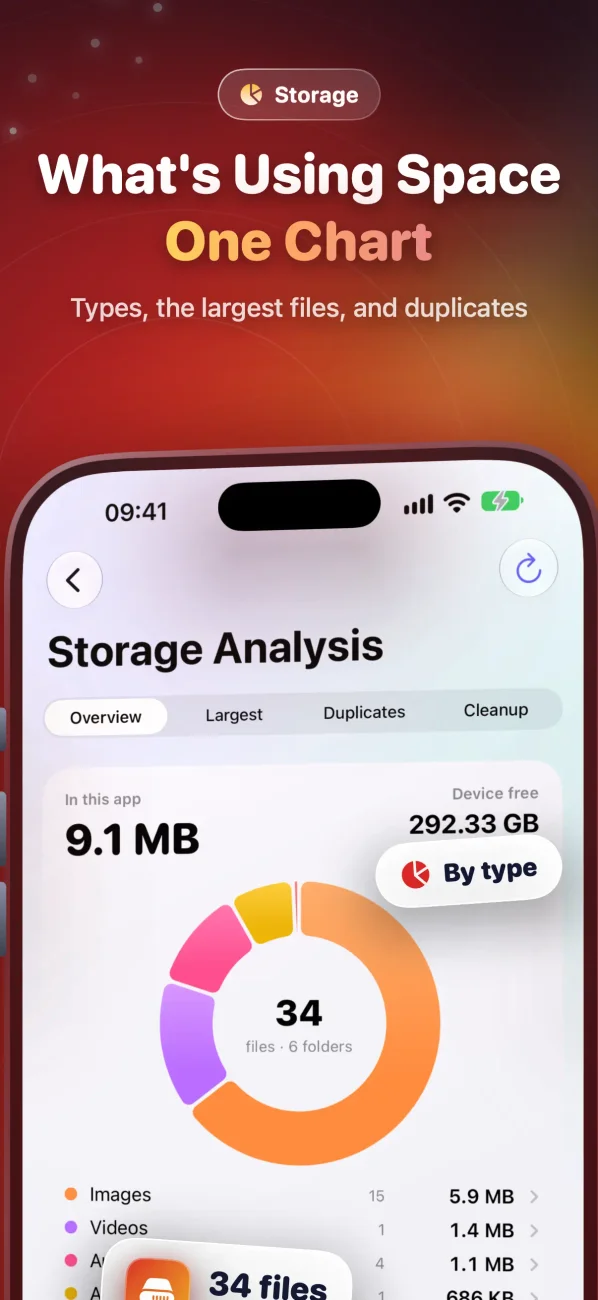
Document scanning (VisionKit) with on-device OCR; merge, split, rotate, compress, and password-protect PDFs; convert images, strip metadata, and build GIFs; extract audio, compress, and trim video; storage analysis and duplicate cleanup.
Security and privacy
Face ID app lock and an AES‑256 encrypted vault protect sensitive files and preview caches. No accounts, no servers, no analytics—your data never leaves the device.
Apple Watch companion
Glance at storage, recents, and favorites; dictate a quick memo that saves as a text file on your iPhone.
No account required. Files stay on device, protected by iOS encryption. Uninstalling the app removes local data.
Terms of Use (EULA): https://www.apple.com/legal/internet-services/itunes/dev/stdeula/
What’s new
Version 1.0.5 · Oct 22, 2026
Removed the unused background audio mode. Audio files still play inside the app and pause when you leave for the Home Screen.
App privacy
What 伟祥 陈 declares on the App Store about how this app handles data.
-
Data not collected
The developer does not collect any data from this app.
Privacy practices may vary, for example with the features you use or your age.
Information
- Seller
- 伟祥 陈
- Category
- Utilities
- Version
- 1.0.5
- Updated
- Oct 22, 2026
- Released
- Oct 16, 2026
- Size
- 11.3 MB
- Requires
- iOS 26.5 or later
- Age rating
- 4+
- Price
- Free
- In-app purchases
- Yes
- Languages
- English, Simplified Chinese, Traditional Chinese
- Copyright
- © 2026 chen weixiang
You might also like
-
 Kintai-chanMake attendance contact easy
-
 PaperwristNotes and PDF on your Watch
-
 Plomer: Website MonitoringDomain Uptime, Logs & Alerts
-
 Watch Reader Full FormatsSend books to your wrist
-
 股票看盘工具-短线摸鱼神器Utilities
-
 OpenAnyFile 2Open the unopenable
-
 Linkbuddy: Share Links“Link in Bio” for real life
-
 TranscapeLive captions for video calls
-
 FileBox - File Manager, VaultZIP, Video, Music, Comics, CBZ
-
 飞鱼浏览器Utilities