File Managers
Manage Files & All Documents
Designed for iPhone, iPad, iPod touch
Free · In-app purchases
- Age rating4+
- CategoryUtilities
- DeveloperLaxay Gajera
- LanguagesEnglish+ 16 more
- Size139.0 MB
Links to the official App Store page
Download.org hosts no file of File Managers. The button opens its official App Store page, published by Laxay Gajera. Listing last checked on Nov 20, 2026.
Screenshots



About
File Manager You can easily manage your files and folders on
your device, Network-attached storage, and cloud storages. Main Storage
Internal Storage you can manage all files and folders on both your
storage iCloud Google Drive.
You can find how many files & apps you have on your device at a glance
immediately after opening File manager. It supports every file management
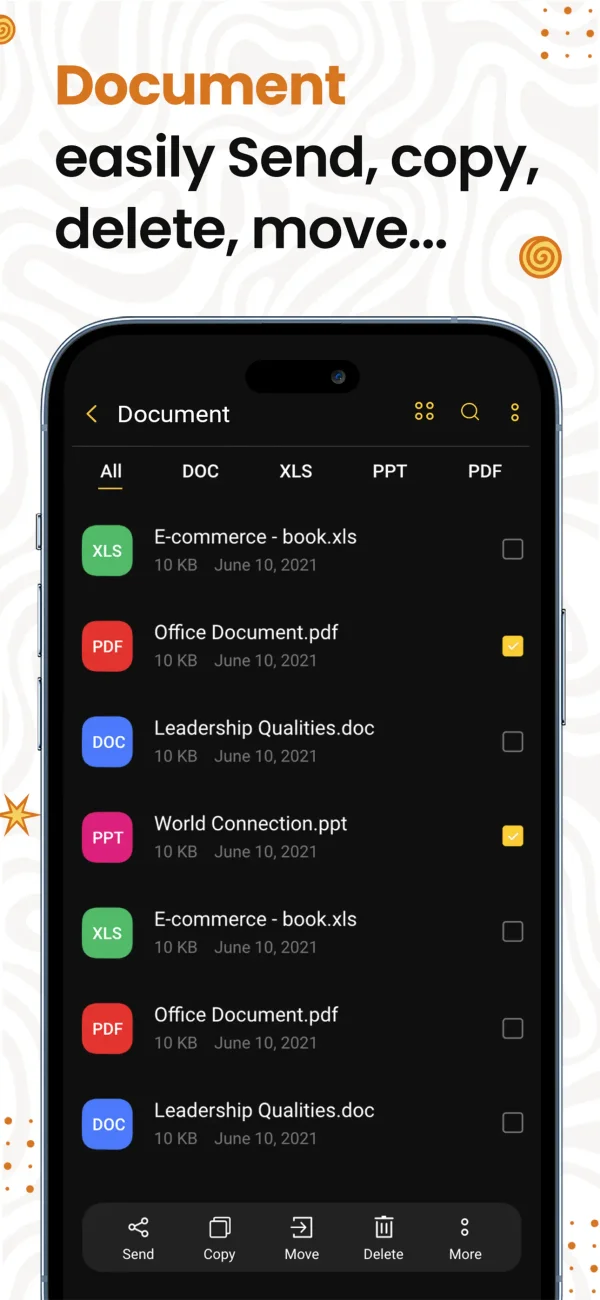
actions like open, search, navigate directory, copy and paste, cut, delete,
rename, compress, decompress, transfer, download. File Manager Plus supports
media files and major file formats including app.
HD File Manager is to Easy and Powerful File Manager for Devices.
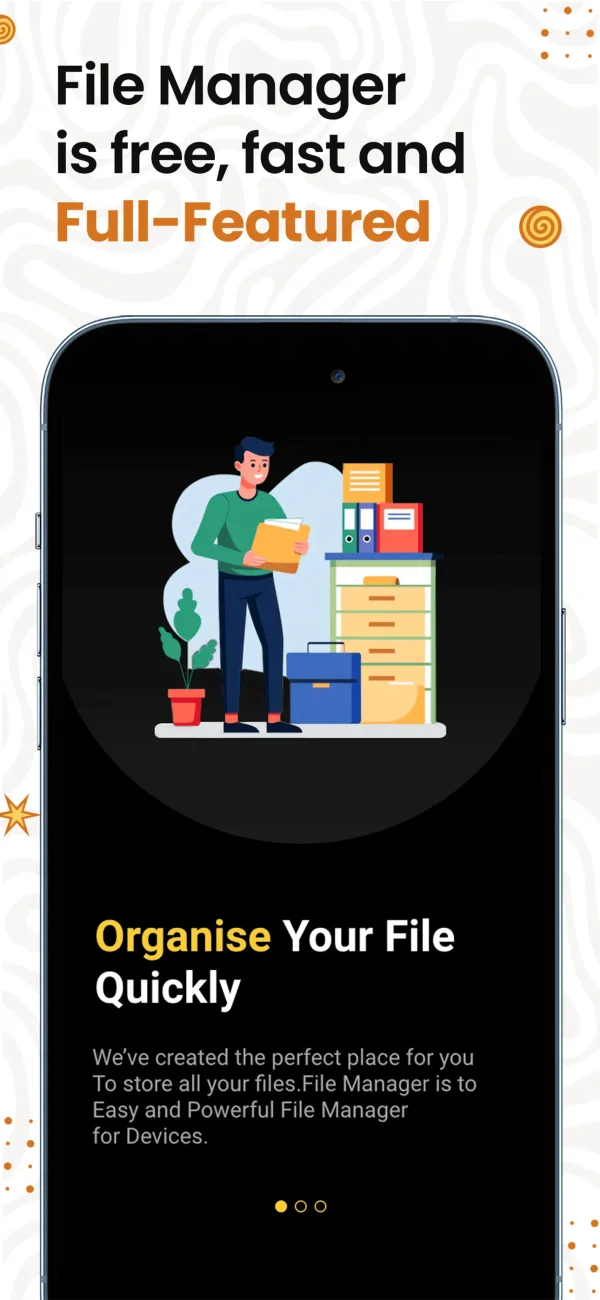
File Manager HD is free, fast and full-featured. HD File Manager/Explorer
app is more than just a File Manager, you also get a Process Manager and
Backup Manager included within as a bonus. File Commander - File Manager - Es Explorer,
Supports Media Files and Major File Formats.
SD File Manager will transfer content between internal storage, usb flash
drive, and cloud storage.
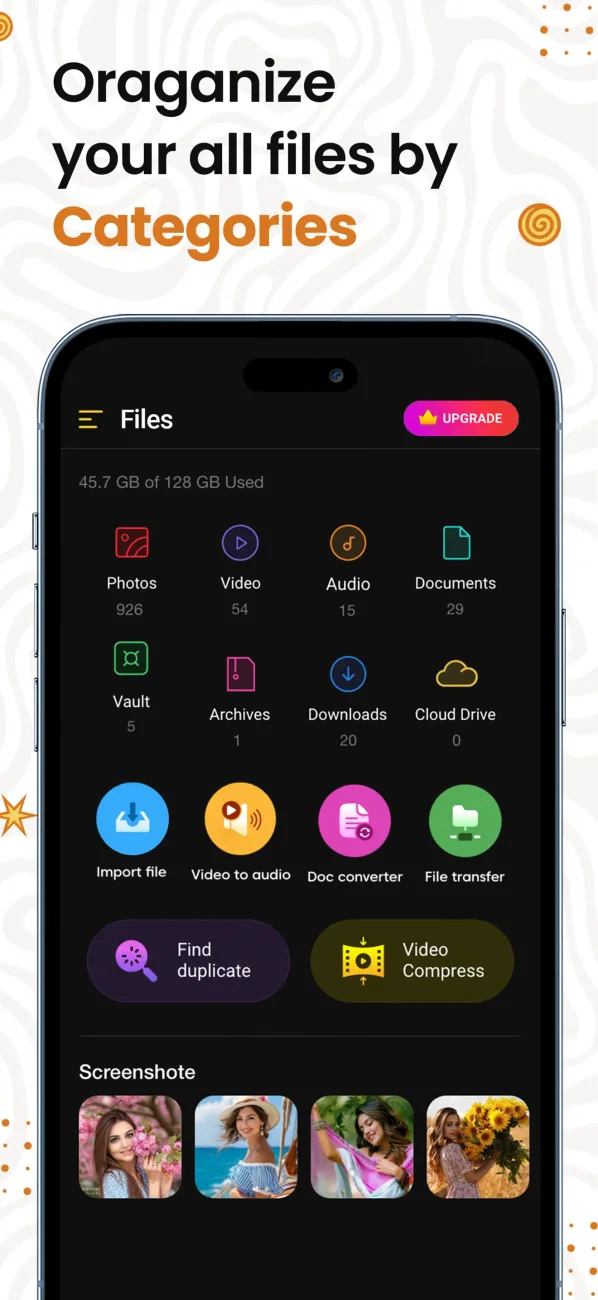
File Organization: Organize your files effortlessly with FileMaster. Create, rename, move, copy, and delete files and folders with just a few taps or clicks. Sort and categorize your files for quick access.
File Search: Quickly find the files you need using powerful search capabilities. Search by file name, type, date, or even content within files to locate information in seconds.
Batch Operations: Save time by performing actions on multiple files simultaneously. Batch rename, delete, or move files to streamline your file management tasks.
FileMaster is your all-in-one solution for managing files efficiently, whether you're a professional seeking a powerful tool for work-related tasks or a casual user looking for an easy way to keep your digital life organized.
Features
- Search and share files
- Basic features like cut, copy, delete etc. easily accessible
- Images: You can manage image and picture files in your storages. Image preview is available.
- Audios: You can manage all music and sound related files.
- Videos: You can manage all video files in your device.
[File Manager Pro Subscription]
- With a File Manager Pro Unlimited subscription, you have access to all features and App Passcode, Keep folder private etc.
advertisements will be removed automatically.
- File Manager Pro subscription is billed weekly, monthly or annually at the rate corresponding to the selected plan. In addition, a one-time payment will be offered if needed, which is not one of the subscription plan.
- Payment will be charged to iTunes Account at confirmation of purchase.
- Subscription automatically renews unless auto-renew is turned off at least 24-hours before the end of the current period.
- Account will be charged for renewal within 24-hours prior to the end of the current period, and identify the cost of the renewal.
- Subscriptions may be managed by the user and auto-renewal may be turned off by going to the user's Account Settings after purchase.
- Any unused portion of a free trial period, if offered, will be forfeited when the user purchases a subscription to that publication, where applicable.
[Terms of Use]
https://skyinfotechdeveloper.com/FileManager_TermsOfUse.html
[Privacy Policy]
https://skyinfotechdeveloper.com/FileManager_PrivacyPolicy.html
What’s new
Version 1.0.32 · Oct 16, 2026
• NEW Web Browser: Private in-app browsing with a built-in file & media downloader.
• NEW Cloud Accounts: Centralized access to Google Drive, Dropbox, OneDrive & iCloud.
• NEW Server Connections: Secure FTP & SFTP remote file management and transfers.
• NEW Office to PDF: Convert Excel (.xls, .xlsx) and PowerPoint (.ppt, .pptx) files to PDF.
• NEW Video to Audio: Quick extraction of MP3 audio from any video.
• Advanced PDF Suite: Merge, Sign, Compress, Protect, and Reorganize PDF pages.
• Redesigned "My Creations" & "Tools" interface with smooth file previews.
• Enhanced offline stability, bug fixes, and performance optimizations.
App privacy
What Laxay Gajera declares on the App Store about how this app handles data.
-
Data used to track you
May be used to track you across apps and websites owned by other companies.
- Search history
-
Data not linked to you
May be collected but is not linked to your identity.
- Search history
Privacy practices may vary, for example with the features you use or your age.
Information
- Seller
- Laxay Gajera
- Category
- Utilities
- Version
- 1.0.32
- Updated
- Oct 16, 2026
- Released
- Jul 13, 2021
- Size
- 139.0 MB
- Requires
- iOS 15.0 or later
- Age rating
- 4+
- Price
- Free
- In-app purchases
- Yes
- Languages
- English, Arabic, Dutch, French, German, Greek, Hindi, Japanese, Korean, Portuguese, Russian, Simplified Chinese + 5 more
- Copyright
- © @Laksh Gajera
You might also like
-
 File Manager & DocumentsFiles &Folder With Browser App
-
 FileMaster ProUtilities
-
 File manager - Document EditorFile Storage - file explorer
-
 iFiles - File Manager BrowserPDF Scanner & Media Player
-
 My Files - All File ManagerAll file viewer: File Explorer
-
 My FileManager - DocumentsIt's advanced file manager app
-
 EZ File Explorer - Zip UnzipAZip Manager Master & Document
-
 ES file explorerMyFiles is file management app
-
 CX File Explorer & ManagerZIP, RAR & 7z Archive Opener
-
 ZIP Archiver - UnZIPZIP RAR File Extractor