
FileArk
Files, search and QR sharing
Designed for iPhone, iPad, iPod touch
Free · In-app purchases
- Age rating4+
- CategoryUtilities
- DeveloperCarlos Sancho
- LanguagesEnglish+ 32 more
- Size72.7 MB
Links to the official App Store page
Download.org hosts no file of FileArk. The button opens its official App Store page, published by Carlos Sancho. Listing last checked on Nov 23, 2026.
Screenshots
About
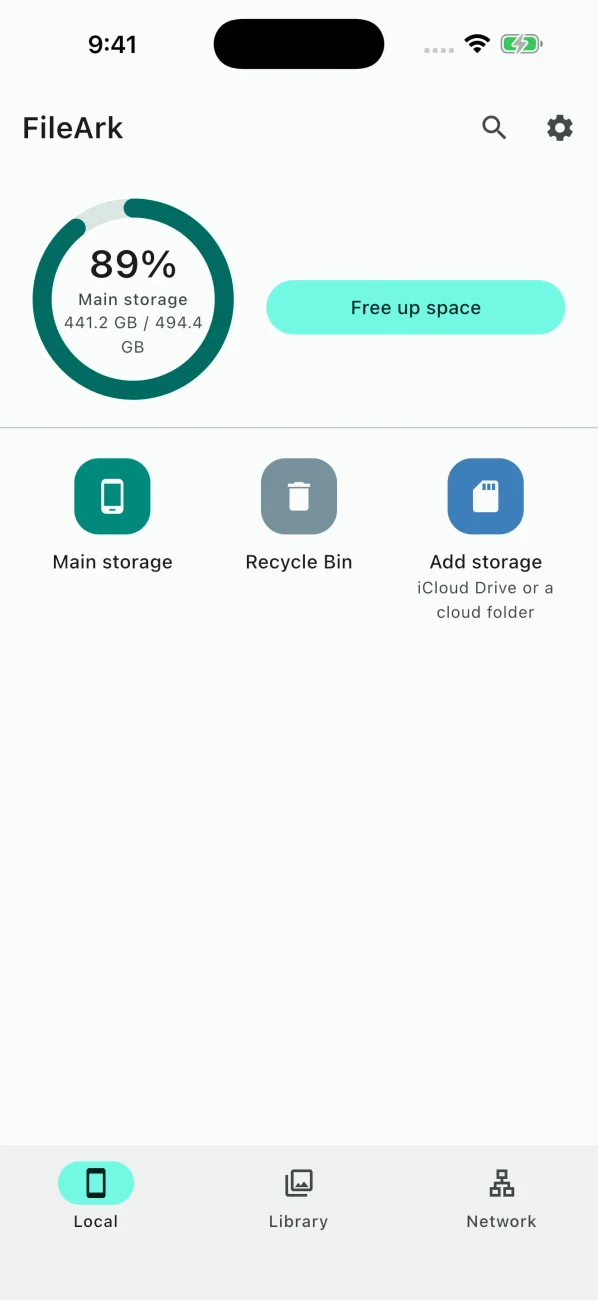
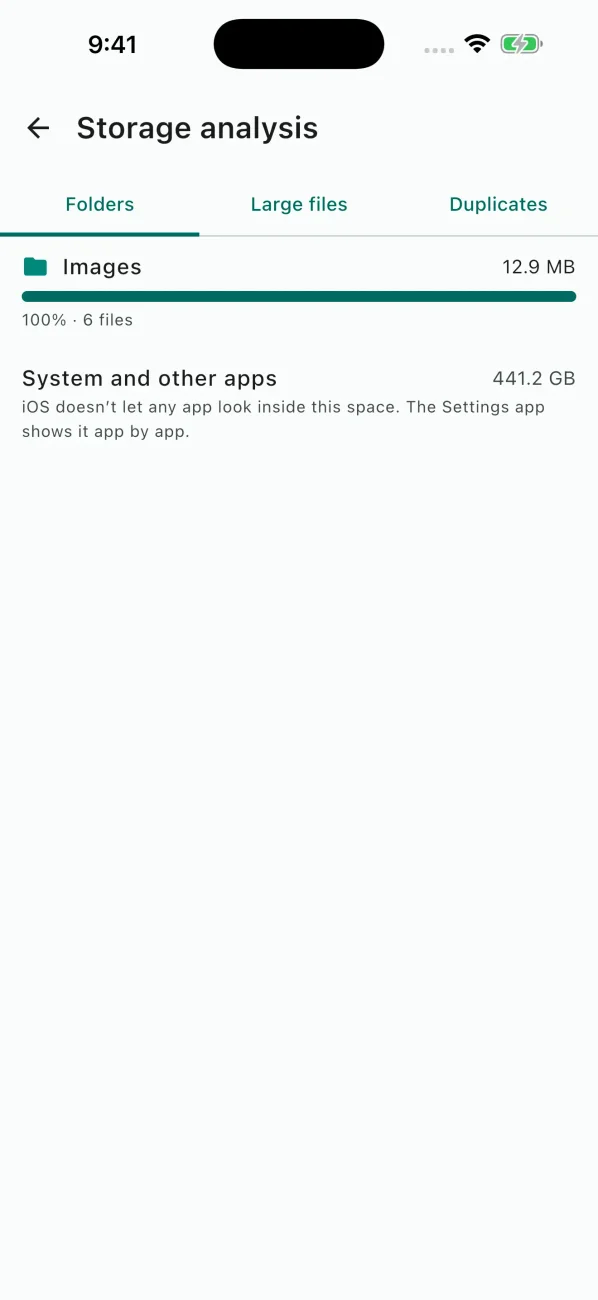
FileArk is a fast, private file manager for iPhone and iPad. Browse your files, find them the way you remember them, open them, compress them, and send them to another device — without an account, without uploading anything, and without a server in the middle.
FIND FILES THE WAY YOU REMEMBER THEM
Ask for "photos from last week" or "big PDFs" and FileArk understands it. It reads the text inside your images too, so a scanned receipt is findable by what it says. Everything is indexed on your device and nothing is sent anywhere.
SEND FILES WITH A QR CODE
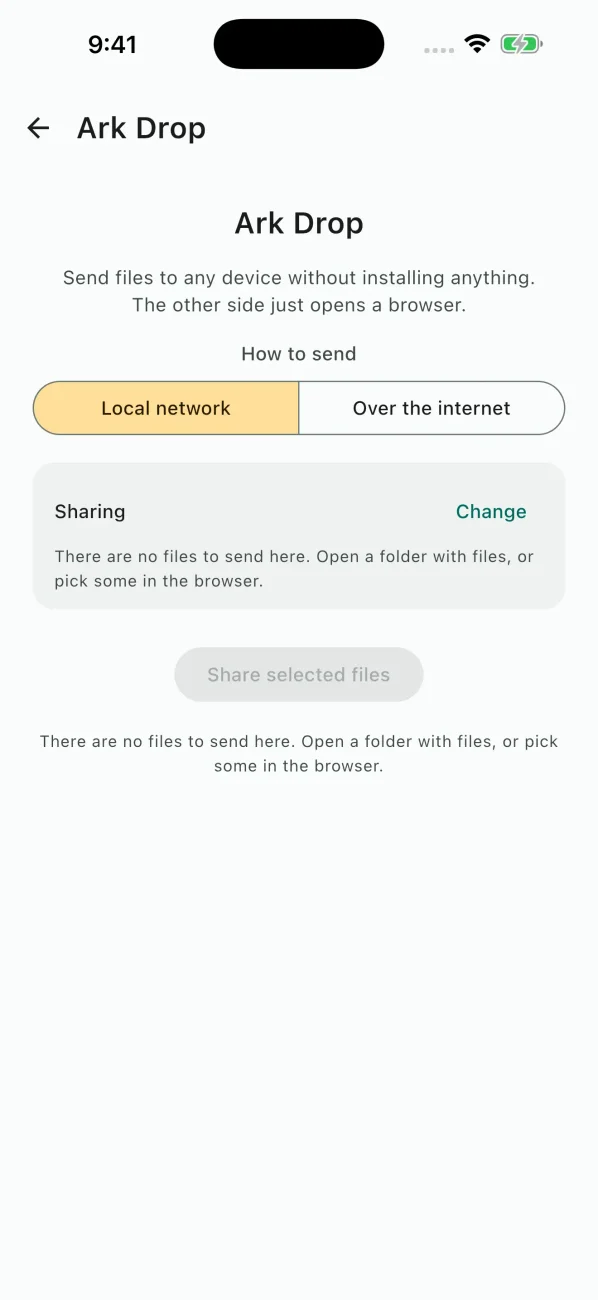
Ark Drop shows a QR code. The other device scans it with its camera and gets the file in its browser — a phone, a laptop, a work PC, anything with a browser. Nothing to install on the other side, no cable, no cloud account, and the transfer never leaves your local network. It works the other way round too: the other device can send files to your iPhone. And when the other device is not on your Wi-Fi, Ark Drop can also send over the internet: you share a link, and the file is end-to-end encrypted with a key that never reaches our server.
YOUR PHOTOS, AS FILES
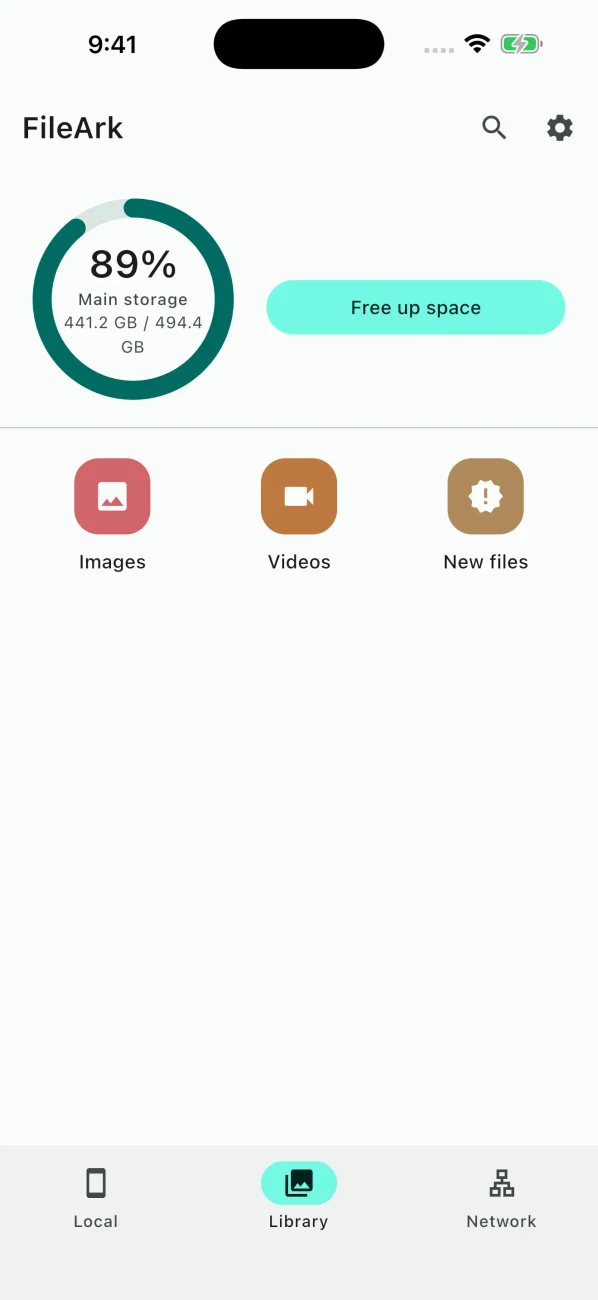
The Library tab lists your photos and videos with their real names, sizes and dates, so you can find the big ones, copy them into a folder or delete them. FileArk fully supports Limited Photo Library access: choose "Select Photos…" and it works on exactly what you picked.
ARCHIVES
Create and extract ZIP (with or without a password), TAR, TAR.GZ and 7z, and open RAR files, password-protected ones too. Extracting never drops three hundred files on top of what you already had: it goes into a folder of its own, unless the archive already has one.
CONNECT TO YOUR NETWORK STORAGE
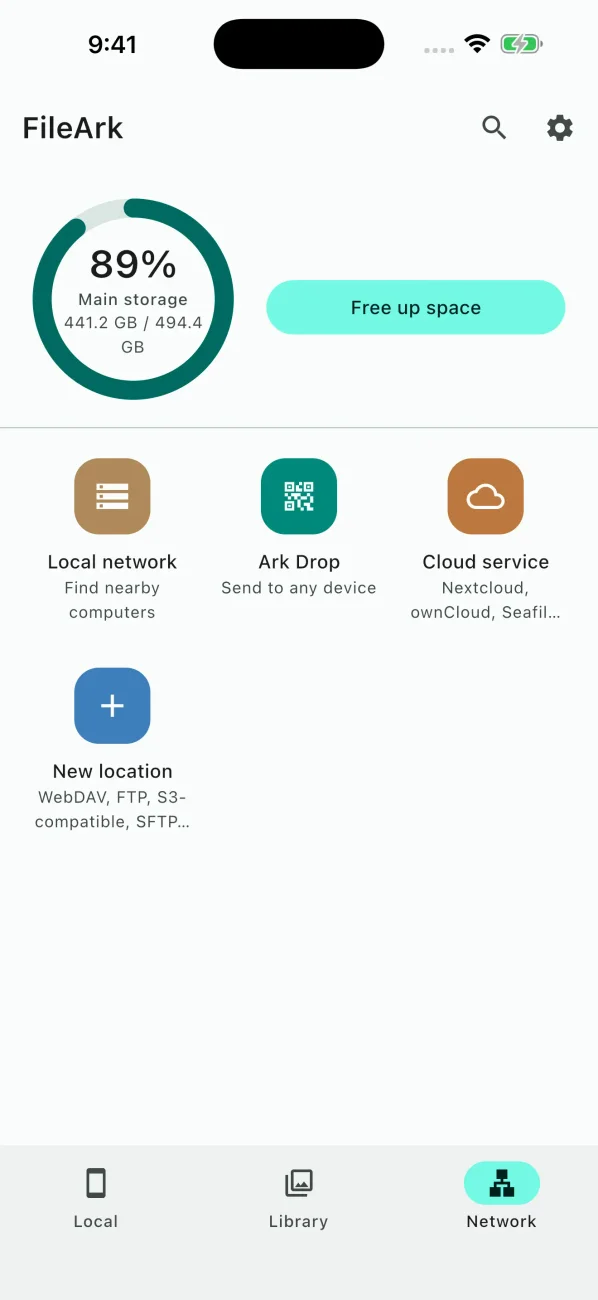
SMB, SFTP, WebDAV, FTP and FTPS, for a NAS at home or a server at work. Credentials are stored in the iOS Keychain. Large files stream instead of downloading whole, so you can jump to the middle of a video without waiting for the rest.
BUILT-IN VIEWERS
Images with pinch zoom, video, audio and text. Turn any of them off in Settings and that file type opens with the app you already prefer.
MADE FOR IPAD TOO
Dual pane with a shared clipboard: copy on the left, paste on the right, no navigating back and forth.
EVERYTHING ELSE A FILE MANAGER OWES YOU
- Copy, move, rename and delete, with a Recycle Bin that is on by default
- Your FileArk folder shows up in the Files app, so anything can go in and out
- Sorting that respects your language, list, grid and details views
- Light, dark and pure-black AMOLED themes
- Right-to-left support
PRIVACY
FileArk has no server of its own. Your files, their names and their contents are never uploaded. Searching, indexing and text recognition all happen on your device. Photos are read, never collected.
FREE AND PRO
Everything above is free for seven days. FileArk Pro is a one-time purchase — no subscription, no renewal — that keeps the heaviest features unlocked. You can also unlock them one at a time by watching an ad, if you would rather not pay.
What’s new
Version 0.6.11 · Nov 18, 2026
Small fixes and improvements.
App privacy
What Carlos Sancho declares on the App Store about how this app handles data.
-
Data used to track you
May be used to track you across apps and websites owned by other companies.
- Identifiers
- Usage data
-
Data linked to you
May be collected and linked to your identity.
- Identifiers
- Usage data
- Diagnostics
-
Data not linked to you
May be collected but is not linked to your identity.
- Purchases
- Location
- Diagnostics
Privacy practices may vary, for example with the features you use or your age.
Information
- Seller
- Carlos Sancho
- Category
- Utilities
- Version
- 0.6.11
- Updated
- Nov 18, 2026
- Released
- Oct 19, 2026
- Size
- 72.7 MB
- Requires
- iOS 15.0 or later
- Age rating
- 4+
- Price
- Free
- In-app purchases
- Yes
- Languages
- English, Arabic, Catalan, Croatian, Czech, Danish, Dutch, Finnish, French, German, Greek, Hebrew + 21 more
- Copyright
- © 2026 Carlos Marcos
You might also like
-
 NIXFERTIG: Bautagebuch & JobsUtilities
-
 Carnival - SMB Media PlayerStream Video, Music & Books
-
 Filio - File ManagerNAS and cloud, all in one
-
 File ManagerFiles, Media & Office Viewer
-
 File Manager & PDF Merge ToolFile Manager, PDF Merge Tool
-
 SMB Server - ファイル共有PCとワイヤレスでファイル共有
-
 Everdisk: Share Photos & FilesManage Documents Transfer Data
-
 Terminal Emulator PlusTerminal Emulator TTY
-
 Chromecast Video Cast - CastXStream Web & Media to TV
-
 Overland GPS TrackerPrivate location tracking