
- Age rating4+
- CategoryMusic
- DeveloperTatsuo Watanabe
- LanguagesEnglish+ 1 more
- Size7.3 MB
Links to the official App Store page
Download.org hosts no file of FileAudioPlayer. The button opens its official App Store page, published by Tatsuo Watanabe. Listing last checked on Nov 12, 2026.
Screenshots

About
■ Play the audio files you keep — comfortably, to the end.
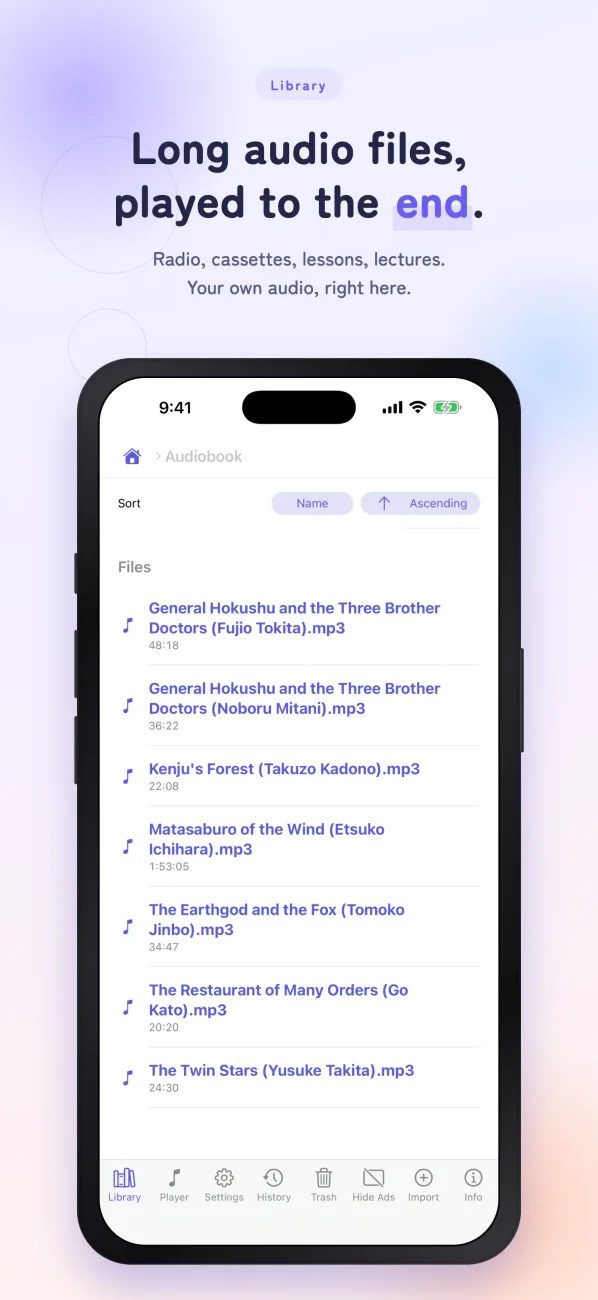
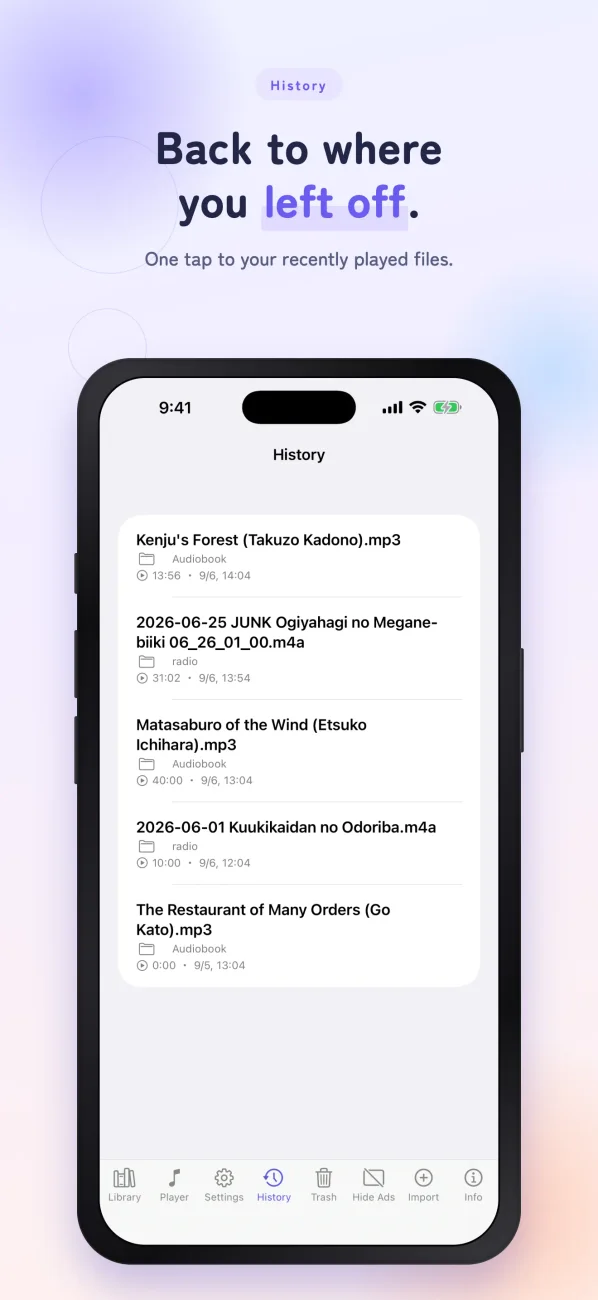
FileAudioPlayer is for playing the audio files you already have — especially the long ones — picking up where you left off, changing the speed, and remembering the spots you marked, all the way to the end. It's made for everyday use: getting through long audio over several sittings, or repeating the same section while you practice.
In an age of streaming, there are fewer and fewer good places to sit with the audio files you actually own.
■ Good for
- Recordings of old radio programs
- Audio transferred from old cassette tapes
- Instrument practice from a pocket recorder
- Language-learning audio
- Re-listening to web meeting recordings
- Lectures and seminars on video (plays the audio)
■ Importing — mainly through the Files app
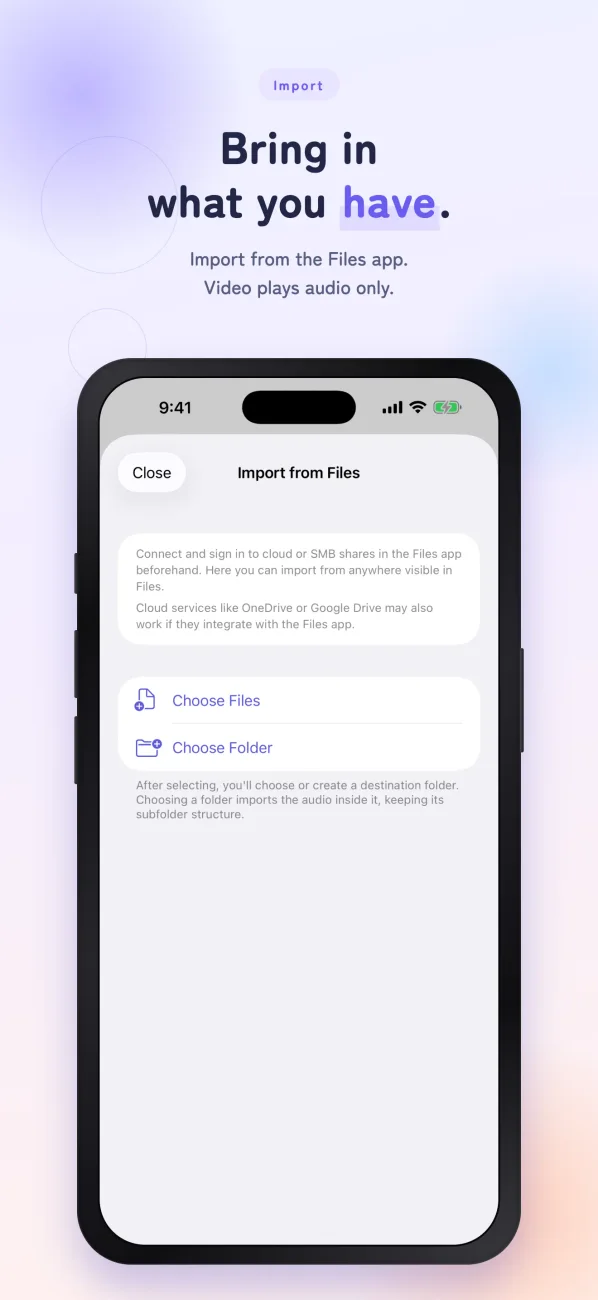
The main way is through the iOS Files app: iCloud Drive, SMB shares, and other cloud services visible in Files all become import sources. Bring in a whole folder at once, and receive audio shared from other apps.
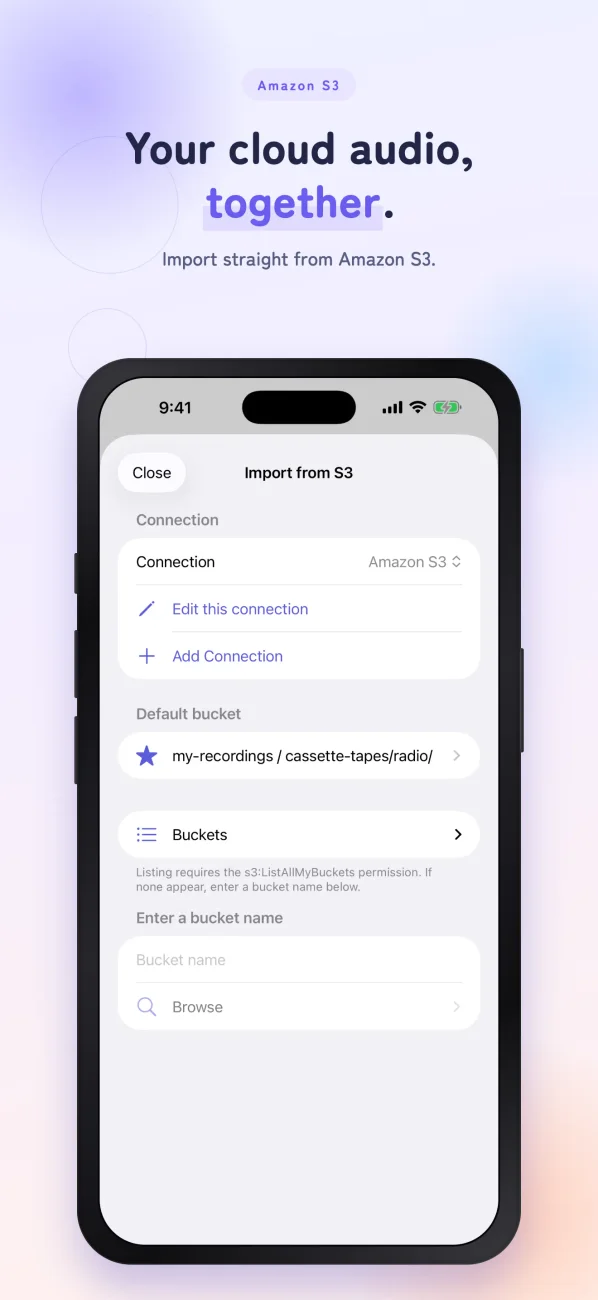
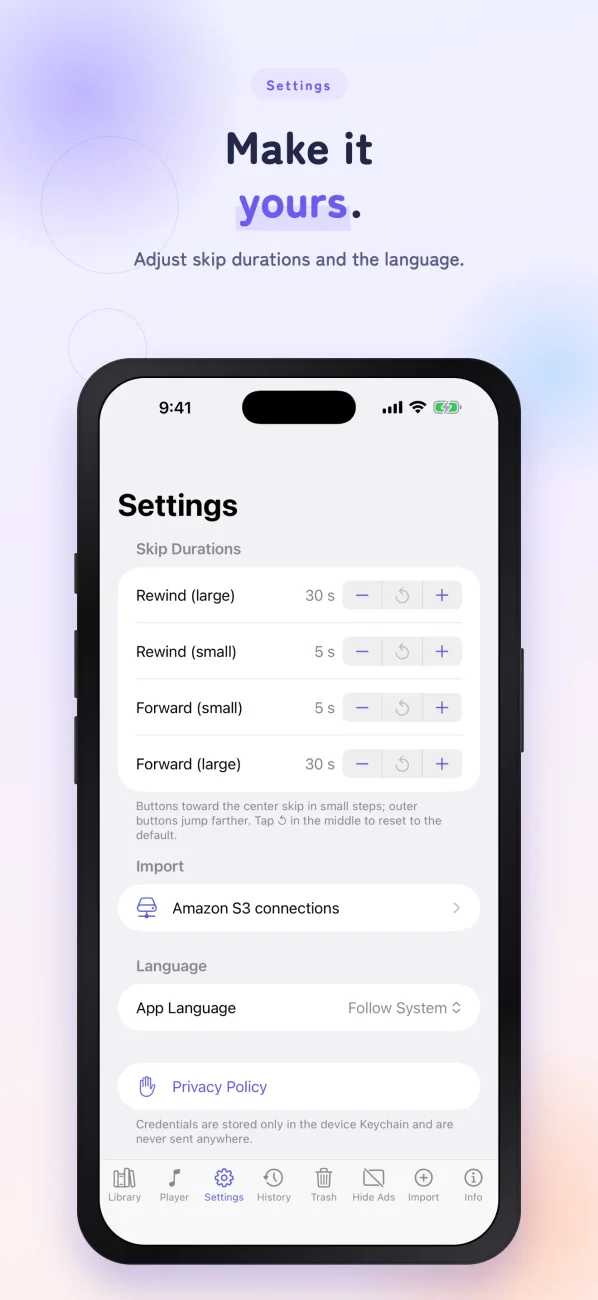
You can also connect directly to Amazon S3 to download.
It can also pull just the audio out of a video file — handy for listening to a recorded lecture as audio.
■ Remember where you were
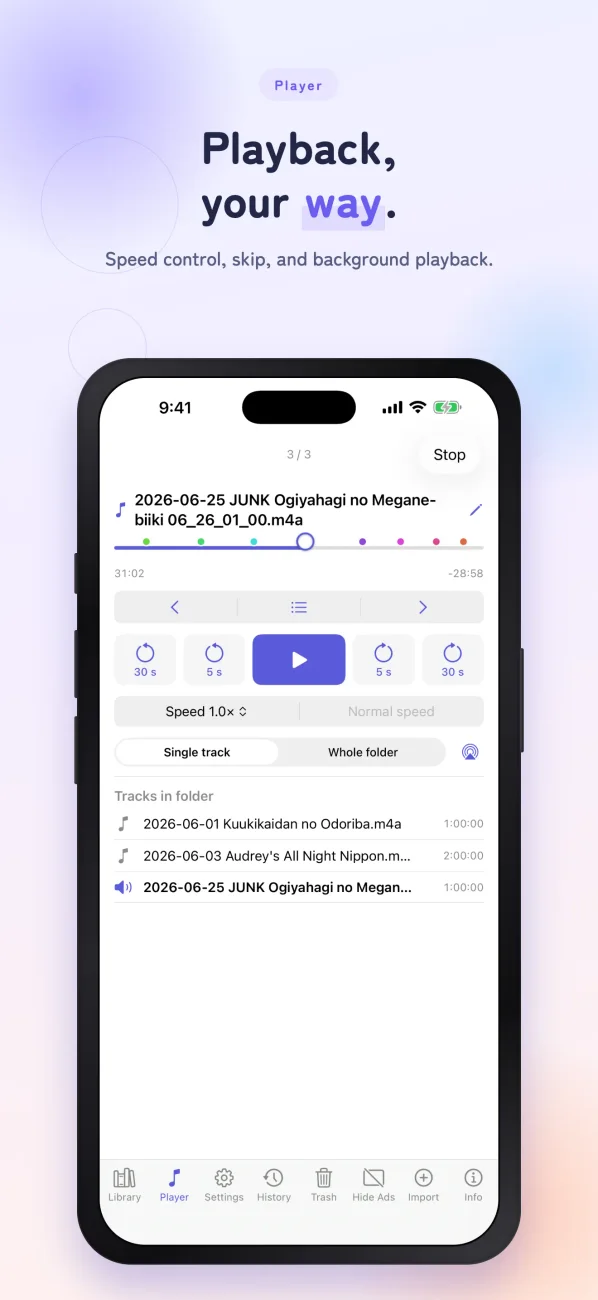
It records the position whenever you stop, pause, or start playback. If your earbuds get bumped in your pocket and playback runs ahead, you can jump back to a recorded spot. Marks sit on the bar, colored by the time of day they were made, and you can step to the previous or next one with a single button. It also resumes from where you last stopped.
■ For repeating and practicing
Play from 1.0x to 2.0x, with one tap back to normal speed. Skip back and forward with four buttons whose durations you set yourself — so a small step back is easy during language study or practice.
■ Keeps playing with the screen off
Background playback, lock-screen and Control Center controls, and AirPlay.
■ Organize and undo
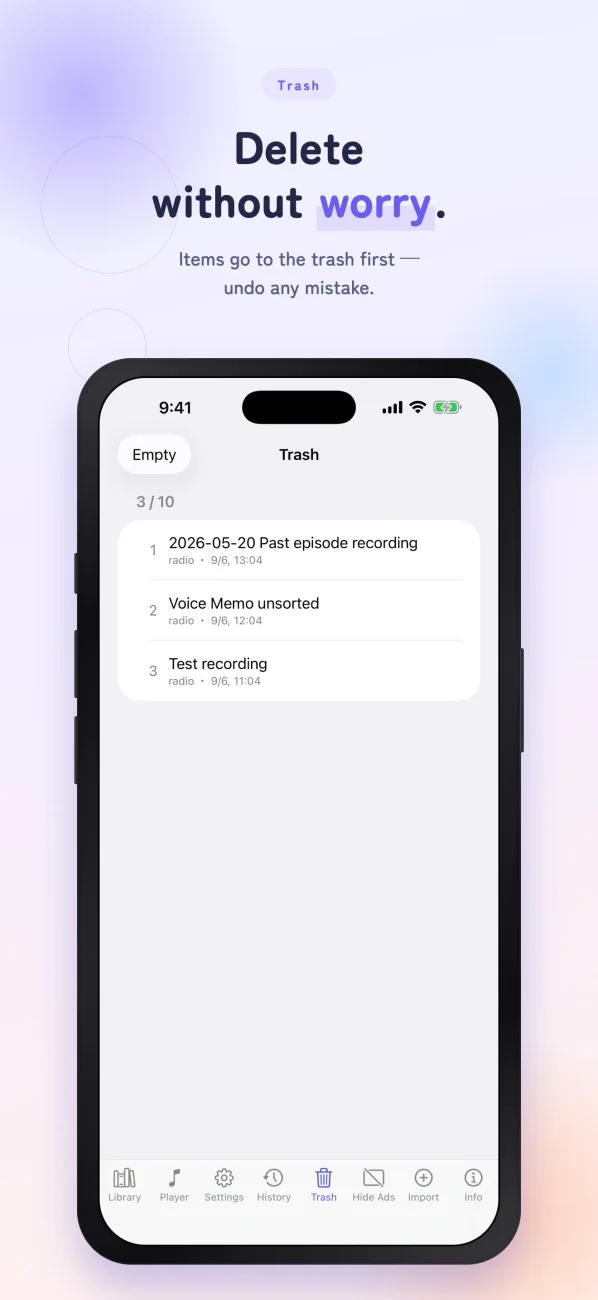
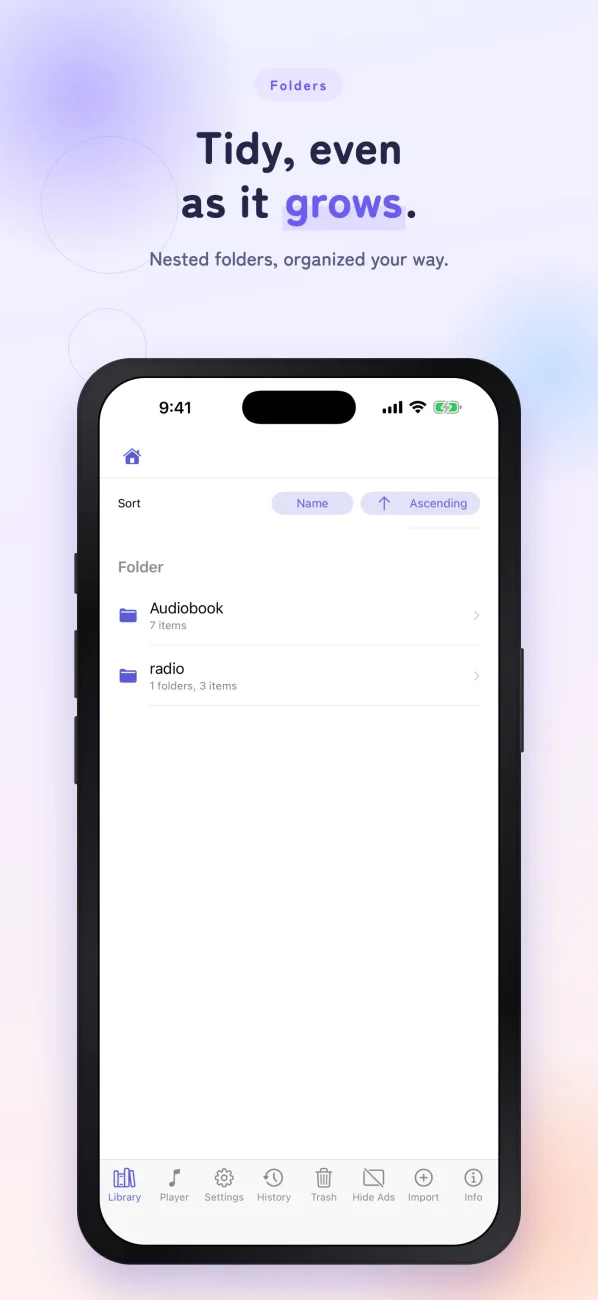
Arrange things in nested folders, and move files or folders later. Deletes go to a trash first, so mistakes can be undone. Imported audio is also visible in the Files app.
Available in Japanese and English (switchable in the app).
What’s new
Version 1.0.6 · Oct 22, 2026
- Fixed: playing an ad from Hide Ads could leave you stuck on “Preparing ad…” for a long time.
App privacy
What Tatsuo Watanabe declares on the App Store about how this app handles data.
-
Data used to track you
May be used to track you across apps and websites owned by other companies.
- Location
- Identifiers
- Usage data
-
Data linked to you
May be collected and linked to your identity.
- Location
- Identifiers
- Usage data
-
Data not linked to you
May be collected but is not linked to your identity.
- Diagnostics
Privacy practices may vary, for example with the features you use or your age.
Information
- Seller
- Tatsuo Watanabe
- Category
- Music
- Version
- 1.0.6
- Updated
- Oct 22, 2026
- Released
- Jul 3, 2026
- Size
- 7.3 MB
- Requires
- iOS 17.0 or later
- Age rating
- 4+
- Price
- Free
- Languages
- English, Japanese
- Copyright
- © 2026 渡部製作所
You might also like
-
 WoonThe song never ends
-
 museRollMusic
-
 Jamming PlayerCapo, Slow-mo, Chords & BPM
-
 MelodicianTurn notes into an instrument
-
 NightCore PlayerPlay any song at your pace
-
 SpeedAudio: Audio PlayerListen Offline at Your Speed
-
 ThunderBeastRain, Wind & Thunder Synth
-
 Opaline FMMusic
-
 TapPlayer - NFC PlayerMusic
-
 Fun PlayerMusic