
FileBox - Mobile File Manager
Manage any of your files
Designed for iPhone, iPad, iPod touch
Free · In-app purchases
- Age rating4+
- CategoryUtilities
- DeveloperJUNBO JIA
- LanguagesEnglish+ 10 more
- Size97.9 MB
Links to the official App Store page
Download.org hosts no file of FileBox - Mobile File Manager. The button opens its official App Store page, published by JUNBO JIA. Listing last checked on Nov 12, 2026.
Screenshots

About
FileBox – Powerful File Manager for iPhone & iPad
FileBox is a powerful file manager designed for people who work with files every day.
Browse, manage, protect, and organize your files easily on both iPhone and iPad.
Fast, secure, and designed for productivity.
--------
Core Features
File Management
Powerful tools to organize your local files effortlessly.
• Create folders and files
• Rename, copy, move, delete files
• View file properties
• Manage hidden files
• Sort by name, type, size, creation date, or modified date
--------
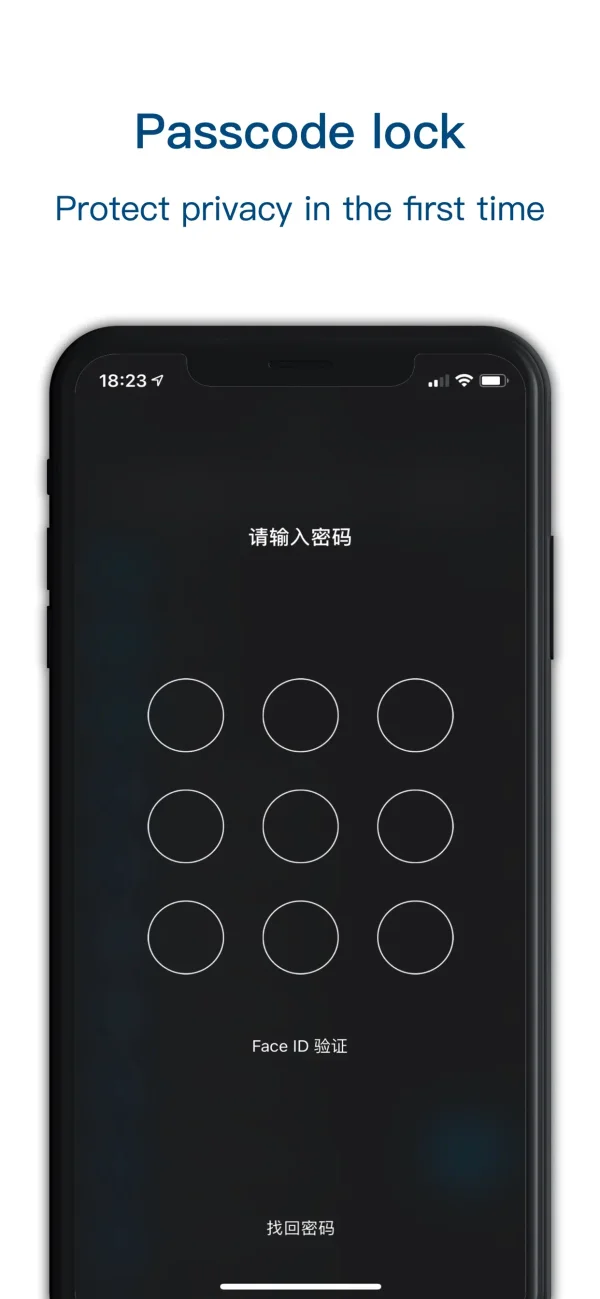
File Privacy & Security
Keep sensitive files safe inside FileBox.
• Hide private files inside the app
• Files are isolated from external access
• Optional App password protection
• Support Face ID / Touch ID
--------
What You Can Do with FileBox
Add Files
Import or create files easily.
• Create folders, text files, photos, and videos inside the app
• Import from Photos, Files, or other apps
• Transfer files via Wi-Fi between PC and iPhone
• Connect with Mac via Finder or iTunes
--------
Browse Files
View many file formats smoothly.
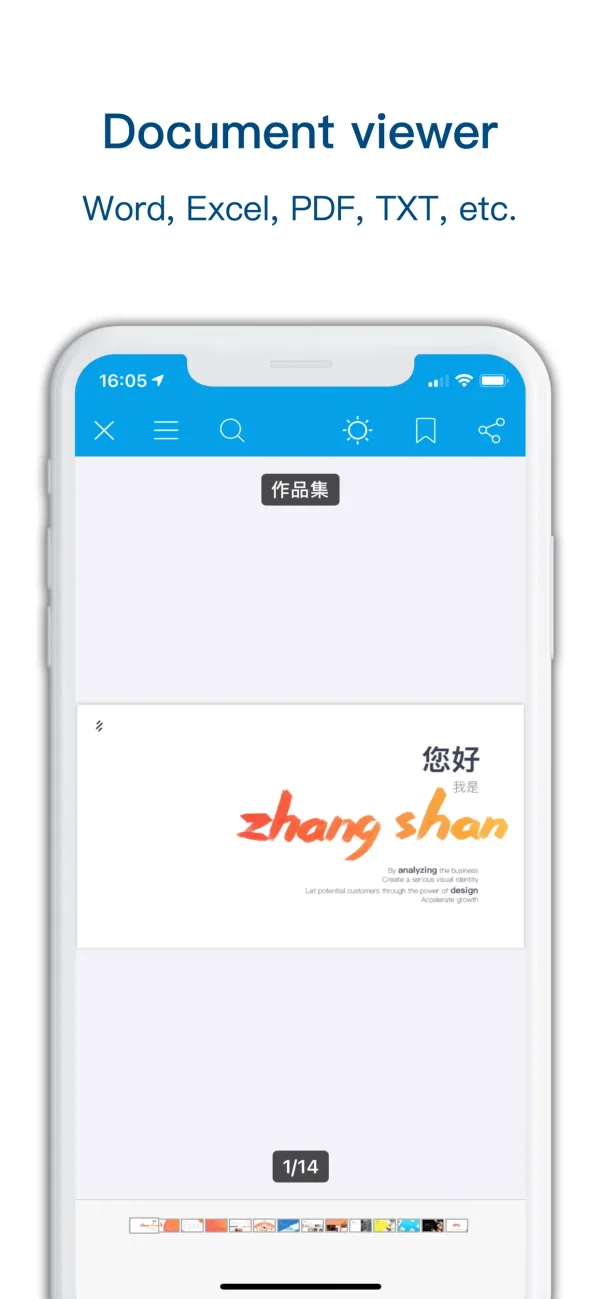
• Office documents and PDF files
• Text files such as txt, json, js, log, java, php, swift, xml
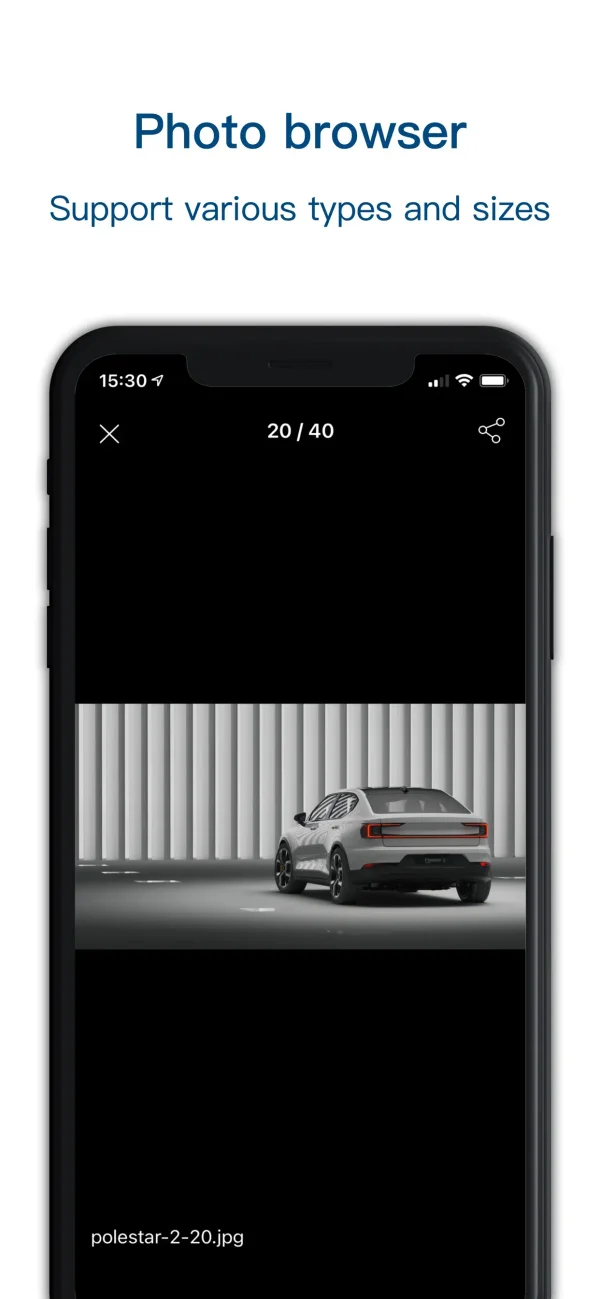
• High-resolution photos and long screenshots
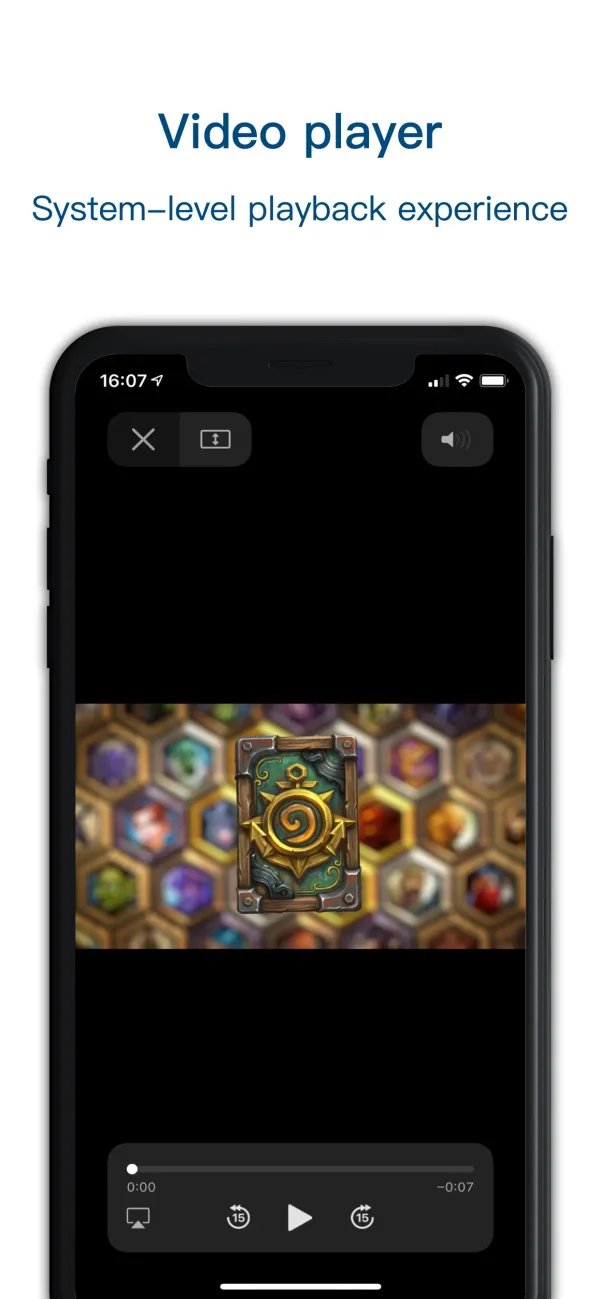
• Built-in efficient media player for audio and video
--------
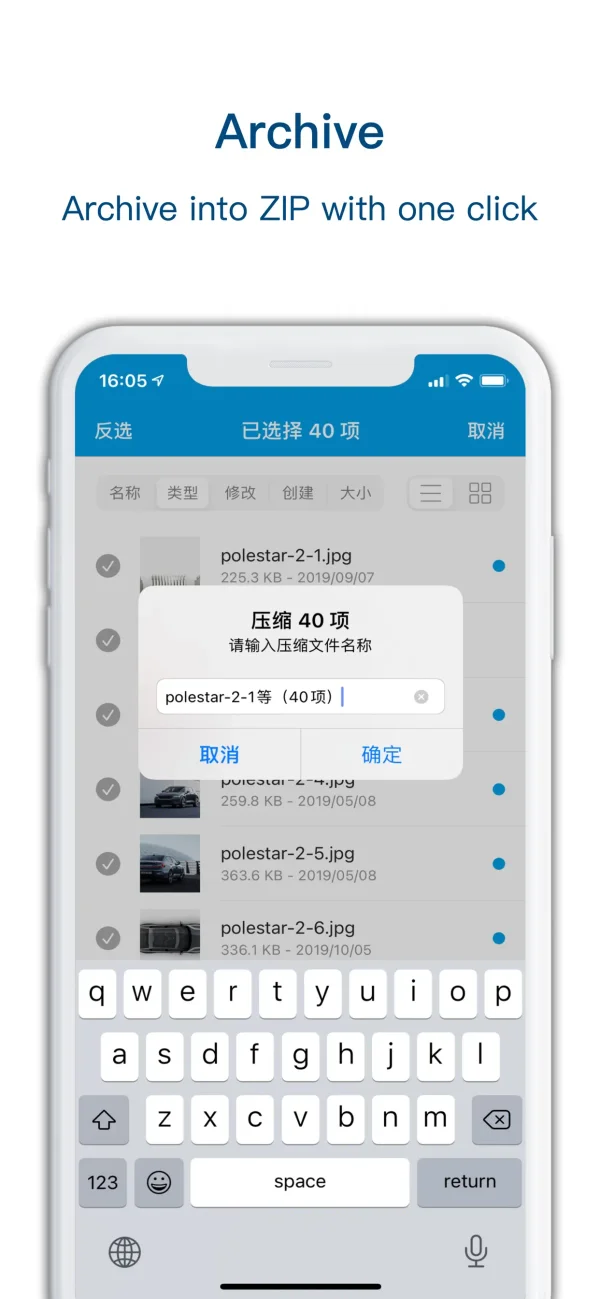
Compression & Extraction
Handle archive files easily.
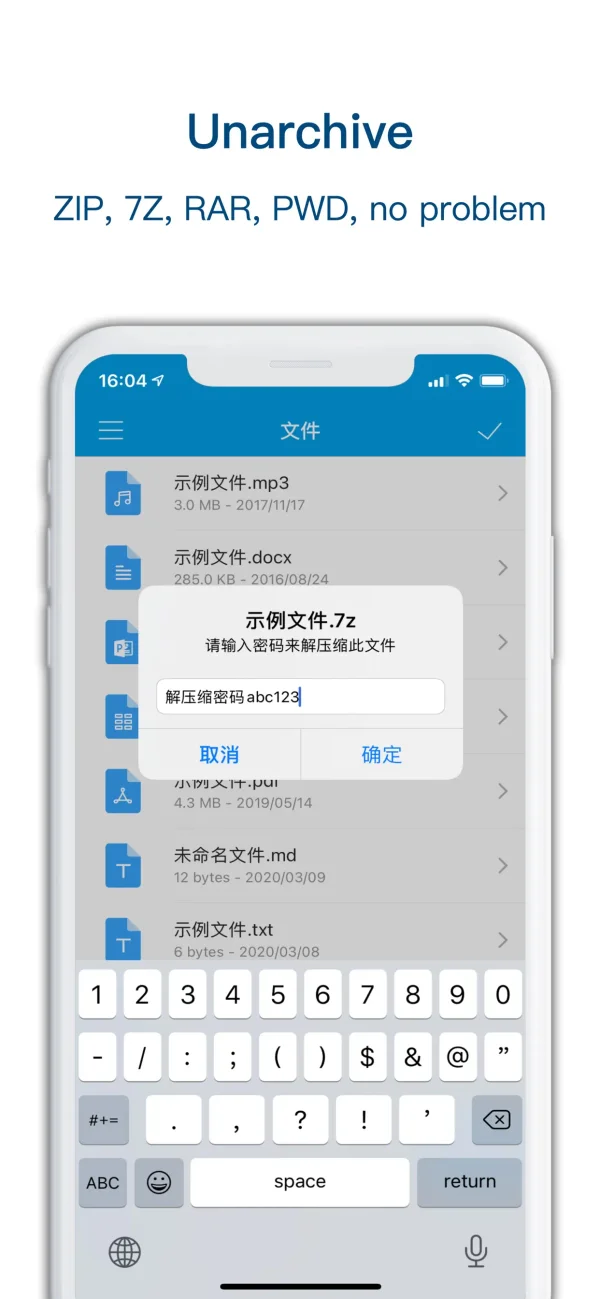
• Support ZIP, RAR, 7Z, DMS
• Password-protected archives supported
--------
File Tags
Organize important files faster.
• Mark important or frequently used files
• Quickly access tagged files
--------
Smart Search
Find files instantly.
• Fast fuzzy search
• Multi-keyword search support
--------
Hidden Files
Keep files out of sight.
• Hide files from normal browsing
• Show hidden files when needed
--------
App Lock
Protect your files with security options.
• Password lock
• Face ID / Touch ID
• Custom unlock timeout
--------
Super Hidden Mode
Advanced privacy protection.
Hide all hidden-file related settings so only you know where your private files are stored.
--------
More Features
• Share panel
• Themes
• Trash recovery
• Unread reminders
• Continuous performance improvements
--------
Contact & Feedback
We love hearing from users.
Email: orange_family@icloud.com
QQ Group: 611208767
--------
– The following information about the auto-renewable nature of the subscription
1. Service: All Access, Removing Ad (1 Month)
2. Period: 1 Month
3. Price: $0.99 / Month
4. Payment will be charged to iTunes Account at confirmation of purchase
5. Subscription automatically renews unless auto-renew is turned off at least 24-hours before the end of the current period
6. Account will be charged for renewal within 24-hours prior to the end of the current period, and identify the cost of the renewal
7. Subscriptions may be managed by the user and auto-renewal may be turned off by going to the user's Account Settings after purchase
8. Terms of Use: http://www.orangestall.com/filebox/subscription.html
9. Privacy Policy: http://www.orangestall.com/legal/privacy.html
1. Service: All Access, Removing Ad (1 Year)
2. Period: 1 Year
3. Price: $8.99 / Year
4. Payment will be charged to iTunes Account at confirmation of purchase
5. Subscription automatically renews unless auto-renew is turned off at least 24-hours before the end of the current period
6. Account will be charged for renewal within 24-hours prior to the end of the current period, and identify the cost of the renewal
7. Subscriptions may be managed by the user and auto-renewal may be turned off by going to the user's Account Settings after purchase
8. Terms of Use: http://www.orangestall.com/filebox/subscription.html
9. Privacy Policy: http://www.orangestall.com/legal/privacy.html
What’s new
Version 9.7.1 · Sep 15, 2026
1. Added consistent success notifications for sharing, importing photos/files, capturing media, and creating folders or text files, with thumbnails and item counts for photos and videos.
2. Fixed blurry details when double-tapping to zoom in the image viewer. Full-resolution images are now loaded automatically when zooming.
3. Improved opening and sorting performance for large folders, with faster sorting by modification and creation date.
App privacy
What JUNBO JIA declares on the App Store about how this app handles data.
-
Data used to track you
May be used to track you across apps and websites owned by other companies.
- Identifiers
-
Data not linked to you
May be collected but is not linked to your identity.
- Location
- Identifiers
- Usage data
Privacy practices may vary, for example with the features you use or your age.
Information
- Seller
- JUNBO JIA
- Category
- Utilities
- Version
- 9.7.1
- Updated
- Sep 15, 2026
- Released
- May 31, 2014
- Size
- 97.9 MB
- Requires
- iOS 13.0 or later
- Age rating
- 4+
- Price
- Free
- In-app purchases
- Yes
- Languages
- English, French, German, Hindi, Italian, Japanese, Korean, Portuguese, Simplified Chinese, Spanish, Traditional Chinese
- Copyright
- ©OrangeApps
You might also like
-
 FileNookPrivate Local File Workspace
-
 FileHub: File ManagerWi-Fi Transfer & iCloud Sync
-
 File Explorer-File Manager ZipDocuments,Photo Browser,Player
-
 CCFileMassive file format support.
-
 AirBox-Your File ManagerUtilities
-
 Zip Extractor:File ExplorerUnzip,unarchive zip,Rar file
-
 File Browser: Unzip ZIP RAR 7ZOffice, Media, Unzip & Photos
-
 File Manager - Files ExplorerZip Unzip Files & Documents
-
 Files Go - media playerBrowser & Video , Music, Docs
-
 File Manager: Vault & ExplorerManage, Lock & View Files