
CCFile
Massive file format support.
Designed for iPhone, iPad, iPod touch
Free · In-app purchases
- Age rating17+
- CategoryUtilities
- Developer志强 余
- LanguagesEnglish+ 1 more
- Size79.2 MB
Links to the official App Store page
Download.org hosts no file of CCFile. The button opens its official App Store page, published by 志强 余. Listing last checked on Nov 15, 2026.
Screenshots




About
Powerful file transfer management tools, greatly improve your daily work efficiency, more black technology to surprise you.
1. Document Browsing
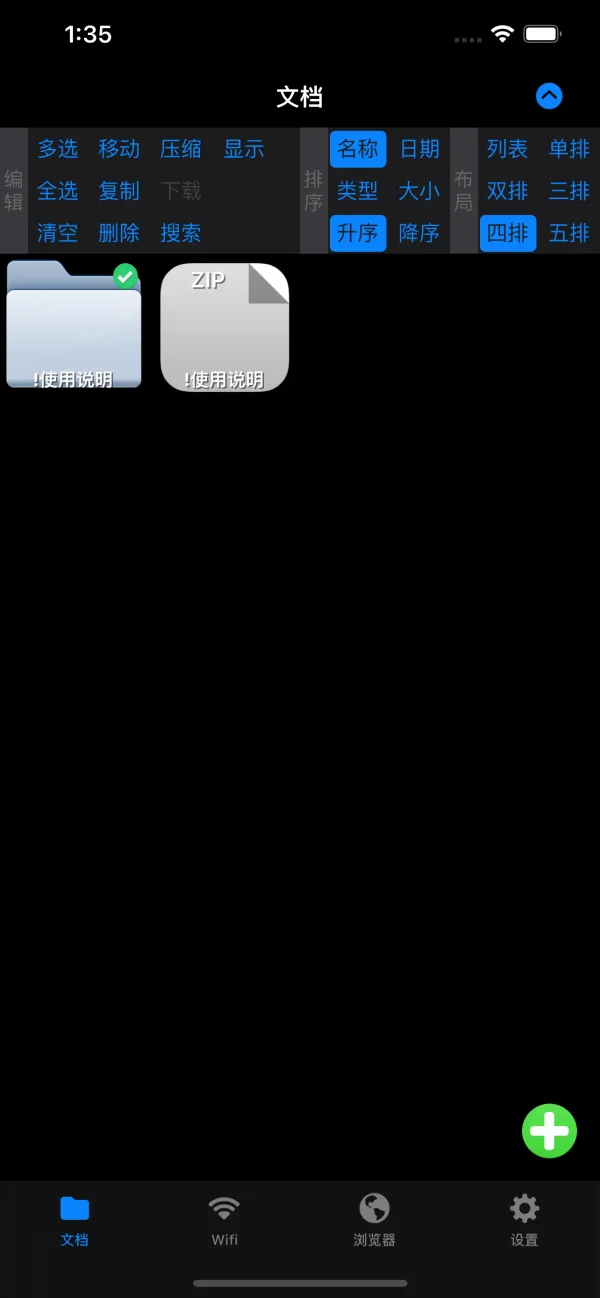
Includes a variety of sorting methods: name, date, type, size and ascending and descending order; a variety of file layout methods: list, single row, double row, three row, four row, five row, so that you can view the file as you like, and have the same browsing experience as PC.
2. Document Sharing
It supports sharing files with other applications from this application. At the same time, you can share pictures, videos, texts and links to this application from "photos", "memos" and "Safari" of Apple applications.
3. File Transfer
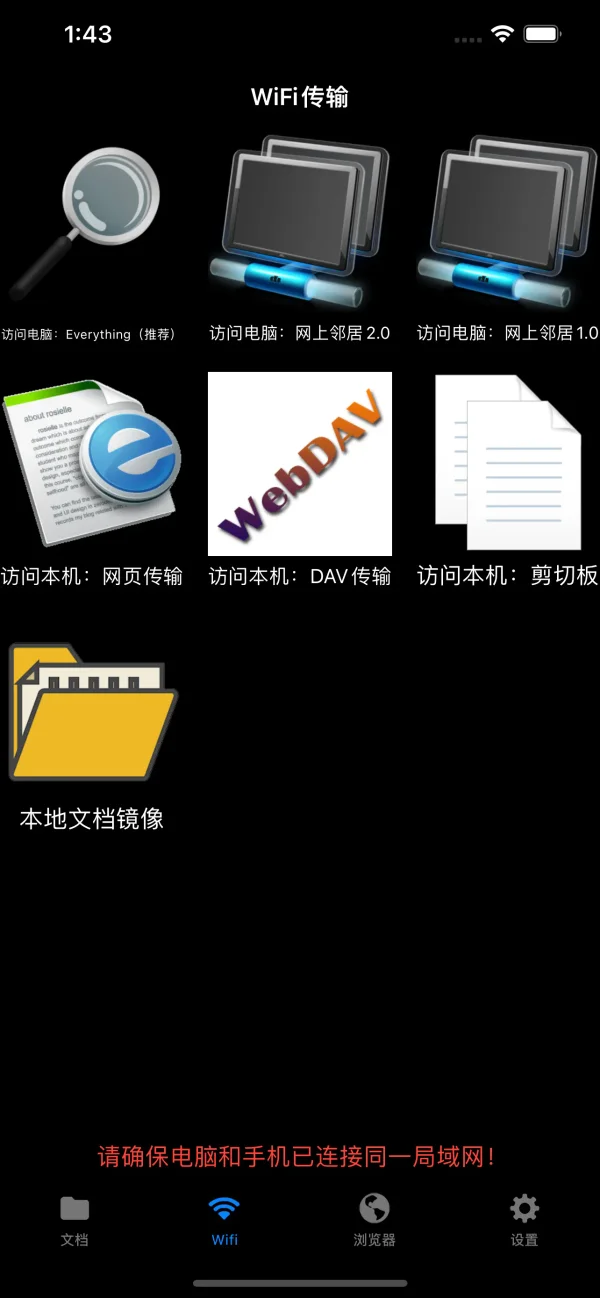
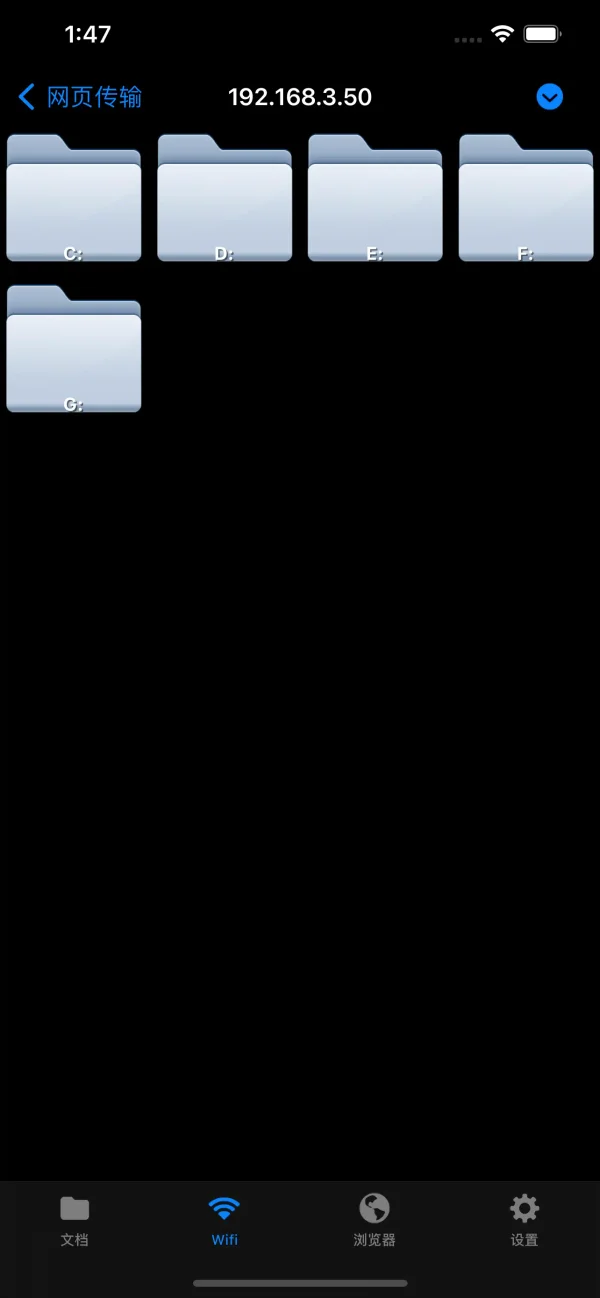
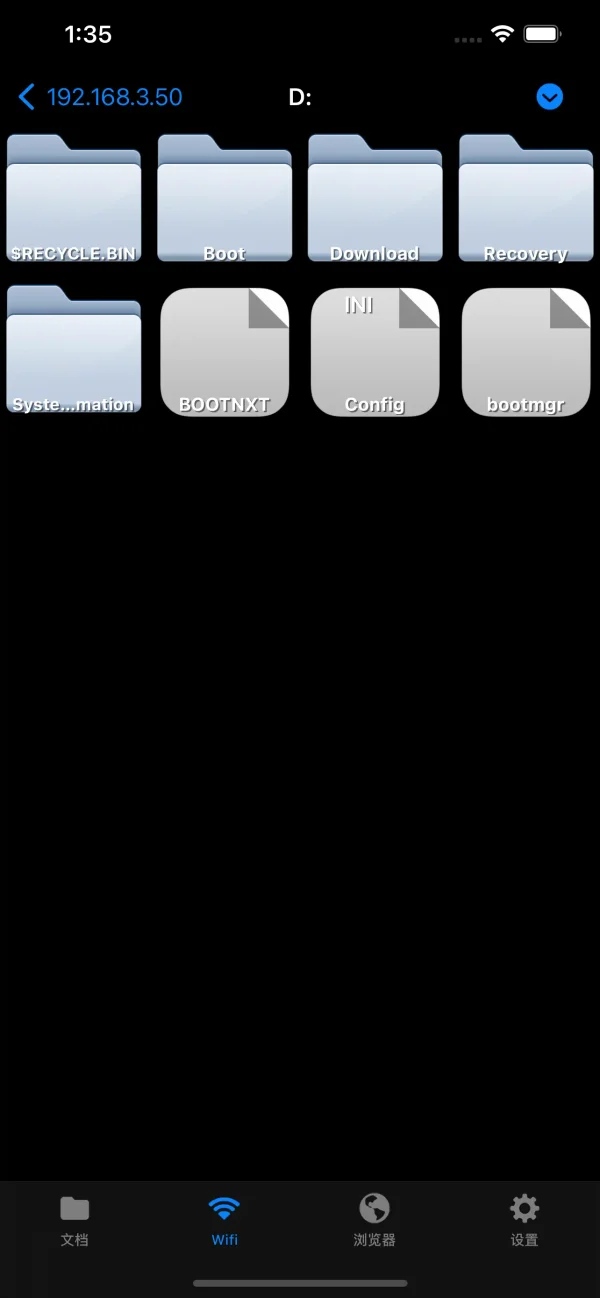
WiFi supports the transfer of files with PC in the LAN. Currently, there are web pages and Dav services. At the same time, you can use iTunes or mobile assistants to transfer files.
Network Neighbor function enables you to access and download PC shared files at any time under the LAN. It also supports online viewing of pictures, videos, music, text and so on.
Sharing function of clipboard supports easy access to and viewing mobile phone shared text under LAN.
4. Password Protection
Support the setting of numbers and TouchID passwords, and can set the verification time interval as needed to protect your privacy at all times.
5. Browsers
Built-in browser supports downloading resources, pictures and videos from any website.
Creative in the form of documents to show the collection of web pages and downloaded documents.
Support file download breakpoint continuation, background download.
6. Picture Browsing
Combining multiple layouts of documents, it brings the best browsing experience of pictures, and more convenient functions such as image rotation and flip.
Long Map Function: One Click to view vertical or horizontal long maps, super-long micro chat record and high-definition "Qingming Shanghe Tu" are not in the words.
7.Video Watching
Supports almost all video formats, and no longer bothers to find various players for playing video.
The comfortable video viewing experience is no longer bothered by the repeated drag and adjustment of video progress.
Speed doubling function: featured speed doubling function, a variety of speed adjustment, speed listening training, slow movement are all mastered.
Timer: Set a good time, listen to music or MV before bed, easy freehand brushwork~
8.Music appreciation
With the same framework as video playback, automatic circular playback, support flac, ape high-definition music format, can still be appreciated after locking the screen.
It also includes speed doubling and timing functions.
9. Book Reading
Support large capacity TXT reading, pdf, word, etc.
10.Compression and decompression
Support zip, rar, 7z format decompression, and ZIP format file compression.
11.Live TV
Creative format, write live links to text, you can try to parse and play.
What’s new
Version 5.2 · Apr 24, 2024
Fix download directory issue, add root directory setting in advanced settings
App privacy
What 志强 余 declares on the App Store about how this app handles data.
-
Data used to track you
May be used to track you across apps and websites owned by other companies.
- Identifiers
-
Data not linked to you
May be collected but is not linked to your identity.
- Identifiers
Privacy practices may vary, for example with the features you use or your age.
Information
- Seller
- 志强 余
- Category
- Utilities
- Version
- 5.2
- Updated
- Apr 24, 2024
- Released
- Dec 12, 2017
- Size
- 79.2 MB
- Requires
- iOS 11.0 or later
- Age rating
- 17+
- Price
- Free
- In-app purchases
- Yes
- Languages
- English, Simplified Chinese
- Copyright
- © 2017 Coreyu Inc
You might also like
-
 FileBox - Mobile File ManagerManage any of your files
-
 FileNookPrivate Local File Workspace
-
 File Manager - Zip & UnzipPlayer | Cloud | Code Editor
-
 Zip Extractor:File ExplorerUnzip,unarchive zip,Rar file
-
 File Browser: Unzip ZIP RAR 7ZOffice, Media, Unzip & Photos
-
 文件管理 - 文件管理器Utilities
-
 MyFiles: File ManagerVideo Player, ZIP & PDF
-
 File Manager: Documents ViewerFiles Explorer: Unzip & Opener
-
 Any: File Explore & ViewerExplore, Search, View Files
-
 File Manager master - Browsermedia player & browser