
FileFly - Local File Transfer
Browse and back up your files
Designed for iPhone, iPad, Mac
Free
- Age rating4+
- CategoryUtilities
- Developer宏宇 孙
- LanguagesEnglish+ 1 more
- Size805.0 KB
Links to the official App Store page
Download.org hosts no file of FileFly - Local File Transfer. The button opens its official App Store page, published by 宏宇 孙. Listing last checked on Nov 20, 2026.
Screenshots

About
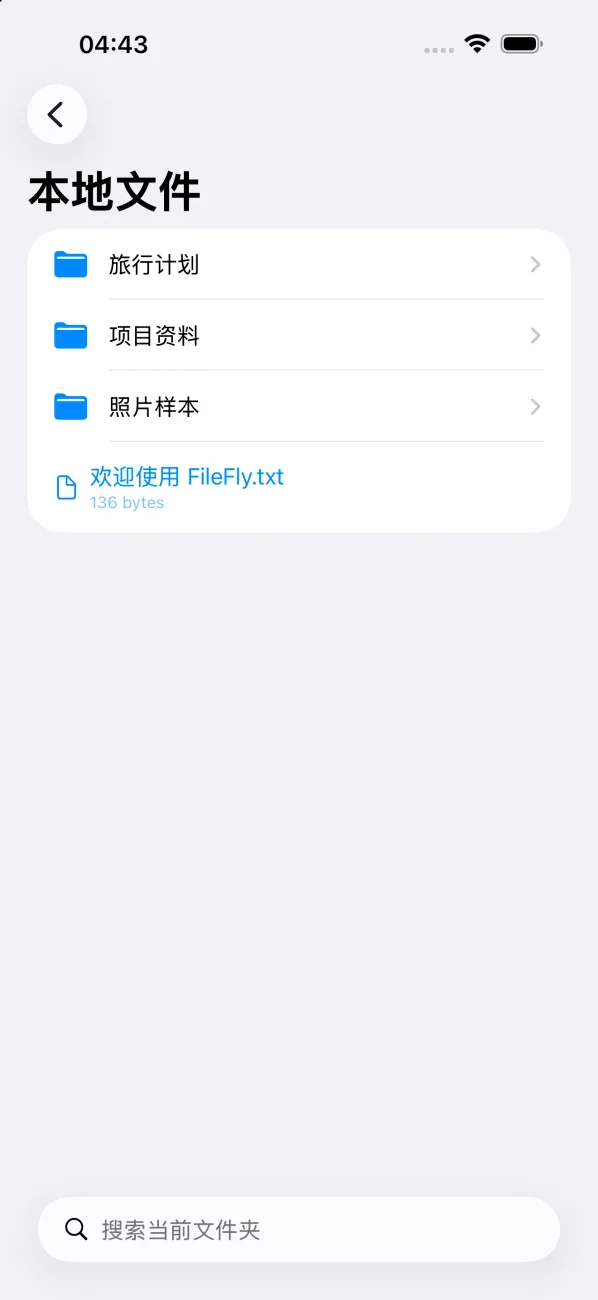
FileFly connects your iPhone or iPad's authorized file folders with your Mac.
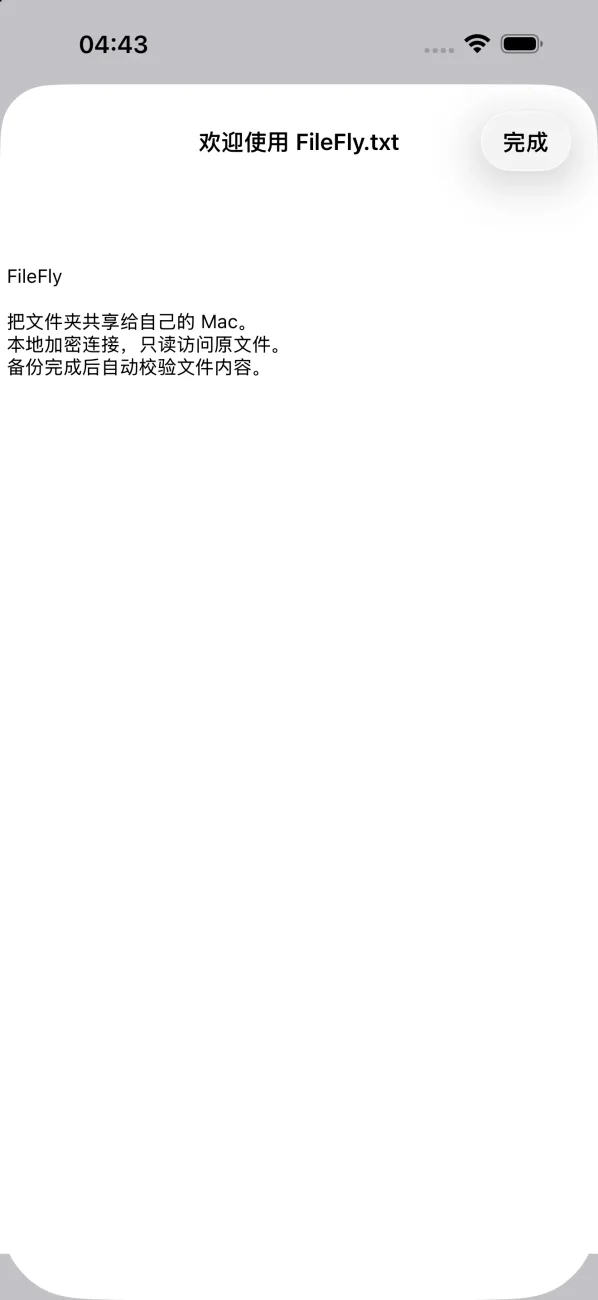
Choose folders using the system Files picker. Each folder includes its subfolders, and supported permissions are remembered on the device. Browse and preview files locally on iPhone or iPad, or start sharing and connect from FileFly on your Mac using the displayed pairing key.
On Mac, browse folders, search the current folder, download individual files, or back up all authorized folders. Downloads are verified with SHA-256. Folder backups include a JSON manifest with relative paths, sizes, checksums and completion status. Completed files remain available if a backup is interrupted; existing destination files are not overwritten.
FileFly does not require an account, include ads or tracking SDKs, or send file contents through developer-operated servers. Mac access is read-only.
The Mac App Store edition uses the same local Wi-Fi network. Keep the mobile app in the foreground while sharing. Access depends on the system picker and file provider; some cloud files must first be downloaded. FileFly cannot access unauthorized locations or other apps' private data. It is a file-copy backup tool, not a full iOS device backup or a two-way sync service.
The updated app supports English and Simplified Chinese. In Settings, choose Follow System, 简体中文, or English. Other system languages use English.
What’s new
Version 1.0.1 · Sep 25, 2026
Added Simplified Chinese and English interfaces, with Follow System as the default and English for other system languages.
Choose Follow System, 简体中文 or English from the bilingual Language control in onboarding and Settings.
Expanded English coverage for guidance, empty states, errors and permission descriptions.
App privacy
What 宏宇 孙 declares on the App Store about how this app handles data.
-
Data not collected
The developer does not collect any data from this app.
Privacy practices may vary, for example with the features you use or your age.
Information
- Seller
- 宏宇 孙
- Category
- Utilities
- Version
- 1.0.1
- Updated
- Sep 25, 2026
- Released
- Sep 22, 2026
- Size
- 805.0 KB
- Requires
- iOS 16.0 or later
- Age rating
- 4+
- Price
- Free
- Languages
- English, Simplified Chinese
- Copyright
- © 2026 Hongyu Sun
You might also like
-
 UinDrop: File TransferSend Files to PC & Android
-
 Easy Transfer ProTransfer files to/from PC
-
 DD-WRTThe #1 DD-WRT router app
-
 Moj Telemach BiHUtilities
-
 答案之书 - 告别选择困难症,寻找你内心的答案答案之书电子版,神奇的人生之书,测爱情测运势,帮你做决定
-
 提瓦特小助手Utilities
-
 Android TV Remote - RemotEasyControl Android-Based TVs
-
 AK游戏加速器-全球网络加速助手Utilities
-
 GTO PreflopFast Preflop Poker Decisions