Android TV Remote - RemotEasy
Control Android-Based TVs
Designed for iPhone, iPad, iPod touch
Free
- Age rating4+
- CategoryUtilities
- DeveloperArcelik A.S.
- LanguagesEnglish+ 5 more
- Size26.8 MB
Links to the official App Store page
Download.org hosts no file of Android TV Remote - RemotEasy. The button opens its official App Store page, published by Arcelik A.S. Listing last checked on Nov 20, 2026.
Screenshots

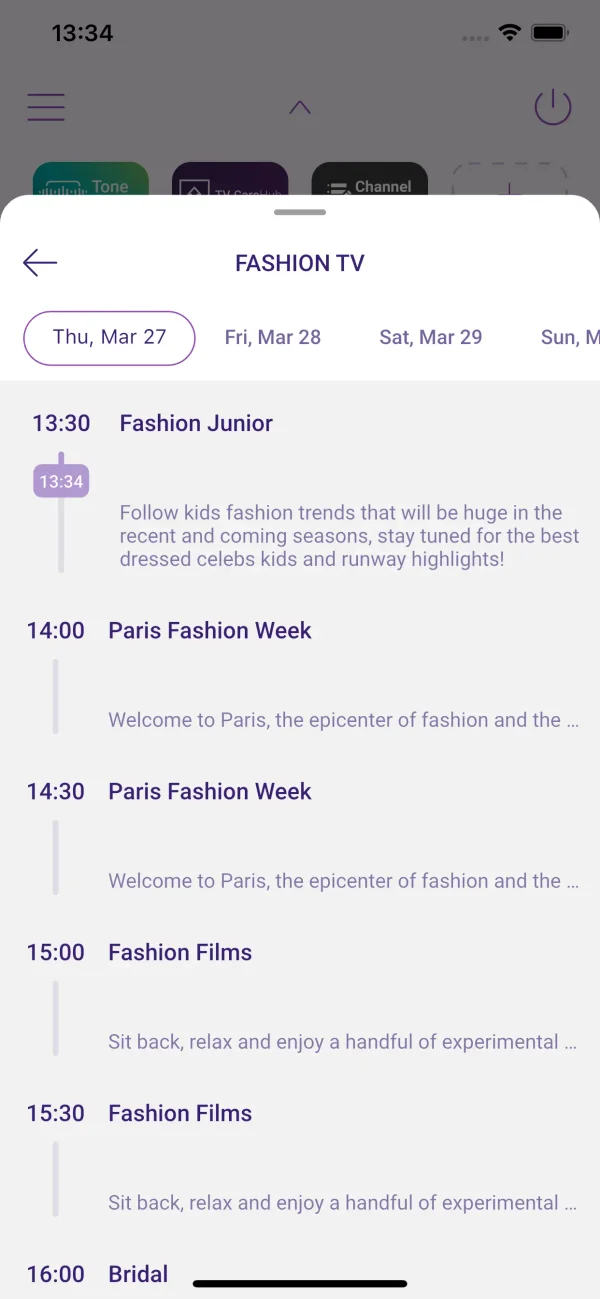
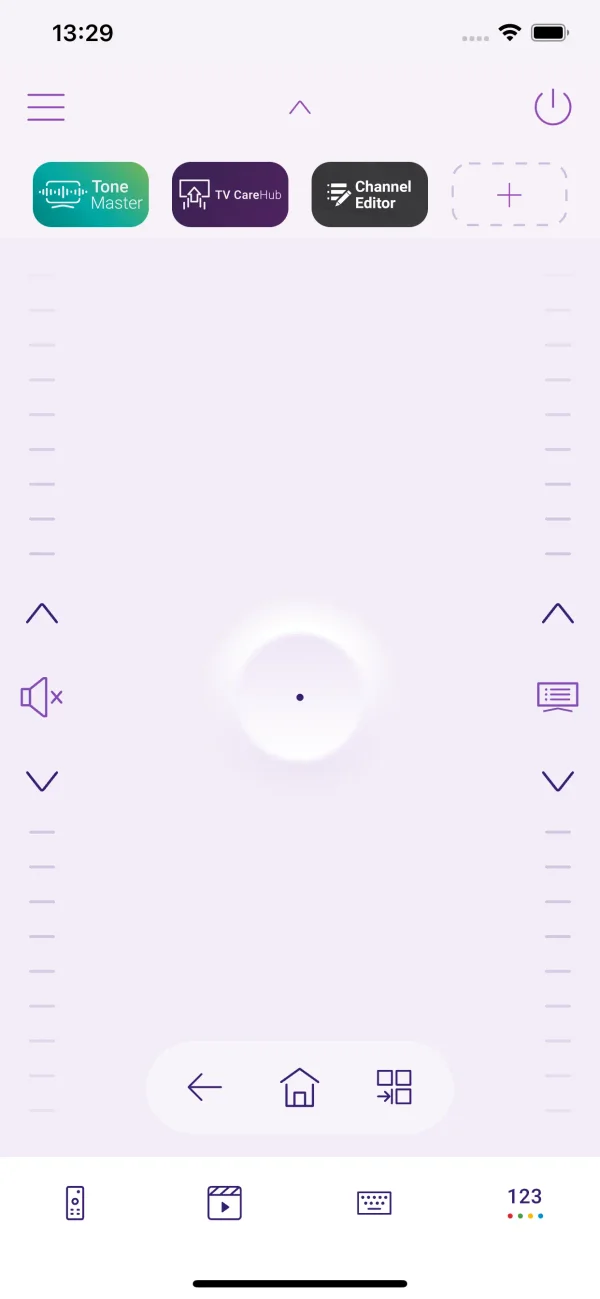
About
RemotEasy – The Ultimate Smart Remote for All Android-Based TVs
Transform your smartphone into a fast, modern, and intuitive Wi-Fi remote control!
RemotEasy is designed to give you effortless control over all Android-based Smart TVs
and streaming boxes, including Arçelik, Beko, and Grundig.
Say goodbye to lost physical remotes, dead batteries, and clunky button layouts.
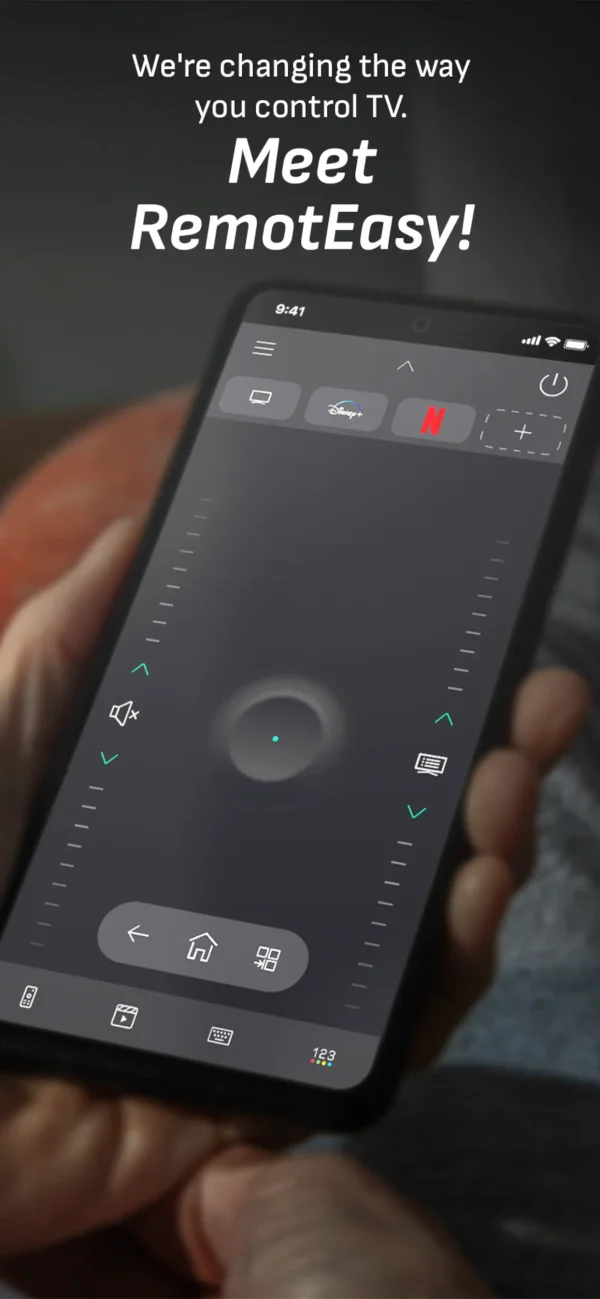
With its sleek interface, customizable shortcuts, and smooth swipe gestures,
RemotEasy makes navigating your television easier than ever.
Key Features:
• Universal Compatibility: Works seamlessly across all Android-based TVs,
sticks, and media boxes over Wi-Fi.
• Smooth Swipe & Touch Navigation: Adjust volume, change channels, and navigate
menus effortlessly with intuitive swipe gestures.
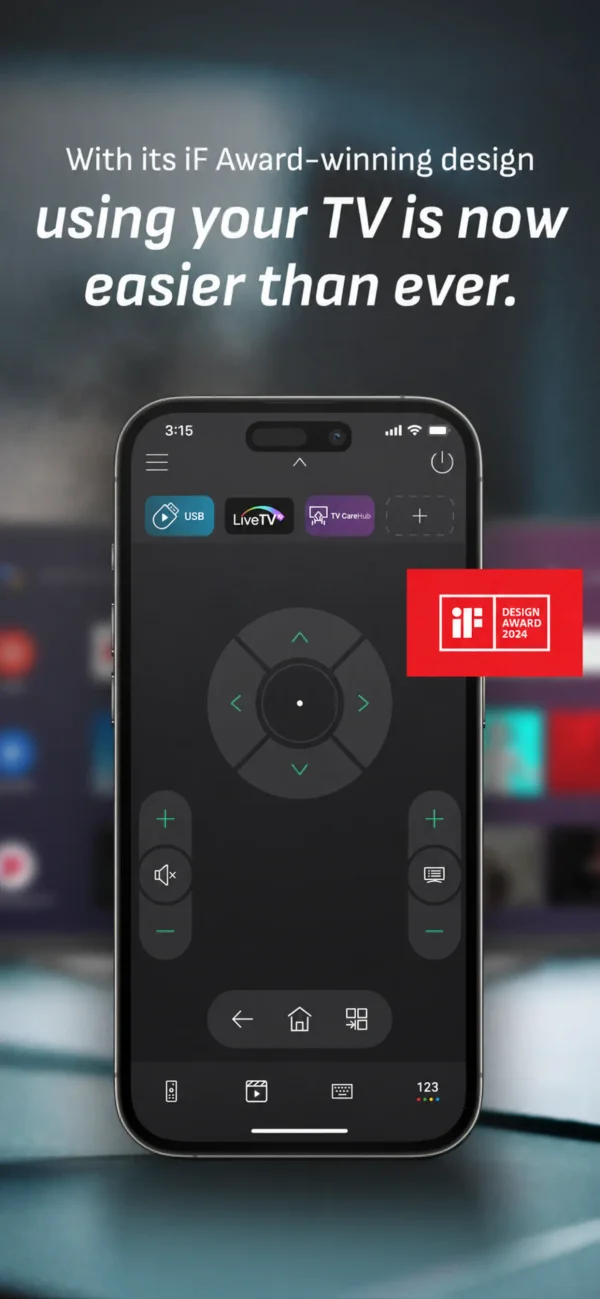
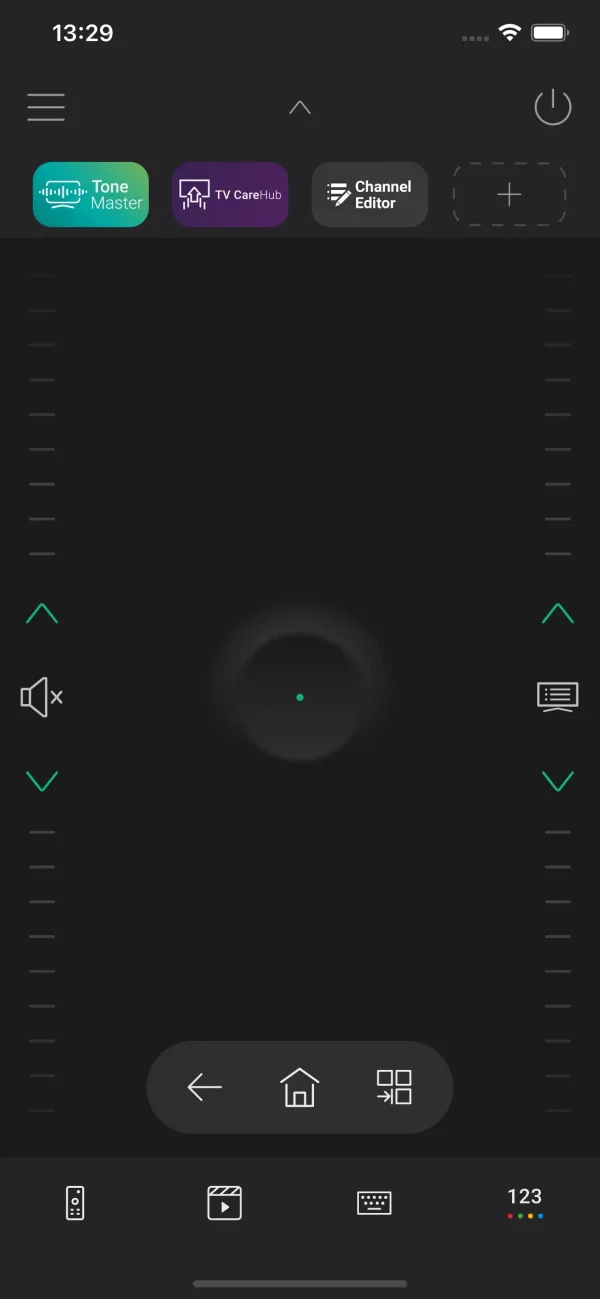
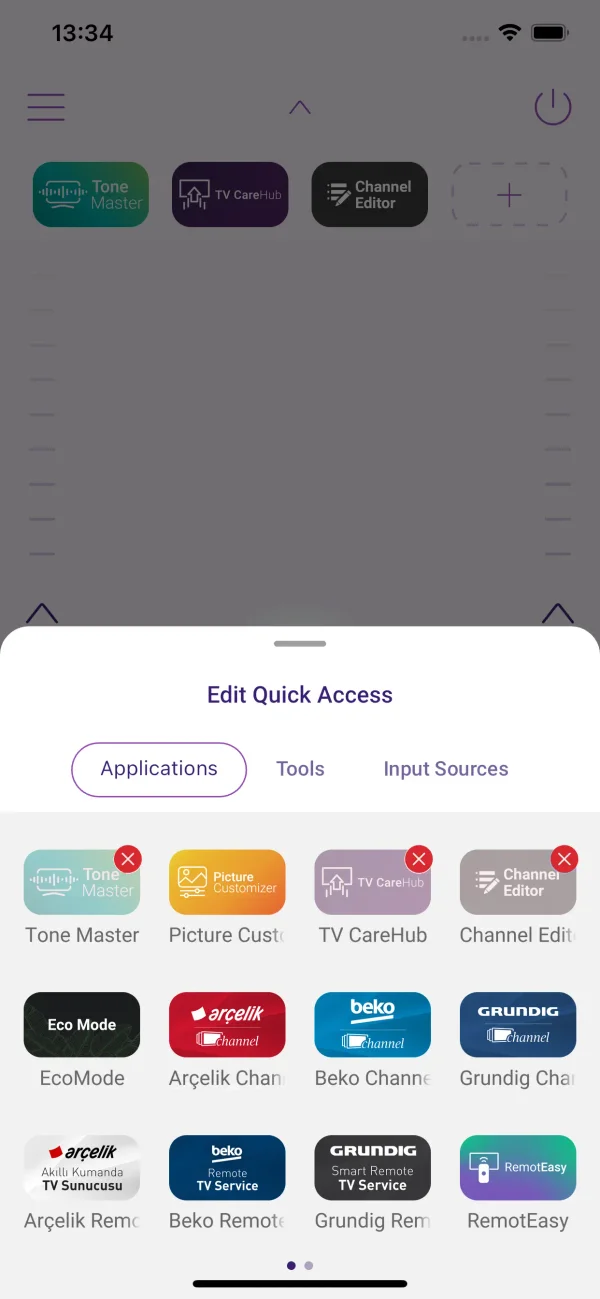
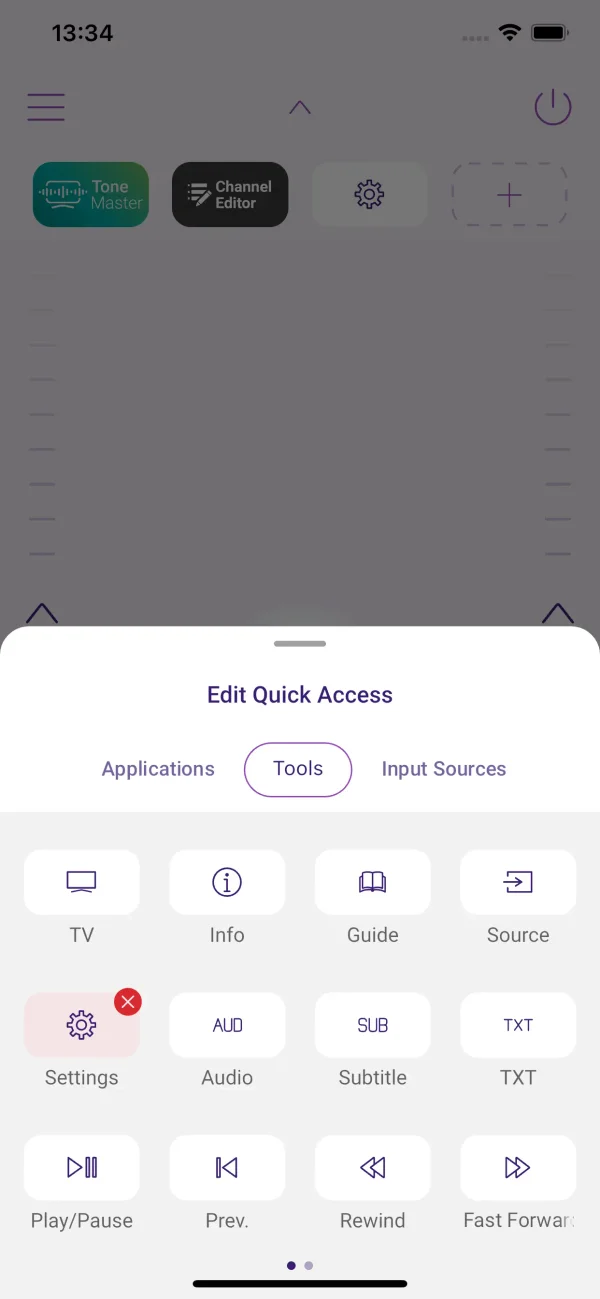
• Customizable Shortcuts: Personalize in-app shortcuts for one-tap access to
your favorite features and controls.
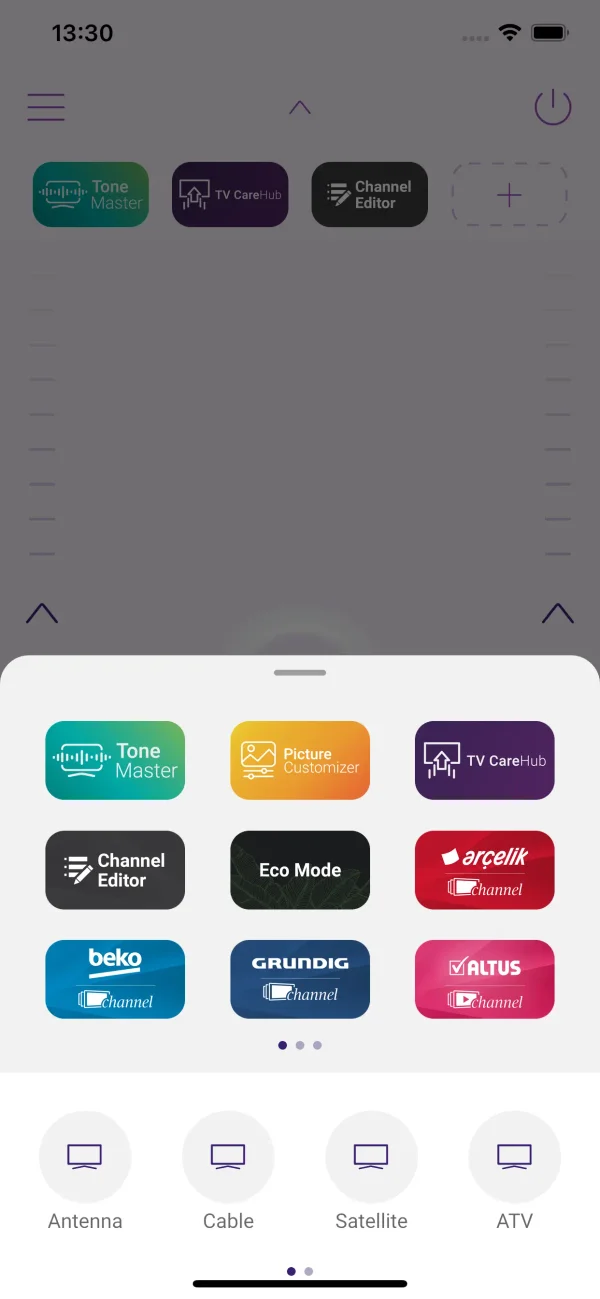
• Quick Access Hub: Instantly launch installed TV apps, switch inputs/sources,
and open system tools from a single well-structured screen.
• Modern Dark & Light Themes: Enjoy an eye-friendly, distraction-free design
that adapts to your style day or night.
• Auto Discovery & Manual IP: Automatically detects TVs on your local network,
with manual IP connection support for advanced setups.
How Does It Work?
1. Connect to Wi-Fi: Make sure your iPhone and your TV are connected to the same Wi-Fi network.
2. Automatic Detection: Open RemotEasy—the app will automatically scan and find your TV in seconds.
3. Quick Pairing: Select your TV from the list and enter the PIN code shown on your TV screen.
(If your network blocks auto-discovery, you can easily connect by entering your TV's IP address manually).
4. Start Controlling: Enjoy seamless, lag-free control right from your iPhone!
What’s new
Version 1.0.14 · Oct 22, 2026
Support for all Android based TVs has been enabled.
Performance improvements have been made.
UI improvements have been made.
App privacy
What Arcelik A.S. declares on the App Store about how this app handles data.
-
Data not linked to you
May be collected but is not linked to your identity.
- Diagnostics
Privacy practices may vary, for example with the features you use or your age.
Information
- Seller
- Arcelik A.S.
- Category
- Utilities
- Version
- 1.0.14
- Updated
- Oct 22, 2026
- Released
- Mar 27, 2025
- Size
- 26.8 MB
- Requires
- iOS 15.6 or later
- Age rating
- 4+
- Price
- Free
- Languages
- English, French, German, Russian, Spanish, Turkish
- Copyright
- © 2026 Arcelik A.S.
You might also like
-
 Myra: Universal TV RemoteTouchpad, Keyboard, Android TV
-
 Remotely ControllerControl your TV(s) remotely
-
 Vestel Akıllı KontrolUtilities
-
 Remo: Smart TV RemoteAndroid TV Control & WiFi
-
 Wifi Remote for Android TVFor Android and Google TV
-
 Petrol OfisiUtilities
-
 AirHQRemote Control for Android TV
-
 RemoteCallUtilities
-
 Zank Remote for Smart TVs, BoxUniversal remote for your TVs
-
 Universal TV Remote - Cast TVSmart TV Remote Control App