
FileFly Network File Transfer
Cross platform file sharing
Designed for iPhone, Mac
Free
- Age rating4+
- CategoryProductivity
- DeveloperAmal Ajith
- LanguagesEnglish
- Size3.0 MB
Links to the official App Store page
Download.org hosts no file of FileFly Network File Transfer. The button opens its official App Store page, published by Amal Ajith. Listing last checked on Nov 18, 2026.
Screenshots



About
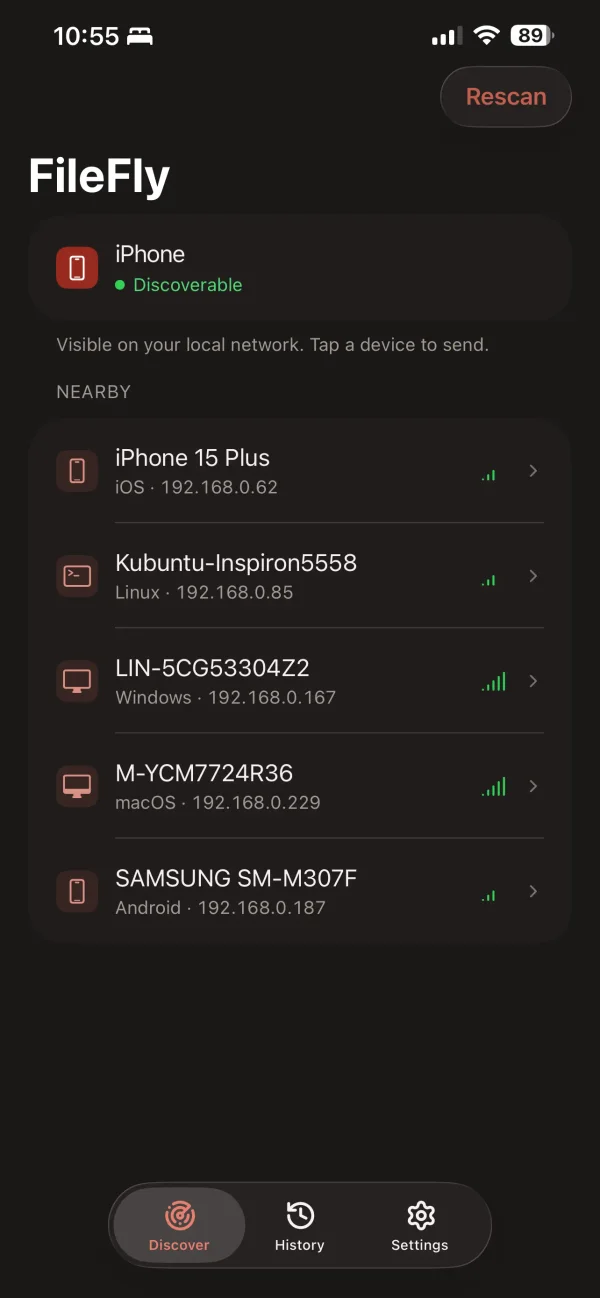
Use FileFly to transfer files between your iPhone and any computer on your Wi-Fi. Windows, macOS, Linux — no cloud, no account, no size limit.
ONE APP, EVERY COMPUTER YOU OWN
Most ways of getting a file off a phone stop at the edge of one ecosystem. FileFly does not. The same app runs on Windows, macOS and Linux, and your iPhone talks to all three in exactly the same way.
iPhone to Windows — put a video on the family PC without a cable, a cloud account or an email to yourself.
iPhone to Linux — send straight to a workstation, a laptop or a home server that nothing else on your phone will talk to.
iPhone to Mac — move a folder of photos across in seconds, without waiting for anything to sync.
iPhone to iPhone — two phones on the same Wi-Fi, sending directly to each other.
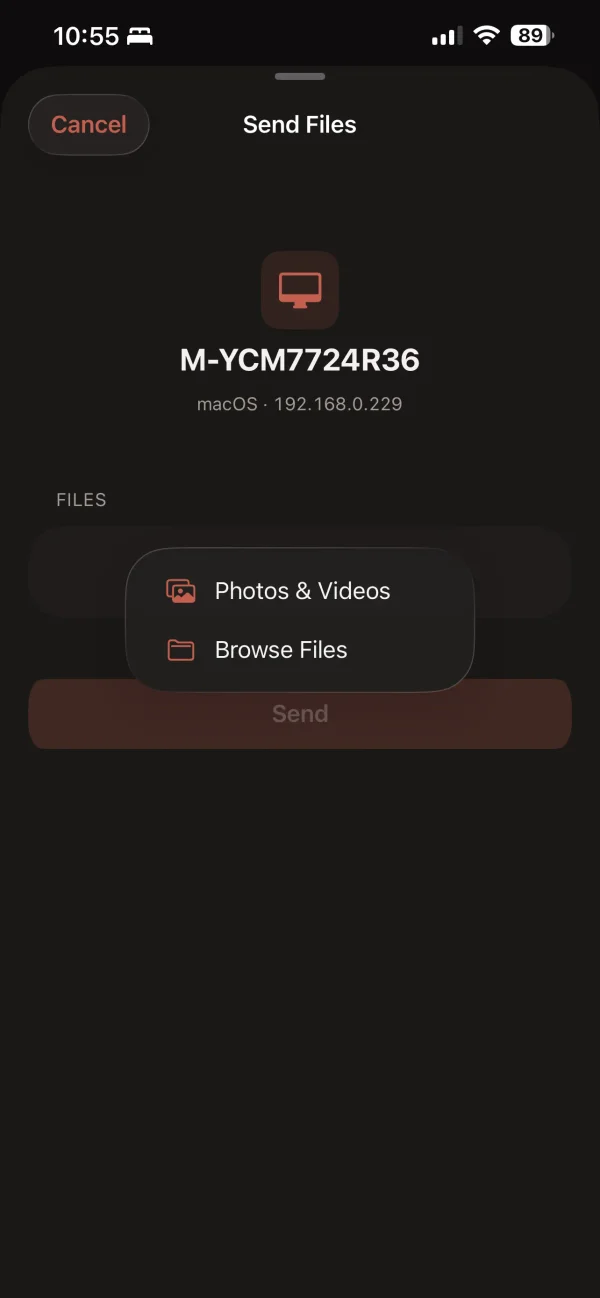
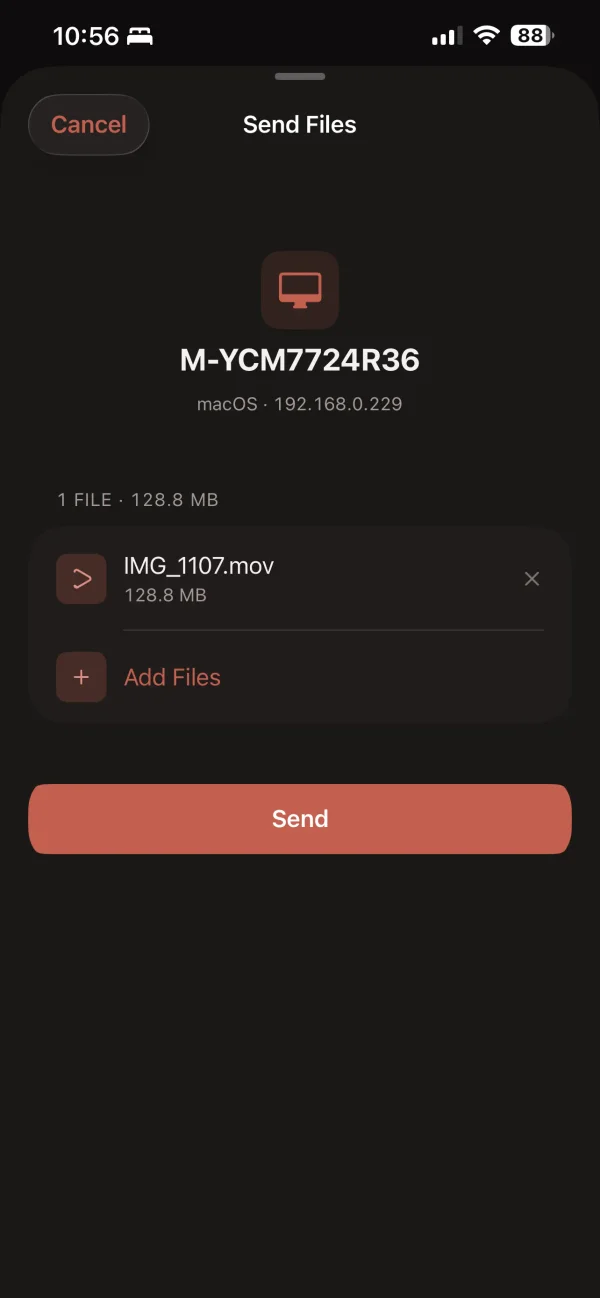
It works both ways. Send from your phone to your computer, or from your computer to your phone, with the same three taps.
NOTHING TO SET UP
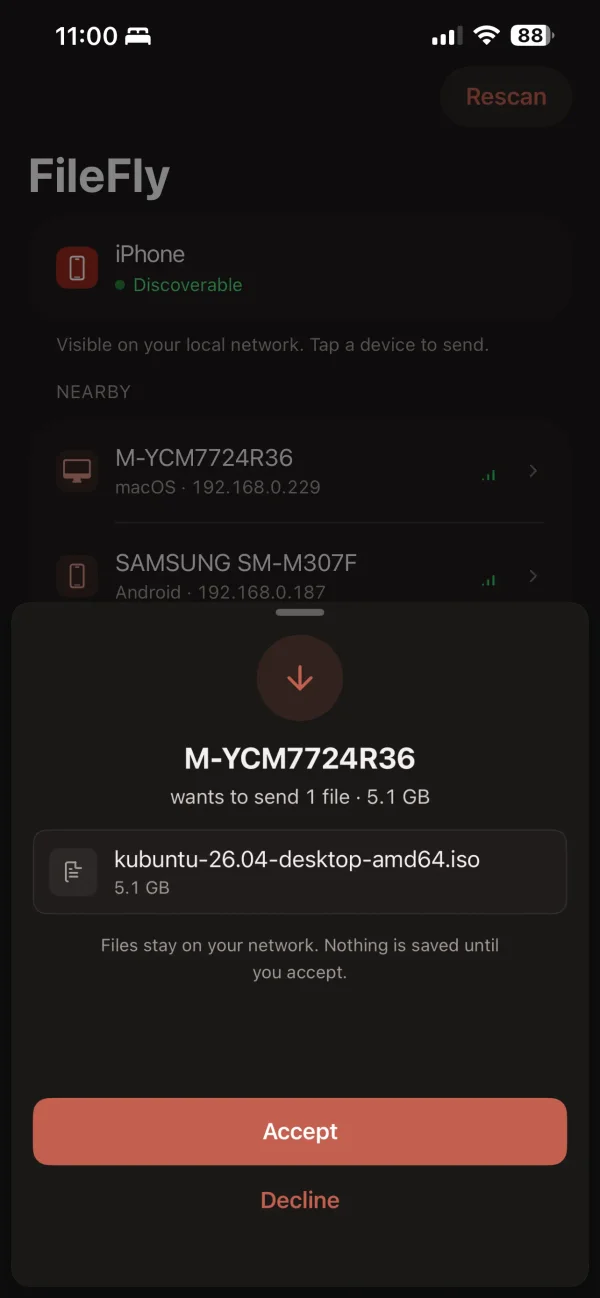
Install FileFly on your computer from fileflyapp.com, then open the app on your phone. Your computer is already in the list. No pairing codes, no IP addresses, no accounts at either end — the two devices find each other the moment they are on the same Wi-Fi.
SEND WITHOUT OPENING THE APP
FileFly lives in the iOS share sheet. Send a photo straight from Photos, or a document straight from Files, pick the device, and it goes.
RECEIVED FILES GO WHERE YOU EXPECT
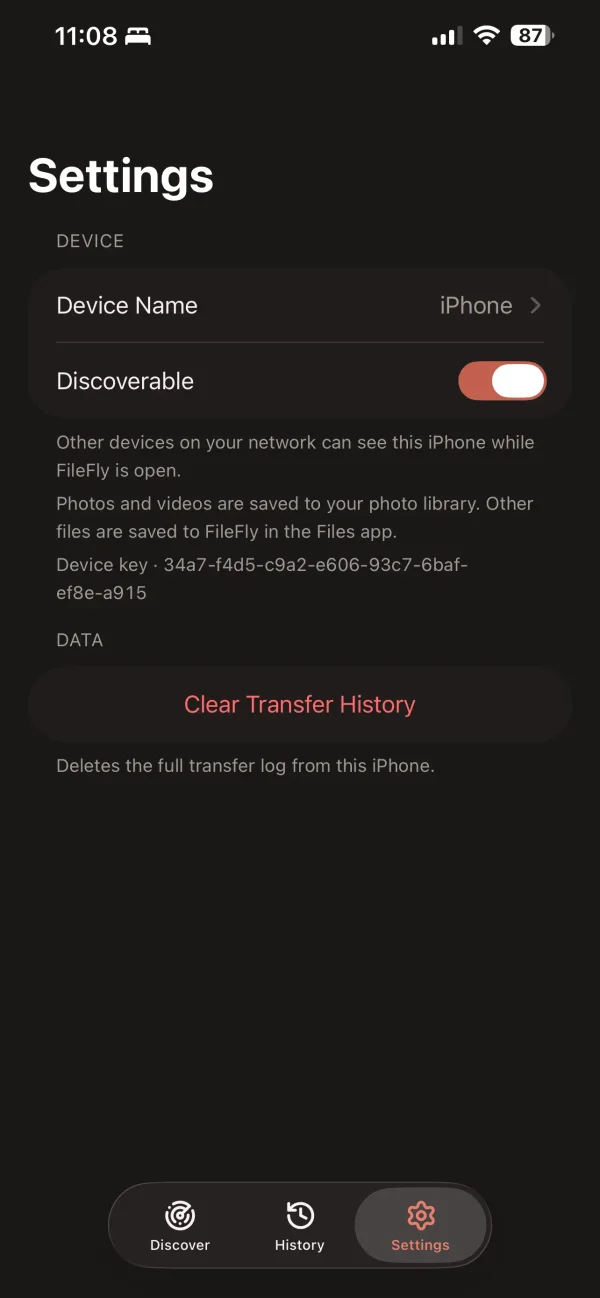
Photos and videos are saved to your photo library. Everything else lands in the FileFly folder in the Files app, ready to open with any app on your phone.
NO LIMITS
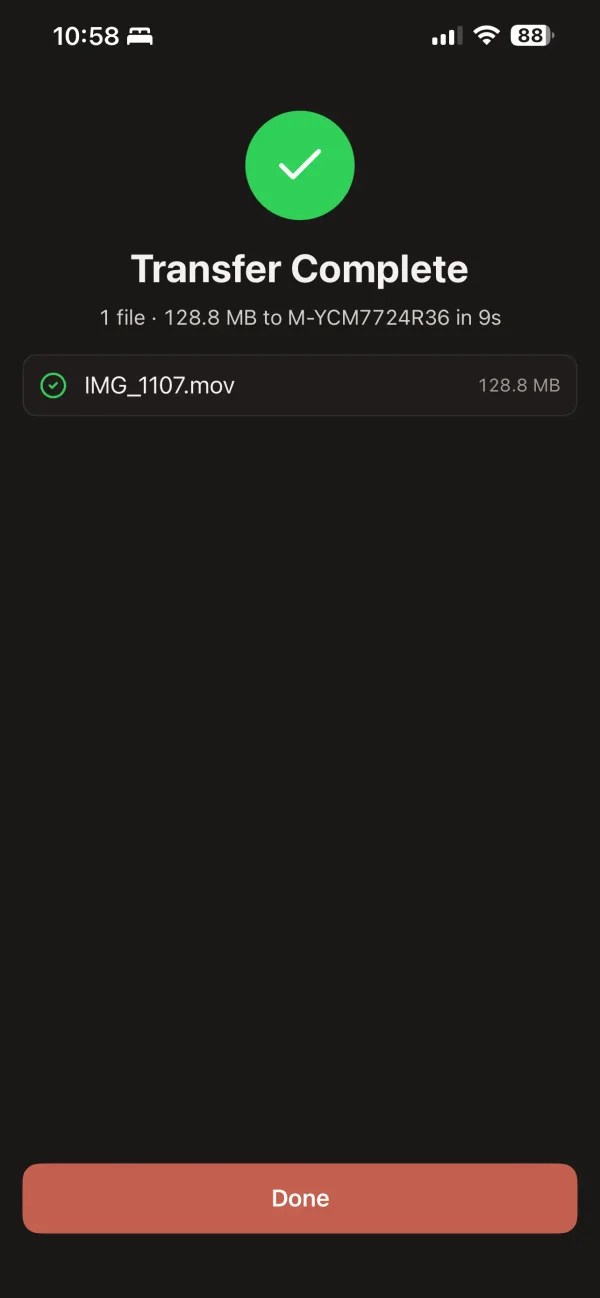
A 4K video, a whole photo album, a disk image — if it fits on your phone, it transfers. No queue, no compression, no cap on file size, and no upload waiting on your broadband. The file crosses your Wi-Fi at the speed of your Wi-Fi.
YOU DECIDE WHAT ARRIVES
Nothing is transferred until you accept it. Every device carries its own key, shown in Settings, so you can check exactly who you are sending to before you say yes.
NOTHING IS COLLECTED
There is no account to create and no server of ours in the middle. FileFly has no analytics and gathers no data about you or your files. Your files move directly between your devices and never leave your local network.
WHAT YOU NEED
Two devices on the same Wi-Fi network, with FileFly open on both. That is the whole requirement.
What’s new
Version 1.0.1 · Sep 7, 2026
FileFly comes to iPhone.
• Send and receive files with any computer running FileFly on your Wi-Fi — Windows, macOS or Linux
• Share straight from Photos or Files, without opening the app first
• Photos and videos are saved to your photo library; everything else to the Files app
• Every incoming transfer waits for you to accept it
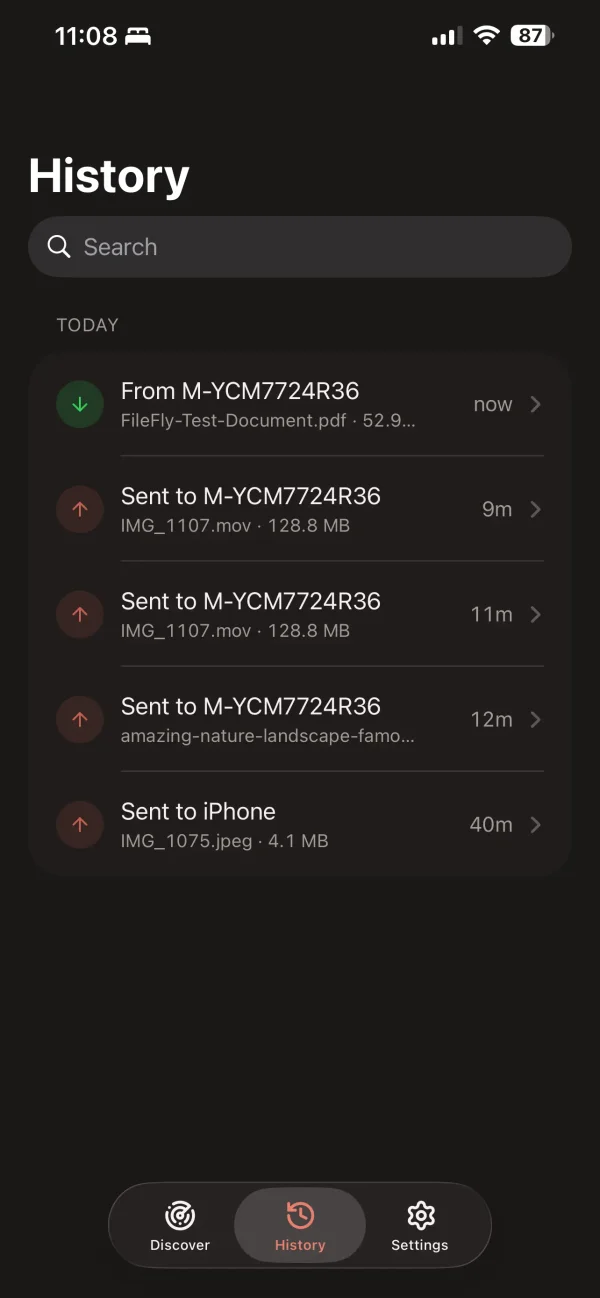
• History shows what you sent and received, and where each file ended up
No cloud, no account, no size limit. Your files never leave your network.
FileFly now counts app opens, so we can tell how many people are using it.
That is one anonymous event, sent when the app starts. Nothing about your files, your devices or your transfers is included, and there is still no account and no cloud. You can switch it off any time in Settings, under Anonymous Usage Analytics.
App privacy
What Amal Ajith declares on the App Store about how this app handles data.
-
Data not linked to you
May be collected but is not linked to your identity.
- Usage data
Privacy practices may vary, for example with the features you use or your age.
Information
- Seller
- Amal Ajith
- Category
- Productivity
- Version
- 1.0.1
- Updated
- Sep 7, 2026
- Released
- Jun 27, 2021
- Size
- 3.0 MB
- Requires
- iOS 18.0 or later
- Age rating
- 4+
- Price
- Free
- Languages
- English
- Copyright
- © 2026 Amal Ajith
You might also like
-
 FileFly | Share & Upload FilesUpload. Link. Share.
-
 Basket LibraryRead local or Basket Library.
-
 Habpix: Habit Tracker & GoalsPhoto Journal & Daily Routine
-
 HabitPrime: Habit TrackerBuild Routines, Track Streaks
-
 Beaver NotesProductivity
-
 All In One Organisationdigitaler All-in-One Planer
-
 Stone Soup Coworking SpaceProductivity
-
 YPMSmart AI Life Organizer
-
 Pip: Clipboard History ManagerCopy Paste Keyboard & Snippets
-
 OKR Personal: Goal ManagementGoal, Task & Habit Tracker