Files Vault Pro, Security Lock
Encryption + Protection
Designed for iPhone, iPad, iPod touch
$1.99
- Age rating4+
- CategoryProductivity
- DeveloperEyeOS Store Inc.
- LanguagesEnglish
- Size3.1 MB
Links to the official App Store page
Download.org hosts no file of Files Vault Pro, Security Lock. The button opens its official App Store page, published by EyeOS Store Inc. Listing last checked on Nov 7, 2026.
Screenshots
About
Protect private photos and files with hardware-backed security and on-device encryption.
On-device AES-GCM. Files are encrypted locally with a symmetric key stored in the Secure Enclave–backed Keychain (When Passcode Set, This Device Only).
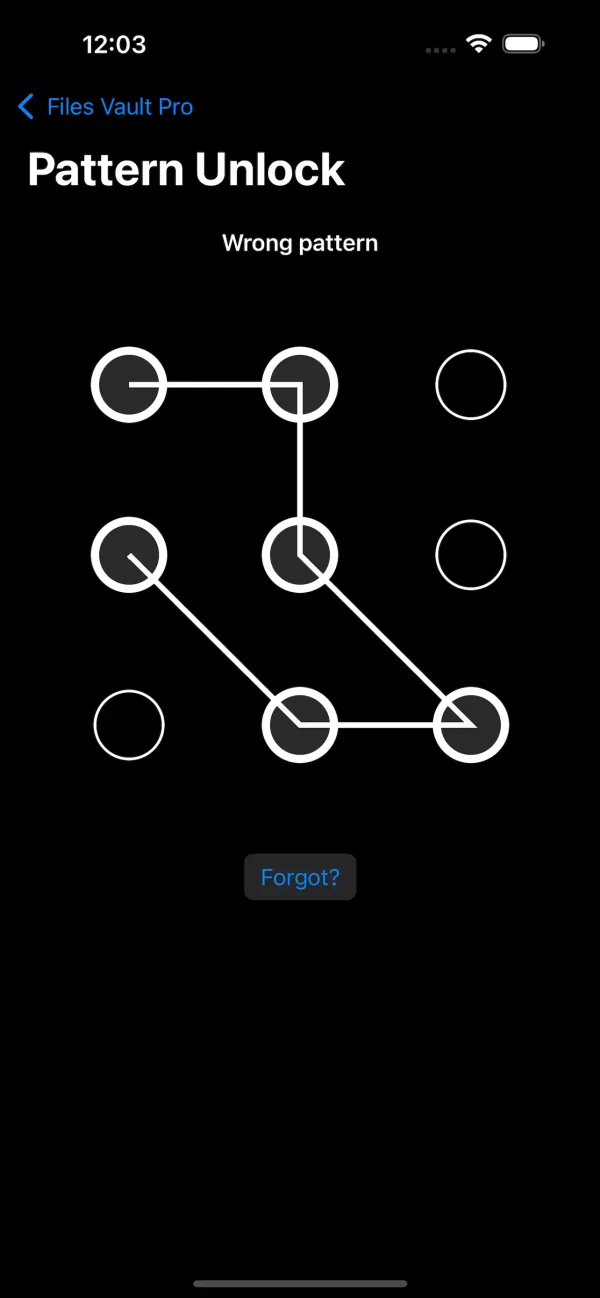
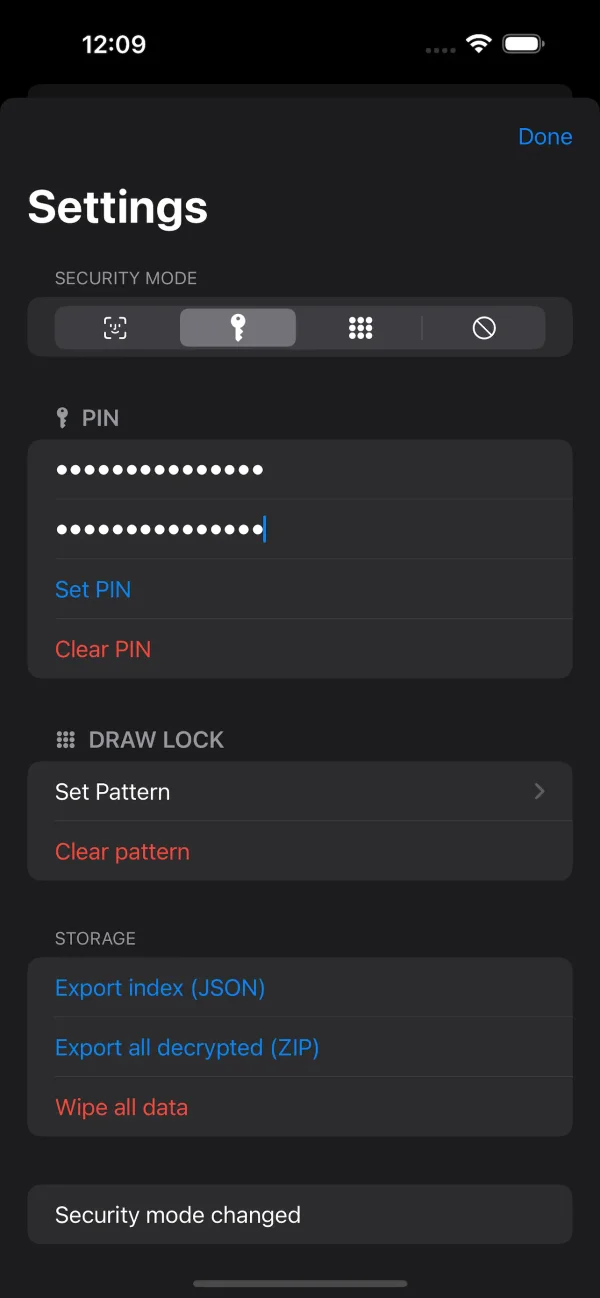
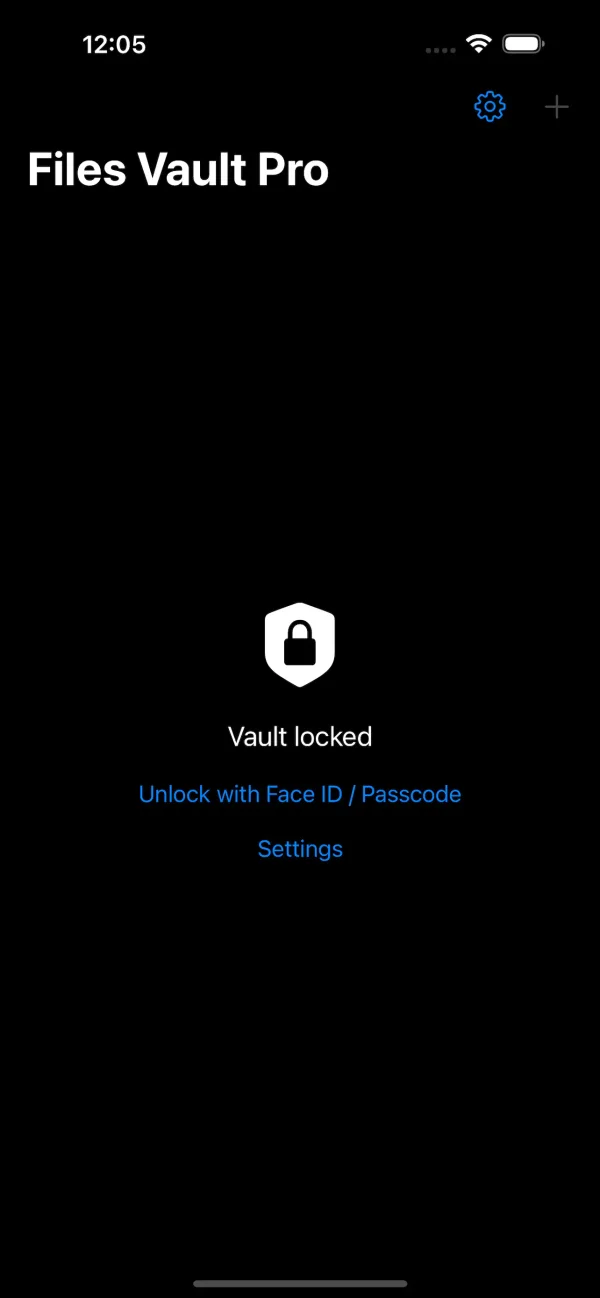
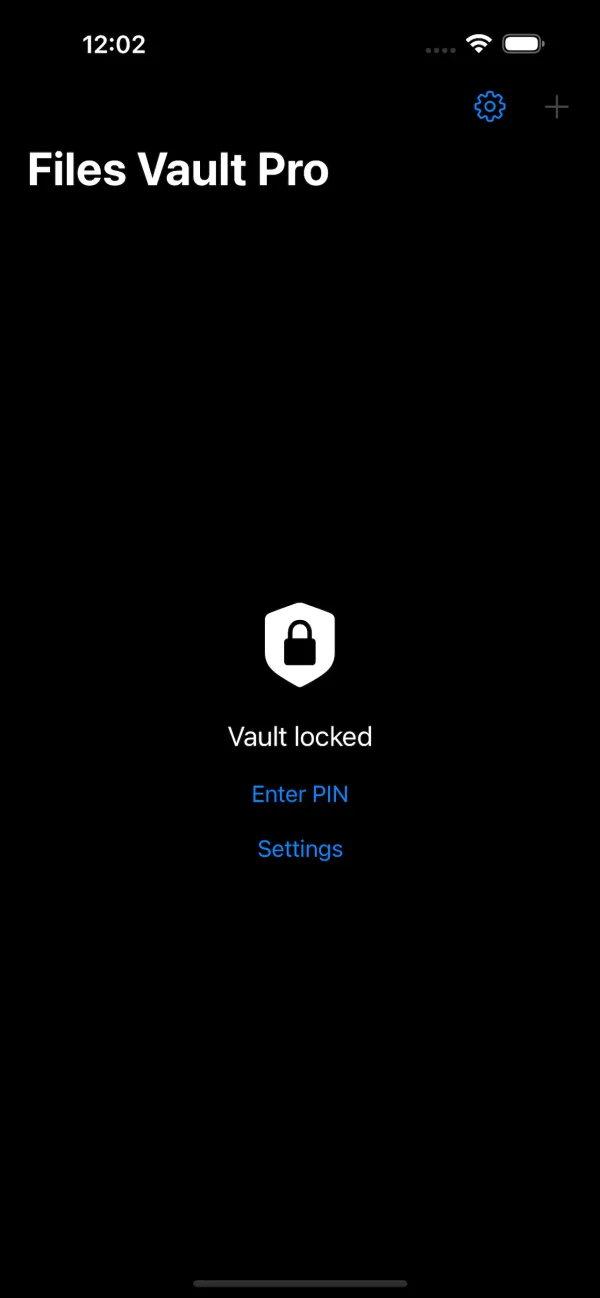
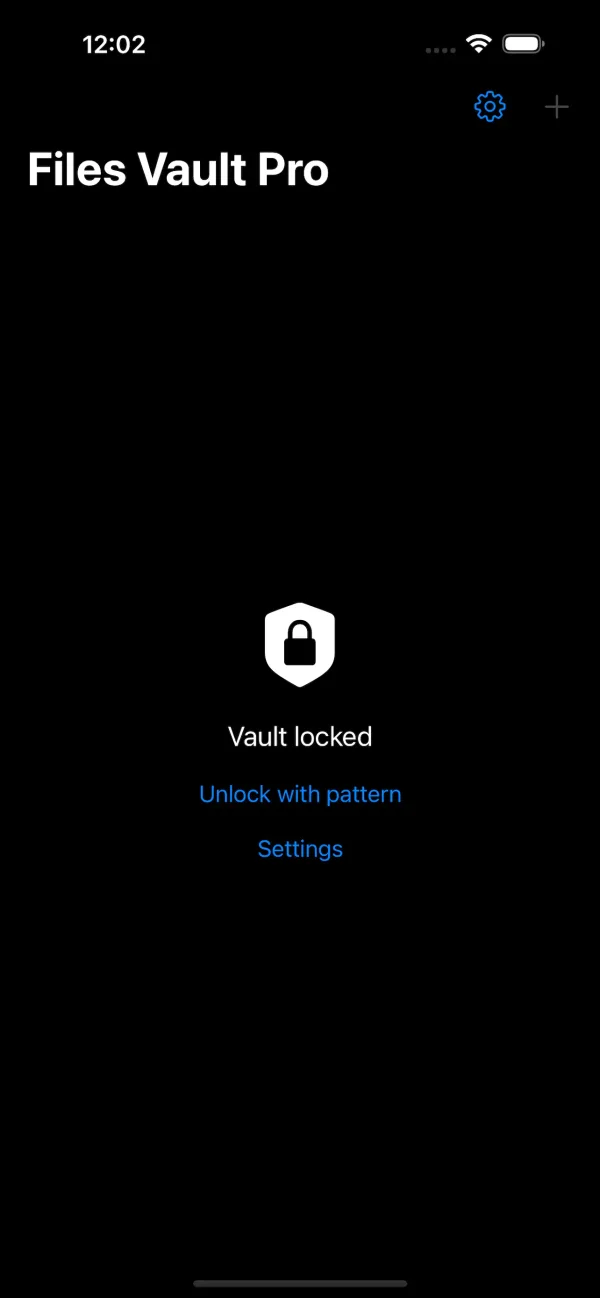
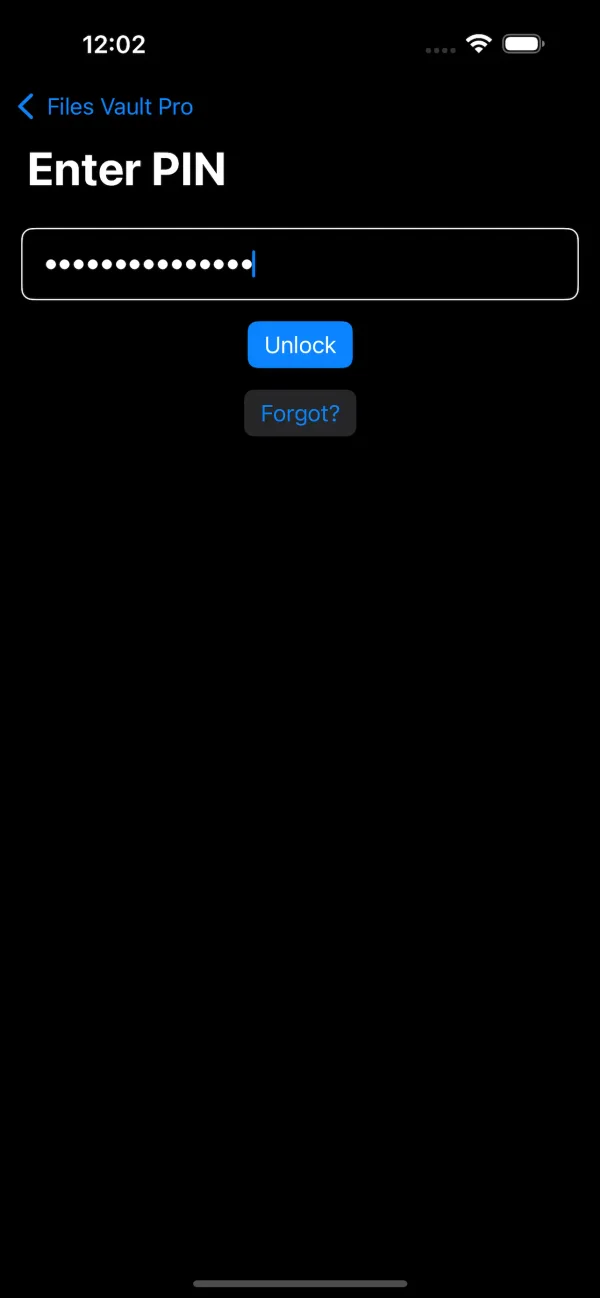
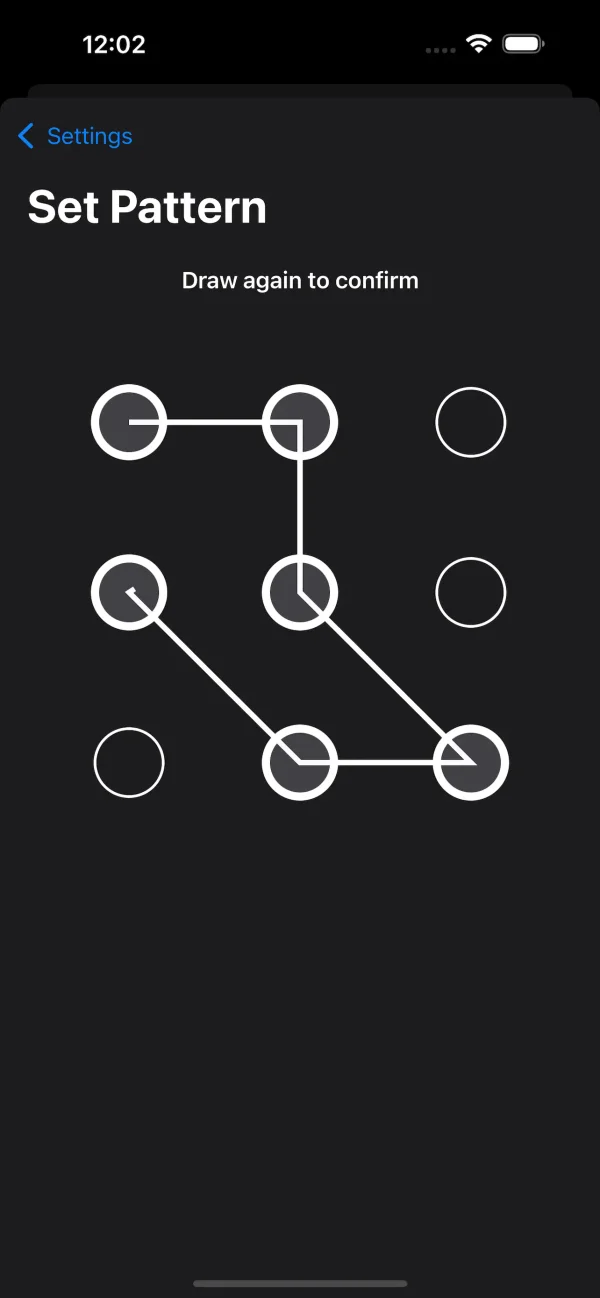
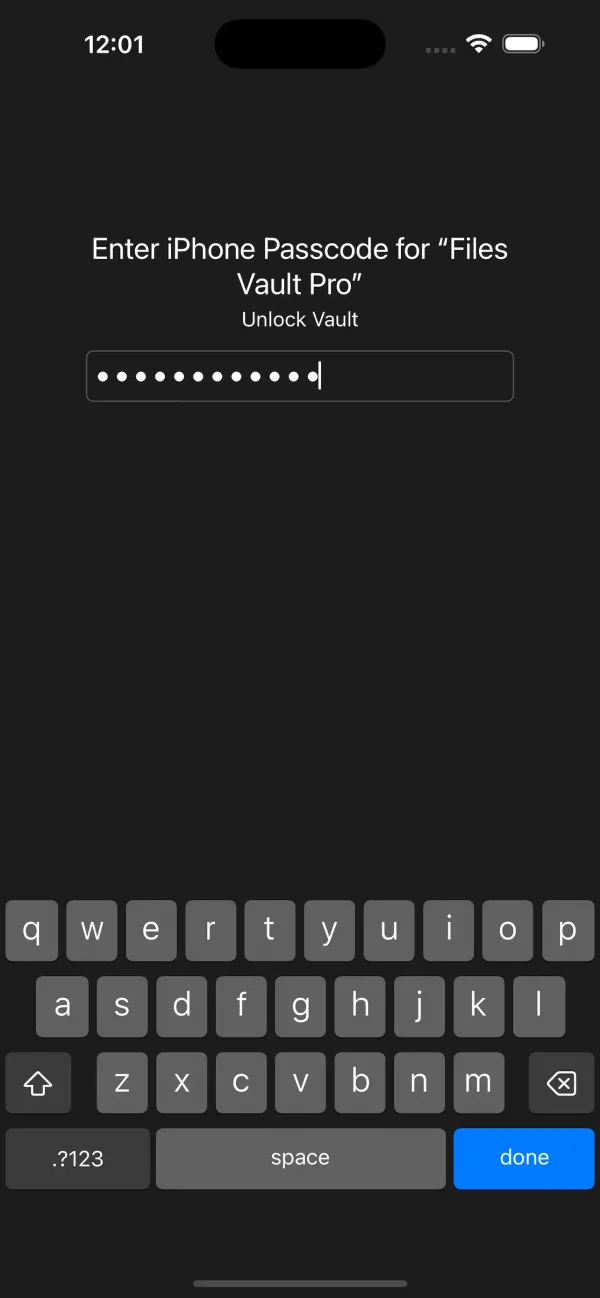
Three unlock methods. Face ID/Passcode, PIN, or a 3×3 pattern lock. Change anytime behind a biometric “master gate.”
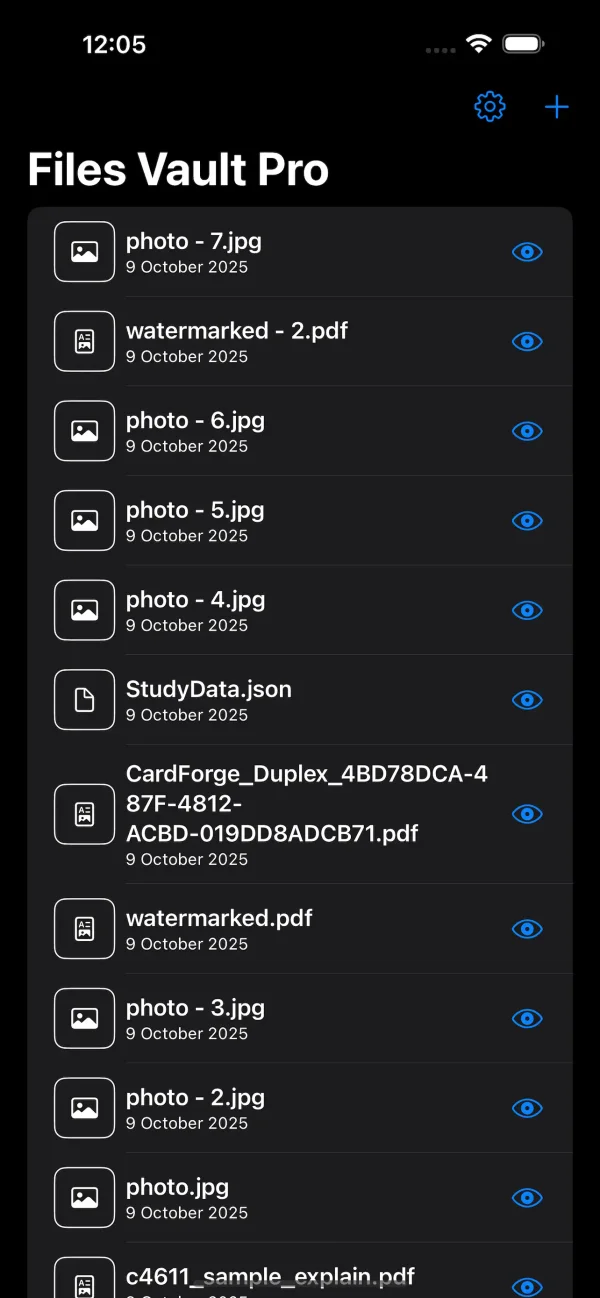
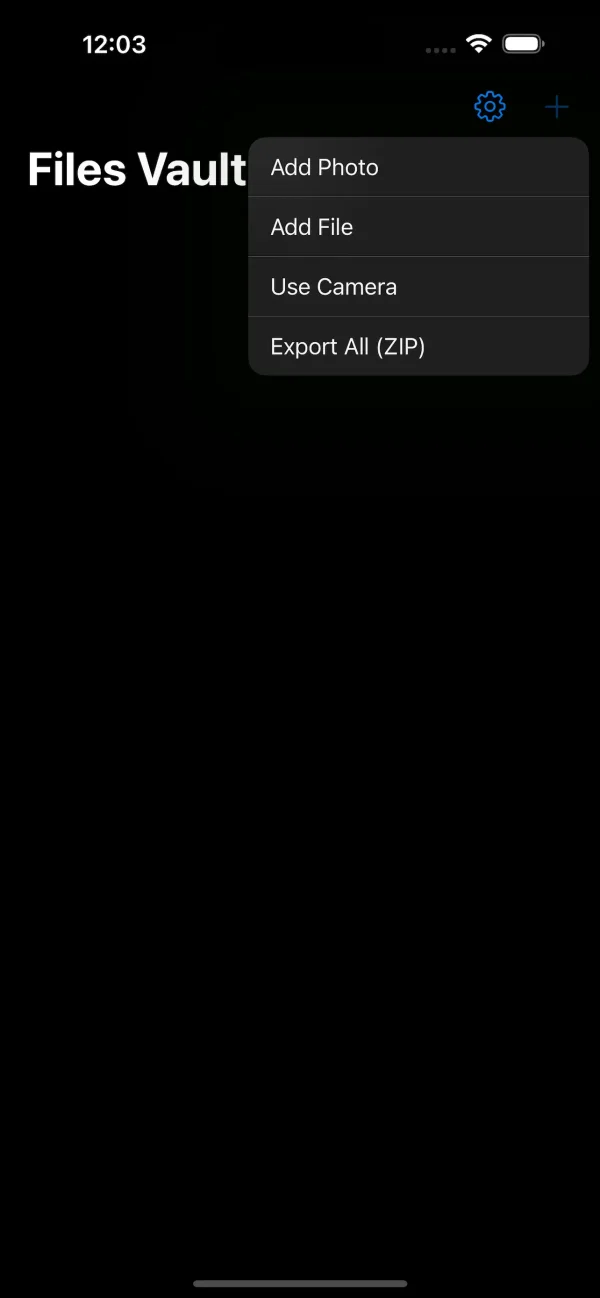
Real file handling. Add from Photos, Camera, or Files. Quick Look viewer for PDFs, videos, audio, and more. Pinch-to-zoom for images.
Safe exporting. Export everything as a ZIP or single items. Photos can also be saved straight to the system Photos library.
Name collision guard. Incoming items and exports get unique names automatically. No accidental overwrites.
Secure by default. The “+” button and destructive actions are disabled when locked to prevent exploits.
No account. No cloud. No trackers. Your vault lives on your device.
Face ID / device passcode authentication
Optional PIN and 3×3 pattern lock
Encrypted storage for photos, PDFs, docs, videos, audio
Built-in viewer (images, PDFs, media, many file types via Quick Look)
Add from Camera, Photos, or Files
Export all (ZIP) or single items
Save exported photos to the Photos app
Filename sanitization and automatic de-duplication
Wipe-all option when needed
Private scans, IDs, medical docs
Sensitive work files on BYOD devices
Photos you don’t want in cloud libraries
Files Vault Pro keeps features local to minimize attack surface. Do not rely on any consumer app for life-critical secrecy.
No data collected from this app.
Camera and Photos permissions are used only for adding or saving your content.
Face ID is used for on-device authentication. Nothing leaves the device.
App privacy
What EyeOS Store Inc. declares on the App Store about how this app handles data.
-
Data not collected
The developer does not collect any data from this app.
Privacy practices may vary, for example with the features you use or your age.
Information
- Seller
- EyeOS Store Inc.
- Category
- Productivity
- Version
- 1.0
- Updated
- Oct 10, 2025
- Released
- Oct 10, 2025
- Size
- 3.1 MB
- Requires
- iOS 16 or later
- Age rating
- 4+
- Price
- $1.99
- Languages
- English
- Copyright
- EyeOS Store © 2025
You might also like
-
 DocLib VaultLocal vault for files & media
-
 Real Network Utilities ScannerPing,Port Scan & WiFi Analyzer
-
 3D Model Viewer - AR & PrintSimulate 3D Printing and AR
-
 UpNote - notes, diary, journalBeautiful. Simple. Easy to use
-
 CubiCasa | 2D & 3D Floor PlansScan a floor plan in 5 minutes
-
 mydlinkYour Home, Only Smarter
-
 UniFiEnterprise Network Management
-
 Vault - Hide photos & videoskeep photo safe & hide privacy
-
 Cloaked: Protect your privacyUnlimited secure identities
-
 AI Chatbot & Design AssistantAll-in-One Chatbot & AI Image