DocLib Vault
Local vault for files & media
Designed for iPhone, iPad
Free · In-app purchases
- Age rating17+
- CategoryProductivity
- DeveloperTyler Mattingly
- Size216.4 MB
Links to the official App Store page
Download.org hosts no file of DocLib Vault. The button opens its official App Store page, published by Tyler Mattingly. Listing last checked on Nov 18, 2026.
Screenshots



About
DocLib is a local-first private vault for photos, videos, files, audio, and notes.
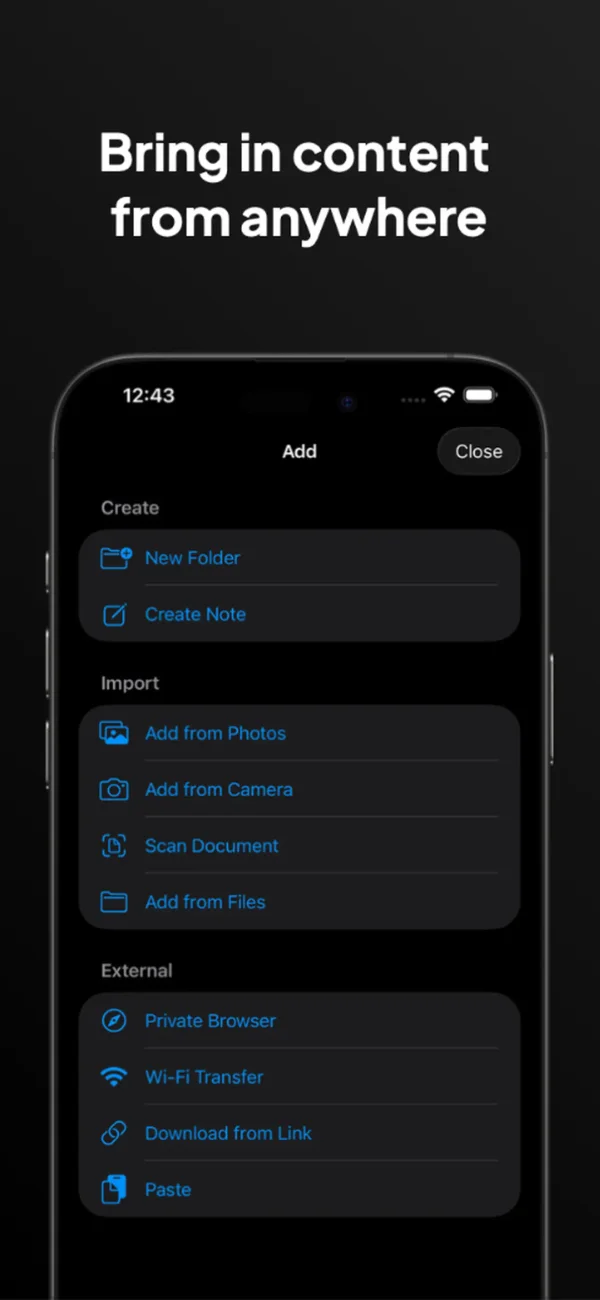
Import from Photos, Files, Camera, document scan, direct HTTPS links, the Share Sheet, clipboard, Private Browser, or your computer over local Wi-Fi. No account required. Your content stays on your device by default unless you choose to export, share, or create a backup.
Keep everything organized with folders and subfolders, tags, favorites, smart folders, filters, search, and Recently Deleted. Create secure Markdown or plain-text notes, convert supported PDFs and text files into Markdown, view Markdown with rich formatting, preview code files with syntax highlighting and line numbers, search inside PDFs, and mark up PDFs right in the app. Choose from built-in themes and app icons to make the vault feel like yours.
DocLib is built for private everyday use:
- Passcode and Face ID protection
- Built-in viewers for photos, videos, audio, PDFs, Markdown, code, and common document types
- Photo slideshows with interval controls
- Photo and video Randomizer with folder selection, adjustable tile counts and timing, fit/fill, and optional automatic changes
- Photo grids with up to 32 tiles
- Custom browser homepages and startup tabs
- Mute media for saved media and browser playback, with an info button explaining browser and system audio limitations
- Video playback speed controls, mute, loop, mini-player behavior, and swipe-down actions
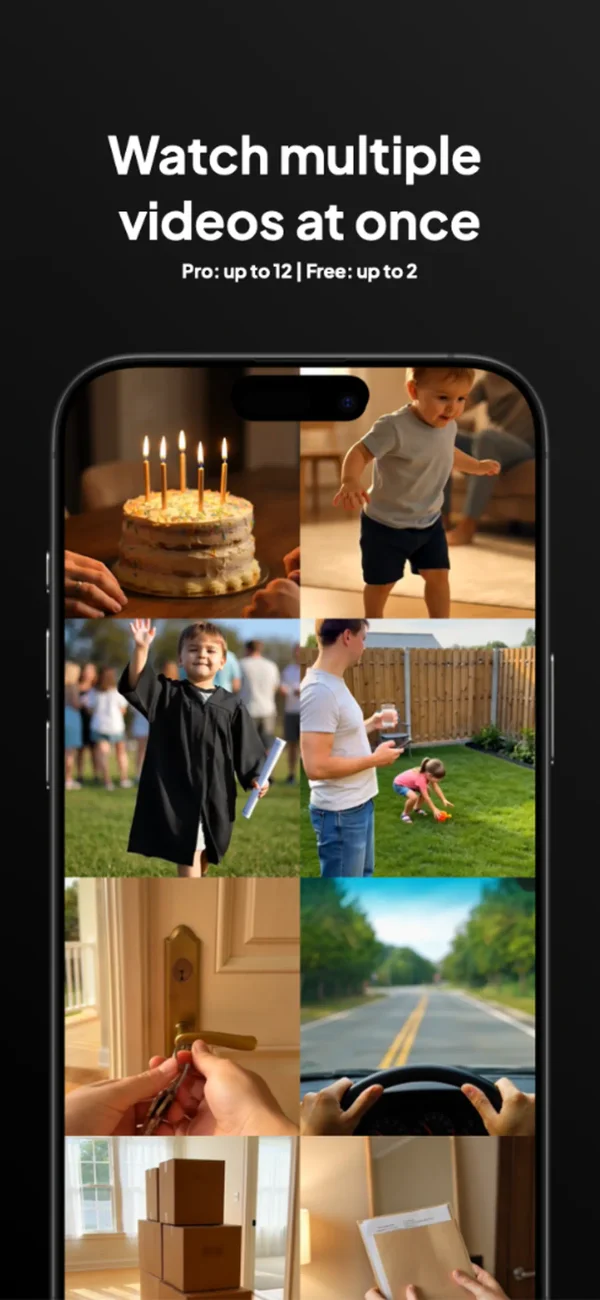
- Multi-Play for watching multiple videos at once with shared controls for play/pause, mute, playback speed, filters, orientation, reordering, and add/remove
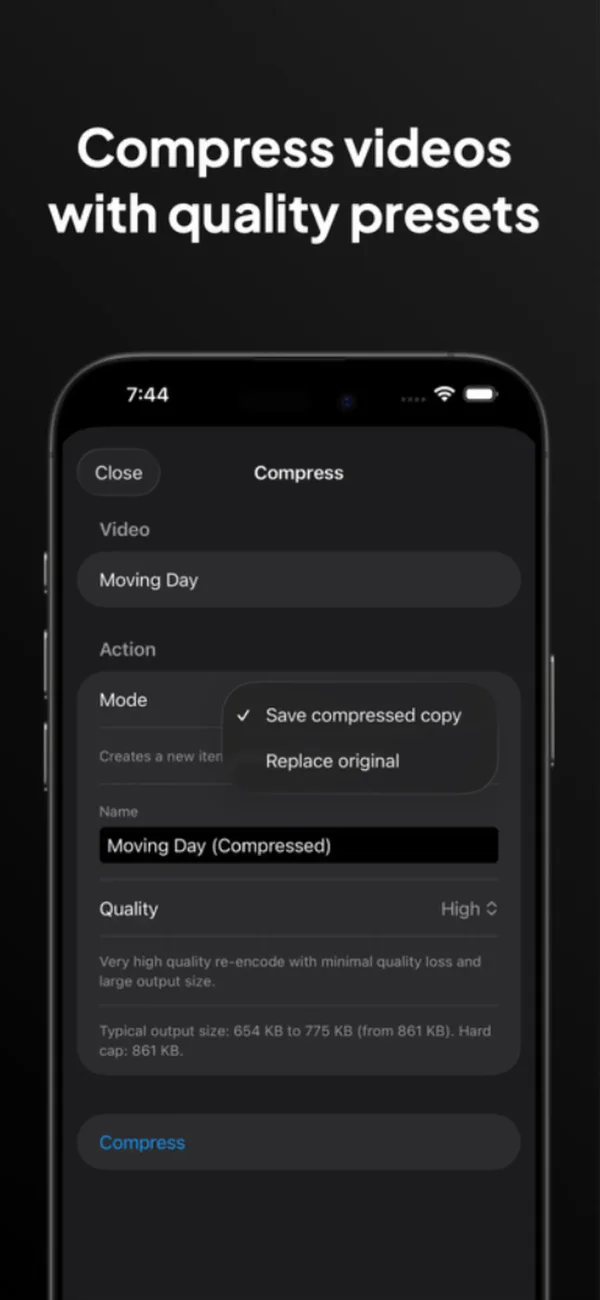
- Video and audio trim tools, plus compression to save space
- Fast import from the Share Sheet, Private Browser, clipboard, and local Wi-Fi Transfer
- Encrypted backup and restore with reminder scheduling
DocLib Pro adds deeper power features:
- Deep Vault with separate passcode, biometrics, and reveal controls
- Up to 12 video tiles in Multi-Play and Randomizer, plus duplicate Multi-Play tiles
- Resume playback, background audio, and Picture in Picture
- On-device OCR and full-text indexing for documents, PDFs, images, and many code/text formats
- Selective restore from encrypted backups
- Larger link downloads up to 5 GB
- Video merge
- Per-type library layouts, custom backgrounds, more app icons, and advanced privacy controls
Private by default. Fast to use. Built for the things you actually want to keep.
Have an idea? Send a feature request from the app. DocLib keeps getting better through real user feedback.
What’s new
Version 1.1.1 · Oct 21, 2026
- Set a custom video thumbnail from a frame you choose.
- Save video frames as images in your library.
- Improved reliability of automatic video thumbnails and frame capture.
App privacy
What Tyler Mattingly declares on the App Store about how this app handles data.
-
Data not collected
The developer does not collect any data from this app.
Privacy practices may vary, for example with the features you use or your age.
Information
- Seller
- Tyler Mattingly
- Category
- Productivity
- Version
- 1.1.1
- Updated
- Oct 21, 2026
- Released
- Mar 23, 2026
- Size
- 216.4 MB
- Requires
- iOS 17.6 or later
- Age rating
- 17+
- Price
- Free
- In-app purchases
- Yes
- Copyright
- © 2026 Tyler Mattingly
You might also like
-
 TubeTuner for YouTubead blocker, background player
-
 Files Vault Pro, Security LockEncryption + Protection
-
 LoopTask - Focus Loop TimerPlaylist Focus Loop Timer
-
 MyRecordKeeper VaultTrack Health, Dates & Scores
-
 PLANZ: Study Planner & TimerTimetable, Pomodoro & To-Do
-
 Time to Read ProInstant article estimate
-
 TruePomo: Pomodoro Focus TimerADHD Study & Work Auto Pause
-
 AI Answers - QuicklyChat and ask ai anything
-
 ScanCode - QR & BarcodeScan history is saved.
-
 microAIAI Powered by Your Devices.