FileSizeFix: File Compressor
Compress Photos, Videos & PDF
Designed for iPhone, iPad
Free · In-app purchases
- Age rating4+
- CategoryUtilities
- DeveloperDeep Platforms GmbH
- LanguagesEnglish+ 17 more
- Size50.1 MB
Links to the official App Store page
Download.org hosts no file of FileSizeFix: File Compressor. The button opens its official App Store page, published by Deep Platforms GmbH. Listing last checked on Nov 13, 2026.
Screenshots


About
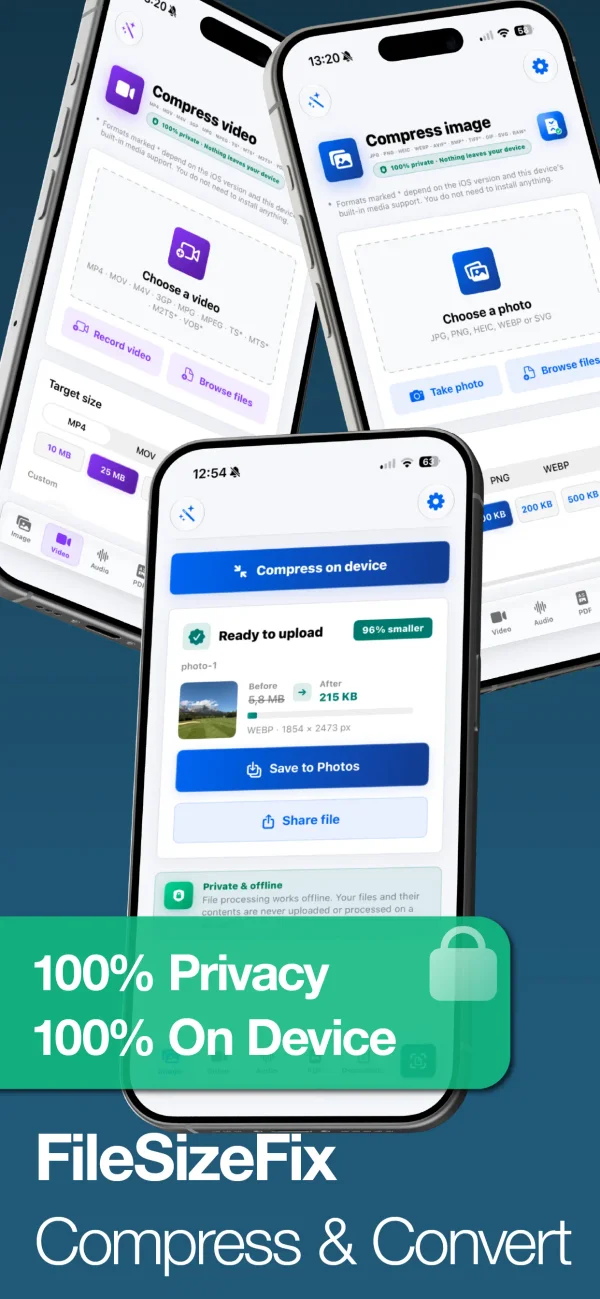
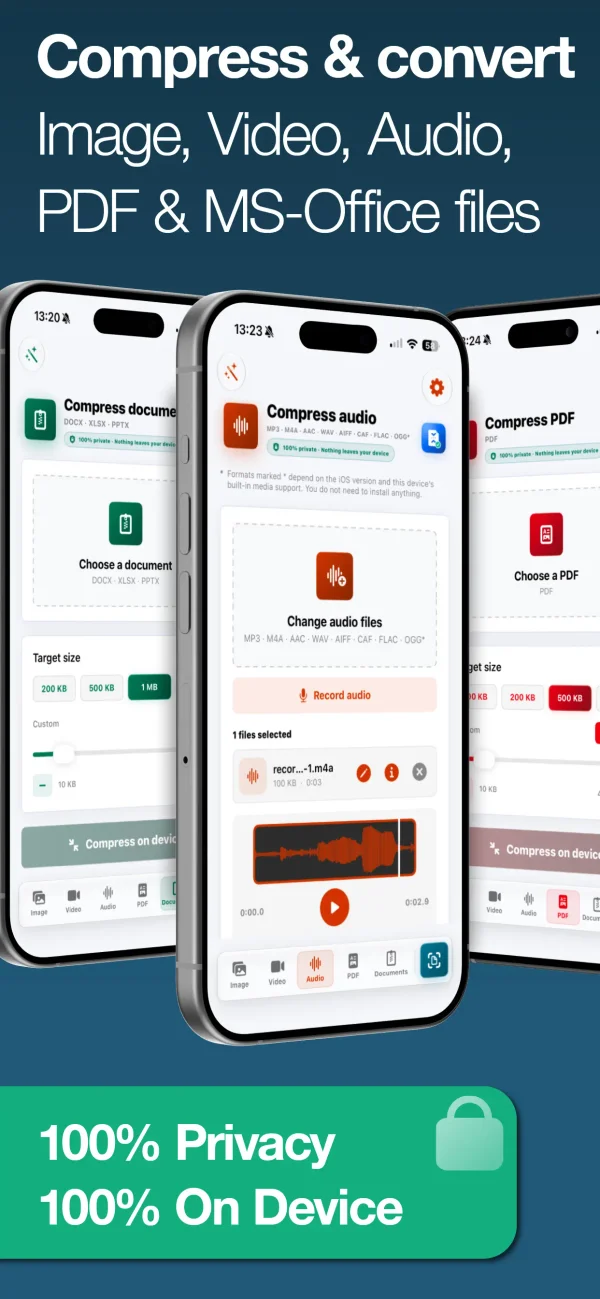
Make any file small enough to send, upload or attach. FileSizeFix compresses photos, PDFs, videos, audio and Office documents to the exact size you need — entirely on your device.
Typical jobs it solves:
• Email attachment too large: compress photos to 100 KB or a PDF to 1 MB
• Job application: shrink your CV or certificate PDF to the portal's limit
• Send a video that is too big for chat: make the MP4 smaller in one step
• Resize an image to exact pixels for a profile photo, form or website
Hit an exact size:
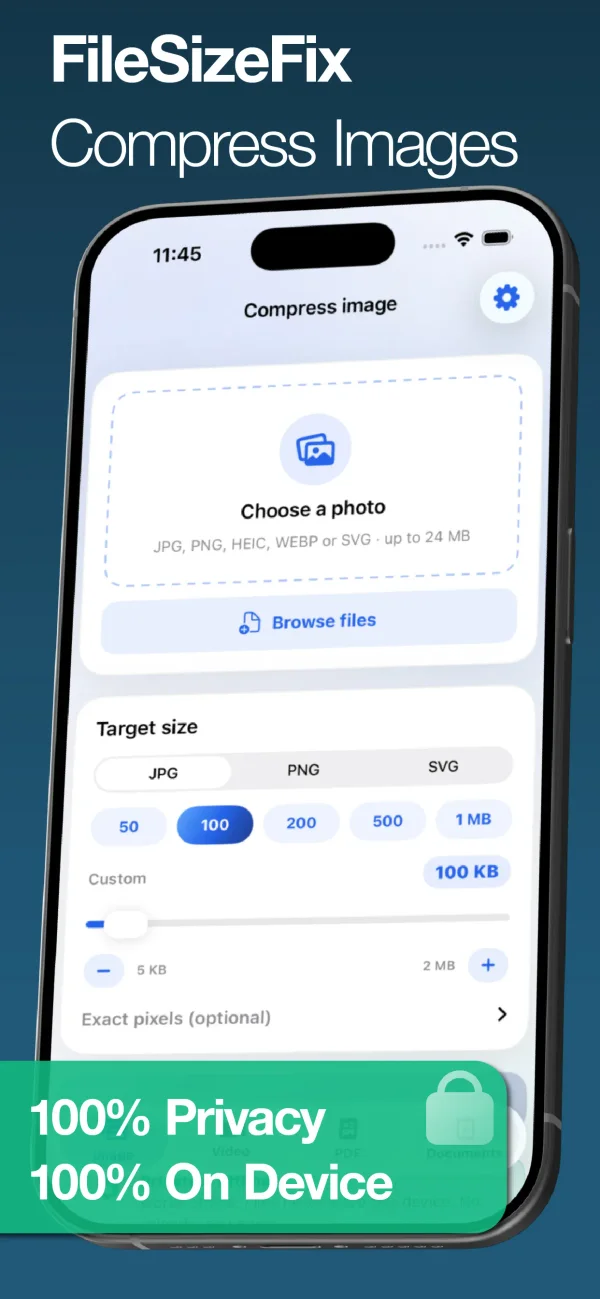
• Set a target in KB or MB and get a file that fits
• Choose exact pixel dimensions for photos and videos
• Presets for 50 KB, 100 KB, 200 KB, 500 KB and 1 MB
• Compare before and after with a live preview
Every file you need to send:
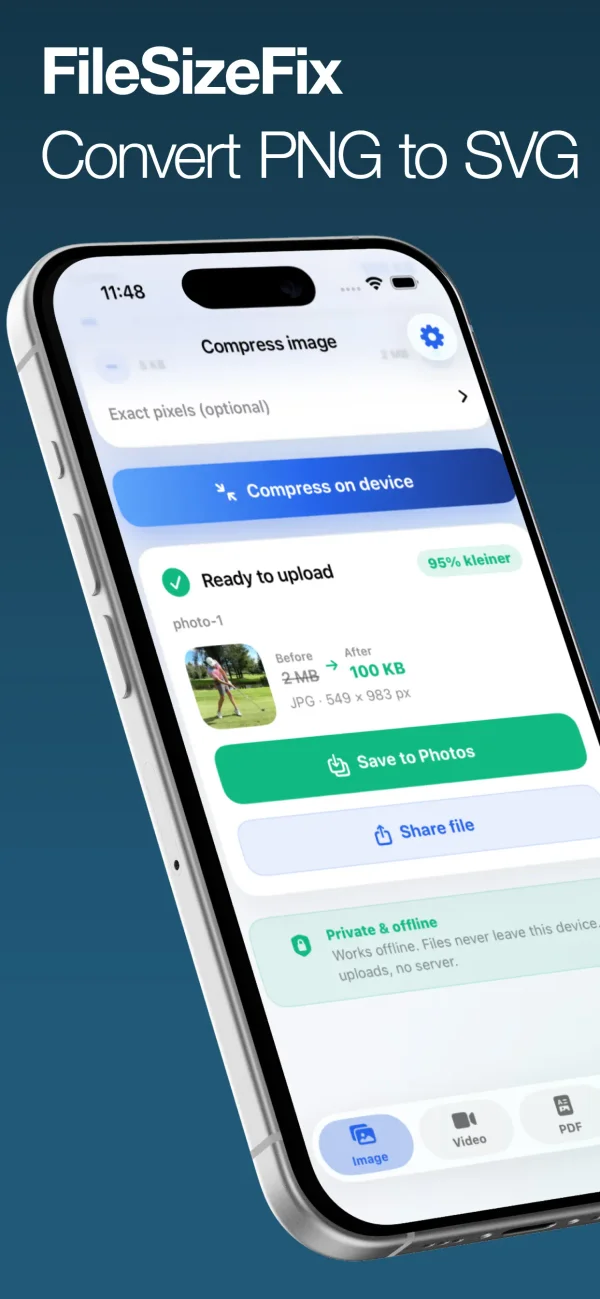
• Photos: JPG, PNG, HEIC, WEBP, AVIF, SVG and more
• Documents: PDF, Word, Excel and PowerPoint
• Video and audio, including format conversion
• Scan paper documents straight to a multi-page PDF
Built for upload limits:
• Smart Fix reads the requirements from a screenshot and prepares matching files
• Batch several files in one run
• Save to Files or Photos, or share directly
Privacy comes standard:
• Files are processed on your device and never uploaded
• Works completely offline
• Review and remove metadata such as GPS before sharing
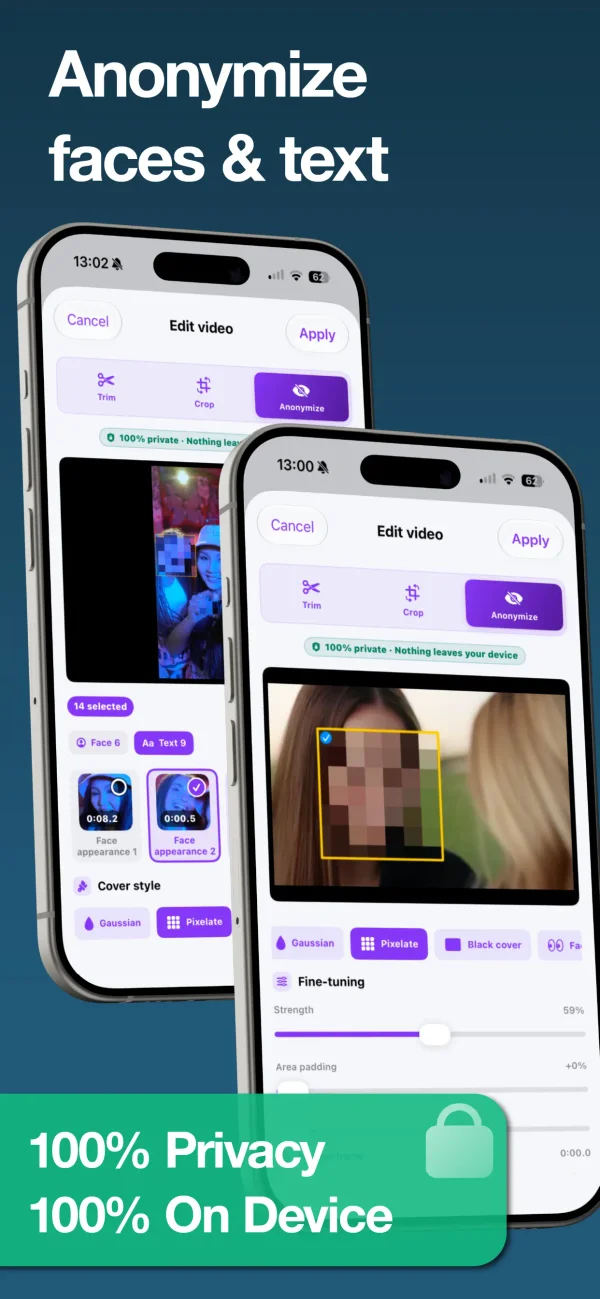
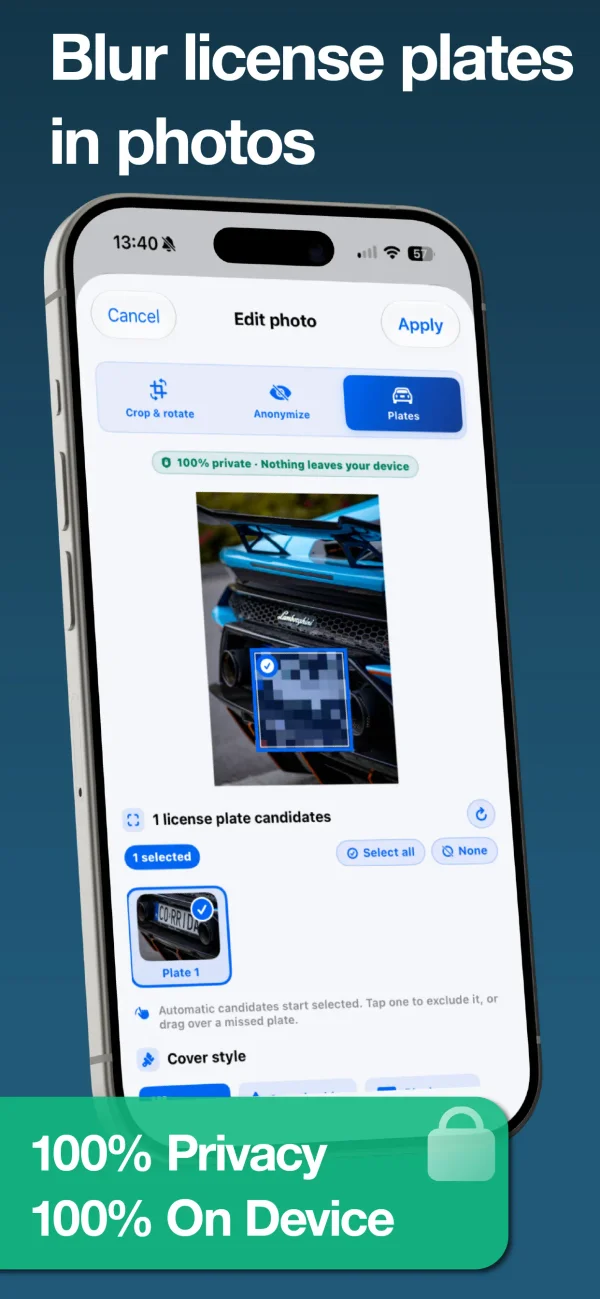
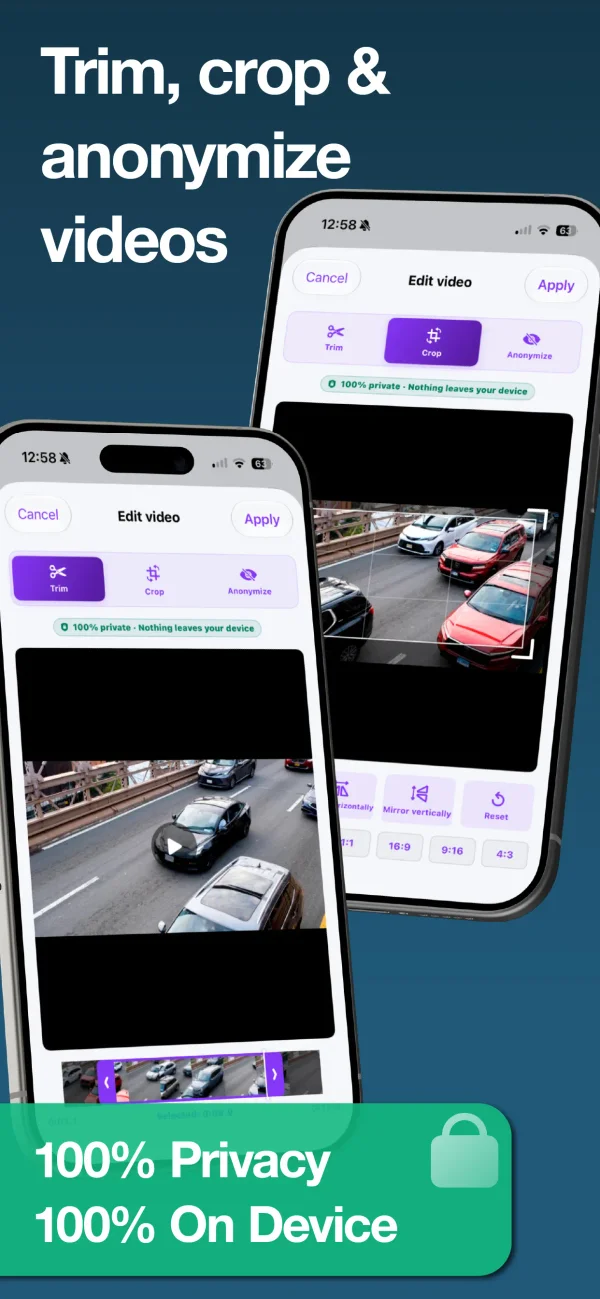
• Blur or pixelate faces, text and license plates in photos and videos
Edit before you export:
• Crop, rotate and resize images
• Trim, crop, rotate or mute videos
• Edit, annotate and sign PDFs and scans
Formats it opens:
• Images: JPG, PNG, HEIC, WEBP, AVIF, GIF, TIFF, BMP, SVG and camera RAW
• Documents: PDF, Word (DOCX), Excel (XLSX) and PowerPoint (PPTX)
• Video: MP4, MOV, M4V, 3GP, MPG and MPEG
• Audio: MP3, M4A, AAC, WAV, AIFF, FLAC and OGG
• Some formats depend on the codecs your device supports
In three steps:
• Add files from your photos, your file manager or another app's share menu
• Set the goal: a size in KB or MB, exact pixel dimensions, or a preset
• Check the preview, then save a new file or share it straight away
Good to know:
• No account, no sign-up and no cloud — it works in airplane mode
• Your originals are never overwritten; every result is a new file
• Batch mode applies the same target to many files in one run
• Quality stays as high as the target size allows, and you see it before saving
Selected files and their contents are processed on your device and are not uploaded to a server. Detection results are suggestions and can miss content, so always check the preview before exporting.
FileSizeFix is free with no limit on how many files you compress. Ads keep it free: a short full-screen ad runs while a job is processing, and the finished files are ready the moment it closes — saving, exporting and sharing are never interrupted by advertising. FileSizeFix Pro is an optional auto-renewing subscription, monthly or yearly, that removes all ads — every tool stays available either way. Prices are shown before purchase and may vary by country. The subscription renews automatically unless canceled and can be managed in your store account settings.
Privacy Policy: https://filesizefix.com/privacy/
Terms of Use: https://filesizefix.com/terms/
Download FileSizeFix and get any file under the limit.
What’s new
Version 1.2.0 · Aug 20, 2026
• Every tool is now unlimited — the old 2-file cap is gone
• Ads now run while your files process — saving and sharing stay ad-free; FileSizeFix Pro removes ads completely
• Faster save and share flow
• Fixes and refinements across the compression tools
App privacy
What Deep Platforms GmbH declares on the App Store about how this app handles data.
-
Data used to track you
May be used to track you across apps and websites owned by other companies.
- Location
- Identifiers
- Usage data
-
Data linked to you
May be collected and linked to your identity.
- Location
- Identifiers
- Usage data
-
Data not linked to you
May be collected but is not linked to your identity.
- Location
Privacy practices may vary, for example with the features you use or your age.
Information
- Seller
- Deep Platforms GmbH
- Category
- Utilities
- Version
- 1.2.0
- Updated
- Aug 20, 2026
- Released
- Jul 8, 2026
- Size
- 50.1 MB
- Requires
- iOS 16.0 or later
- Age rating
- 4+
- Price
- Free
- In-app purchases
- Yes
- Languages
- English, Danish, Finnish, French, German, Hindi, Italian, Japanese, Korean, Norwegian Bokmål, Polish, Portuguese + 6 more
- Copyright
- © Deep Platforms GmbH
You might also like
-
 PDF Compressor: Resize fileShrink Documents for Email
-
 Compress PDF to any sizePDF compressor & merger
-
 Compress PDF 1MB,500KB,200KBResize+JPG 100KB,300KB,2MB,5MB
-
 SizeFixer: Batch Image ToolsShrink, Redact, Watermark
-
 Fyorn: File CompressorPhotos, Videos, Audio & PDFs
-
 FileFit: Photo & PDF CompressPassport photo, scan, exact KB
-
 Smart PDF Compressor: ReduceShrink PDFs offline, no upload
-
 PDF Toolbox:PDF Editor&ConvertPDF Compress & Split
-
 Compresso - Video Image PDFVideo to Images and PDF
-
 PDF Compressor: Compress PhotoPDF Compress & Photo Compress